
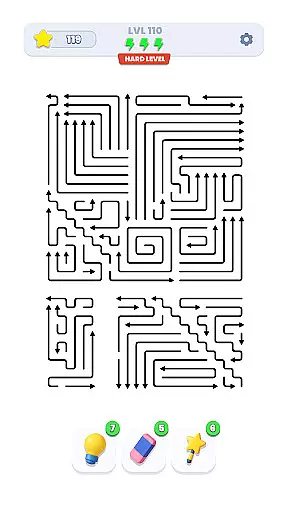
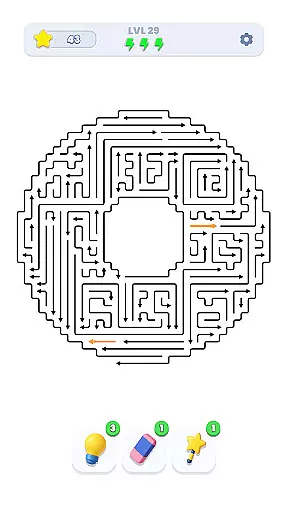
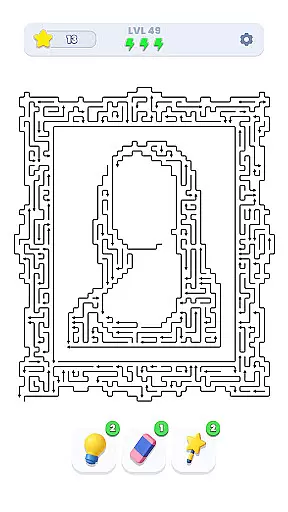
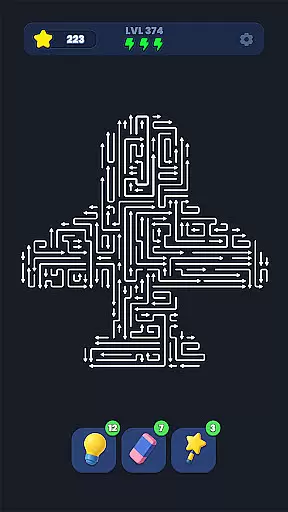
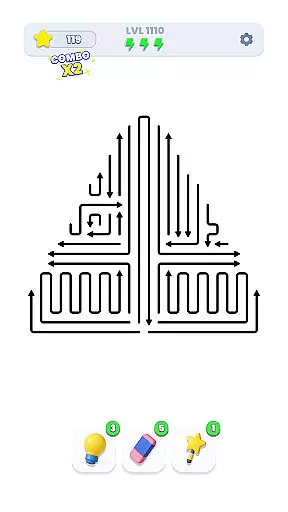
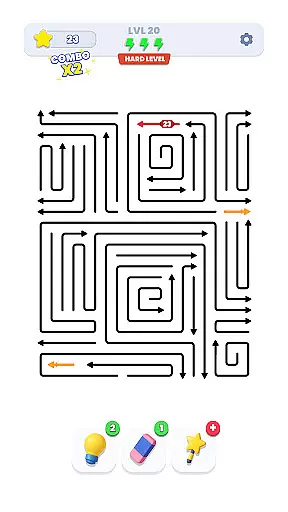
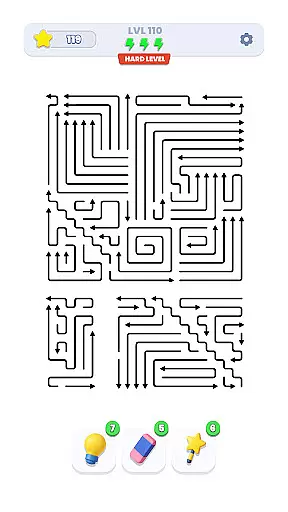
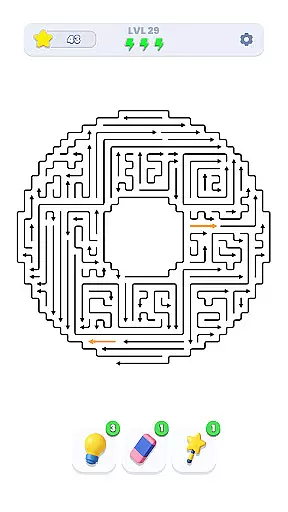
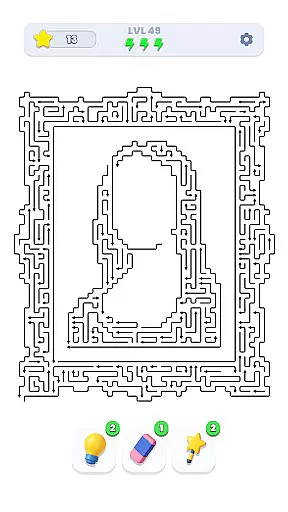
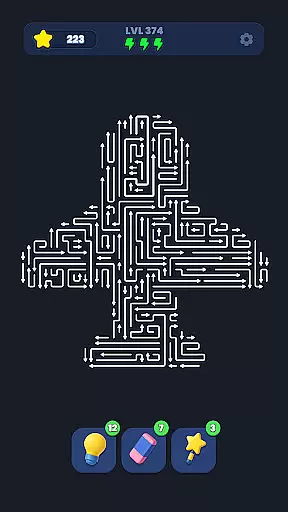
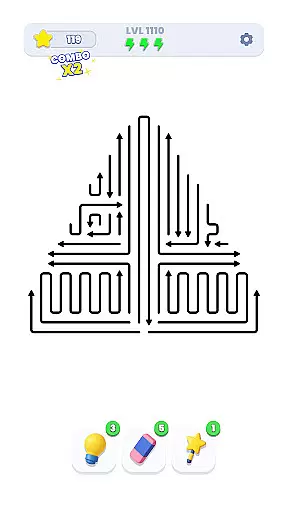
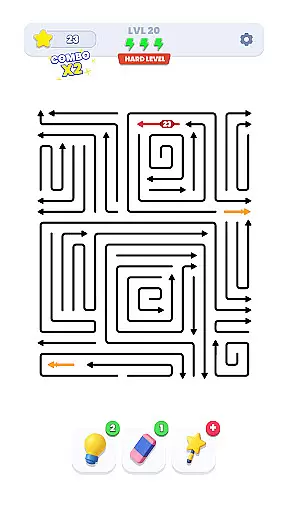
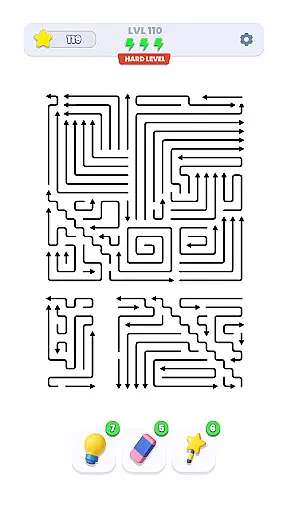
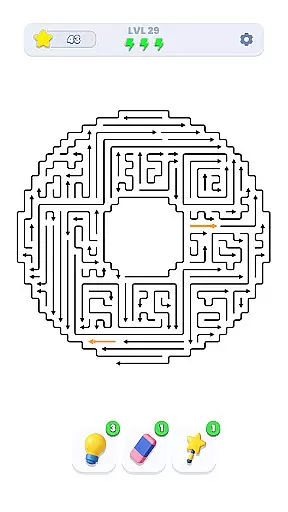
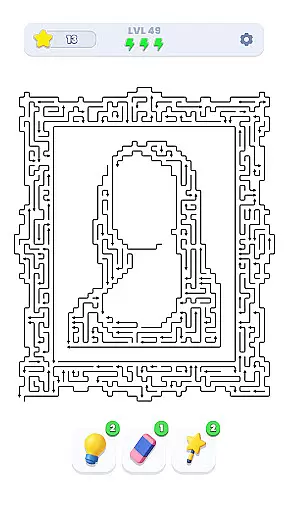
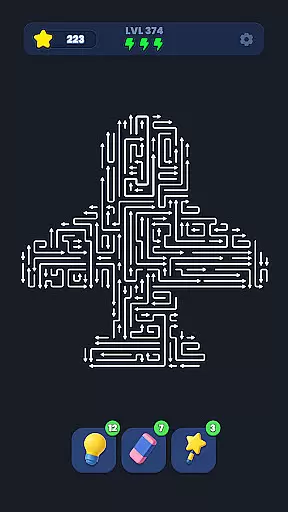
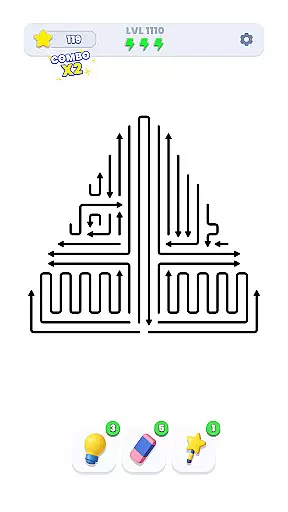
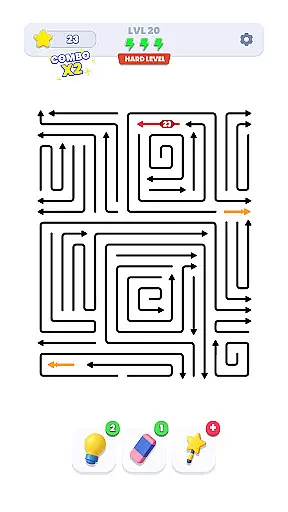
Arrow Out is a directional puzzle game that challenges players to guide an arrow through a maze to reach the exit. The core mechanic involves rotating and shifting pieces to create a clear path, testing the player's logic, timing, and spatial reasoning skills.
With thousands of hand-crafted levels and increasing difficulty, Arrow Out provides a progressively challenging experience. Whether you're solving simple puzzles or navigating complex mazes, this app offers a mentally stimulating experience for puzzle enthusiasts.
Arrow Out stands out with its unique directional puzzle concept. Players must strategically rotate tiles and plan multiple moves ahead to ensure the arrow reaches its destination. This requires both logical thinking and creative problem-solving.
The game includes thousands of meticulously designed levels, ensuring variety and replayability. As difficulty increases, players encounter more complex mazes that challenge their spatial awareness and planning skills. The intuitive touch controls make it easy to manipulate tiles while maintaining precise control.
Puzzle logic consistency is essential for any successful puzzle game as it ensures that the rules governing each move are coherent and predictable. In Arrow Out, this consistency is achieved through a well-designed set of mechanics that dictate how arrows can be moved and rotated within the maze.
The game employs a clever directional system where every action taken by the player follows a logical sequence. Whether rotating or shifting arrows, each move abides by a strict yet intuitive set of rules that players can quickly learn and master. This predictability allows users to strategize effectively and make calculated decisions.
Players benefit from this consistent logic as it enhances their problem-solving experience. With thousands of hand-crafted levels, maintaining uniformity in puzzle logic ensures that users can apply learned strategies across different stages, making their progression feel rewarding and fair.
Ultimately, Arrow Out's commitment to maintaining puzzle logic consistency not only elevates its challenge but also keeps players engaged as they trust that each level presents a solvable yet stimulating task.
Creativity and uniqueness are vital components that distinguish exceptional puzzles from mundane ones. Arrow Out excels in these aspects by offering an innovative take on traditional maze navigation with its directional arrow concept. The game challenges players to think outside the box while guiding arrows through complex paths.
Each level in Arrow Out showcases unique designs crafted meticulously to provide varied experiences. From intricate mazes requiring precise timing to spatial puzzles demanding strategic foresight, the creativity embedded within each stage keeps gameplay fresh and exciting. Players encounter new twists at every turn, preventing monotony and encouraging continuous engagement.
This emphasis on originality benefits players by consistently presenting novel challenges that stimulate critical thinking and adaptability. As difficulty gradually increases, so does the complexity of creative solutions required, ensuring that no two puzzles feel alike.
In summary, Arrow Out captivates its audience with unparalleled creativity and uniqueness, setting itself apart as a standout title in the Puzzle category by delivering inventive challenges that continually intrigue and delight its users.
Engaging puzzle gameplay
Thousands of levels
Gradual difficulty progression
Tests spatial reasoning
Intuitive touch controls
Limited visual appeal
No multiplayer mode
Repetitive mechanics
Ads between levels
Steep learning curve
Ultimate 2D Anti-Stress Pack: Circulate, Mine Sweeper, Jump & More!
 4.3
4.3
Destroy the World today!
4.20
Point and click puzzle escape room game
4.80
Get ready to dive back into a world full of wild twists and brainy fun!
4.60
No Timer - Colorful Logic Puzzle Game
4.60
Can you find all hidden objects? Relax, enjoy, and test your observation skills!
4.90
A time-spanning journey
4.90
Drag, rearrange, match goods. Discover an addictive sort puzzle matching game
4.70
Get into the fruit drop adventure! Merge fruits to create giant ones.
4.40
Master a black hole, solve & sort fun puzzles and play satisfying hole io games!
4.90
The long awaited sequel to The House of Da Vinci 3D puzzle adventure. Play now!
4.80
Looking for brain games, smart mind tests, puzzles and riddles? Solve them all
4.80
Now with more goo.
4.80
Unblock the Blocked. Puzzle Me out.
4.80
Give your brain a challenge by playing the classic brain game.
4.70
Unravel and Unwind!
4.70
Sudoku Classic Puzzles : More then 5000 puzzles, no ads, no network required
4.70
A sequel to the ISOLAND series.
4.40
Survival isn’t guaranteed. Fear is.
4.10


User Reviews