
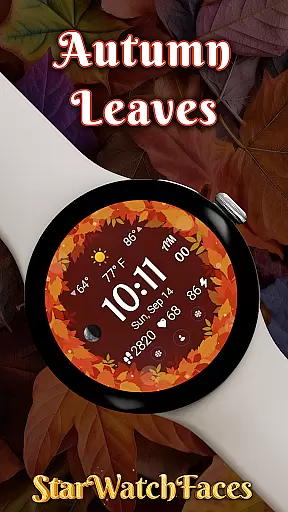
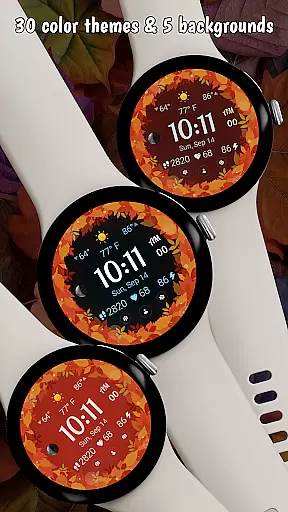


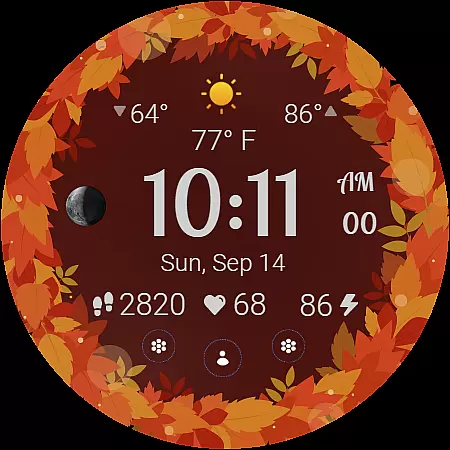
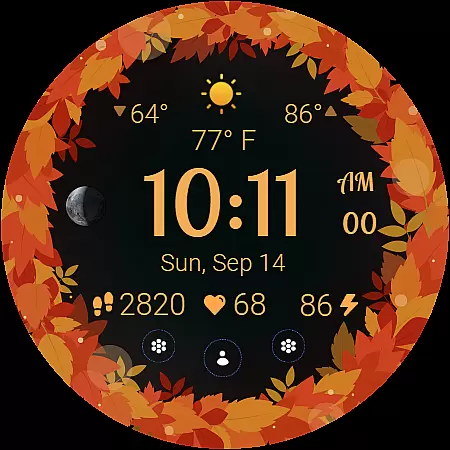
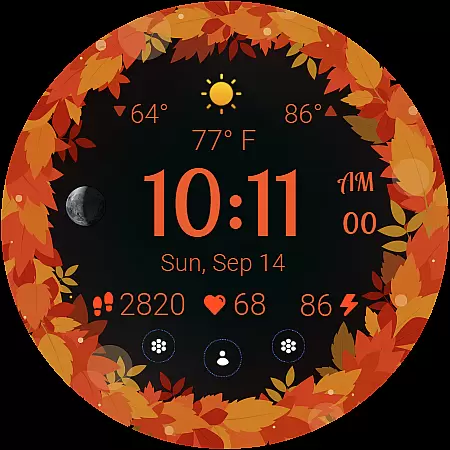
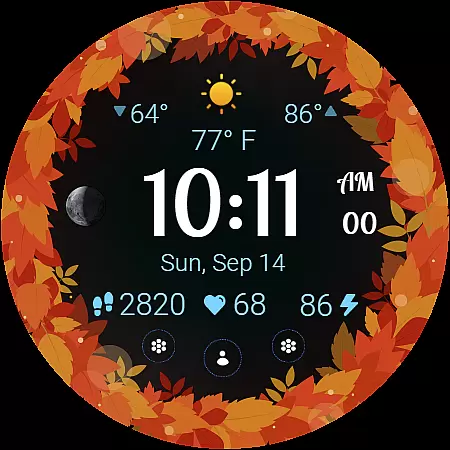
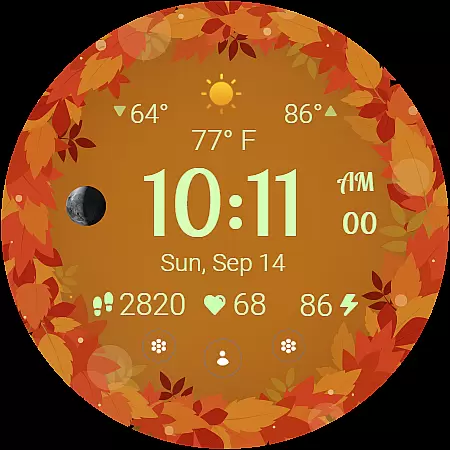
Autumn Leaves Watch Face brings the beauty of fall to your smartwatch with its stunning design and practical features. This Wear OS watch face combines elegant autumn-themed visuals with essential functionality, making it perfect for users who value both style and utility. The app offers a rich selection of 30 color themes and 5 background options, allowing for deep customization while providing key information like weather updates, moon phases, and health metrics at a glance.
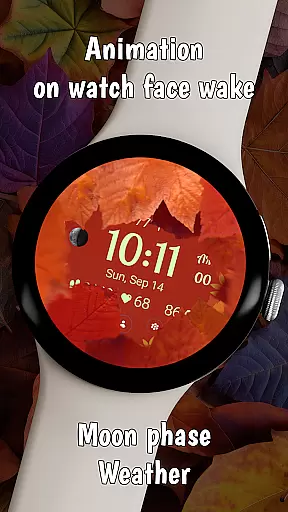
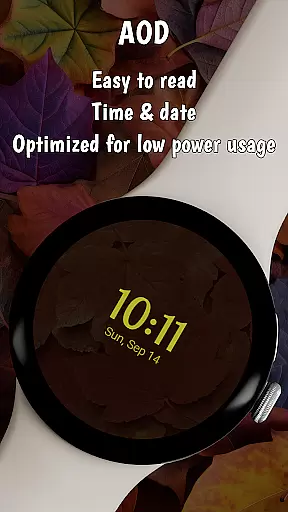
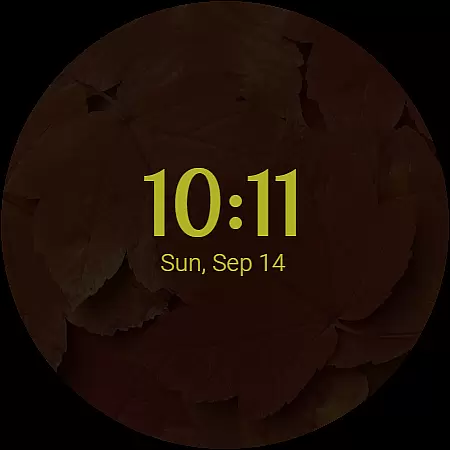
The watch face is designed not only to be visually appealing but also highly functional. With unique animations that reveal vibrant leaf designs when the watch wakes, an always-on display mode that saves battery life, and localized date displays in your device's language, Autumn Leaves ensures both aesthetic satisfaction and usability. Whether you're tracking daily fitness goals or simply enjoying the cozy ambiance of fall colors on your wrist, this app provides a balanced experience for smartwatch users.
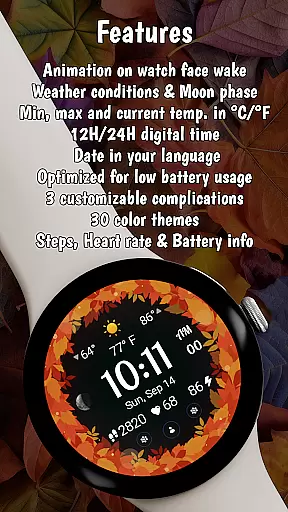
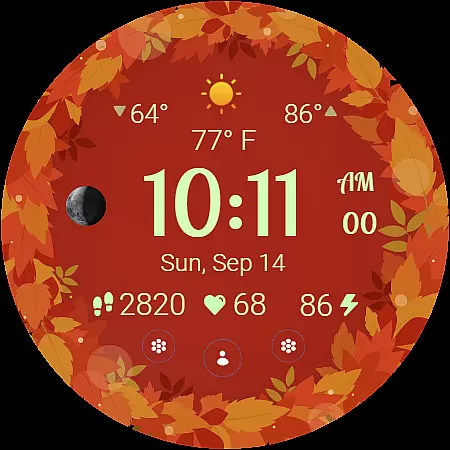
Autumn Leaves Watch Face stands out with its comprehensive feature set tailored for lifestyle enthusiasts. One of its core strengths is the inclusion of a dynamic moon phase tracker and live weather updates showing current, minimum, and maximum temperatures in either Celsius or Fahrenheit. These features are complemented by a digital clock that supports both 12-hour and 24-hour formats, catering to different user preferences worldwide.
Customization is another highlight, offering 30 autumn-inspired color themes and 5 distinct background colors that allow users to personalize their watch face to match their mood or outfit. The smooth animation transitions and always-on display (AOD) mode enhance usability while maintaining a cozy seasonal vibe. Additionally, the integration of health metrics such as heart rate and step count ensures users can stay informed about their wellness without sacrificing style. Optimized for low battery consumption, this app delivers both beauty and efficiency.
The Autumn Leaves Watch Face offers extensive lifestyle category coverage by integrating multiple functional features into a single cohesive design. This Wear OS watch face goes beyond mere aesthetics by including practical elements such as weather information, moon phase tracking, and health metrics.
Users can access current, minimum, and maximum temperatures in both Celsius and Fahrenheit, along with live weather conditions. The inclusion of a heart rate monitor, step counter, and battery information ensures that essential health and device status data is always available at a glance.
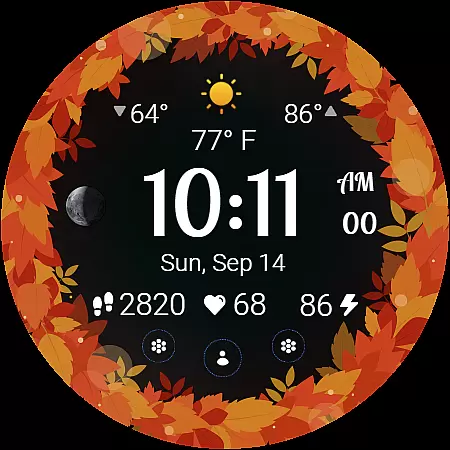
The watch face also provides 30 color themes and 5 background options, allowing for personalization that suits individual preferences while maintaining the autumn-inspired theme. These customization options ensure that users can tailor their experience to match their unique style while enjoying the functionality they need.
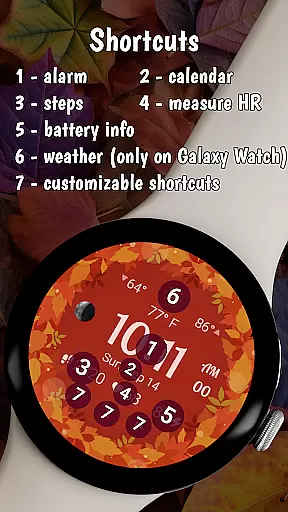
With additional features like an always-on display mode, localized date display, and three customizable shortcuts, this watch face demonstrates comprehensive lifestyle coverage. It successfully combines seasonal aesthetics with practical utility, making it suitable for various daily scenarios and user needs.
The Autumn Leaves Watch Face establishes content authenticity through its well-documented feature set and transparent presentation of information. Each element, from weather data to health metrics, is clearly described in the product details, ensuring users understand exactly what information they are receiving and how it is presented on the watch face.
This Wear OS application draws its data from reliable sources, providing users with accurate weather updates and health tracking information. The weather feature shows real-time conditions alongside temperature ranges, while the health section displays vital metrics such as heart rate and step count, all of which are crucial for maintaining an active lifestyle.
Expert credibility is further demonstrated through the watch face's optimization for battery efficiency. The developers have implemented power-saving measures without compromising functionality, showing technical expertise in wearable device management. Additionally, the compatibility specifications clearly outline which devices support full functionality, helping users make informed decisions about their purchase.
The presence of professional design elements, such as smooth animations and a carefully curated selection of thirty color themes, reinforces the authenticity of the content. These features are not just decorative but serve to enhance the overall user experience while maintaining the seasonal theme that characterizes this particular watch face.
Stylish autumn theme
Highly customizable
Battery efficient
Weather updates
Health tracking
Limited compatibility
Premium pricing
Complex setup
Fewer shortcuts
No iOS support

Design and brew great homebrewing beer, mead, cider and wine recipes on the go!
 3.60
3.60
Pay your rent, submit work orders and much more with the RentCafe Resident App.
4.70
Cute animated Thanksgiving watchface for your WearOS smartwatch
4.5
Connect to your Shark ROBOT™ from anywhere using the SharkClean™ App.
3.60
Have your Tehillim with you at all times
4.70
LineLearner, the quick way to learn lines.
2.90
Redecor your home with Home AI interior design, room planner and home designer.
4.50
DailyGift can help you record your habits and get rewards along the way!
4.60
Just play, earn rewards, fetch gift cards, and turn gaming into real payouts!
4.80
Made To Order Faves
4.70
Kasa Smart is your portal to your TP-LINK Smart Home.
4.70
Simple, stylish & fresh watch face. Customize colors, gradients & complications.
4.70
Colorful minimal digital watch face for Wear OS
4.60
This app is intended to support professional EMDR therapy.
4.50
Get your life organized with My Agenda!
4.30
Fly your Solo like a boss.
4.10
Creativity and savings for kids, beginners and experts in arts and crafts
3.50
The Miracle Box includes methods used by Steve Huff of Huff Paranormal.
3.20
A uniquely designed isometric digital watch face made for Wear OS
4.5


User Reviews