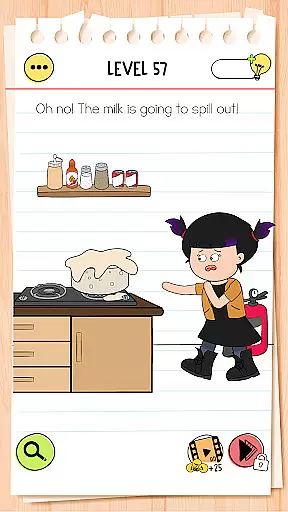
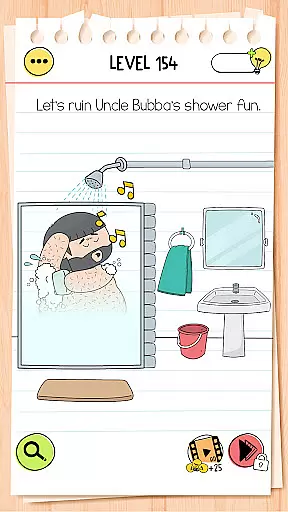
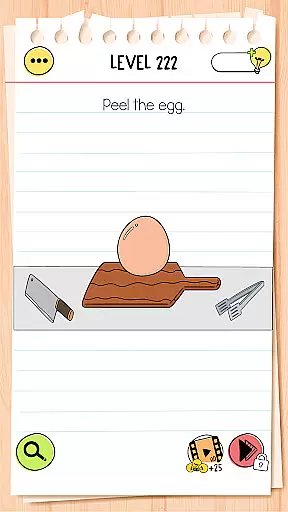
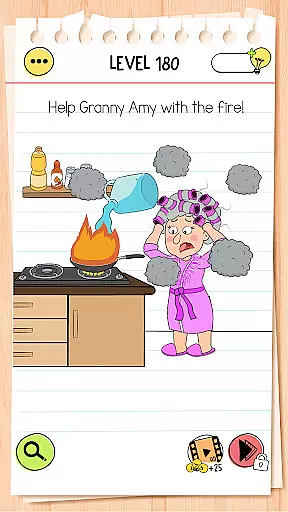
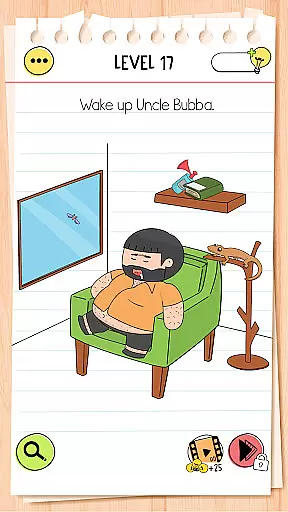
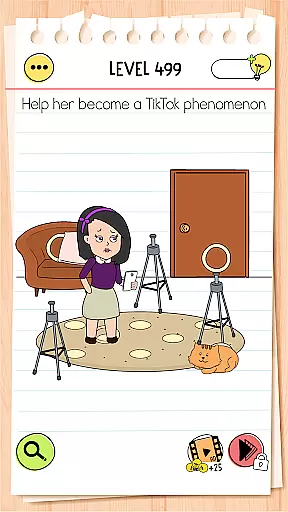
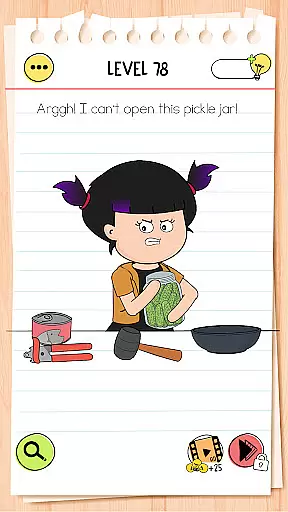
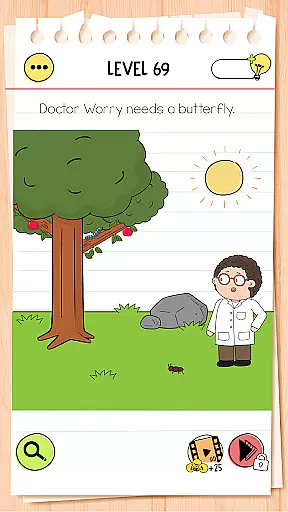
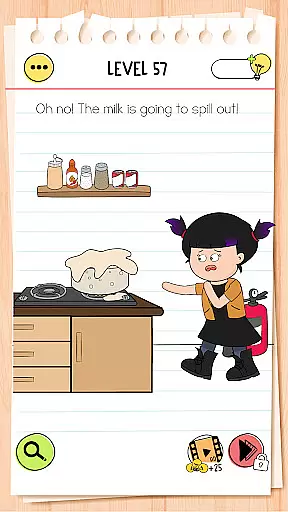
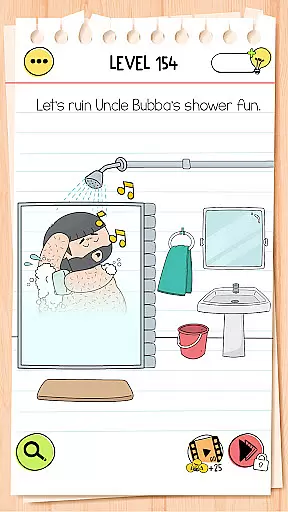
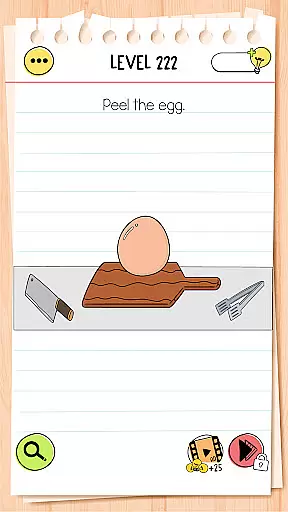
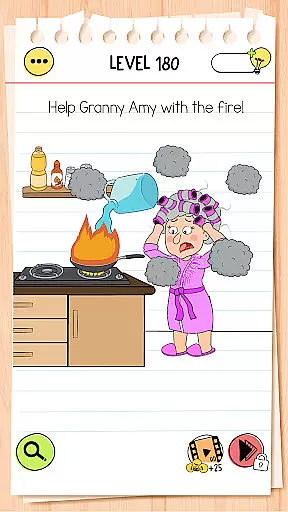
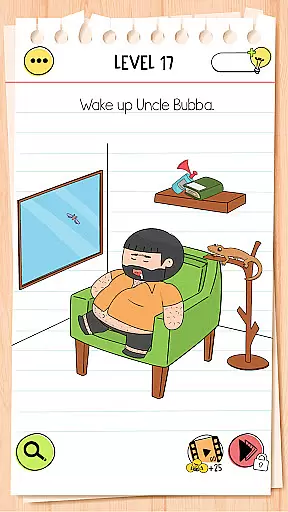
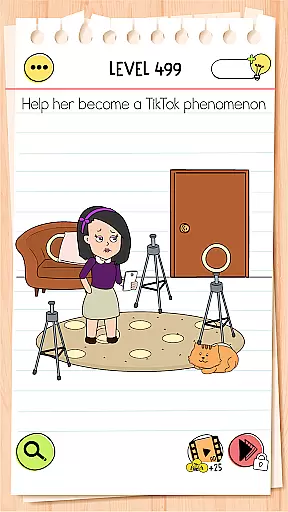
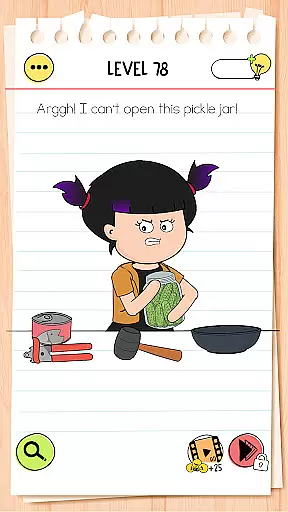
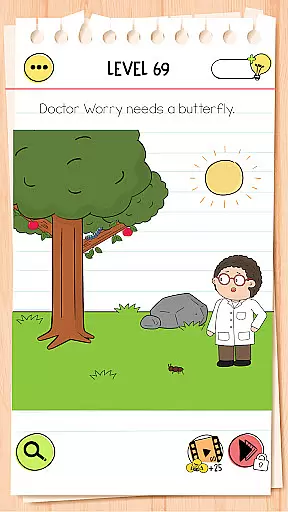
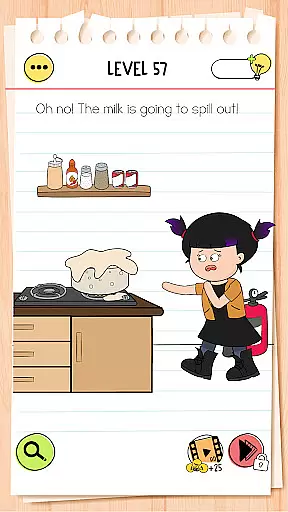
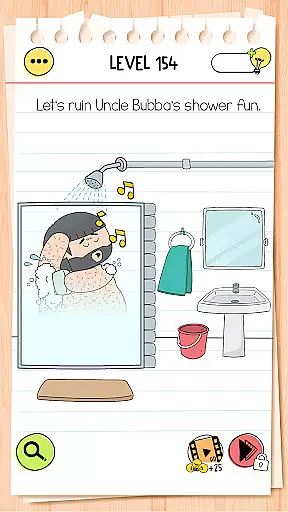
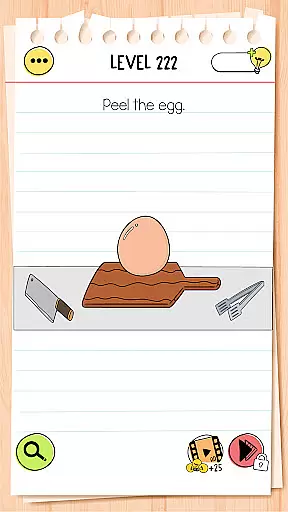
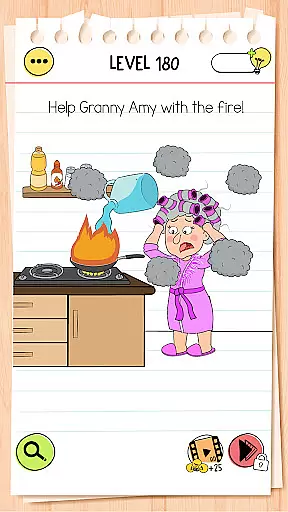
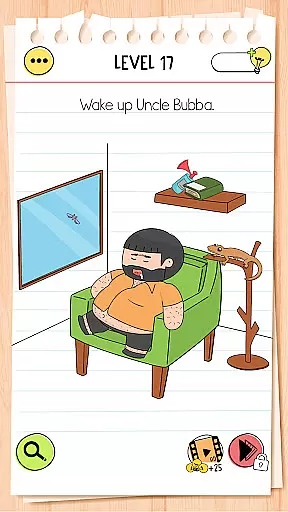
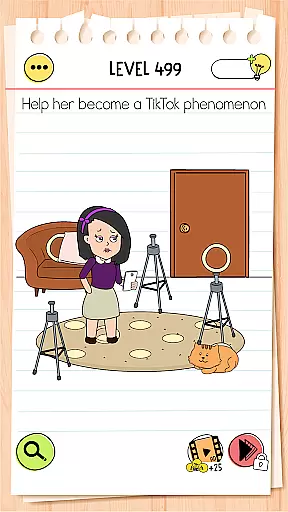
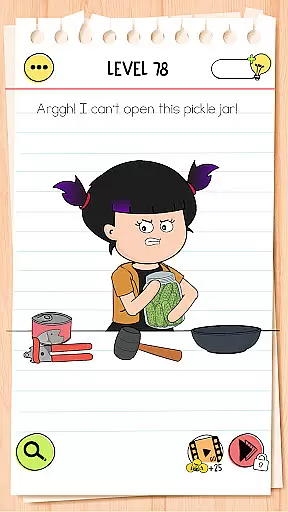
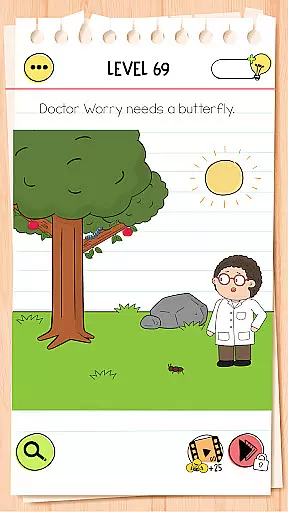
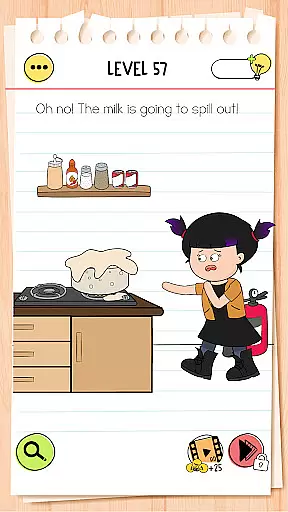
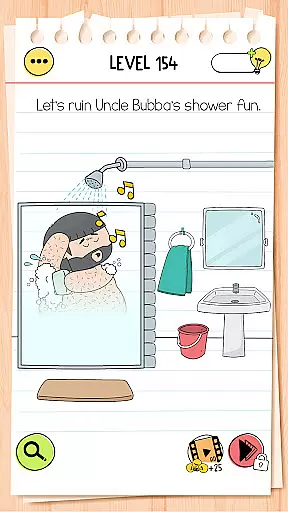
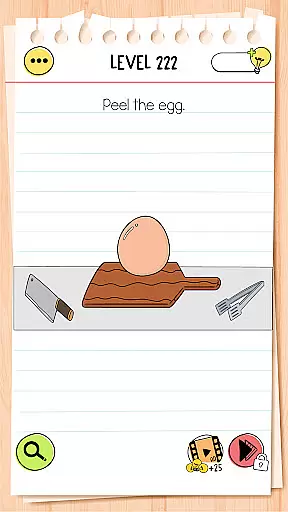
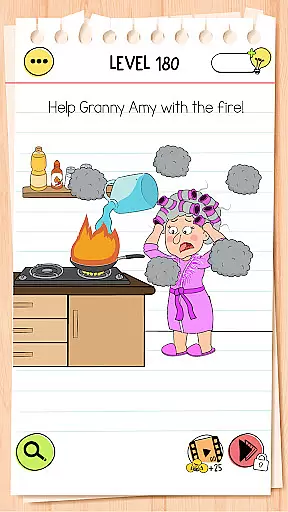
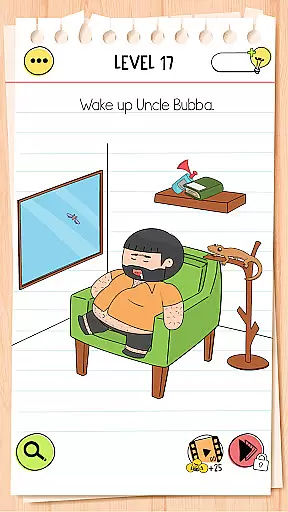
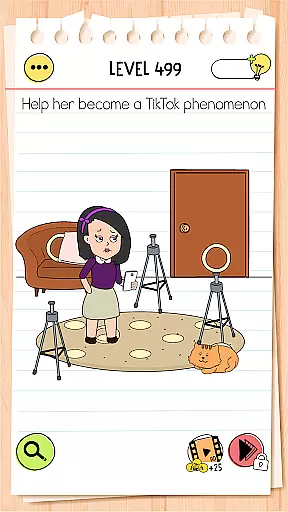
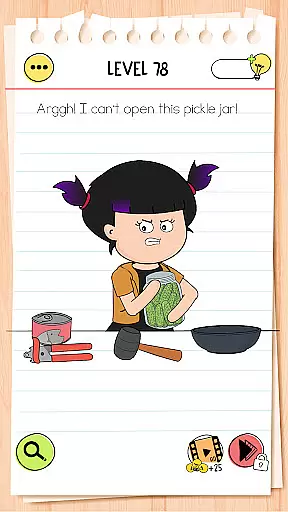
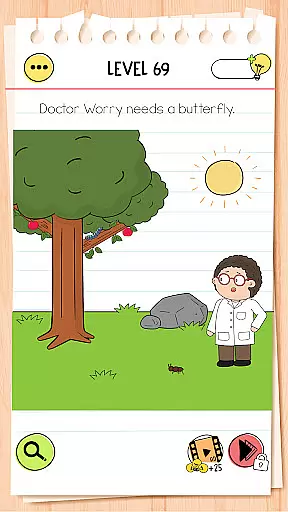
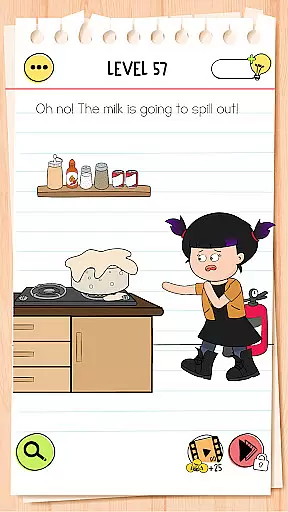
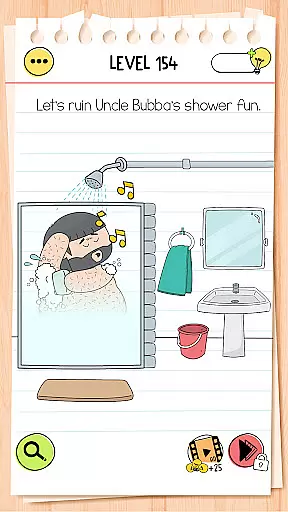
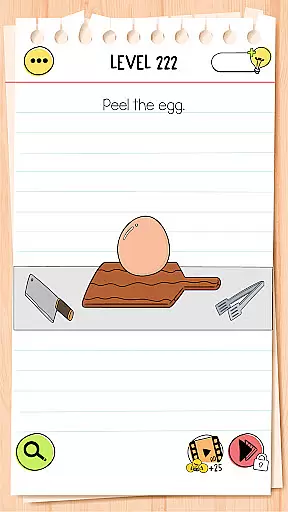
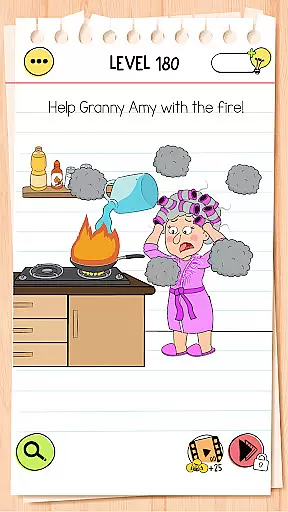
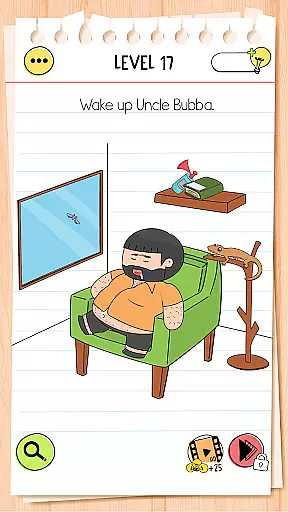
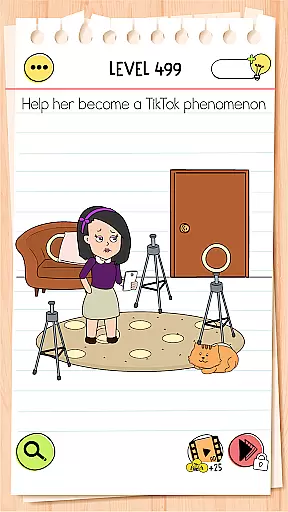
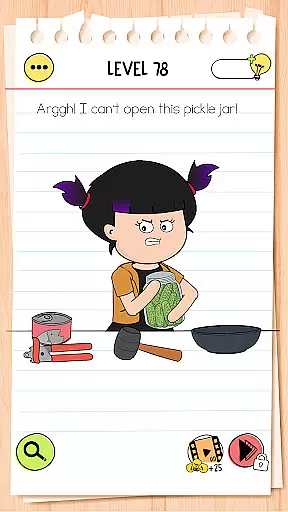
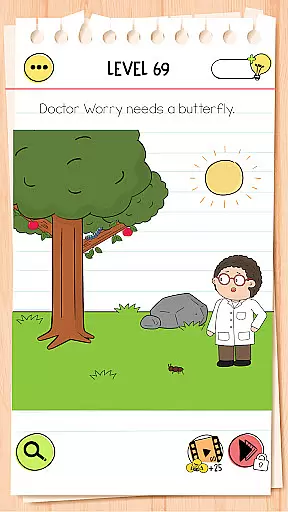
Brain Test 4: Tricky Friends is a captivating trivia game that challenges players with a series of mind-bending puzzles designed to test their cognitive skills and creativity. As the fourth installment in the popular Brain Test series, this version introduces new characters, customization options, and an innovative set of brain teasers that take the original formula to a whole new level of trickiness.
The game features a colorful cast of characters such as Tricky Lily and Astrodog, who guide players through dozens of levels filled with surprising riddles and unexpected solutions. Each level presents unique challenges that require out-of-the-box thinking, making it an ideal choice for those who enjoy solving complex puzzles. With its humorous dialogues, exciting stories, and family-friendly gameplay, Brain Test 4 offers an engaging experience suitable for all ages.
One of the standout features of Brain Test 4 is its robust hint system, which assists players when they get stuck on particularly challenging puzzles. The game can be played offline, without internet, and even with one hand, providing flexibility and convenience. Whether you're looking to sharpen your wits, expand your mind, or simply enjoy some mental exercise, Brain Test 4 delivers a rewarding and entertaining experience.
Brain Test 4: Tricky Friends stands out with its rich array of features that cater to both casual and dedicated puzzle enthusiasts. One of the most notable aspects is the Tricky Club system, which allows players to unlock new characters as they progress through the game. This adds an extra layer of engagement and personalization, letting users tailor their experience to their preferences.
In addition to character customization, the game offers environment customization options, enabling players to modify the look and feel of their gameplay space. The fan-favorite Brain Test art style returns with beautifully animated characters, enhancing the visual appeal and immersing players in a vibrant world of puzzles. With dozens of levels available at launch and constant updates introducing new content, there's always something fresh to explore.
Humorous dialogues and exciting storylines accompany each puzzle, creating a narrative-driven experience that keeps players invested. The game is designed to be family-friendly, ensuring safe and enjoyable content for all ages. Its one-handed playability and offline functionality make it accessible anytime, anywhere. Best of all, Brain Test 4 is completely free to download and play, offering premium-quality entertainment without any cost barriers.
Brain Test 4: Tricky Friends offers a wide range of questions and puzzles that are carefully crafted to ensure both authenticity and accuracy. Each brain teaser is designed not only to challenge the player's cognitive abilities but also to provide an accurate measure of their problem-solving skills.
The game developers have invested significant effort into researching different types of riddles, ensuring they are original and engaging while remaining true to classic puzzle-solving principles. This dedication results in a collection of tricky yet fair challenges that stimulate the mind without resorting to cheap tricks or misleading information.
Players can trust that every question presented has been vetted for precision, offering a genuine test of wit rather than relying on guesswork or ambiguity. The authenticity of these questions enhances the overall experience by providing clear objectives within each level, allowing users to focus purely on exercising their mental agility.
In Brain Test 4: Tricky Friends, difficulty adaptation plays a crucial role in maintaining user engagement across various skill levels. As players progress through the gameu2019s numerous stages, they encounter increasingly complex puzzles tailored to refine their critical thinking and adaptability under pressure.
This adaptive mechanism ensures that newcomers aren't overwhelmed by overly complicated tasks right from the start, whereas seasoned veterans find satisfying challenges as they advance further into the game. By dynamically adjusting its complexity based on player performance, Brain Test 4 keeps all participants equally invested regardless of their initial expertise level.
Moreover, this system encourages continuous learning and improvement over time; it motivates users to hone their analytical skills progressively rather than feeling discouraged by insurmountable obstacles too early in their journey. Such thoughtful design fosters an inclusive environment where everyone can enjoy testingu2014and expandingu2014their intellectual boundaries at their own pace.
Engaging puzzles
Vibrant graphics
Family-friendly
Offline play
Free to play
Ads between levels
Limited hints
Repetitive elements
Simple graphics
Predictable puzzles

Guessing games and quizzes that train your brain and make learning fun.
 4.70
4.70
Seal the deal and become a millionaire!
4.70
Play Family Feud just like the show! With 4 game modes, play any way you’d like!
3.50
Find words with the same topic. Challenge your brain daily!
4.70
5 party games! Use phones & tablets as controllers! Use your mouth for laughing!
2.60
Find 5 popular answers. Guess what people say to fill in the blanks. Guess Up!
4.80
Play, create & connect with friends and family in brain trivia games
4.50
Guess the Answer! Play This or That, Trivia Games, and test IQ in fun challenges
4.50
Challenge your mind with fun trivia, brain games, IQ tests, and logic puzzles!
4.70
An endless stream of general knowledge questions
4.80
Train your brain with logic game trivia! Enjoy IQ games & daily brain tests.
4.80
Test your geography IQ by guessing over 1,000 flags and maps of countries.
4.70
Paint the Flag with the right colors!
4.60
Answer fun questions and test your knowledge
4.60
Play the original trivia game show! Who Wants to Be a Millionaire? for Android!
4.50
Last one standing wins!
4.50
The FREE quiz game with friends
4.30
Trivia Night... This ain’t yo mama’s trivia game.
3.60
How well do you know your Movie Trivia? Test your movie knowledge!!!
4.1


User Reviews