
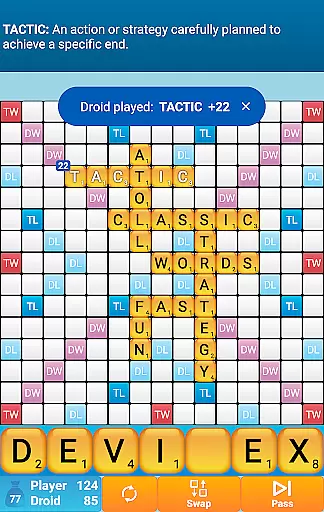
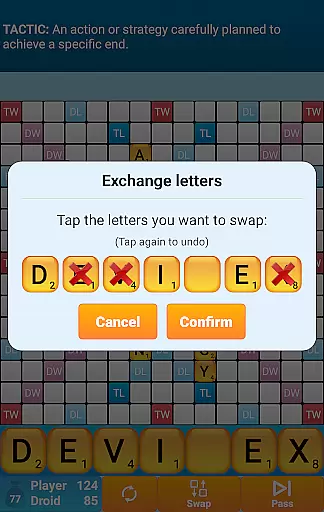
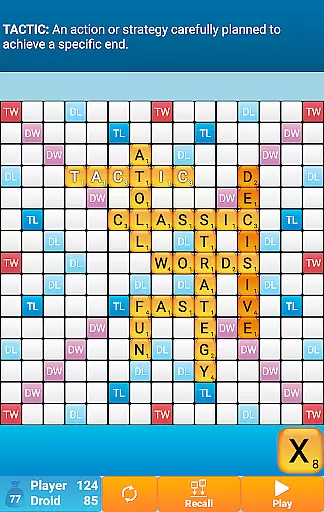
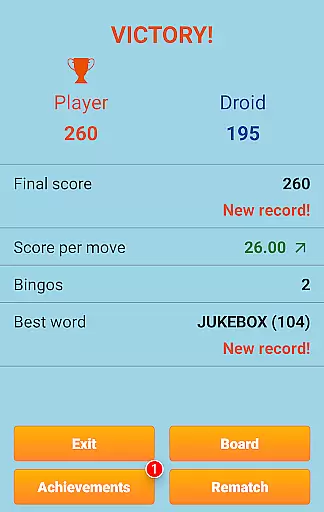
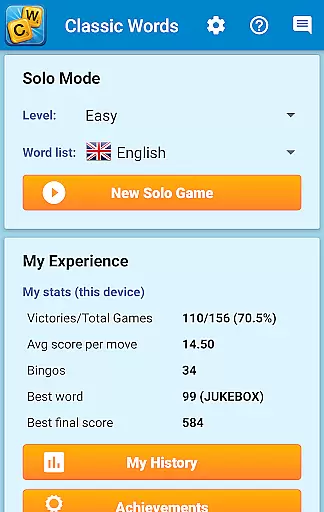
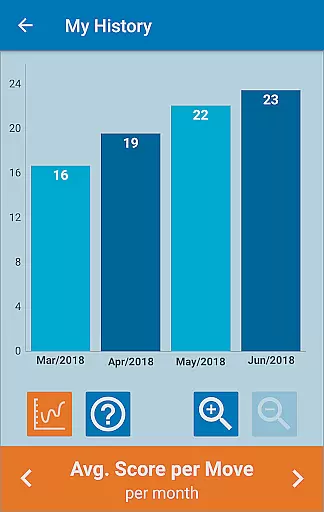
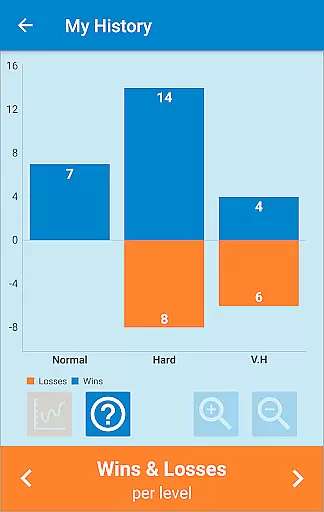
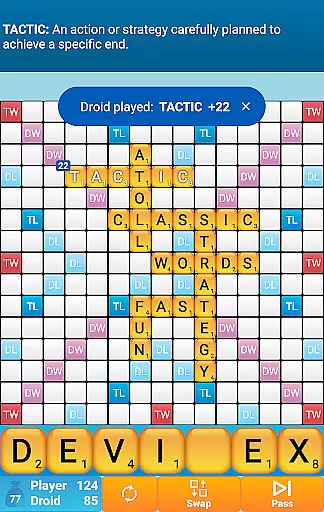
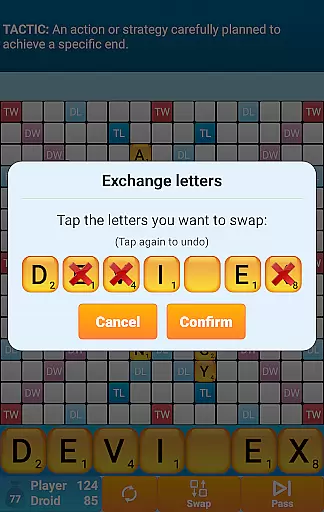
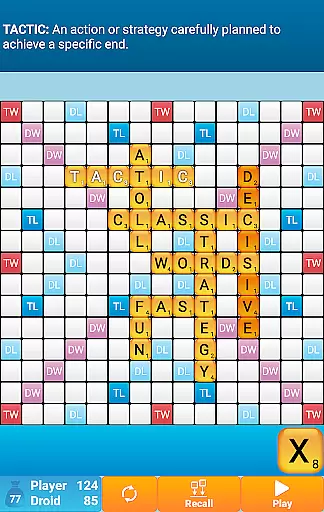
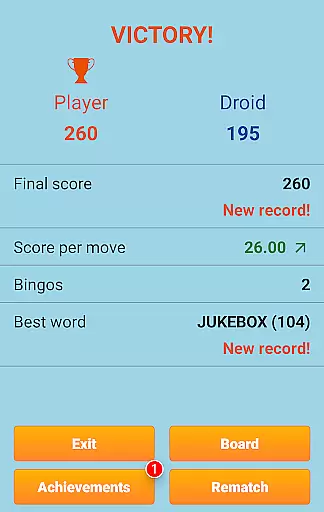
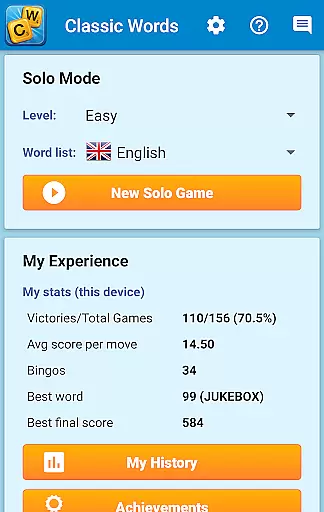
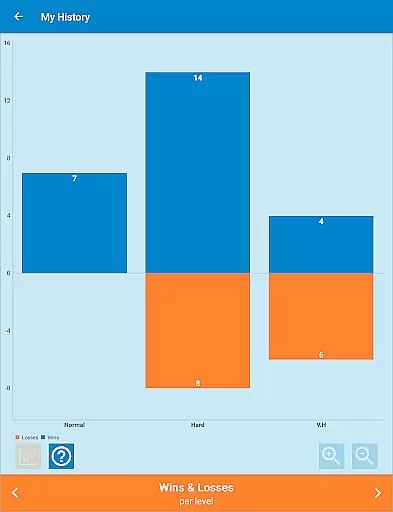
Classic Words Plus is a premium word game designed for solo play against your smartphone or tablet. This crossword-style board game offers an ad-free experience, making it perfect for players seeking uninterrupted gameplay. With 6 difficulty levels and support for multiple languages including English, Spanish, French, Italian, German, Dutch, and Polish, the app caters to both beginners and advanced players.
The game stands out with its unique features such as the Teacher mode, which helps expand vocabulary, and a Pass-and-Play mode for offline two-player games. Classic Words Plus uses high-quality word lists like the NASPA Word List 2020 for English, ensuring authentic and challenging matches. Players can enjoy strategic gameplay by placing words on special squares to earn bonus points while competing against the smart AI opponent.
Ideal for fans of board games and strategy challenges, this app provides both entertainment and educational value. Its quick reactivity and variable skill levels make it a valuable training tool for competitive players looking to improve their skills without the frustration of multiplayer cheating or long wait times.
Classic Words Plus boasts an impressive array of features that enhance the solo word gaming experience. The app's Smart AI adapts to six distinct difficulty levels, offering a customized challenge for every player. By supporting multiple languages and dictionaries, including the official NASPA Word List 2020 for English, the game ensures accurate and culturally relevant wordplay across different regions.
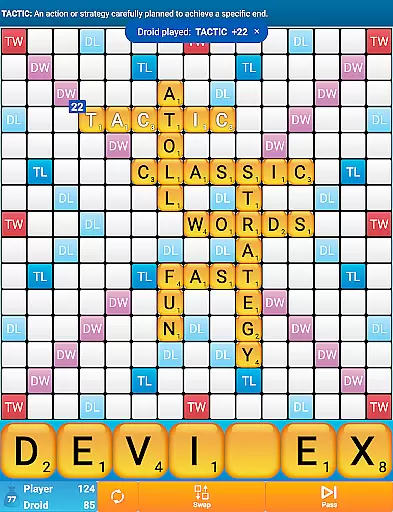
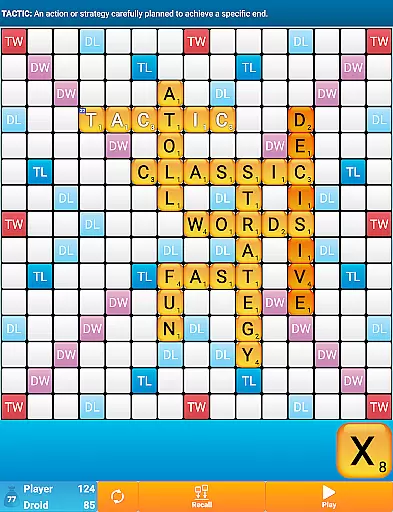
A standout feature is the ability to display word definitions simply by swiping, allowing users to learn new vocabulary effortlessly. The inclusion of special scoring squares—Double Letter, Double Word, Triple Letter, and Triple Word—adds depth to the strategy, rewarding players who think creatively about word placement. Additionally, the game supports offline play, making it accessible anytime, anywhere.
Unlike many multiplayer word games plagued by cheating, Classic Words guarantees fair play through randomized letter selection and equal information access between the player and AI. This creates a level playing field where only tactics and creativity determine success, providing a refreshing and intellectually stimulating experience for all word game enthusiasts.
In Classic Words Plus, clue quality and clarity are essential for an engaging word game experience. The game provides clear and precise clues through its built-in word definitions, allowing players to enrich their vocabulary while they play. This feature is particularly beneficial for those looking to improve their spelling and expand their linguistic knowledge in a fun way.
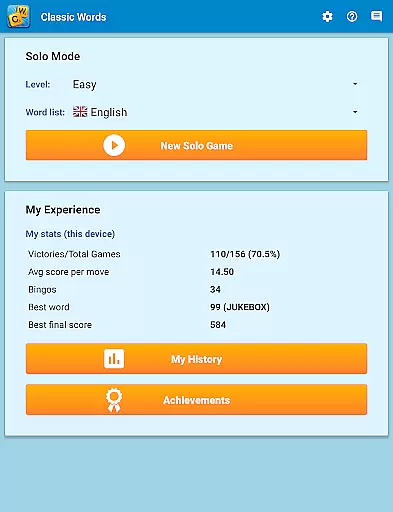
The game supports multiple languages, including English, Spanish, French, Italian, German, Dutch, and Polish. Each language's dictionary is carefully curated, with English featuring the latest NASPA Word List 2020. This attention to detail ensures that the clues provided are accurate and helpful, enhancing the overall gameplay by offering definitions that players can learn from as they form words on the board.
Classic Words Plus offers six difficulty levels, catering to beginners and tournament-level players alike. The varying skill levels ensure that the complexity of the clues matches the player's expertise, providing a balanced challenge that is neither too easy nor overwhelmingly difficult. This adaptive approach to clue difficulty keeps players engaged and continuously learning as they progress through the game.
Classic Words Plus excels in puzzle variety, offering players a dynamic and challenging experience with each game. The board-based, crossword-style gameplay allows for countless combinations and strategic possibilities. With six levels of difficulty, players can enjoy a wide range of puzzles that cater to their individual skill level, ensuring that every match feels unique and stimulating.
The game features multiple dictionaries across several languages, which not only diversifies the words available for play but also introduces cultural richness and educational value. Players can choose from different word lists, such as the official NASPA Word List 2020 for English, adding another layer of variety to the puzzles they encounter. This diversity keeps the gameplay fresh and encourages players to think creatively and strategically.
Additionally, Classic Words Plus includes special squares on the board like Double Letter, Double Word, Triple Letter, and Triple Word, which add complexity and depth to the puzzles. These elements require players to adapt their strategies and explore various ways to maximize their scores, making each session a new and exciting challenge. The inclusion of these features demonstrates the game's commitment to providing a multifaceted and engaging puzzle experience.
Ad-free experience
Smart AI opponent
Multiple language support
Offline pass-and-play
Educational word definitions
No online multiplayer
Limited social features
Paid version only
Complex for beginners
Fewer updates

Play this fun word connect game to calm and train your brain.
 4.60
4.60
Play heads up with family and friends in an amazing charades and guessing game!
4.30
Great Word Game with Friends!
4.80
Word Puzzles from the hit TV show! Spin the wheel for fun word games!
4.60
Guessing word game for smartphones and smartwatches
4.4
Word search for watch. You can already wear your word search always at wrist!
3.30
Follow 25 rules and use your wits to escape from the horrifying school.
4.5
Crossword puzzles for all ages- easy to hard games. All offline!
4.80
Relax your brain with this fun word puzzle game and beautiful landscapes!
4.50
Best Word Game with Friends!
4.90
Solve crossword puzzles challenge your brain and expand your vocabulary
4.90
Relax your mind with calming word puzzle games! A brain focusing game of words
4.90
Play word games to find as many words as you can. Use mode of crossword puzzles!
4.80
Unleash your vocabulary in the world’s #1 word cross puzzle game!
4.70
The highly addictive fun word game.
4.70
3000+ levels of word puzzles fun. Connect words, improve vocabulary, boost IQ!
4.60
Find words from the same topic, group them by association, win the word puzzle!
4.50
Word Sort meets Solitaire!
4.50
Daily crossword puzzles for brain training! Master vocabulary with word games!
4.50


User Reviews