
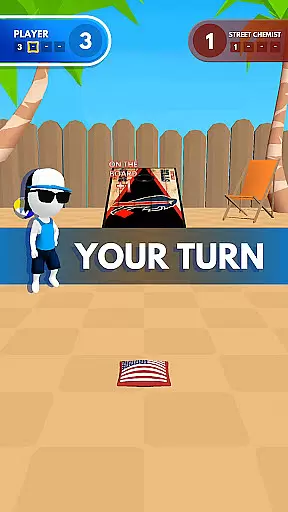
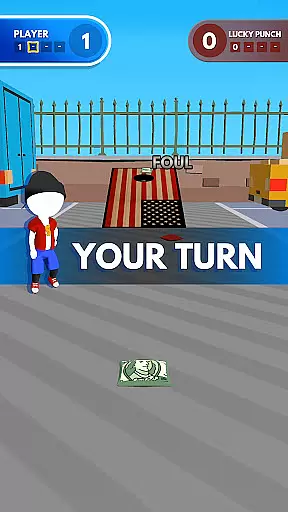
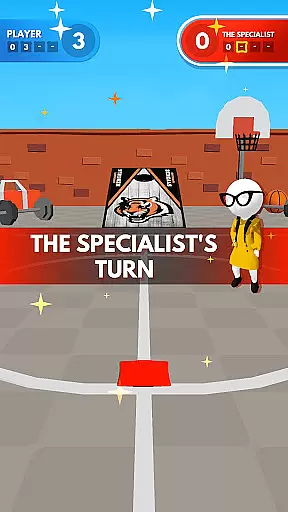
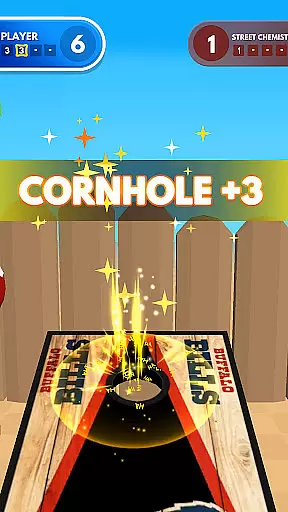
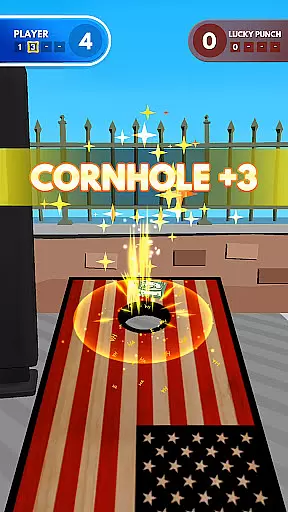
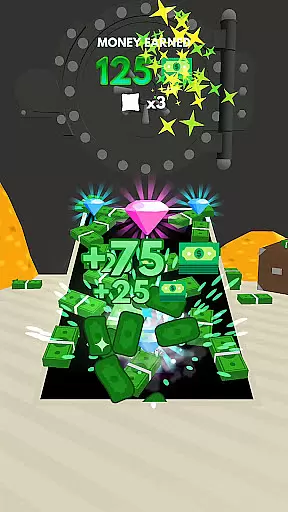
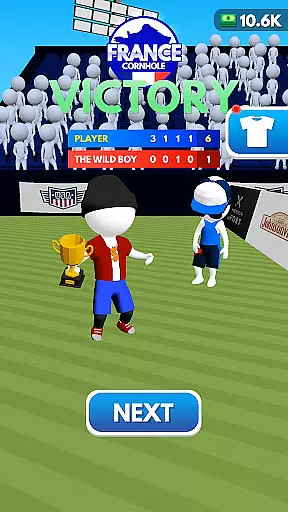
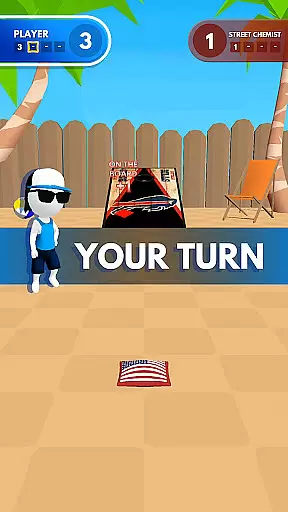
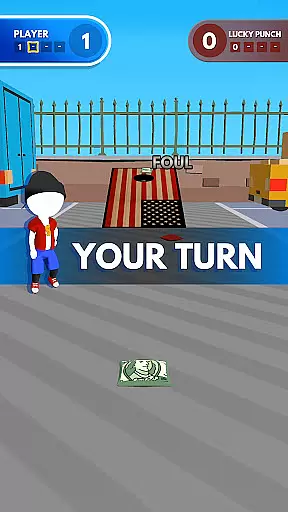
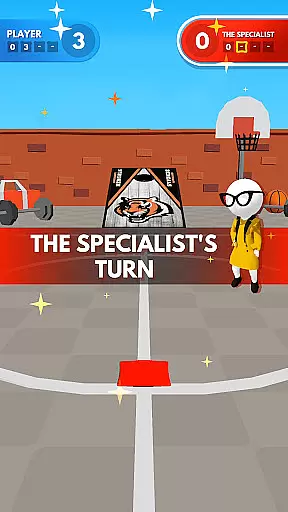
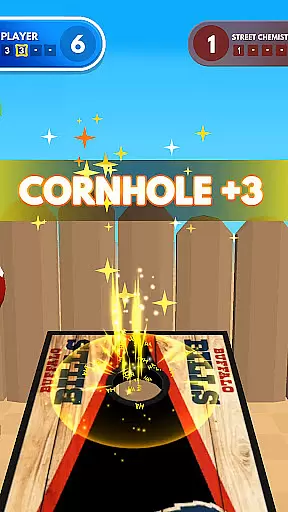
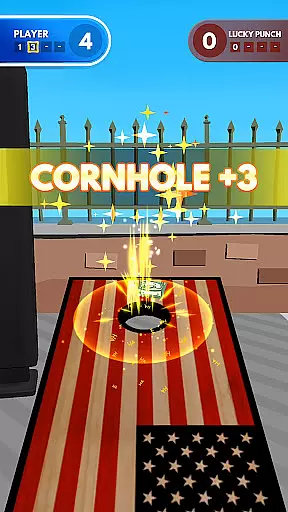
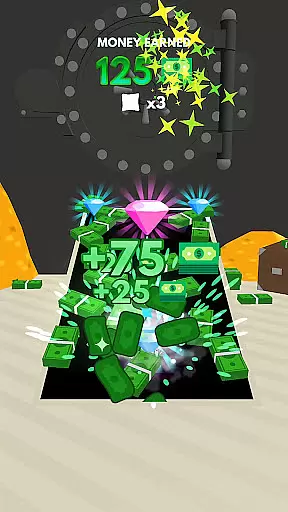
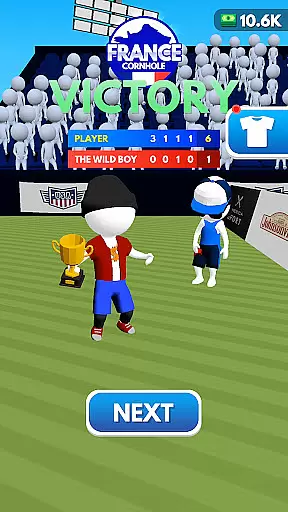
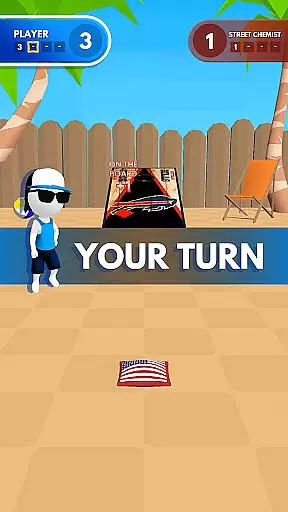
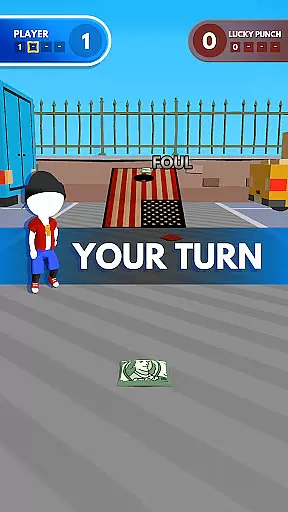
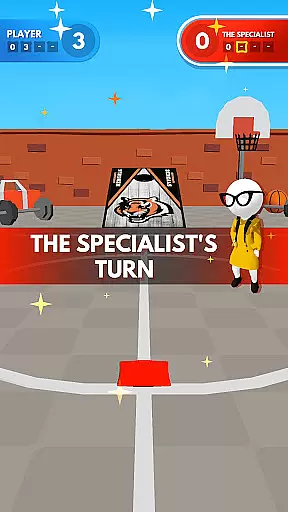
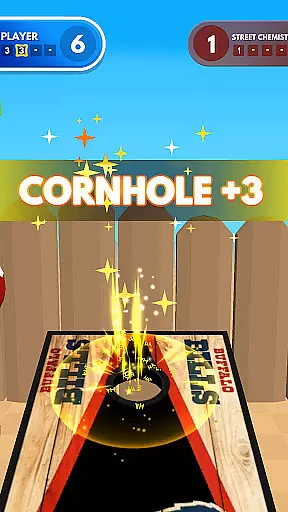
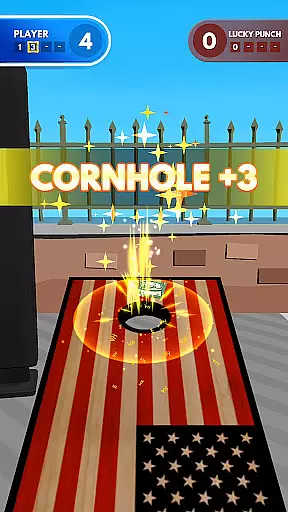
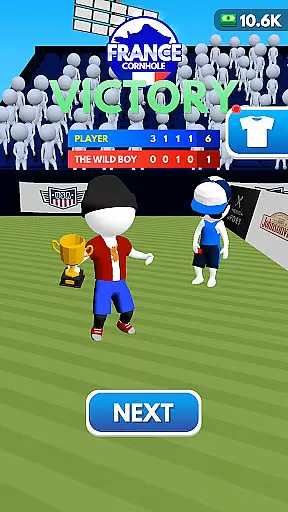
Cornhole League redefines the classic bean bag toss game with a modern twist, offering players an immersive sports experience. Designed for all ages, this app combines competitive gameplay with customizable features, allowing users to personalize boards and compete in various scenic environments.
Whether you're playing solo or challenging friends in multiplayer mode, Cornhole League delivers addictive fun. The game's intuitive mechanics make it easy to learn while providing enough depth to keep even seasoned players engaged. With leaderboards and social connectivity, it brings the excitement of cornhole to your mobile device.
Cornhole League stands out with its diverse range of features tailored for both casual and competitive gamers. Players can enjoy fast-paced matches, aiming for perfection while climbing global leaderboards. The ability to customize boards and bags adds a personal touch, letting users express their unique style.
The app also supports multiplayer modes, enabling real-time competition against friends or other players worldwide. Its stunning graphics transport you to picturesque locations, from cozy backyards to grand arenas, enhancing the overall gaming atmosphere. These elements combine to create a dynamic and engaging user experience.
Cornhole League brings an unprecedented level of realism to the classic bean bag toss game, ensuring that every throw feels authentic and challenging. The game meticulously simulates the physical dynamics of tossing, including weight distribution, angle adjustments, and environmental factors.
Players will appreciate the attention to detail in the physics engine, which accurately models the trajectory and impact of each toss. This precision creates a lifelike experience that mirrors real-world cornhole gameplay, enhancing both the learning curve and the satisfaction of mastering the perfect throw.
The realistic physics not only add depth to single-player modes but also ensure fair and balanced competition in multiplayer matches. Whether you're playing against AI opponents or challenging friends online, you can trust that the game's mechanics will provide a true test of skill and strategy.
In Cornhole League, the control scheme is designed with user-friendly intuitiveness at its core, allowing players of all ages and skill levels to quickly grasp the mechanics and enjoy the game. Simple touch gestures enable precise aiming and throwing, making it easy to execute your strategy without frustration.
The intuitive controls are paired with customizable settings, letting you adjust sensitivity and other parameters to suit your personal playstyle. This flexibility ensures that everyone from casual players to seasoned pros can find their comfort zone and focus on honing their skills.
By prioritizing ease of use without sacrificing depth, Cornhole League delivers an accessible yet engaging experience. The straightforward control system invites newcomers to dive in while offering enough nuance to keep veteran players coming back for more, proving that simplicity and sophistication can coexist seamlessly.
Easy-to-learn mechanics
Highly customizable options
Engaging multiplayer modes
Vibrant graphical design
Suitable for all age groups
Limited offline play
In-app purchases available
Occasional performance lags
Steep learning curve for mastery
Requires stable internet connection

This is the most realistic 3D bowling game on the Android phones.
 4.70
4.70
BE A SOCCER HERO! Pass, Shoot & Score your way to legendary status!
4.50
Pro Freestyle Football
3.20
Draft your NBA basketball game team. Authentic real-time online sports game.
4.20
Create your own gym, train boxers, and aim for the championship!
4.50
Play with friends and join millions of players in the king of bowling games!
4.60
FIFPRO licensed soccer game
4.50
Play online multiplayer or PvP Pool games and compete with your friends!
4.80
For Fans to Buy Tickets
4.80
Ride, flip, and perform crazy stunts in an open BMX freestyle playground!
4.80
NBA-licensed Streetball Game
4.70
Play darts against the world!
4.70
Social casino meets sportsbook - more than a bet app for social sports betting!
4.60
Modern arcade style pool game with single player, Relaxed game of 8 ball.
4.60
Join over 10,000,000 people in the only official PBA bowling game!
4.40
The Hudl app helps coaches and athletes win using video.
3.70
Run the ball into the endzone in AR.
4.4
Build your football city, train your team— no ads, no in-app purchases!
4.2
Play T20 Cricket World Cup 2025. Real matches, offline & tournament mode!
4.3


User Reviews