
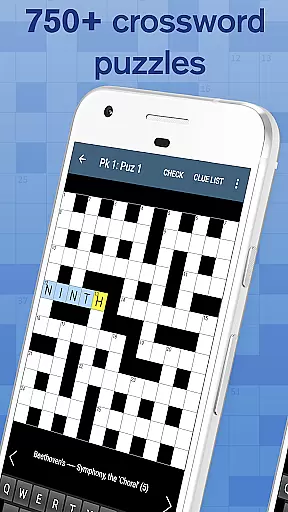
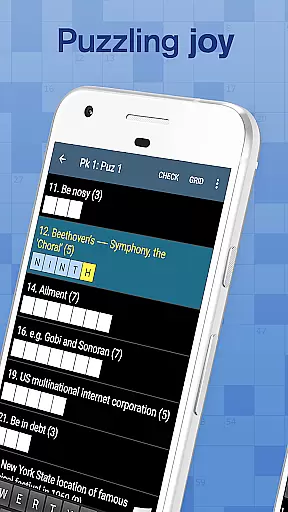
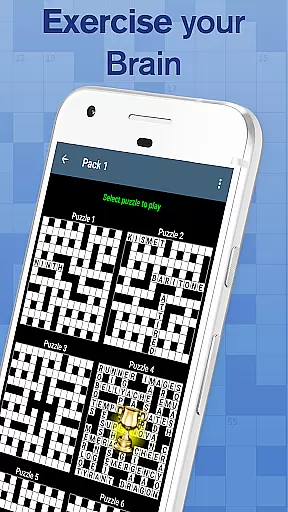
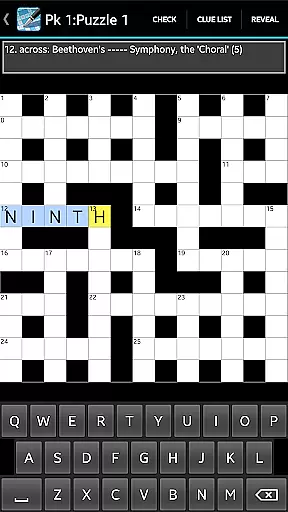
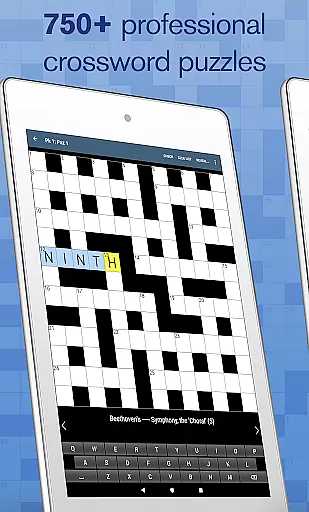
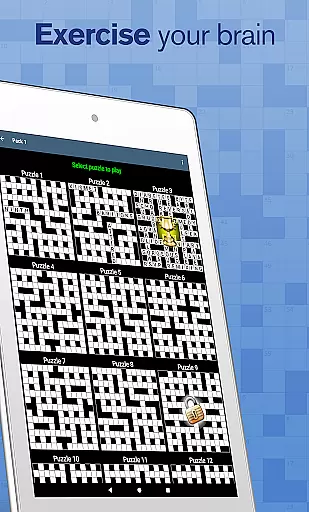
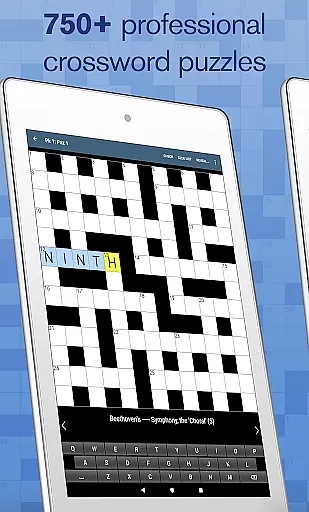
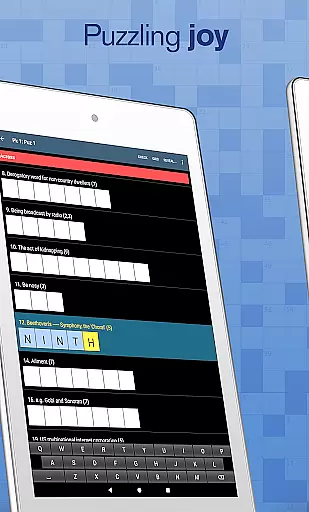
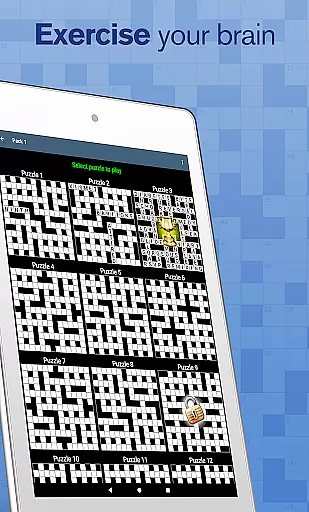
Crossword offers a collection of 750 professionally crafted crossword puzzles, designed for puzzle enthusiasts of all skill levels. Perfect for solving during your coffee break, this app provides a casual yet engaging experience suitable for everyone.
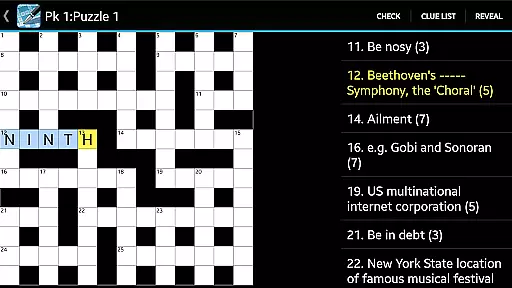
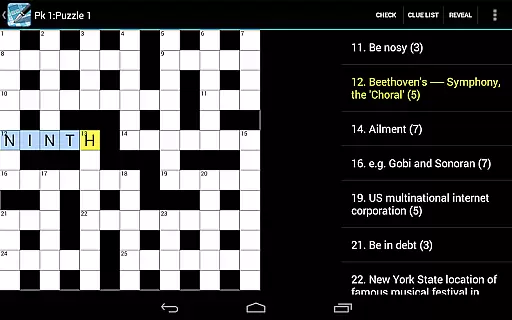
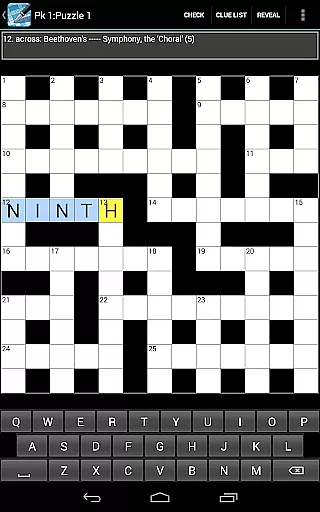
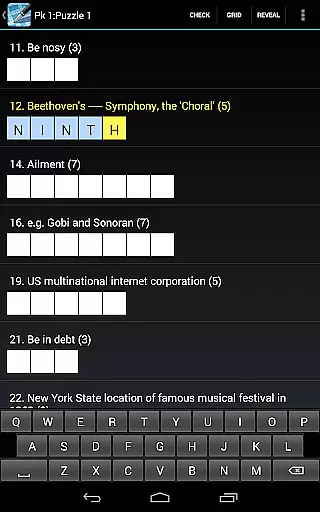
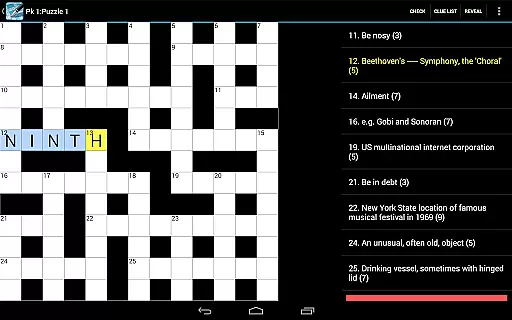
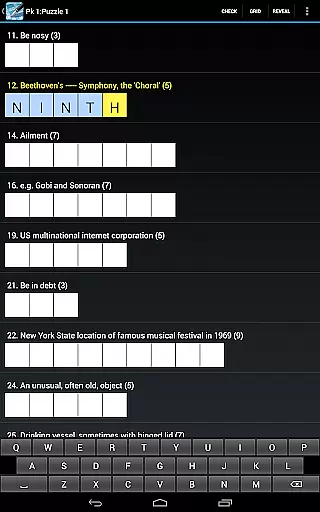
The app is optimized for tablet use and features an intuitive interface with pinch zooming on the puzzle grid. It includes helpful tools such as clue list view, cheats, answer checking, and sharing options via email or social media platforms like Twitter and Facebook. With additional preferences and three keyboard choices, Crossword ensures a personalized solving experience without interruptions from ads.
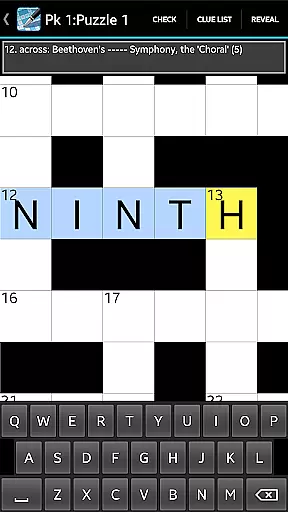
Crossword stands out with its user-friendly features tailored to enhance the puzzle-solving experience. The app supports pinch zooming on the grid, making it easy to focus on specific sections of a puzzle, which is especially useful when playing on larger tablet screens.
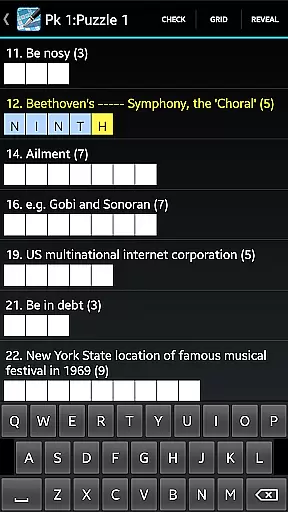
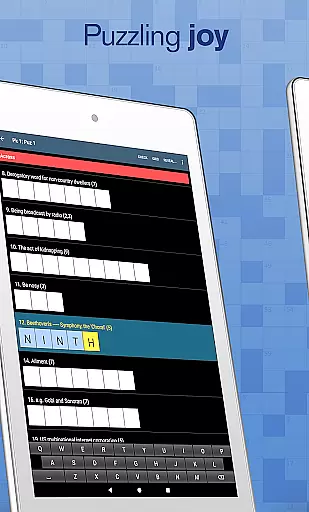
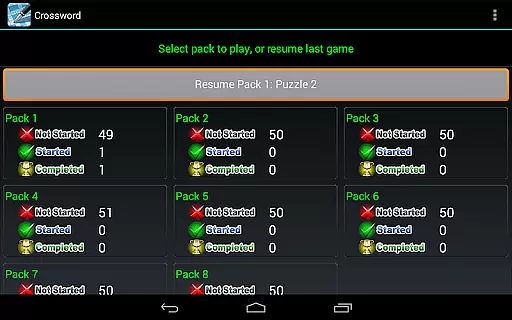
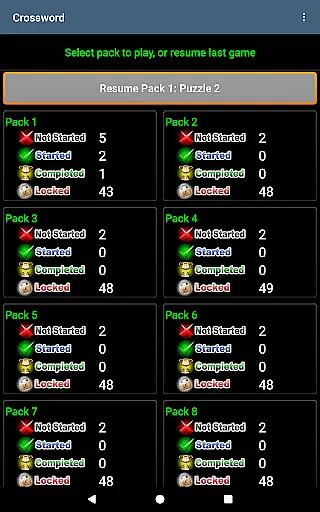
Players can access a comprehensive clue list view and utilize integrated cheats and answer checking to help them progress through challenging puzzles. Sharing capabilities allow users to send a tricky clue to friends via email or post it on social media. Moreover, the resume button lets solvers pick up right where they left off, while extra preferences offer customization options that cater to individual solving styles.
Clue quality and clarity are essential for an enjoyable crossword experience. Crossword provides over 750 professionally crafted puzzles with well-written clues suitable for casual players. The app ensures that each clue is clear, concise, and appropriately challenging.
The developers have paid special attention to the phrasing of clues, ensuring they are neither too obscure nor overly simplistic. This careful curation creates a balanced difficulty level that appeals to both beginners and experienced solvers. Additionally, the optional feature to share clues via email or social media platforms allows users to engage with friends and family.
With functions like answer checking and cheats, users can receive immediate feedback on their solutions. This not only enhances learning but also helps improve solving skills over time. The ability to toggle hints and assistance makes the application adaptable to individual preferences.
Puzzle variety is crucial for maintaining user interest and providing diverse challenges. Crossword offers a wide range of puzzles, all designed for different solving styles and preferences. Whether you prefer straightforward clues or more complex wordplay, this app has something for everyone.
In addition to traditional crosswords, the app also caters to those seeking a greater challenge with its Cryptic Crossword option. For users who favor American-style puzzles without hanging letters, the Crossword (US) app is recommended. This diversity in puzzle types ensures that players never run out of fresh content.
The inclusion of extra preferences such as jump letters, highlight mistakes, and grey out completed clues adds another layer of customization. These features allow users to tailor their solving experience according to personal tastes. With three keyboard choices available, players can select the input method that feels most comfortable.
User-friendly interface
No intrusive advertisements
Customizable solving preferences
Multiple sharing options
Optimized for tablets
Limited to English language puzzles
No integration with online puzzle databases
Basic design aesthetics
Occasional performance lags
In-app purchases may apply

The highly addictive fun word game.
 4.70
4.70
Who's the impostor? Give clues, bluff your way through - the perfect party game
4.90
Word Puzzles from the hit TV show! Spin the wheel for fun word games!
4.60
Crossword puzzles for all ages- easy to hard. All offline!
4.90
Play word games with friends! Smart puzzles, custom tiles & multiplayer fun!
4.40
Play Word Games & train your brain in Word Collect - Word Games Fun Word Games!
4.70
101 offline games: words, puzzles, quizzes! Play, learn and compete!
4.70
A fun multiplayer word game. Who can make the highest scoring words?
4.80
Zen Word - where challengers relax, solve word games, and train their minds!
4.80
Word search games, anagram, crossword & logic puzzle! Brain training and relax!
4.90
Dive into the fun word puzzle games for adults! Train your brain with word games
4.80
A smart word game that's challenging your mind with more than 1000 levels
4.80
Crossword puzzles for all ages- easy to hard games. All offline!
4.80
Relax, train your brain and improve your vocabulary with Word Search Journey
4.80
A collection of engaging word and logic games with puzzles for all skill levels
4.80
Using letters and numbers, decode hidden words in this сryptogram game!
4.40
Try to find the hidden words!
4.30
Word puzzles with cute bears to enjoy, just don’t let the bubble bee bother you!
4.0
Who is the Imposter? The ultimate group game for 3 to 30 players!
4.1


User Reviews