![Delta Touch [10 x Doom engine]](https://cdn.linksharehub.com/ocp/?u=https%3A%2F%2Fl1.fancapitalize.com%2Fimages%2F2025%2F12%2F0362662440744f9c4332472af4b0e734.jpg&t=webp)
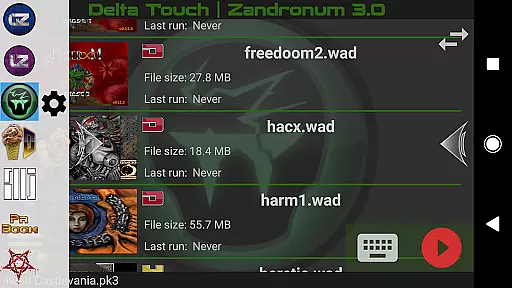
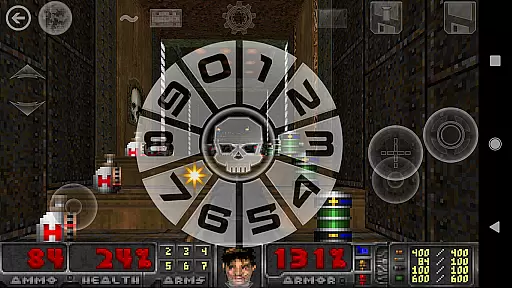
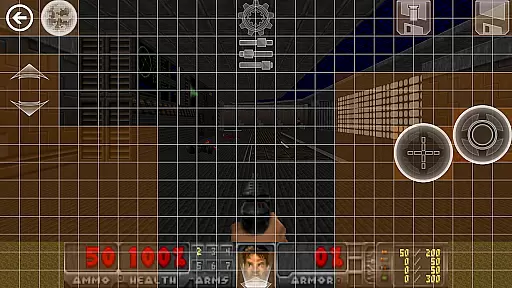
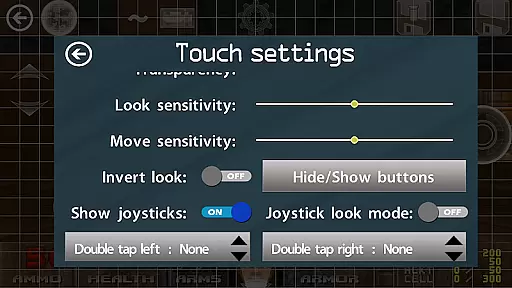
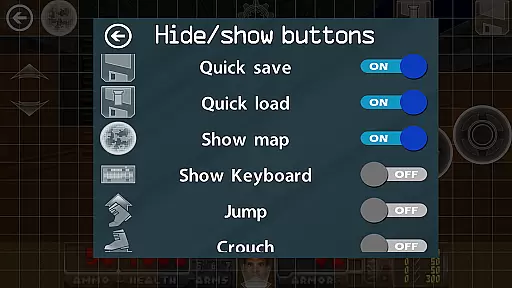
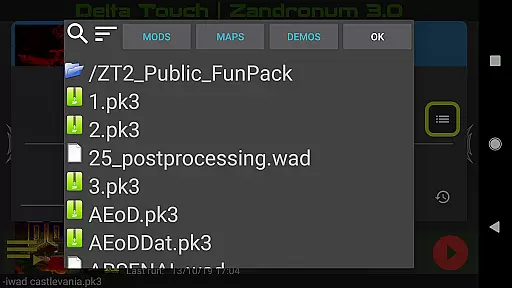
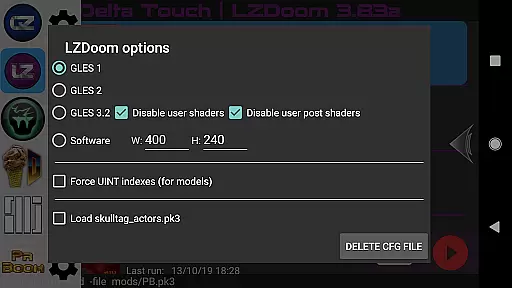
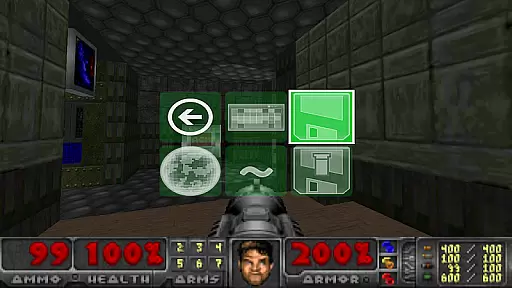
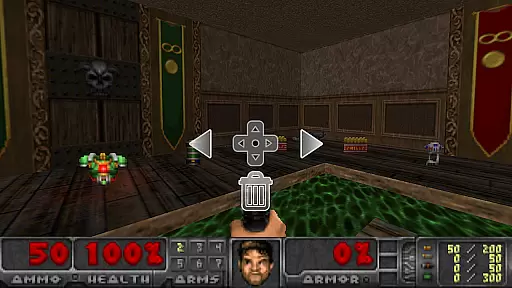
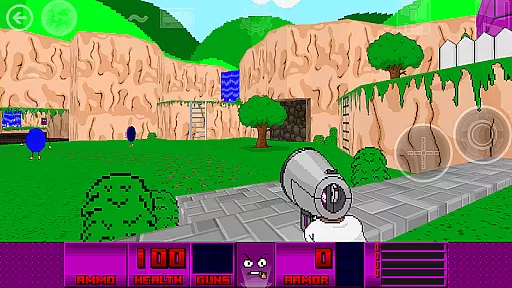
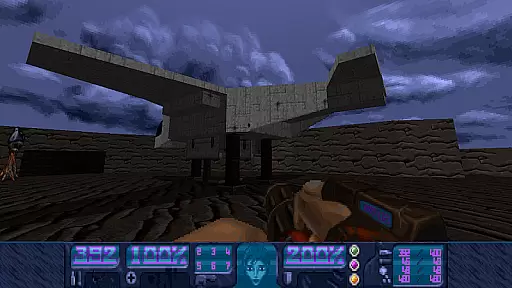
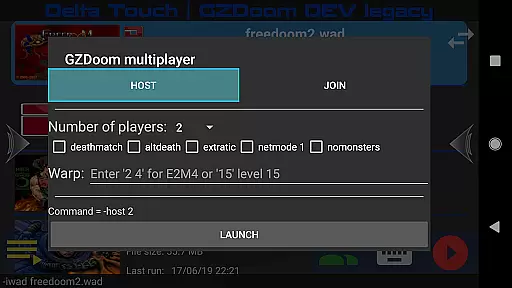
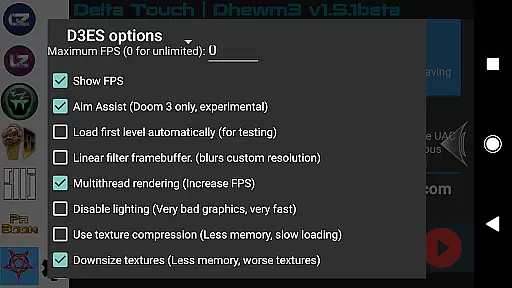
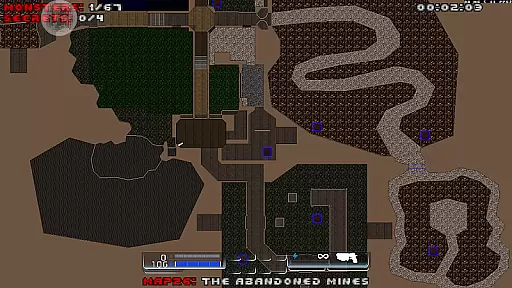
Delta Touch brings ten of the best Doom engine source ports to Android, offering an unparalleled retro gaming experience. The app includes popular ports like GZDoom, Zandronum, and Chocolate Doom, supporting a wide range of Doom, Hexen, Heretic, and Strife wads. With full touch screen controls and gamepad support, it ensures an authentic and customizable gameplay experience on mobile devices.
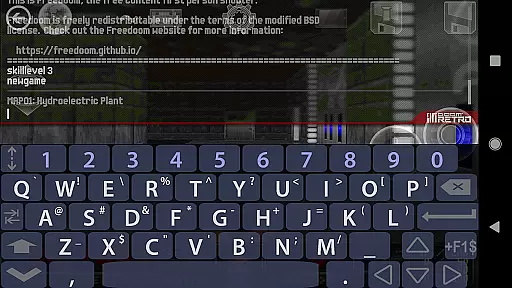
The application stands out with its highly customizable touch screen controls, built-in keyboard for cheats, and console commands. It also features a custom UI for easy selection of wads and mods, 18 custom buttons for GZDoom mods, and various rendering modes. Additionally, users can play thousands of community-made mods and levels, making it a versatile platform for Doom enthusiasts.
Designed for high-end Android devices, Delta Touch is ideal for gamers looking to relive the classic Doom experience or explore complex mods like Brutal Doom. Including FreeDoom data allows immediate gameplay, while the requirement of additional Doom wad files offers flexibility in game selection. This makes Delta Touch a comprehensive solution for action gaming aficionados seeking a rich and varied Doom experience on their mobile devices.
Delta Touch boasts an array of features designed to enhance the Doom gaming experience on Android. One of its standout features is the inclusion of ten different Doom engine source ports, such as GZDoom, LZDoom, and Dhewm3, each offering unique capabilities and compatibility with various mods and levels. This diversity allows users to tailor their gameplay to personal preferences and device capabilities.
The app provides extensive customization options, including highly adaptable touch screen controls and fully navigable UI via gamepad. Users can save and load their touch screen layouts, access built-in keyboards for cheats, and utilize 18 custom buttons specifically for GZDoom mods. Additionally, features like gyro aim assist and mouse and keyboard support (on Android 8 and above) ensure precision and ease of control, catering to both casual and hardcore gamers.
Another significant feature is the ability to download MIDI and Fluidsynth samples for quality music playback, enhancing the overall auditory experience. Multiplayer support for GZDoom and Chocolate Doom, along with mod selection capabilities (excluding those needing game.dll or game.pk4 files), further enriches the gameplay. These features collectively make Delta Touch a robust platform for enjoying Doom engine games on modern mobile devices.
Control responsiveness and latency are crucial factors in action games like Delta Touch. The game ensures that every touch or button press is registered instantly, providing a seamless experience.
Delta Touch offers highly customizable touch screen controls, allowing players to adjust the sensitivity and layout according to their preferences. This customization ensures that the game responds exactly as the player desires.
In addition to touch controls, the game supports various input methods including gamepads, mouse, and keyboard. This versatility in input options guarantees minimal latency and enhances the overall gaming experience.
The combination of customizable touch controls, gamepad support, and gyro aim assist makes Delta Touch stand out in terms of control responsiveness, ensuring that players have the best possible interaction with the game.
Combat feedback tightness refers to how well the game communicates the results of combat actions to the player. In Delta Touch, this aspect is meticulously crafted to provide clear and satisfying feedback during combat scenarios.
The game utilizes advanced rendering modes and precise hit detection to ensure that every action in combat is accurately reflected. Players can see immediate visual and auditory responses when they perform actions, enhancing the sense of immersion.
Delta Touch also includes features such as aim assist and customizable buttons for mods, which contribute to a tighter combat feedback loop. These features help players execute their strategies more effectively and enjoy a more engaging combat experience.
Overall, the attention to detail in combat feedback not only improves gameplay but also adds to the excitement and challenge of playing Delta Touch, making it a top choice for action game enthusiasts.
Extensive source ports
Customizable controls
Rich mod support
High-quality music
Multiplayer options
Needs high-end device
Complex setup
No BFG edition
Large storage needs
Limited refunds

Epic Fantasy RPG & Arena
 4.30
4.30
Take a katana in your ninja hands to fight foes! Stylish ninja stickman game
4.60
Join stickman game - runner & fun race with a crowd. Epic battle & running game
4.60
Combine a wide variety of skills and abilities to unleash dazzling combo attacks
4.00
Controller supported shooting game. Go into a labyrinth & Reveal a mystery story
4.70
Hunt or hide? Choose your side: hunt down the fugitives or escape the back rooms
4.00
Online & offline multiplayer FPS shooting game. Play PvP live with your friends!
4.60
Run with thousands of foods and feed them to each other!
4.70
Run, jump & race through crazy obstacle courses in this 3D obby parkour game!
4.3
Get pixel gun, kill hords of stupid zombies dead ahead, be a lone survivor
4.80
Hunt your target & become a strong PVP sniper in this Epic 3D sniper FPS game
4.80
Plan. Adapt. Assassinate.
4.80
Keep an eye on the animatronics and you'll make it thru the night... probably.
4.70
Play PSP games on your Android device, at high definition with extra features!
4.60
Die Again - Troll Game Ever A fantastic, goofy, crazy and always makes you laugh
4.50
Fun knockout battle royale, play with your friends!
4.30
Wish-granting Mermaid’s Tears in the hands of SpongeBob… What could go wrong?
4.20
Fast-paced multiplayer fun. 3v3 & 5v5 matches, PvP brawls and battle royales!
4.20
Run and jump through the depths of the jungle!
4.5


User Reviews