
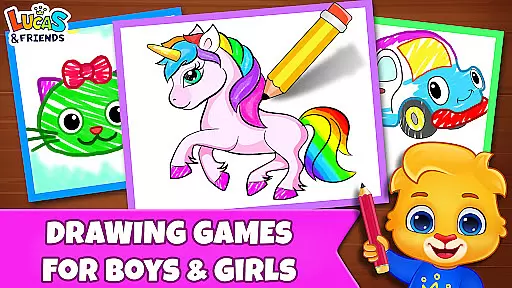
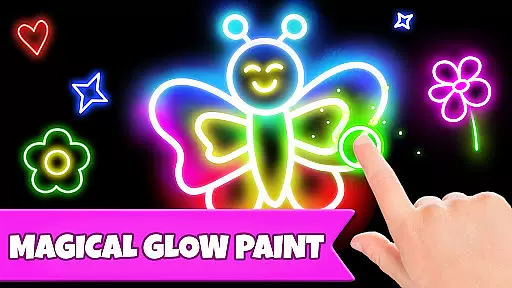
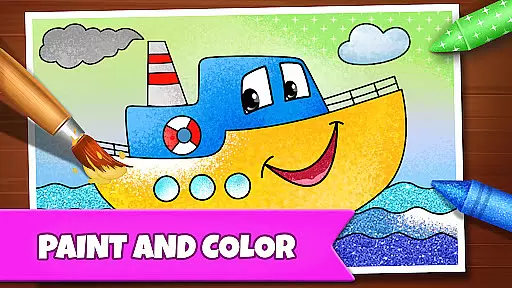
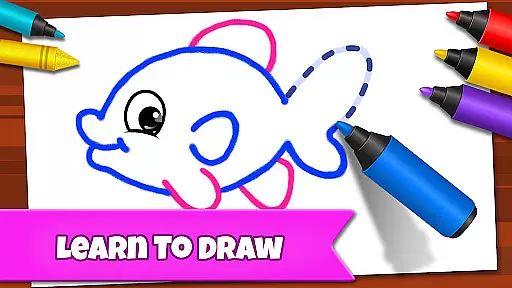
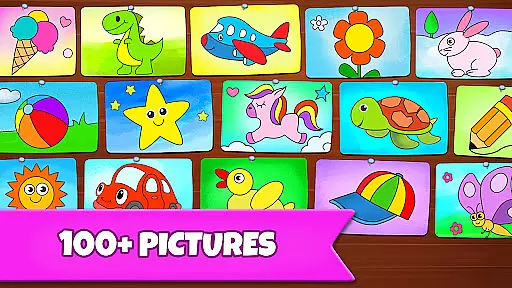
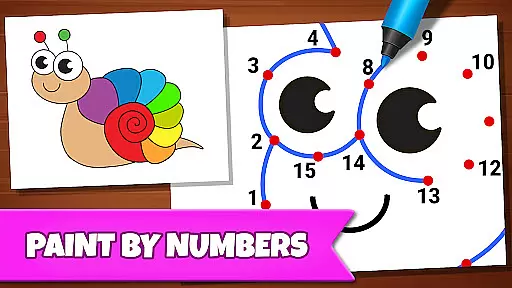
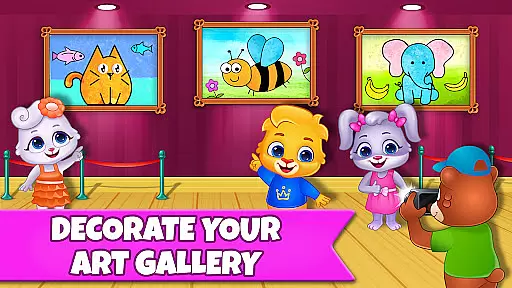
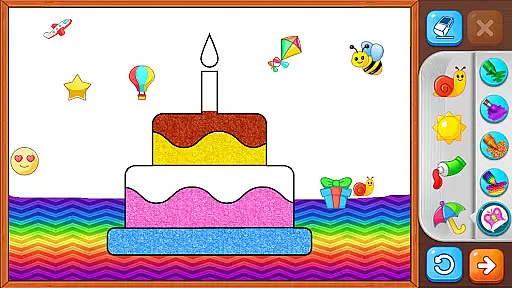
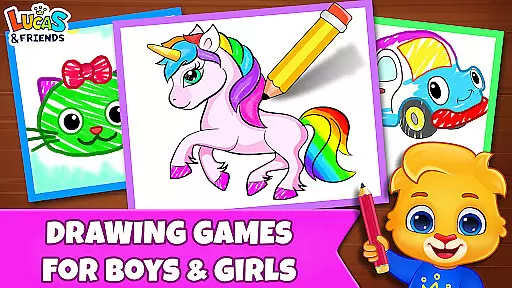
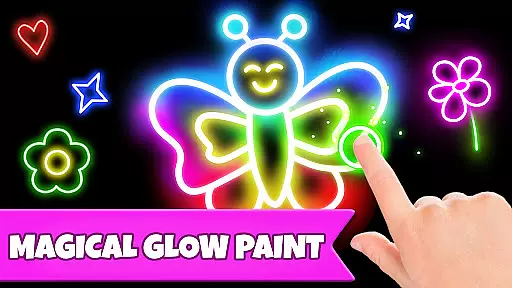
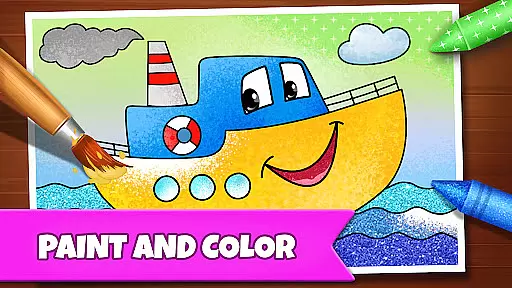
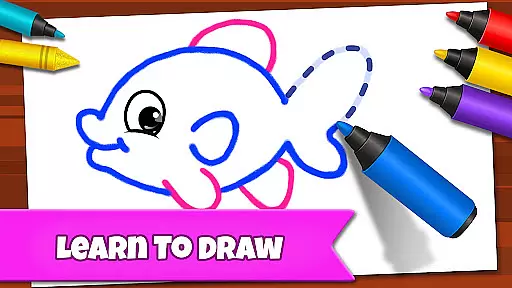
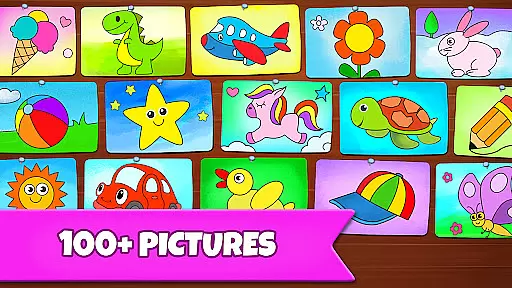
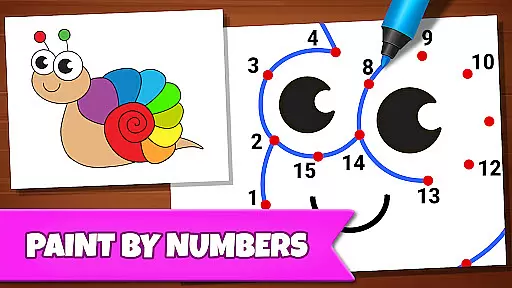
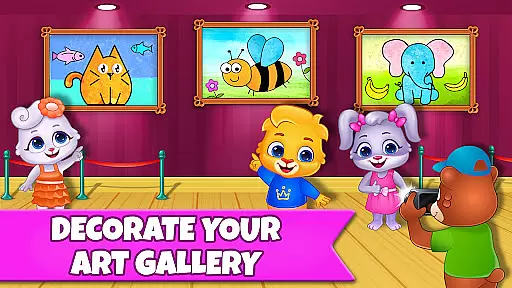
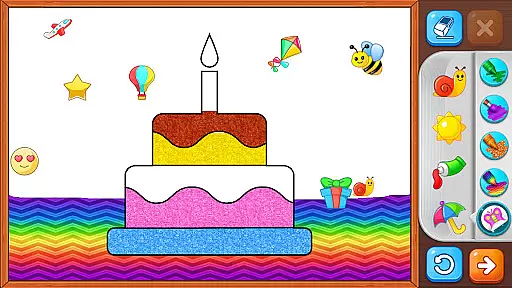
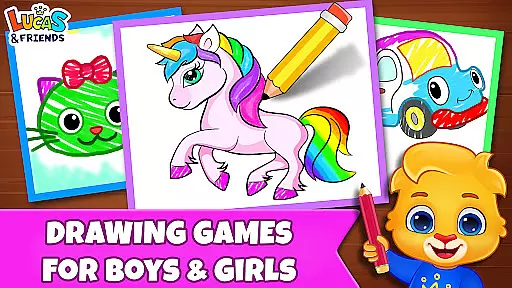
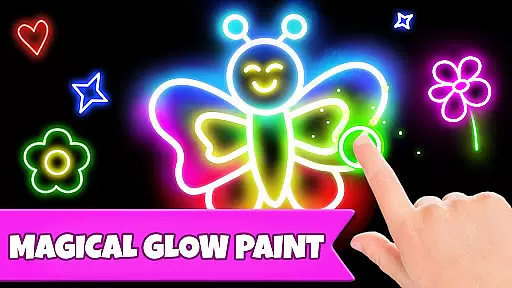
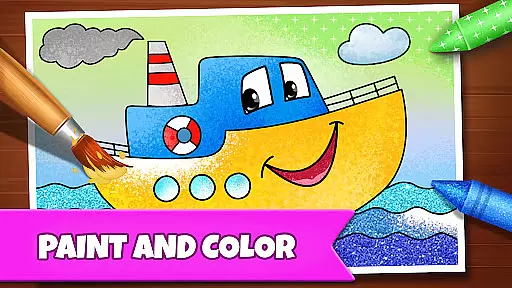
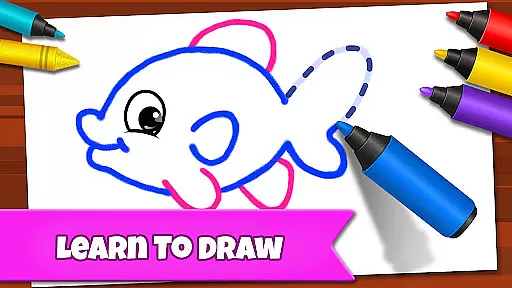
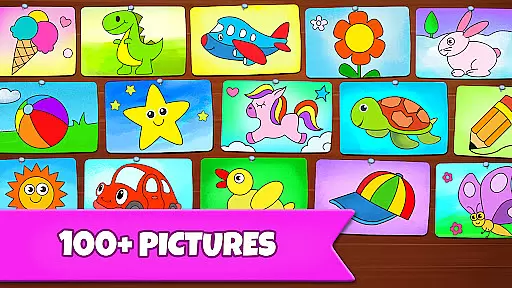
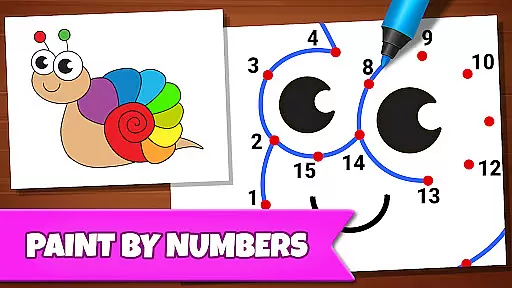
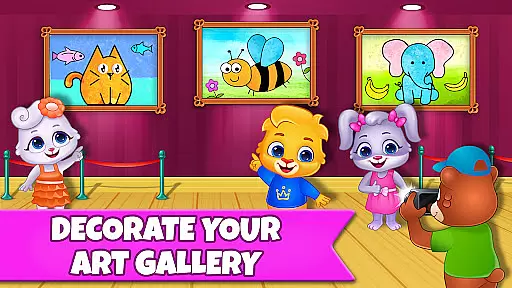
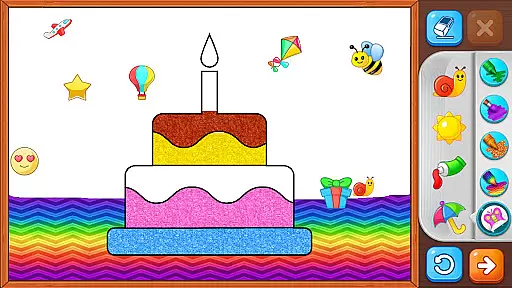
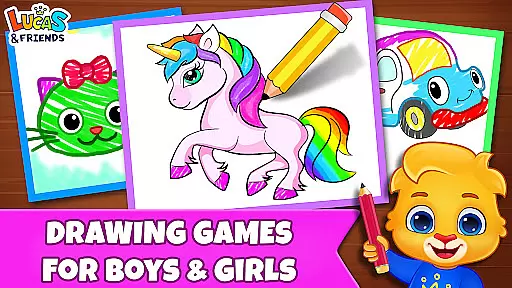
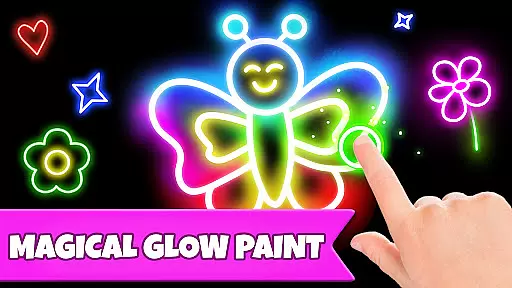
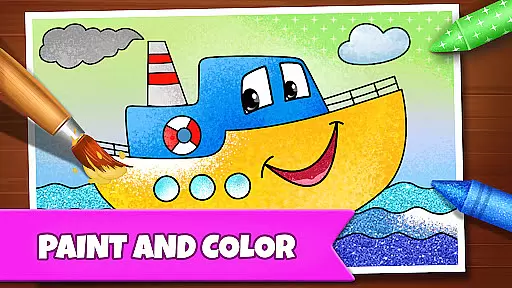
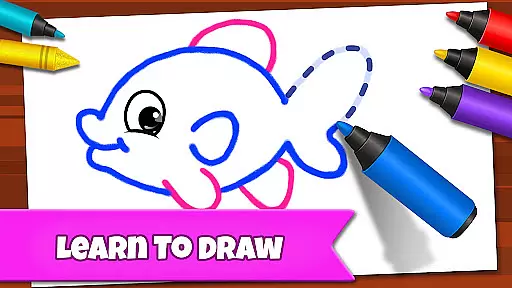
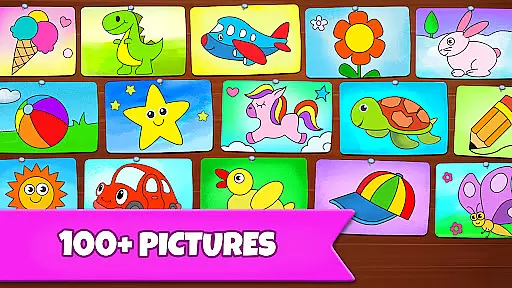
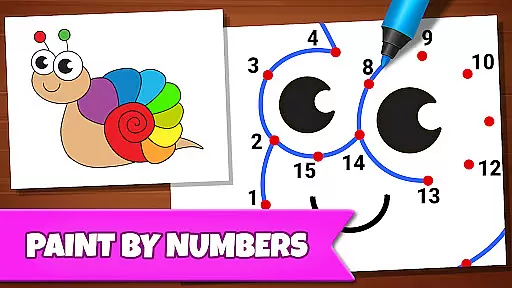
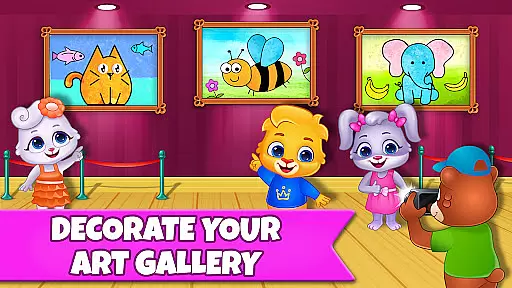
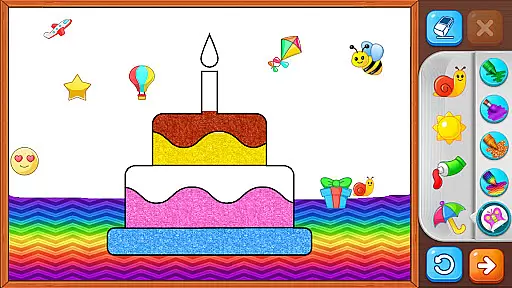
Drawing Games: Draw & Color is an educational app designed to engage children in creative drawing and coloring activities. The app offers a variety of modes such as Learn to Draw, Auto Draw, Connect & Color, Connect the Dots, Memory Drawing, and Glow Paint. These features help kids develop essential skills like shape recognition, number identification, and picture recognition while having fun.
With its interactive coloring book concept combined with paint-by-numbers games, Drawing Games provides a safe and enjoyable environment for toddlers, preschoolers, and kindergartners. Children can express their emotions, build confidence, and enhance their memory through these engaging activities. The app is completely free, with no in-app purchases or ads, ensuring an uninterrupted learning experience.
The app includes several educational modes that cater to different age groups and skill levels. Learn to Draw teaches children step-by-step how to draw pictures, while Auto Draw offers a simple mode for toddlers to watch paintings come to life. Connect & Color allows kids to connect dots and see their creations colored in, enhancing their cognitive abilities.
Memory Drawing challenges children to replicate lines from memory, promoting concentration and recall skills. Glow Paint adds a fun twist with glowing colors, keeping kids entertained for hours. With beautiful stickers, crayons, and pens, Drawing Games ensures that children remain engaged and motivated to learn through play.
In educational apps, content authority and curriculum alignment are crucial for ensuring that children receive accurate and relevant learning experiences. Drawing Games: Draw & Color offers a comprehensive approach to teaching drawing through various modes such as Learn to Draw, Auto Draw, and Connect the Dots.
Each mode is designed with specific learning objectives in mind, aligning with early childhood education standards. For instance, Learn to Draw helps kids understand shapes and picture recognition, which are fundamental skills in art education.
The app's content is crafted by experts in child development and education, ensuring that every activity contributes positively to a child's learning journey. This authoritative approach guarantees that parents can trust the app as a reliable educational tool.
By integrating these features, Drawing Games not only entertains but also educates, providing a balanced and enriching experience that supports both creativity and cognitive development in young learners.
Gamification in educational apps enhances the learning process by making it more engaging and enjoyable. Drawing Games: Draw & Color incorporates gamified elements like Memory Drawing and Glow Paint, which transform traditional learning activities into interactive challenges.
Memory Drawing encourages children to observe and replicate lines from memory, fostering concentration and visual-spatial skills. Meanwhile, Glow Paint adds an element of excitement with vibrant colors, motivating kids to explore their artistic side while improving fine motor skills.
These gamified modes are seamlessly integrated into the overall learning framework of the app, ensuring that play and education go hand-in-hand. The absence of ads and in-app purchases further enhances focus, allowing uninterrupted learning sessions.
Ultimately, Drawing Games leverages gamification to create a dynamic learning environment where children can develop essential skills through play, setting a strong foundation for future academic success.
User-friendly interface
Educational content
No in-app purchases
Engaging activities
Safe environment
Limited advanced features
Basic graphics
Few customization options
Occasional bugs
Simple sound effects

Monkey Preschool Fix-It is an early learning game for ages 2 to 5.
 4.40
4.40
Explore & build the cute kitty city, create fun stories & discover surprises!
4.0
Woof! The very first official Hey Duggee app for CBeebies' new favourite show.
3.70
Dress up, Makeover, and Party! Design a Wonder World!
3.90
Cute coloring games for girls! Draw, paint & decorate with endless colors.
4.70
Glow Doodle! Baby Coloring & Drawing games for toddlers: Color and Learn! NoAds!
4.40
A speed-learning English vocabulary game designed for user to reach proficiency
4.3
Where Little Healers can Make a Big Difference!
4.00
Build your own BRIO railway!
4.30
Fun game for preschoolers to learn addition, subtraction, counting and math!
4.50
This will quickly become your kids' favorite animals game!
4.40
Kids letter tracing technique, which is the first step in learning how to write.
4.30
Play the fun princess party game for kids with Cocobi the little dinosaurs.
4.10
Fun baby care game for kids with dinosaur friends. Enjoy the fun kids game.
4.00
Welcome to the dollhouse! Unboxing, doll games, dress up & cute pets await!
4.00
Where the beloved world of Peppa Pig meets the creativity of LEGO DUPLO!
4.00
Educational game for children about emergency and other service vehicles
3.80
Play the fun healthy habits game for kids with Cocobi the little dinosaurs.
3.40
Have fun learning Alef Beit
4.3


User Reviews