
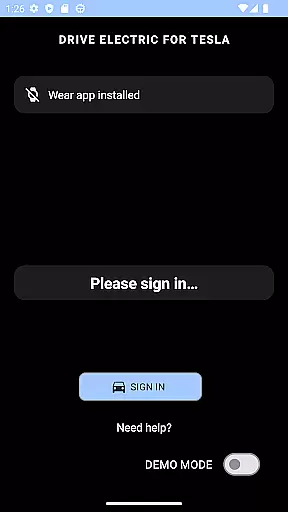
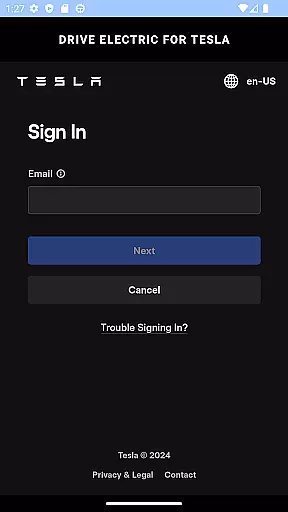
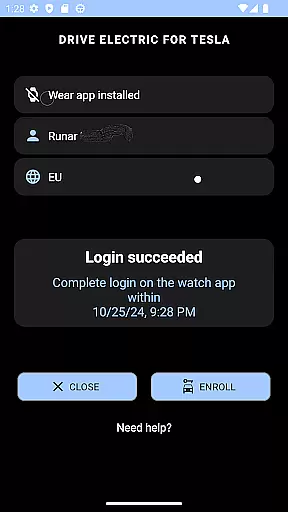
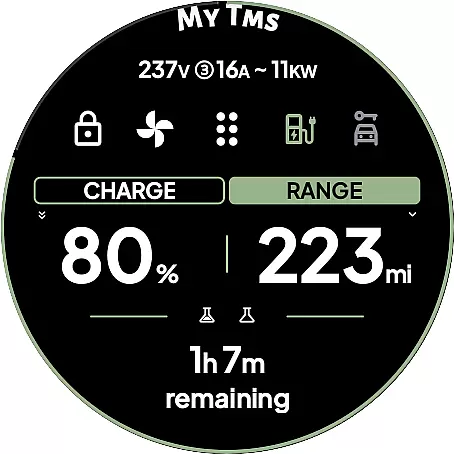
DRIVE Electric for Tesla is a cutting-edge Wear OS application that transforms your smartwatch into a powerful vehicle key. By integrating NFC, Bluetooth, and optional internet connectivity, the app allows users to conveniently interact with their Tesla vehicles without needing their phone nearby. This functionality is particularly beneficial for Model 3/Y and 2021 S/X owners who can utilize features like unlocking, driving, and sending commands directly from their wrist.
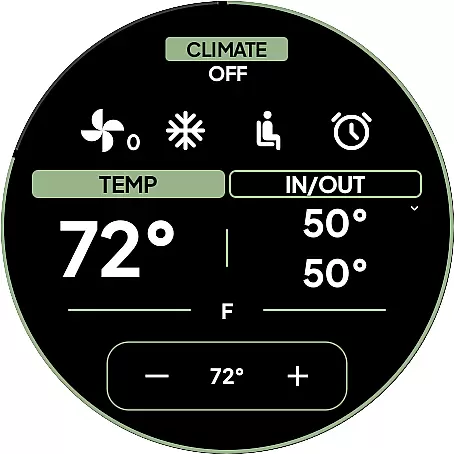
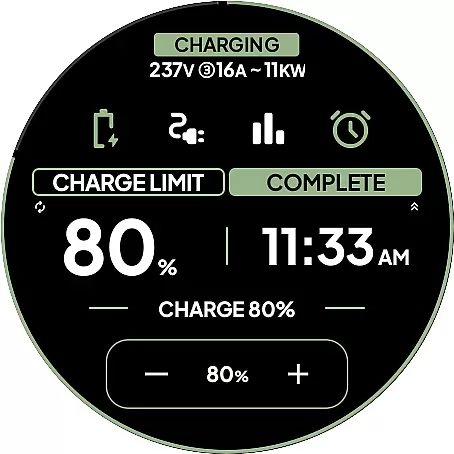
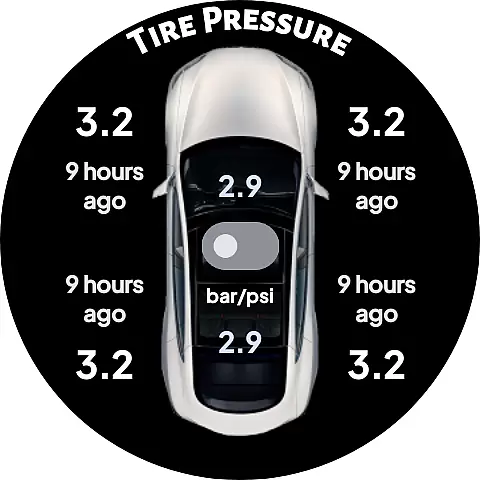
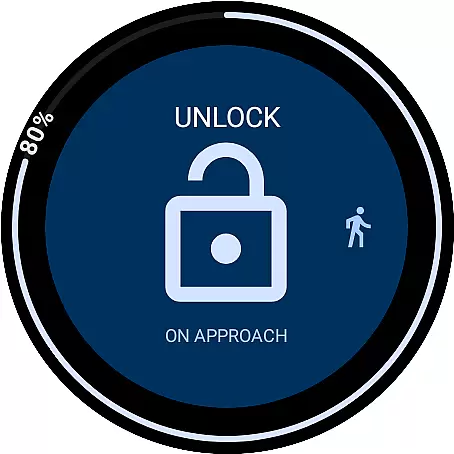
The app offers both basic functionalities through NFC/Bluetooth access and an advanced remote access option via subscription. With its innovative On Approach feature, users can delay commands until they reach their vehicle, making daily tasks like carrying groceries more convenient. The inclusion of six unique tiles and a battery-level watch complication further enhances user experience by providing quick access to essential controls and real-time information.
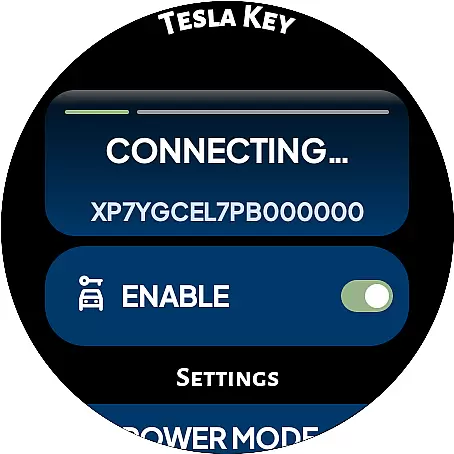
This app's value lies in its ability to streamline vehicle interactions while maintaining top-notch security standards. Users can pair the app as a key card, employ PIN code protection, and enjoy peace of mind knowing that no credentials are stored or shared with third parties. Although upcoming API access changes may affect remote features, DRIVE Electric remains a reliable tool for modern Tesla drivers seeking seamless integration between their smartwatch and vehicle.
DRIVE Electric for Tesla distinguishes itself through a comprehensive set of features designed to enhance user convenience and vehicle accessibility. The app's primary advantage is its dual-mode functionality, supporting both NFC/Bluetooth access for proximity-based operations and offering remote access through a subscription-based Fleet API connection. This flexibility ensures compatibility with various Tesla models while providing options for different user needs.
A standout feature is the innovative On Approach capability, which allows users to schedule commands up to ten minutes in advance. This functionality proves invaluable in scenarios where hands-free operation is preferred, such as when approaching the vehicle with full hands. The app's implementation of six customizable tiles and a dedicated watch complication for battery status demonstrates attention to detail in user interface design, enabling quick access to frequently used functions.
Security remains paramount, with the app utilizing the watch OS's encrypted key manager for local token storage and offering optional PIN code protection. Additional features include compass/map views for vehicle location, support for most official app commands via Bluetooth, and demo mode for feature demonstration. These characteristics collectively establish DRIVE Electric as a sophisticated solution for tech-savvy Tesla owners seeking enhanced smartwatch integration with their vehicles.
DRIVE Electric for Tesla exemplifies comprehensive lifestyle category coverage by integrating advanced smartwatch functionalities with everyday vehicle use. This app is designed to enhance convenience and efficiency, particularly for Tesla owners who value seamless access to their vehicles without the need for traditional keys.
The app supports both NFC and Bluetooth access, allowing users to unlock and drive their vehicles effortlessly when in proximity. Additionally, it offers remote access through a monthly subscription, catering to those who prefer managing their car from a distance. These features are crucial for modern lifestyles that prioritize speed and reliability.
Moreover, DRIVE Electric for Tesla includes practical tools such as a compass view or map view to locate parked vehicles, optional PIN code access for added security, and various tiles for quick command execution. Such extensive feature integration ensures that users can manage essential vehicle operations directly from their wrists, making daily commutes and errands more streamlined.
By covering these diverse aspects of vehicle interaction, the app not only meets but anticipates user needs, thereby solidifying its role within the broader lifestyle category. Its ability to adapt to different user preferences and scenarios underscores its versatility and commitment to enhancing overall user experience.
Content authenticity and expert credibility are paramount in establishing trust between an application and its users. For DRIVE Electric for Tesla, this trust is built on transparent communication regarding data handling and functionality limitations.
The app clearly states that it does not store user credentials or proxy information through third-party servers. Instead, it communicates directly with Tesla's servers or the vehicle itself using secure methods like NFC or BLE. This direct communication ensures that sensitive information remains protected, reinforcing the appu2019s credibility among privacy-conscious users.
Furthermore, DRIVE Electric for Tesla provides detailed instructions and disclaimers about potential changes in API access by Tesla, Inc., which could affect the app's functionality. By being upfront about these risks, the app demonstrates accountability and honesty, traits highly valued by discerning consumers looking for reliable digital solutions.
Lastly, the inclusion of expertly crafted features such as On Approach commands and watch complications for battery levels showcases the developer's deep understanding of both automotive technology and wearable device capabilities. This expertise translates into a robust product offering that aligns with industry standards while delivering innovative solutions tailored to user needs.
Seamless NFC
Secure BLE
Innovative tiles
Local encryption
Compass navigation
Paid subscription
Model limited
API dependency
No Tizen support
Location permission

Big bold digital watch face with 30 colors, 6 complications and AOD.
 4.1
4.1
Daily lessons from A Course in Miracles with scheduled reminders
4.80
Immerse yourself in the serenity of lavender fields and white butterflies
4.2
Paranormal EVP, Ghost Box, Spirit box, ITC, Haunted, Spirit communication device
3.70
A daily quote for success
4.5
Your home in your hand
3.80
Made To Order Faves
4.70
PARAVOX 4 is a professional ITC paranormal research application.
4.50
Share opinions, get paid cash
4.30
Get the news, events and savings that matter to you with AARP Now.
4.80
The Work of Byron Katie— the mobile app for inner peace.
4.40
Mixing Colors for Menswear
4.20
Use your device sensors to detect energy and convert it into spoken words.
4.10
Digital watch face design. Modern looking, hi-res & battery friendly.
4.00
Subwoofer school’s in session! You’ve now enrolled into KICKER U.
3.80
Take Hobby Lobby with you wherever you go!
3.40
The Miracle Box includes methods used by Steve Huff of Huff Paranormal.
3.20
Big bold hybrid watch face with 30 colors, 5 fonts & 5 complications.
4.4
Futuristic watchface inspired by Back to the Future: sleek, retro, timeless
4.1


User Reviews