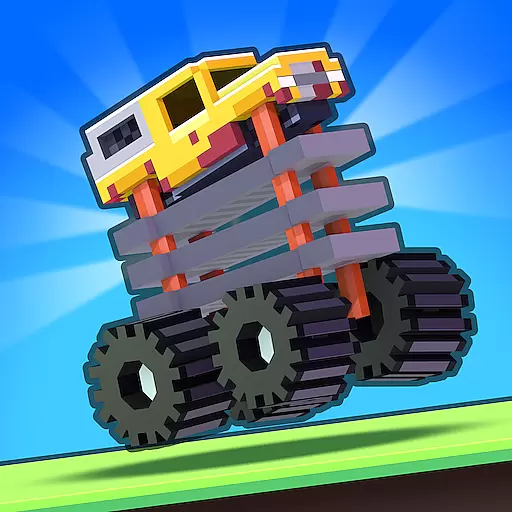
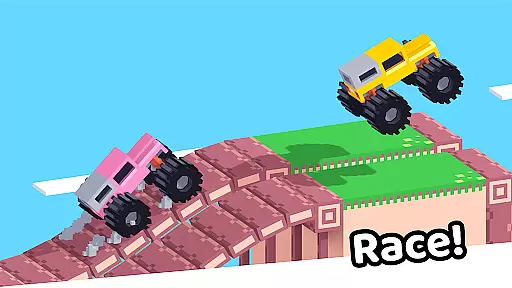
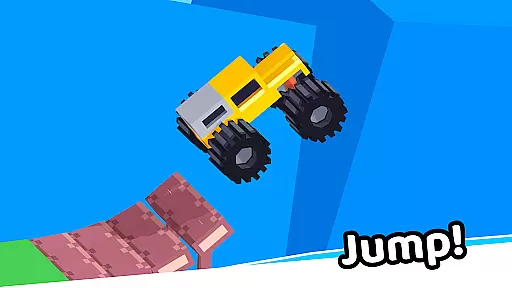
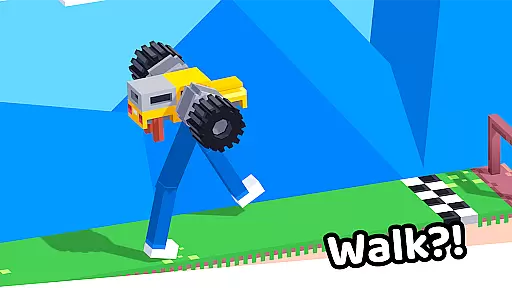
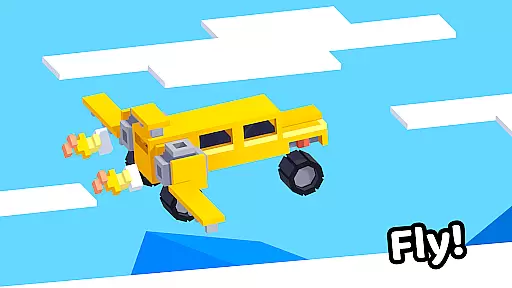

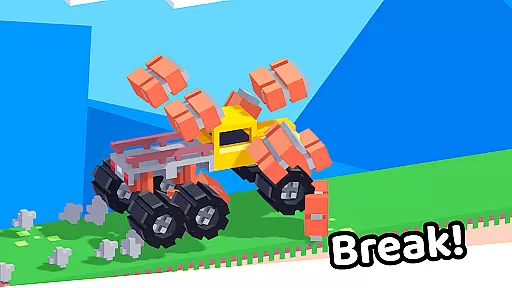
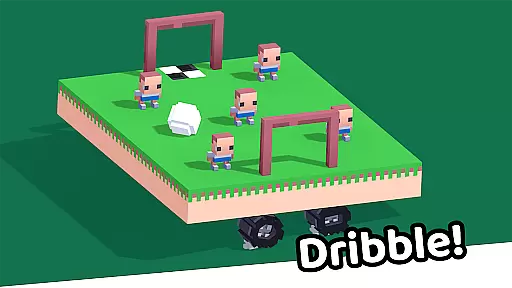

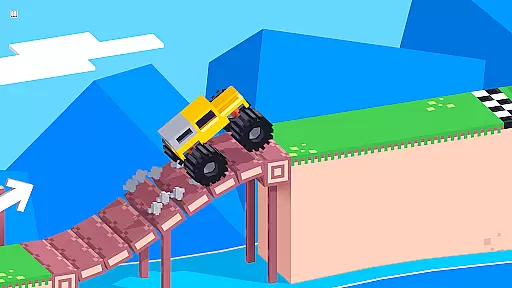
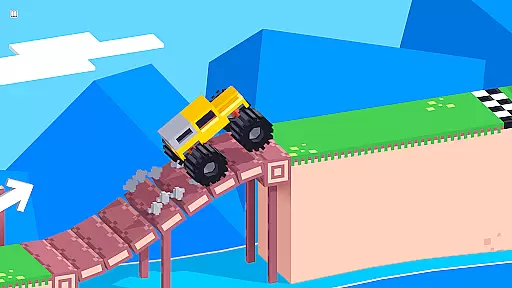
Drive Mad is a physics-based racing game that challenges players to master realistic driving mechanics. With simple controls - right to accelerate and left to brake, the game offers an authentic driving experience that requires actual skill to navigate through challenging levels.
The game features over 100 progressively difficult levels where players can perform impossible stunts and tricks. Its optimized design includes a small install size, smooth performance, and offline play capability, making it an ideal choice for mobile gamers seeking a long-term challenging experience.
Drive Mad stands out with its realistic physics engine that simulates authentic vehicle handling and control. The game's 100+ levels present increasingly complex obstacles and challenges that test players' driving skills.
A key feature is the game's optimization - it maintains fast performance on all devices while occupying minimal storage space. Players can enjoy seamless offline gameplay, allowing them to progress through levels without requiring constant internet connection.
The game also incorporates a progressive difficulty curve that helps players gradually master advanced driving techniques while performing spectacular stunts and tricks.
Realistic handling physics are essential for any racing game that aims to provide an authentic driving experience. Drive Mad excels in this area by implementing advanced physics calculations that mimic real-world vehicle dynamics.
The game requires players to master the art of acceleration and braking through precise timing and control. As users progress through the 100+ levels, they will notice how their skills improve and how the realistic physics engine responds to their inputs with increasing accuracy.
This attention to physical detail not only challenges players but also rewards them as they learn to execute tricks and stunts that initially seemed impossible. The result is a deeper connection between the player and the virtual driving environment.
Precision in controls and minimal input latency are crucial for a racing game to ensure that the driver's actions translate immediately into in-game movements. Drive Mad achieves this by optimizing its control response to be both fast and reliable.
With simple yet responsive controls - right to accelerate and left to brake - players can focus on mastering the challenging driving mechanics without being hindered by complex button combinations or delayed reactions.
This streamlined approach allows for an immersive experience where every touch matters, enabling players to perform increasingly difficult maneuvers as they become more adept at navigating the tracks.
Realistic physics simulation
Over 100 challenging levels
Compact install size
Smooth performance on all devices
Fully functional offline mode
Steep learning curve
Limited control options
No multiplayer mode
Basic graphics quality
Repetitive gameplay elements
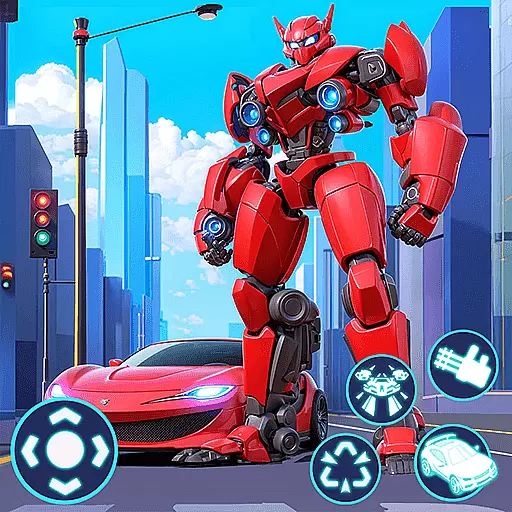
In Smash Car: Robot Racing, drive a transforming mech across the battlefield!
 4.50
4.50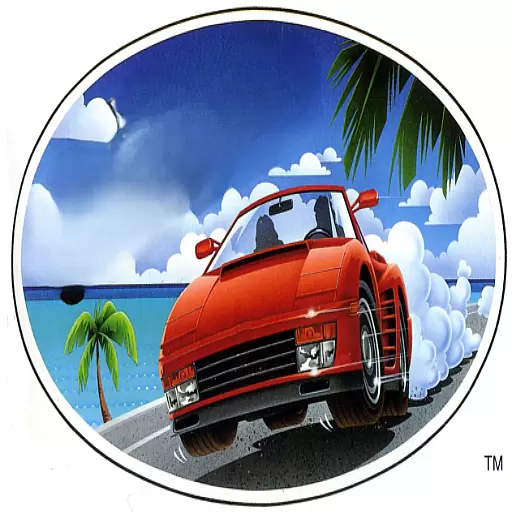
Drive to the finish line.
4.3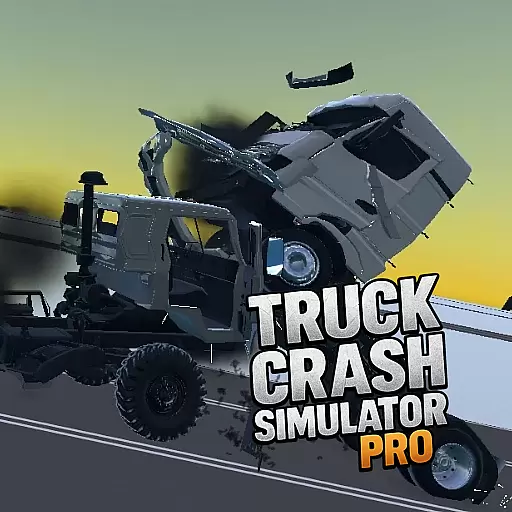
Drive and crash trucks in arenas, test zones and intercity routes.
4.5
Play open world offroad simulator car game. Drive cars over mud, sand and snow.
4.00
Experience the ultimate thrill of realistic motorcycle racing.
4.30
Drift, jump, and destroy cars! Race faster than all the cars in the 3D arena!
4.60
Drive in Your Lane in Your Own Style.
4.5
Driving simulator with German cars. Racing car games without ads and limits.
4.20
Get your ride and explore a trial racing paradise in Stunt Bike Extreme!
4.70
Master your off-road driving skills in this hardcore, physics-based racing game.
4.90
Master the controls and become the legendary motorcycle rider in the Open World
4.70
Master the controls and become the ultimate extreme motorcycle driver in world
4.60
Realistic extreme bike racing game — experience pure speed and ride fast!
4.60
Real F1 action. Compete in strategic multiplayer races and climb the ranks.
4.50
Experience exciting multiplayer racing action with epic stunts and challenges!
4.50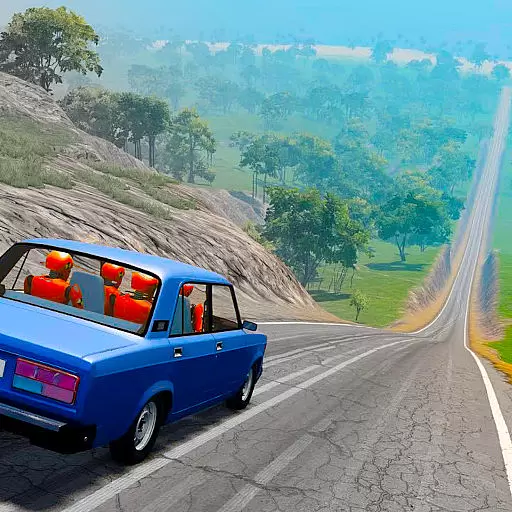
Drive off hill in the offroad car racing game with advanced crash physics!
4.30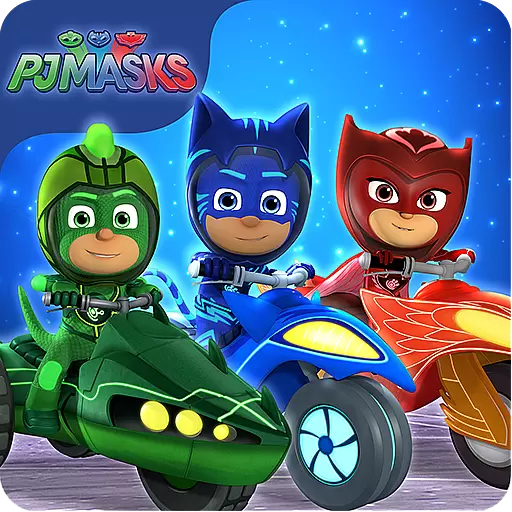
Race with Catboy, Owlette and Gekko on a brand new lunar adventure!
3.90
Evolve through the Timelines!
3.90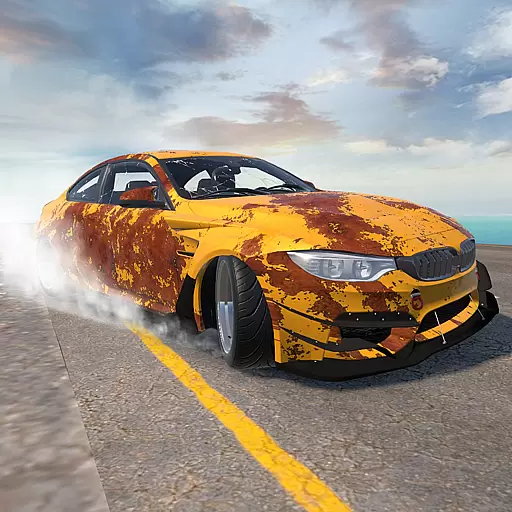
Drift. Earn. Tune. Deliver.
3.20


User Reviews