
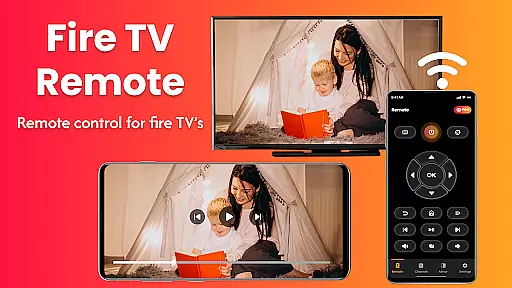
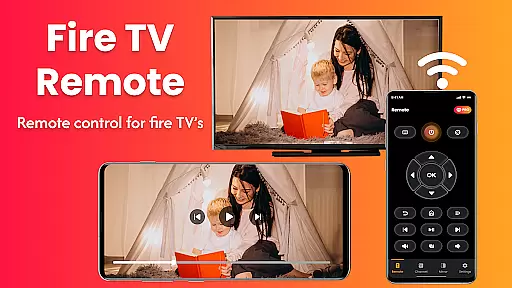
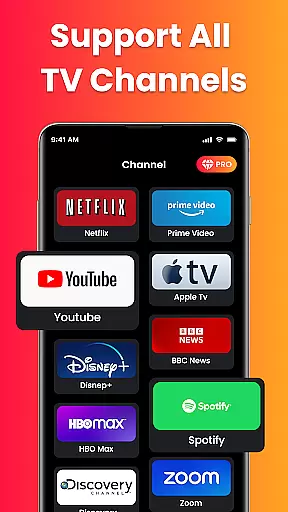
Fire Remote TV Control is a dedicated application that transforms your Android phone into a comprehensive remote control for Fire TV and Fire Stick devices. It offers full navigation, playback controls, volume management, and screen mirroring capabilities without the need for pairing codes or complex setups. Designed exclusively for Fire TV users, this app provides instant connection over Wi-Fi and supports all versions of Fire TV Stick, Fire TV Cube, and Fire TV Edition smart TVs.
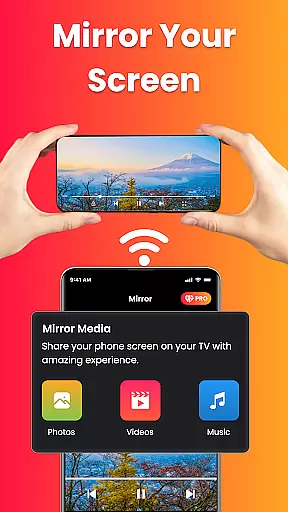
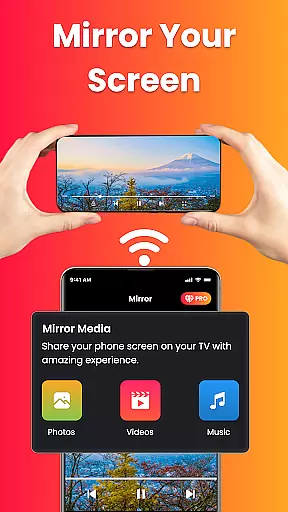
The app's standout feature is its ability to mirror your phone's screen directly to your Fire TV with just one tap. This makes it perfect for sharing photos, streaming videos, browsing apps, or presenting content wirelessly on a larger display. Whether you're watching mobile videos on your TV, displaying photo slideshows, or conducting wireless presentations, Fire Remote TV Control simplifies the process significantly.
For those who have misplaced their physical remote or simply desire faster control options, this app delivers an intuitive interface with no login requirements or technical skills needed. Its lightweight design ensures fast performance while maintaining battery efficiency. Overall, Fire Remote TV Control enhances user experience by providing seamless integration between mobile devices and Fire TV platforms.
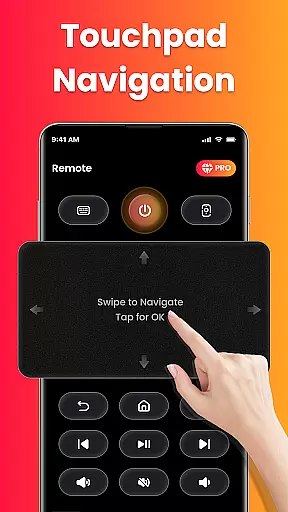
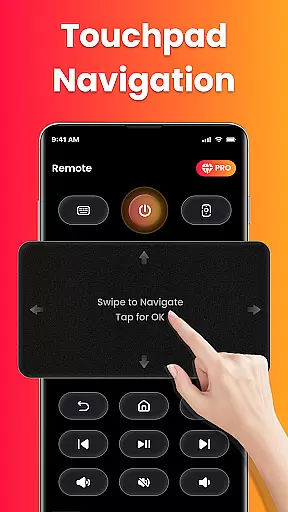
One of the key features of Fire Remote TV Control is its complete remote functionality tailored specifically for Fire TV and Fire Stick users. The app includes a directional pad and touch controls for menu navigation, along with essential functions such as controlling volume, muting/unmuting audio, powering devices on/off (where supported), and managing video playback through play, pause, rewind, fast forward, and stop commands.
In addition to basic remote functions, Fire Remote TV Control offers advanced capabilities like an on-screen keyboard for quick typing and searches within the Fire TV interface. Another notable feature is its screen mirroring capability which allows users to cast their phone’s screen directly onto their Fire TV with minimal effort. This function supports various activities including media streaming, photo sharing, and wireless presentations.
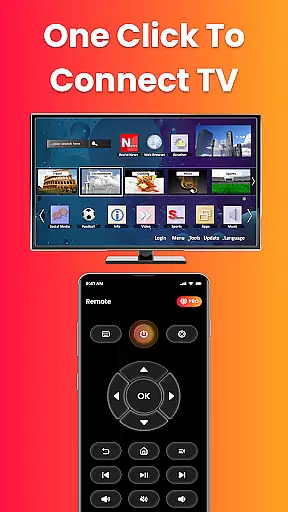
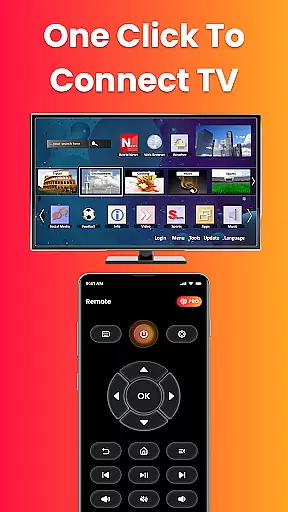
The app stands out due to its instant connection over Wi-Fi without requiring any pairing codes or additional setup steps. Its compatibility extends across multiple Fire TV models ensuring broad usability among Amazon's streaming device ecosystem. Furthermore, the clean and intuitive interface enhances user interaction making it easy even for non-technical individuals to operate effectively right from installation.
In the context of Fire Remote TV Control, ensuring property listing authenticity refers to the app's compatibility and accurate representation of supported Fire TV devices. This app provides a truthful and verified list of all compatible Fire TV models, including Fire TV Stick versions, Fire TV Cube, and Fire TV Edition smart TVs.
The application is meticulously designed to work seamlessly with Amazon's Fire TV ecosystem, ensuring that users can trust the device specifications and supported features listed in the app description. This commitment to accuracy helps users avoid frustration from mismatched expectations and ensures optimal performance when controlling their devices.
By exclusively focusing on Fire TV products and clearly stating which models are supported, the app establishes reliability. Users benefit from knowing exactly what they can expect when using this remote control solution, enhancing their overall experience with Fire TV devices.
Fire Remote TV Control offers essential home management features tailored specifically for Fire TV users. The app consolidates complete remote functionality into a single mobile application, enabling users to navigate menus, adjust volume, manage playback controls, and even mirror their phone's screen to their television.
One standout feature is the effortless screen mirroring capability, allowing users to display photos, stream videos, or present content directly from their Android phone to their Fire TV-connected television. This functionality enhances home entertainment options and simplifies wireless presentations.
Additionally, the app eliminates cumbersome setup processes by connecting instantly over Wi-Fi without requiring pairing codes or complicated configurations. This streamlined approach to home device management makes it easier for users to maintain and operate their Fire TV ecosystem efficiently, ultimately contributing to a more organized and enjoyable smart home experience.
User-friendly interface
Instant Wi-Fi connectivity
Comprehensive remote functions
Efficient screen mirroring
Broad device compatibility
Limited to Fire TV ecosystem
No Chromecast support
Third-party app risks
Potential connection issues
Dependent on Wi-Fi stability

Tailored Care Guides For Houseplants, Indoor Plants, Garden Plants & Flowers.
 4.60
4.60
Control your Daikin, Amana & Goodman heating & cooling systems from anywhere
4.40
SmartRent - Opening Doors To A Smarter World
4.40
Resident Center, powered by Buildium, is designed with simplicity in mind.
4.50
MLS-powered real estate app to find homes for sale & apartments for rent
4.70
Samsung remote app helps control all Samsung Smartthings TVs. Fast and Stable!
4.10
Looking for the perfect apartment finder app? Find beautiful rental homes here!
4.60
Set up your devices, customize settings, and monitor your home—from anywhere
4.40
Find homes for sale and apartments for rent in the best neighborhood.
4.70
Connect with reliable pros for maintenance services, plumbing, and home design!
4.80
Convert your Phone to HiSense Smart TV Remote Control
4.70
Innovative and budget-friendly housing options
4.60
For all of your Airthings devices
4.30
Fully control your Philips TV with this all-in-one remote control app.
4.20
Our app allows Sunrun customers to monitor systems, pay bills, and get support.
3.80
Find the perfect paint color with advanced tools to explore and visualize color.
3.80
IP camera view and playback, for your WiFi cam or home security cctv system.
3.70
An easier way to make payments and maintenance requests from anywhere.
3.50
PRO Version of GLB AR Viewer
4.2


User Reviews