
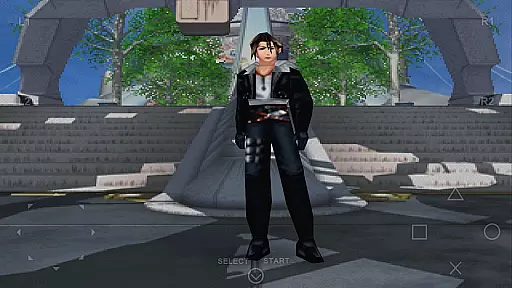
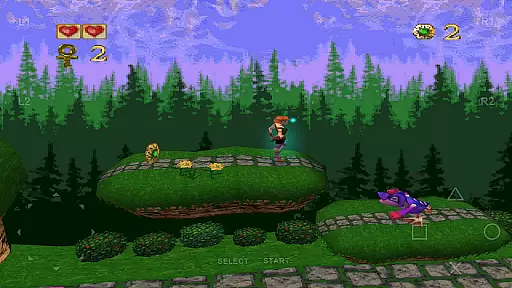
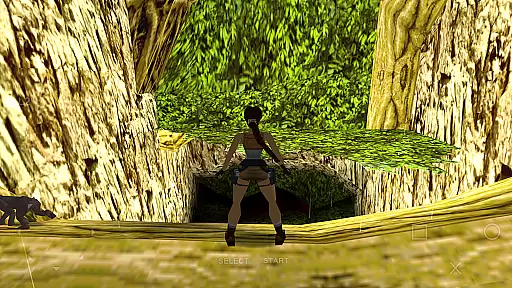
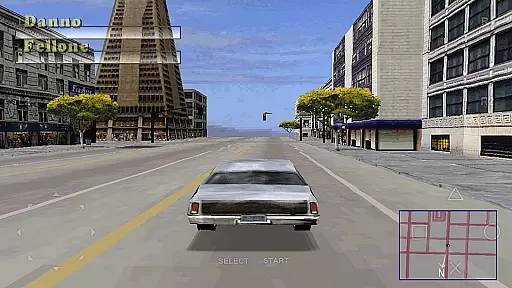
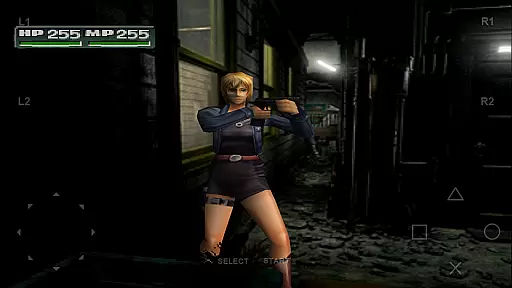
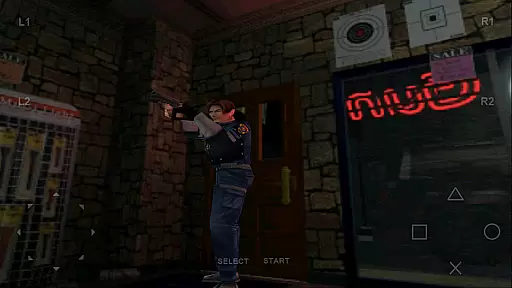
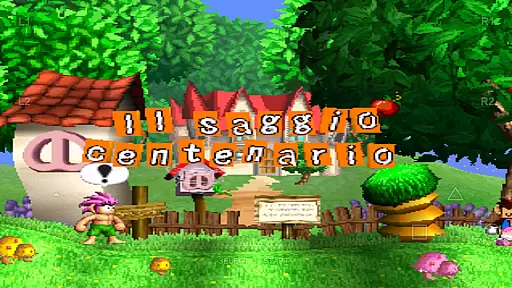
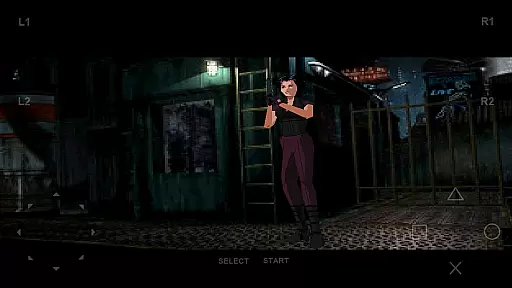
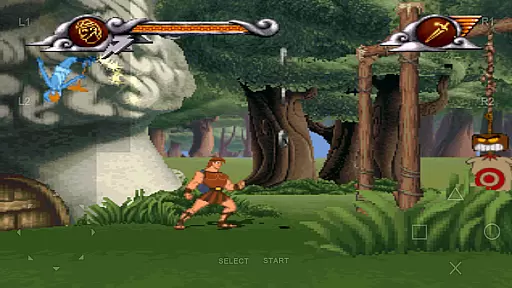
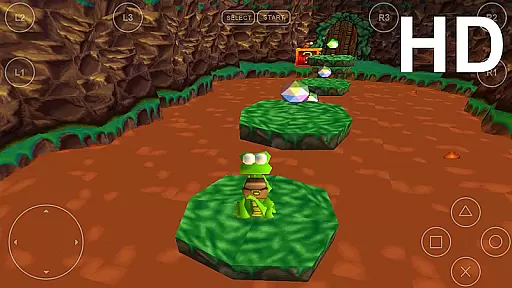
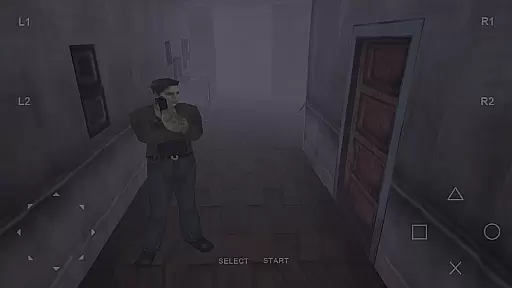
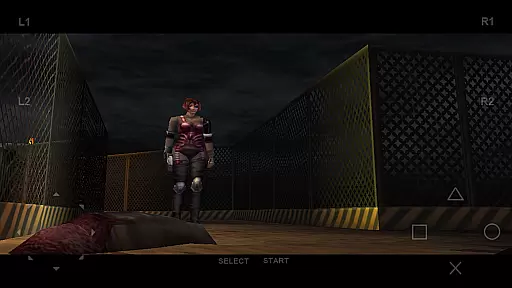
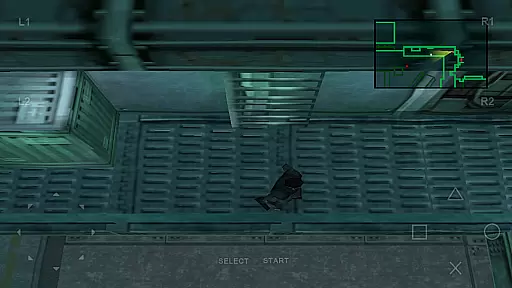
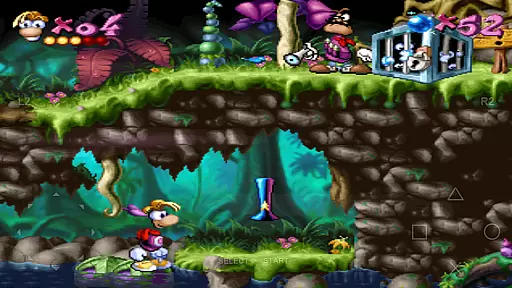
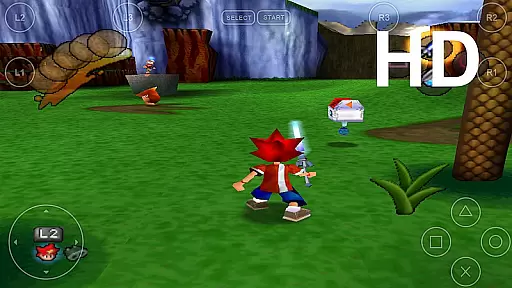
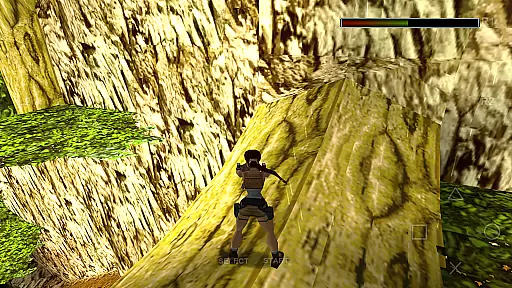
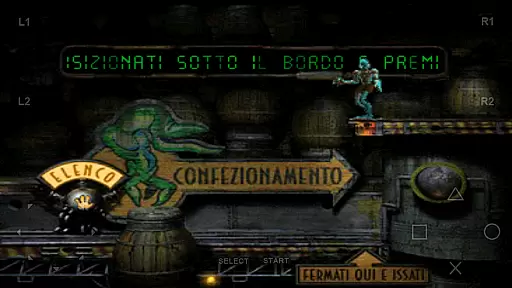
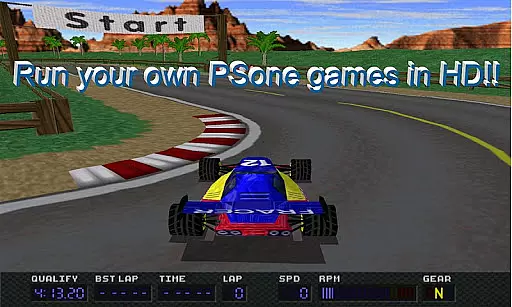
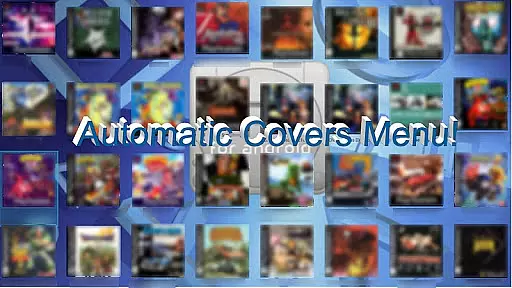
FPse for Android devices is a premier PSone emulator designed specifically for mobile platforms, allowing users to play PlayStation 1 games directly on their smartphone screens. The app supports high-resolution graphics through OpenGL, delivering exceptional visual quality and performance. It is compatible with a wide range of Android versions from 2.3 to 8, ensuring broad device support.
The emulator features an intuitive interface that automatically scans local storage for PSone games and displays their covers. Users can enjoy advanced functionalities such as savestates, force-feedback, and emulation of audio tracks using .cue files. FPse also offers compatibility with various controllers, including iControlPAD and Zeemote, enhancing the gaming experience.
With its innovative multiplayer LAN mode and exclusive cheats search engine, FPse provides unique gaming opportunities. Whether playing solo or engaging in multiplayer sessions across multiple devices, users can enjoy classic PSone games with enhanced graphics and functionality. This makes FPse an ideal choice for gamers seeking a nostalgic yet modernized gaming experience on their Android devices.
FPse for Android boasts an array of sophisticated features tailored to enhance the emulation experience. One standout feature is its ability to run games at high performance levels, even on lower-end devices, while offering significant improvements on newer hardware. The inclusion of OpenGL support allows for stunning graphics rendering, making games visually appealing.
The app includes three distinct menus that display game covers and offer video samples of each game. Users can easily create savestates at any point during gameplay, providing flexibility and convenience. Additionally, FPse supports various file formats like .img, .iso, .bin, and more, accommodating different user preferences and needs.
FPse further distinguishes itself with experimental multiplayer modes, enabling LAN play between two Android devices and supporting up to four players across multiple devices. With native NFS protocol support and preliminary VR glasses compatibility, FPse continues to push the boundaries of mobile gaming emulation, offering unparalleled versatility and innovation.
FPse for Android offers a streamlined and intuitive experience that makes PlayStation 1 gaming accessible to all users. The emulator is designed to run smoothly on a wide range of devices, from older models to the latest smartphones.
The application automatically scans local storage for PSone games, displaying their covers and enabling quick access. This eliminates the hassle of manual searching and allows users to jump straight into their favorite titles with minimal effort.
With support for multiple control schemes including touchscreens, external gamepads, and even motion controls, FPse ensures that gameplay remains simple and enjoyable. These adaptable controls provide a seamless transition from traditional console gaming to mobile play.
Additionally, features like savestates and autofire make gameplay more forgiving and user-friendly. Players can save progress at any point and utilize autofire for repetitive actions, enhancing the overall casual gaming experience.
One of FPse's standout features is its ability to accommodate various session lengths, making it perfect for both short bursts of play and extended gaming marathons. The emulator's performance optimization ensures smooth gameplay regardless of session duration.
For quick gaming sessions, the savestate feature allows players to pause and resume at any moment. This is particularly useful for users who need to quickly attend to other tasks but want to continue their progress later without losing momentum.
On the other hand, FPse's high compatibility and stability enable long gaming sessions without performance degradation. The emulator maintains consistent frame rates and sound quality, even during complex scenes in graphically demanding games.
Furthermore, the implementation of modern features such as widescreen display and HD rendering enhances the experience for longer sessions. These enhancements reduce eye strain and maintain visual interest, encouraging extended play periods while preserving the original game's integrity.
High compatibility
Advanced graphics
Wide file support
Multiplayer options
Controller support
Complex setup
Legal concerns
Device limitations
Ads presence
Occasional bugs
Relax and Explore your own fishing travel
 4.50
4.50
Blast through Match-3 puzzles, collect cute creatures, build your own paradise!
4.90
Join Tom and friends and care for them. Create fun stories and play mini-games.
4.30
Click your way to a fortune in Treasure Chest Clicker!
4.40
Spice up your next game night with a threesome of hilarious adult party games!
4.3
InfinityLabyrinth it is the most valuable game in the universe.
4.1
Build bridges till the winning stage!
4.20
More fast-paced, food-making, cooking fun for everyone!
4.90
A cozy puzzle city builder for creativity on the go
4.2
Help Austin renovate his home and solve exciting match-3 puzzles along the way!
4.70
Style your hair with Hair salon, Spa Beauty salon - Make up doll game
4.50
Talking Tom and pets bring adventure to this fun virtual cat game.
4.30
Plan, craft and compete—an idle RPG with a smart Forge and Eternal cards.
4.20
Merge numbers on the balls and run to aim for 2048!
4.20
The official Taskmaster app. A jam packed extravaganza of Taskmaster fun!
4.00
A Cozy Cooking Game. Mix, Cook, and Discover New Recipes!
3.70
Relive those 8 bit glory days
4.5
1000 Start Ups is a fun endless running game suitable for all ages.
4.4
A companion app for score tracking while playing My Cows! on a roadtrip
4.3


User Reviews