
Goodreads is the world's largest platform for book enthusiasts, offering a comprehensive space to discover, track, and share books. With over 75 million members and 2.2 billion books cataloged, it serves as an essential tool for readers seeking personalized recommendations and community engagement.
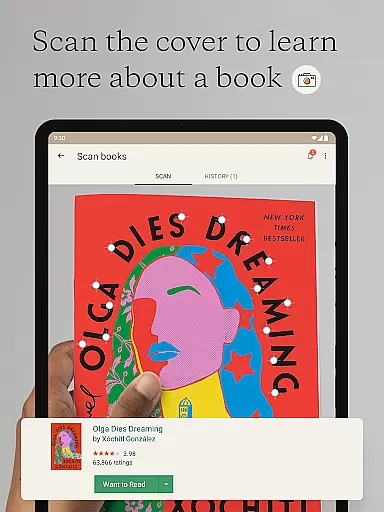
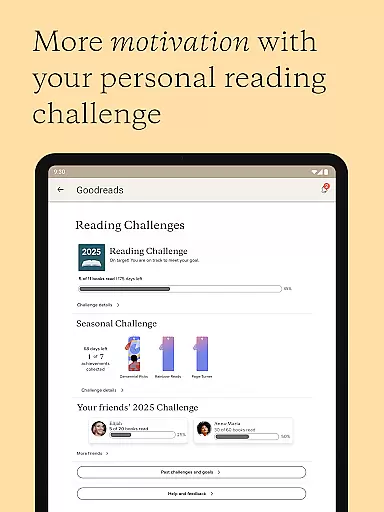
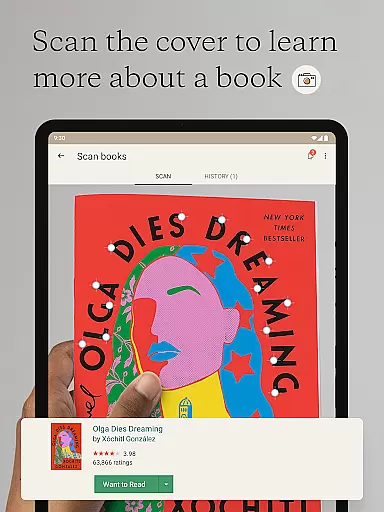
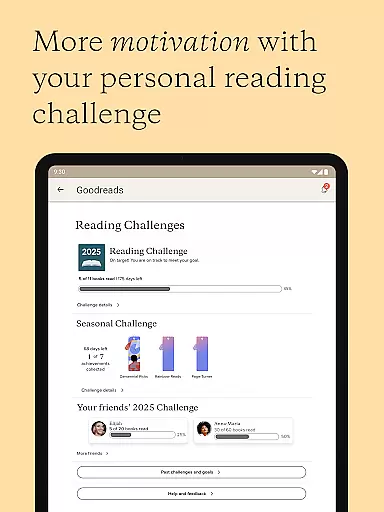
The app allows users to scan book covers for instant reviews, manage their reading lists, and participate in social features like the Reading Challenge and discussion groups. Whether you're looking to expand your literary horizons or connect with fellow book lovers, Goodreads provides a seamless experience across mobile devices.
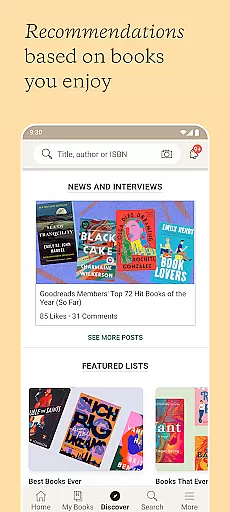
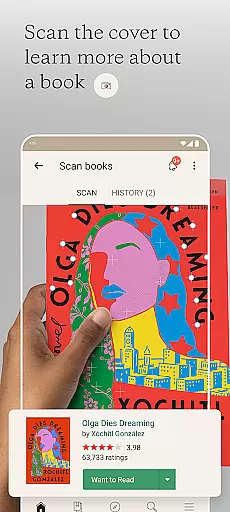
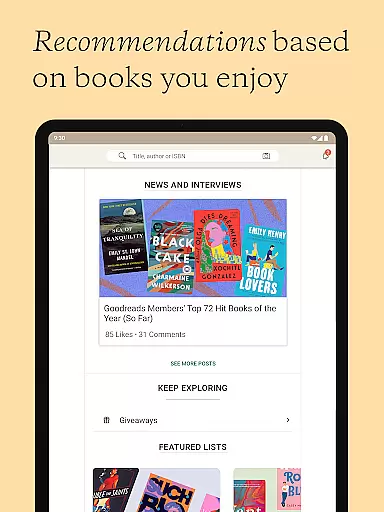
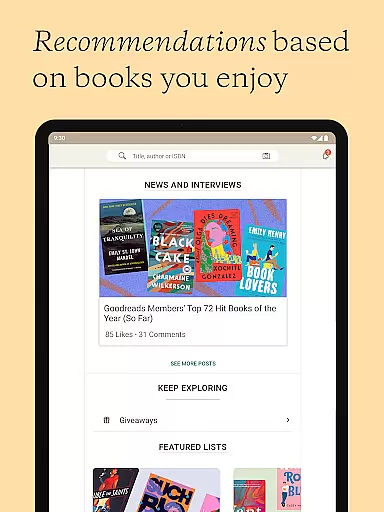
Goodreads offers robust features tailored for book discovery and reader interaction. Users can scan book covers to access reviews and ratings instantly, helping them make informed decisions about their next read. The recommendation engine analyzes individual preferences to suggest books aligned with personal tastes.
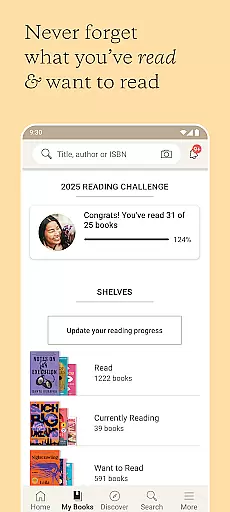
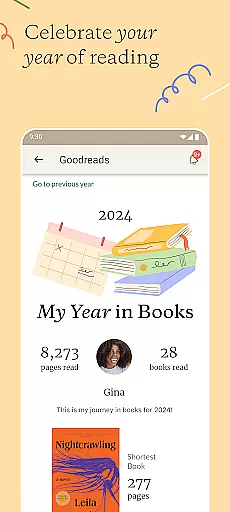
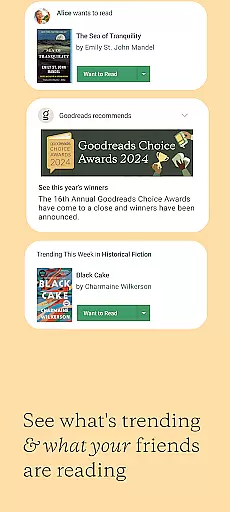
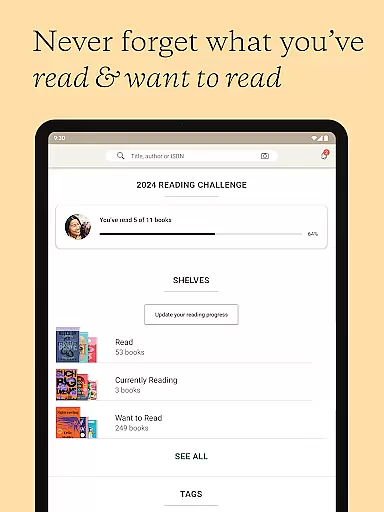
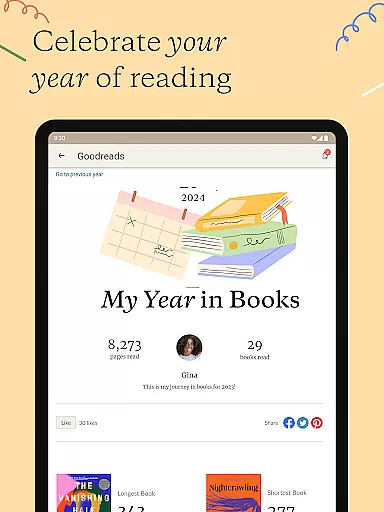
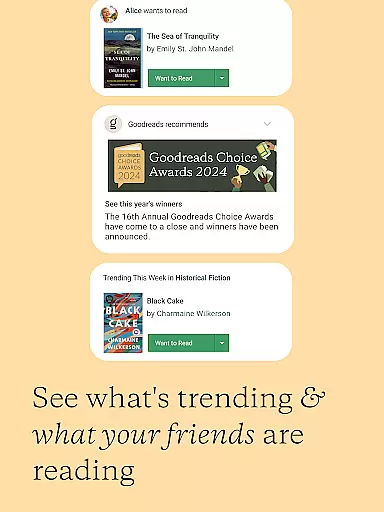
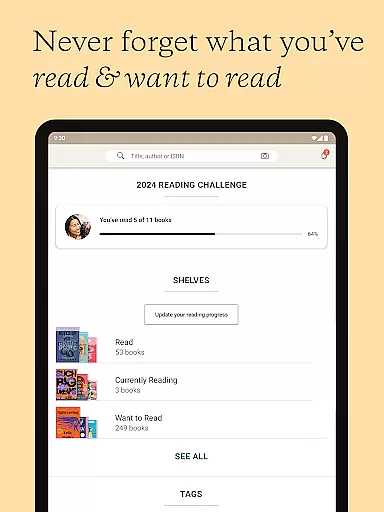
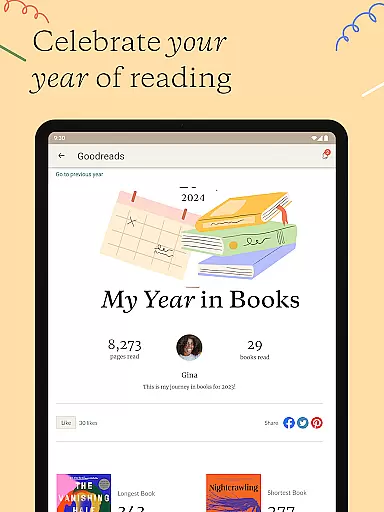
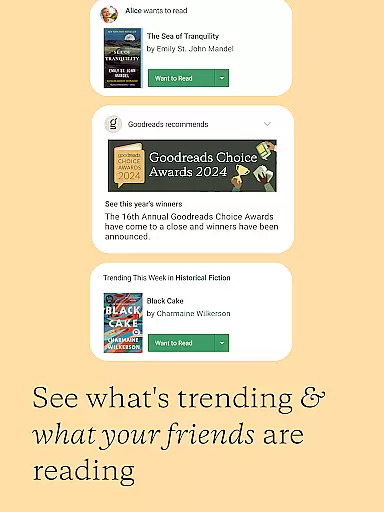
Tracking and sharing capabilities are central to the app's functionality. Readers can maintain detailed lists of books they want to read or have completed, post updates on their current reads, and engage in meaningful discussions through reviews, messages, and themed groups. These tools foster both individual growth and community connection among bibliophiles.
Goodreads offers an extensive e-book library with over 2.2 billion books added by more than 75 million members worldwide. This vast collection ensures that readers can find virtually any book they are looking for, from bestsellers to niche genres.
The platform places a strong emphasis on copyright authenticity, ensuring that all books listed are legitimate and properly credited to their authors and publishers. This commitment to copyright compliance provides users with peace of mind, knowing they are engaging with legal and authorized content.
By maintaining such a comprehensive and authentic library, Goodreads not only supports authors and publishers but also enriches the reading experience for its users, allowing them to explore a diverse range of literature safely and legally.
Goodreads excels in format compatibility, allowing users to search, rate, and review any book in their catalog regardless of its original format. Whether it's a paperback, hardcover, audiobook, or e-book, Goodreads supports them all, making it easy for readers to manage their entire library in one place.
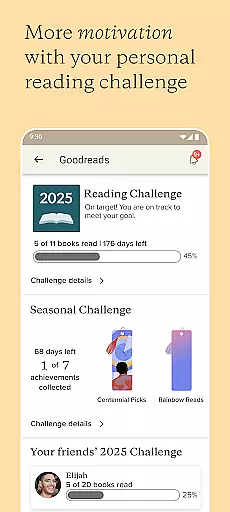
This flexibility extends to the Reading Challenge feature, where users can track their reading goals without worrying about format restrictions. By accommodating various formats, Goodreads encourages a more inclusive and versatile reading habit among its users.
Furthermore, the ability to scan book covers and instantly access reviews and ratings enhances the user experience, bridging the gap between physical and digital book collections seamlessly.
User-friendly interface
Personalized recommendations
Vast book database
Active reading community
Free service
Limited genre filters
Occasional app crashes
Ads in free version
Basic design aesthetics
Privacy concerns

Contains the 365 daily readings and everything other thing needed for catholics
 4.70
4.70
Mirror Bible - eye-opening paraphrase translation of the NT by Francois du Toit
4.30
Enjoy your favorite books
3.50
Werewolf novels & romance stories in audiobooks for book lovers! Werewolf storie
4.60
Learn Electricians' Handbook PRO complete guide beginners to advance.
4.40
Full text, sheet music, and recordings of the print edition
4.60
King James Bible read offline, AI Priest, Bible Quiz, Guiding Prayers & Plans
4.80
Enjoy daily devotionals, Bible verses, audio courses, and more.
4.80
Learn to tie more than 200 knots in 3D!
4.90
A lightweight reader for comics and mangas files (.cbr, .cbz, .cbt, .pdf, ...)
4.80
8 Dr. Seuss short stories in 1 app!
4.70
Read unlimited novels, audiobooks, stories & Unlock ebooks, fanfiction and more!
4.70
Read aloud texts, audiobooks, PDFs or any eBook with text to speech AI audio
4.60
The Original & Authentic Crystals, Gemstones, Rocks & Minerals Encyclopedia.
4.60
Master AKC Rally signs with in-depth hints, diagrams, and expert guidance.
4.50
The ultimate military vehicle identification (Equipment ID) guide.
4.40
Improve your vocabulary and grammar with the 15 biggest Oxford Dictionaries.
4.30
A companion for prayer, with Azan alarm, Quibla direction, and Holy Quran book
4.10
Battle Royale Chapter 5 Season 2 HD Wallpapers Emotes Skins and BattlePass
3.00


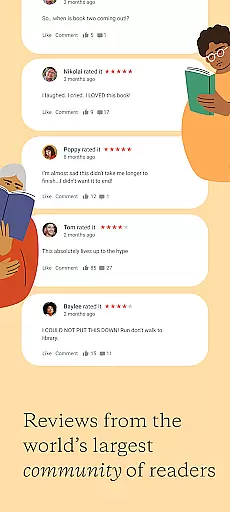
User Reviews