
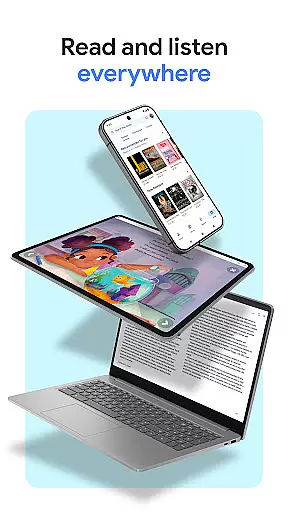
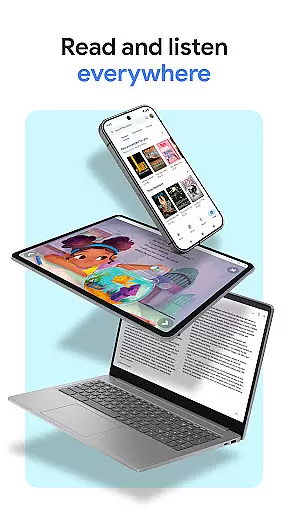
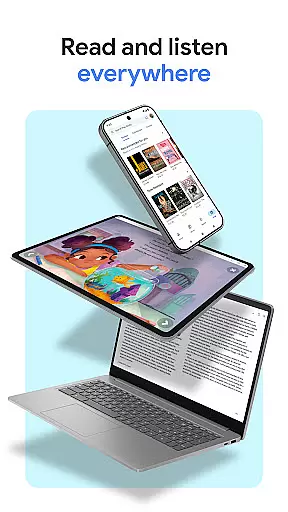
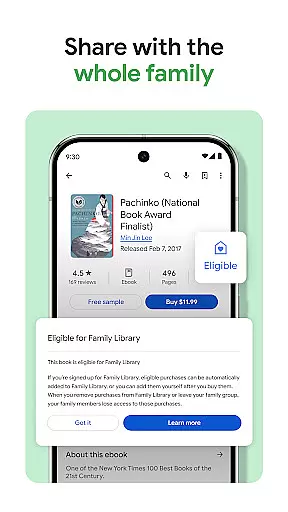
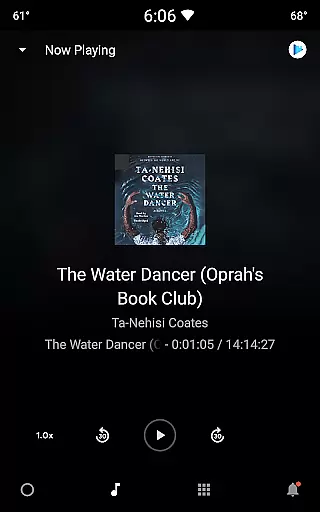
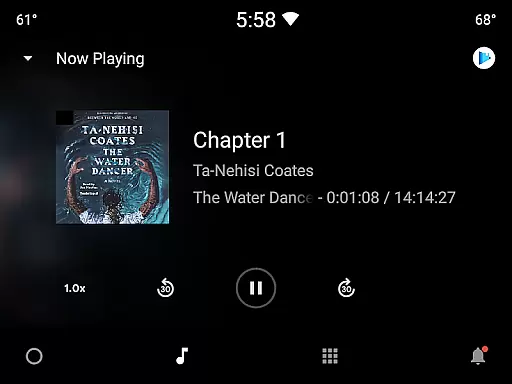
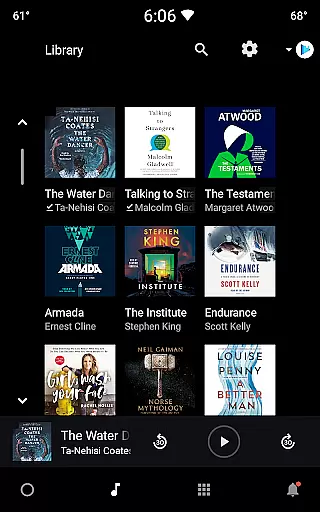
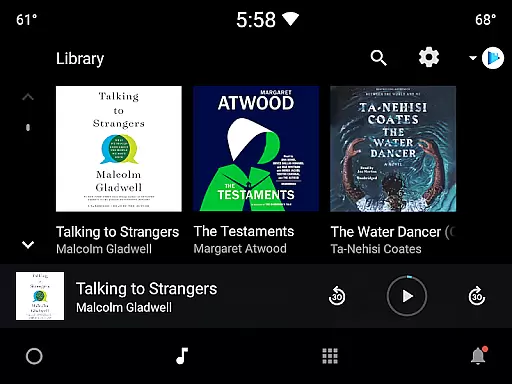
Google Play Books & Audiobooks is a comprehensive reading app that offers millions of ebooks, audiobooks, comics, and manga. It allows users to access their library across multiple devices including phones, tablets, computers, and even in-car systems through Android Auto. The app supports offline downloads, making it convenient for users to read anytime, anywhere.
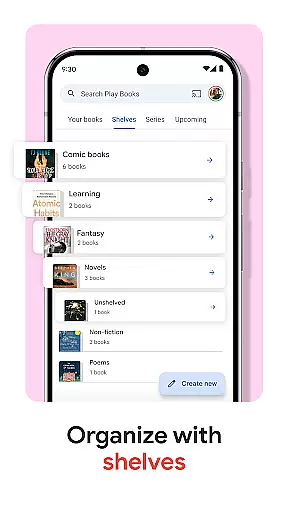
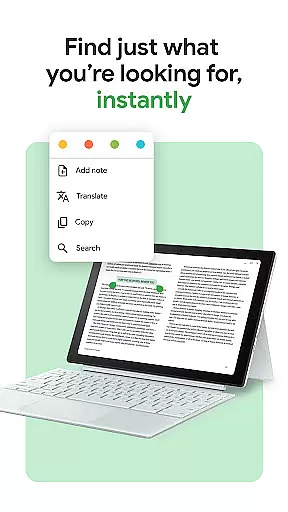
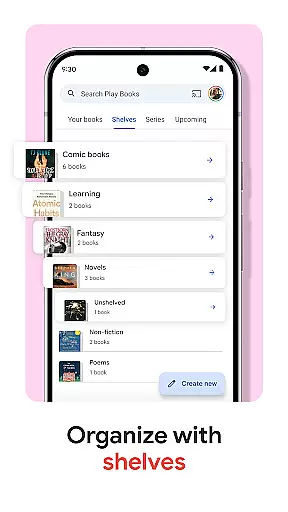
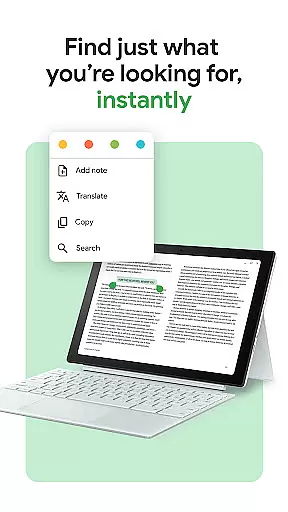
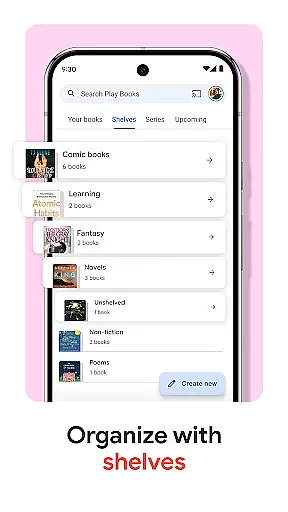
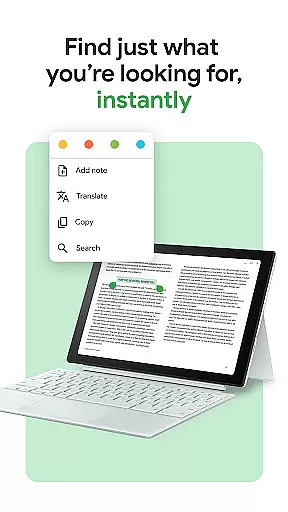
A standout feature is the ability to organize books using custom shelves, allowing personalized categorization by genre, author, or theme. Additionally, users can take smart notes that sync with Google Drive, facilitating easy sharing and collaboration. With options like hands-free audiobook control via Google Assistant and customizable reading settings, Google Play Books provides an adaptable reading experience suitable for all preferences.
This app is ideal for avid readers who want a versatile platform to manage and enjoy various types of reading materials. Whether commuting, traveling, or relaxing at home, Google Play Books ensures you always have access to your favorite stories.
Google Play Books & Audiobooks boasts several key features that enhance the reading experience. One notable aspect is its cross-device compatibility, enabling users to seamlessly transition between their phone, tablet, computer, and car systems. This flexibility ensures that users can continue reading wherever they are, without losing their place.
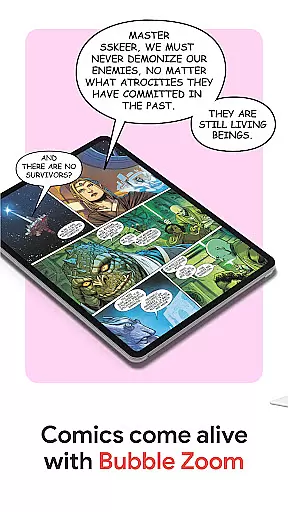
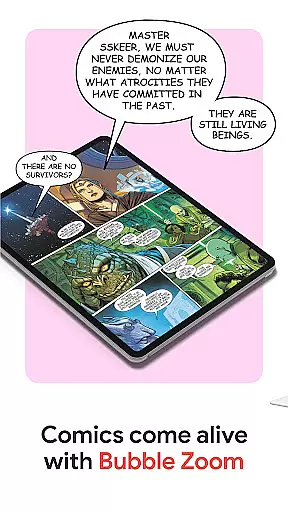
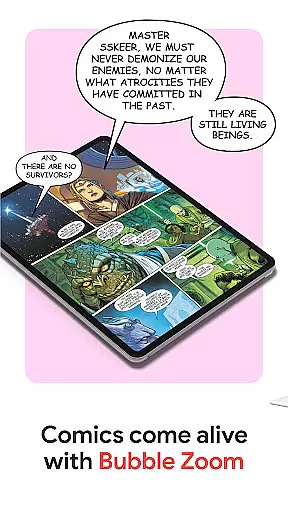
The app also includes innovative tools such as Bubble Zoom for an immersive comic and manga reading experience. Readers can preview samples before purchasing, ensuring they find the perfect book. For those interested in audiobooks, hands-free control via Google Assistant adds convenience. Furthermore, the app's customization options allow users to adjust font, text size, brightness, and more, tailoring the interface to individual preferences.
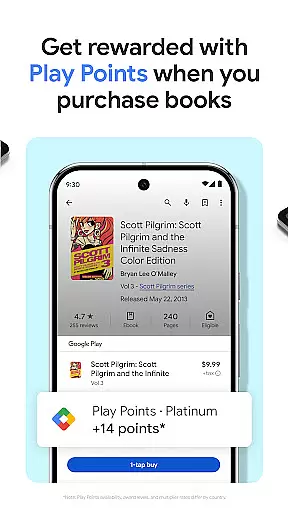
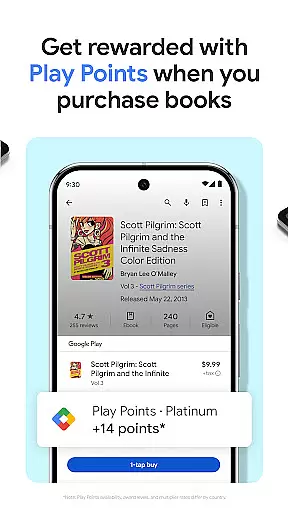
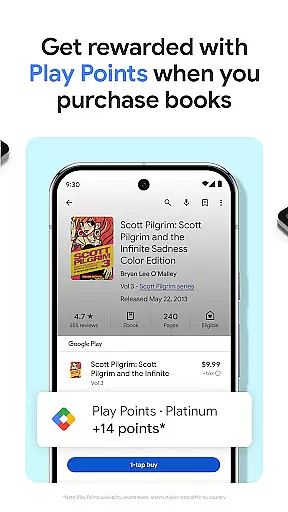
Additional features include earning Google Play Points on purchases, organizing libraries with custom shelves, and taking smart notes that sync with Google Drive. These functionalities collectively create a robust platform that caters to diverse reading needs and enhances user engagement.
Google Play Books offers an extensive e-book library with millions of titles across various genres and categories. This vast collection ensures that readers of all interests can find books that suit their preferences. The platform partners with reputable publishers and authors to provide a wide range of reading materials.
Copyright authenticity is a crucial aspect of Google Play Books' offerings. Each book in the library is legally licensed, ensuring users access legitimate content. This commitment to copyright compliance gives readers peace of mind knowing they are supporting authors and publishers while enjoying their favorite books.
The app's comprehensive library includes bestsellers, classic literature, academic texts, and niche publications. This diversity allows users to explore different topics and discover new authors. Whether you're looking for educational materials or leisure reading, the platform's extensive collection has something for everyone.
User-friendly interface
Extensive book selection
Cross-device syncing
Offline reading capability
Customizable reading settings
Limited Play Points availability
No subscription model
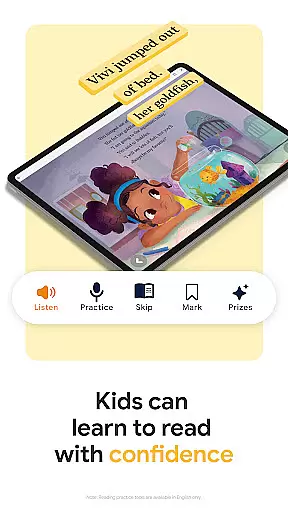
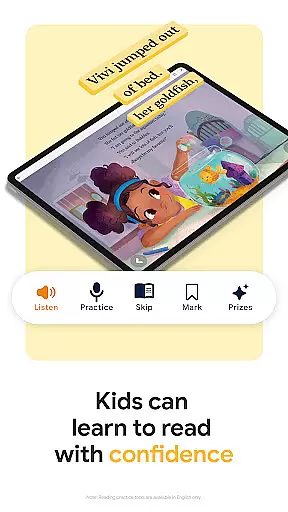
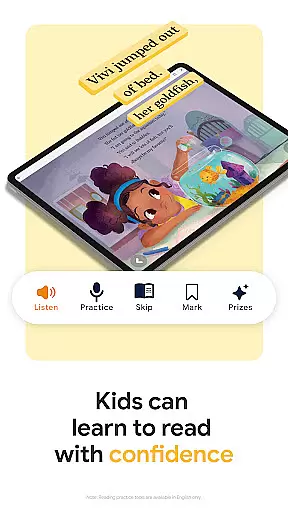
Kids tools in English only
Occasional syncing issues
Some features region-locked

Offline dictionary for learning Cantonese as a second language
 4.90
4.90
Pretty Moon information App with Complications and Tile
4.30
Crowd-sourced listing of businesses with anti-gun signs, and pro-2a alternatives
4.60
Knots 360 Pro ( 3D ) shows you animated 192 knots in 3D perspective
4.10
Shop over 13 million new and used books at up to 80% off list price
4.20
Improve your vocabulary and grammar with the 15 biggest Oxford Dictionaries.
4.30
A lightweight reader for comics and mangas files (.cbr, .cbz, .cbt, .pdf, ...)
4.80
Daily thoughts, meditations, and prayers for living a sober life in recovery.
4.90
World's most comprehensive dictionary app: 13 languages, all online or offline!
4.80
Contains the 365 daily readings and everything other thing needed for catholics
4.70
This is the pro version King James bible Offline that we have
4.70
Discover Stars and Planets: Live Map Shows Current Constellations in Full Detail
4.70
Daily Devotional Widgets & Hourly Verses. Listen to Bible & Watch Holy Stories
4.70
"Five Dr. Seuss titles in one omBook!"
4.60
Mirror Bible - eye-opening paraphrase translation of the NT by Francois du Toit
4.30
Read the romance stories on the go. Take my breath away, The Spoiled Girl
4.30
Zerobooks Light Novel Reader by GOLDENAGATO
4.20
ISAIAH EXPLAINED with Avraham Gileadi Ph.D.
4.00
Read Trending Romance Stories
4.00


User Reviews