

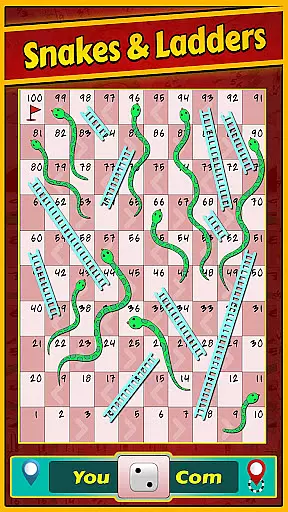

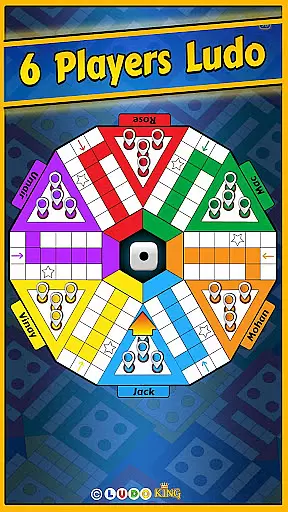

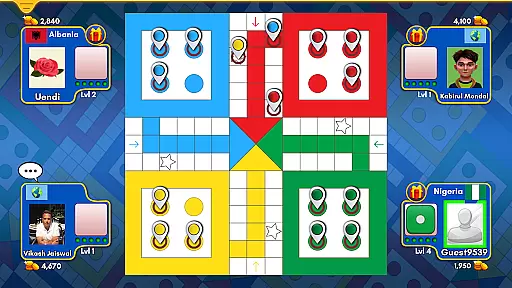
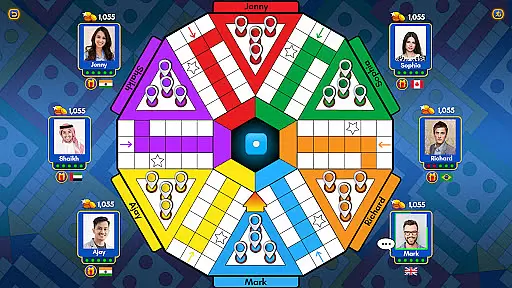


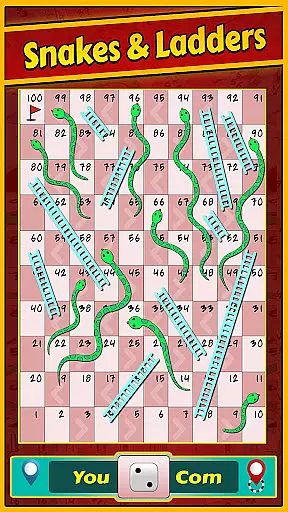

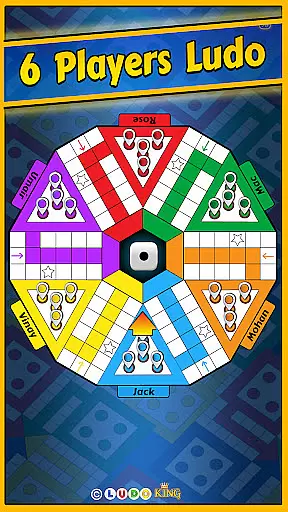

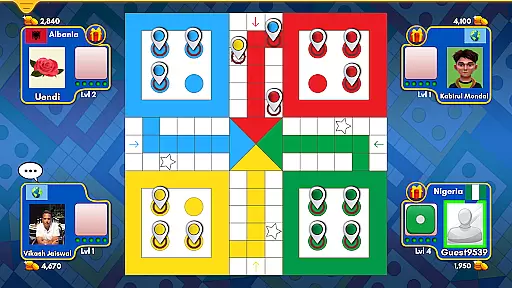
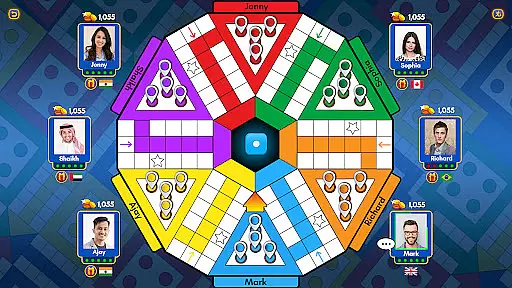


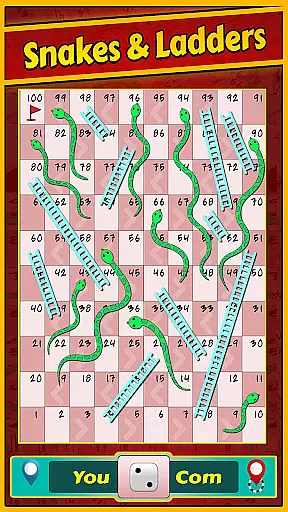

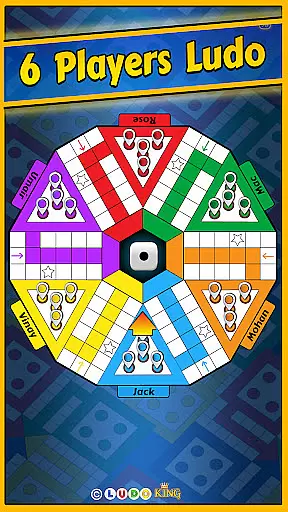

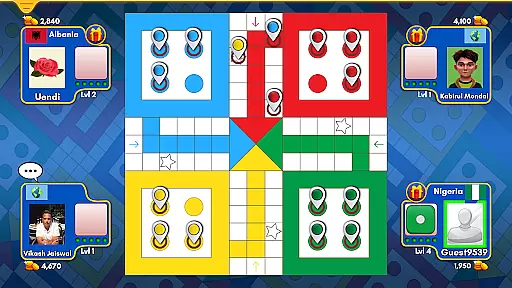
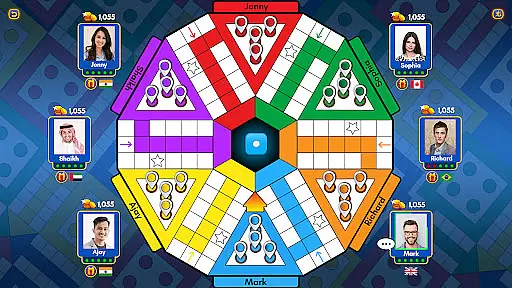

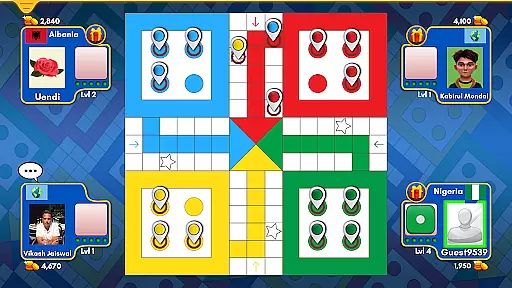
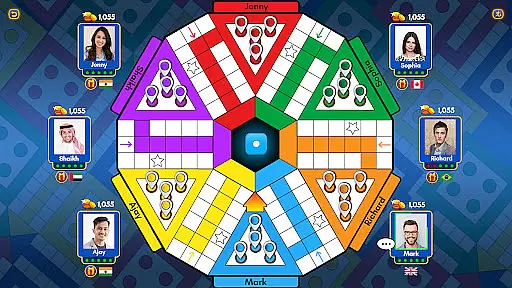

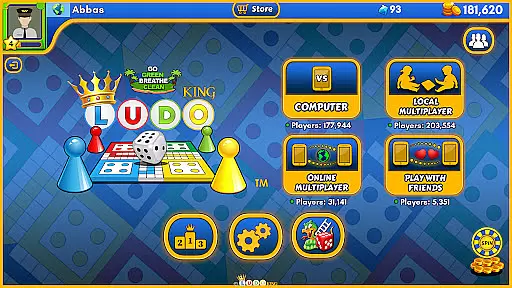
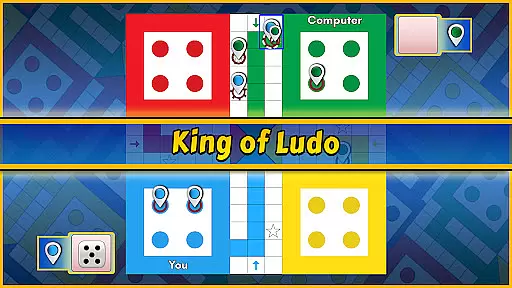



Ludo King® is the ultimate digital adaptation of the classic board game, designed for modern gamers who want to relive their childhood memories. With over 1.5 billion downloads, this app offers multiple game modes including Ludo and Snakes and Ladders, supporting up to 8 players in tournaments. The game allows both online multiplayer sessions with friends and offline play against computer opponents or in local pass-and-play mode.
What sets Ludo King® apart is its cross-platform compatibility, working seamlessly on Desktop, Android, iOS, HTML5, and Windows mobile platforms. Players can enjoy various themes like Disco, Nature, and Pirate, enhancing the visual experience. The addition of social features such as voice chat, text chat, and the ability to challenge Facebook friends makes it a dynamic social hub for board game enthusiasts.
Whether you're looking to engage in quick matches or extended tournaments, Ludo King® provides endless entertainment. Its user-friendly interface and support for low-end devices ensure accessibility for all players. By combining traditional gameplay with modern features like daily goals and reward systems, Ludo King® delivers a comprehensive gaming experience that appeals to both casual and competitive players.
Ludo King® stands out with its diverse range of features designed to enhance the classic board game experience. The app supports multiple game modes including the traditional Ludo and Snakes and Ladders, with options for 2 to 6 player local multiplayer and online matches. Players can choose from several themes such as Disco, Nature, and Pirate, offering a personalized touch to each game session.
The inclusion of social features significantly enriches the gameplay. Users can engage in voice and text chats, send friend requests, and even challenge their Facebook friends in private game rooms. The quick mode and tournament options provide varied playing styles, while the save/load game feature ensures flexibility. Additionally, the app's support for offline play against AI opponents makes it versatile for any situation.
Accessibility is another key aspect of Ludo King®. The game runs smoothly on low-end devices and offers a user-friendly interface that caters to players of all ages. Regular updates introduce new themes and features, keeping the content fresh and engaging. With daily goals and a reward system that includes free dice, coins, and diamonds, Ludo King® ensures that players remain invested and entertained over the long term.
In the realm of board games, maintaining rule authenticity while allowing for flexibility is crucial. Ludo Kingu00ae excels in this aspect by adhering to traditional Ludo and Snakes and Ladders rules, ensuring a familiar experience for players. The game captures the essence of the classic gameplay that has been cherished across generations, making it instantly recognizable and easy to dive into for both casual and seasoned players.
Despite sticking to traditional rules, Ludo Kingu00ae introduces modern elements such as quick mode and tournaments, which add layers of excitement and competition. These features provide flexible gaming options that cater to different playing styles and preferences, whether you're looking for a fast-paced game or a more strategic tournament play. This blend of classic and contemporary keeps the game engaging without compromising its original spirit.
Moreover, the option to challenge Facebook friends in private game rooms adds a personalized twist to the traditional gameplay. This feature not only enhances social interaction but also allows players to create their own set of house rules within the private space. Such flexibility ensures that while the core rules remain intact, players have the freedom to enjoy the game in a way that best suits their social circle.
The quality of AI opponents can make or break the single-player experience in board games. In Ludo Kingu00ae, the AI has been meticulously designed to provide a challenging yet fair playing field. Whether you choose to play against the computer due to lack of internet or simply want to practice your strategies, the AI offers a competitive match that mimics human-like decision-making processes.
One of the standout features of the AI in Ludo Kingu00ae is its adaptive difficulty level. As you progress and improve your skills, the AI adjusts accordingly, ensuring that each game remains challenging and never monotonous. This adaptability caters to players of all skill levels, from beginners learning the ropes to advanced players seeking a worthy adversary. The result is an engaging single-player mode that stands tall alongside its multiplayer counterpart.
Furthermore, the offline mode with AI opponents supports up to six players, providing diverse scenarios and complex gameplay dynamics. This setup allows for intricate strategies and unexpected outcomes, closely simulating a real-life multiplayer experience. With these sophisticated AI opponents, Ludo Kingu00ae ensures that every roll of the dice is met with calculated responses, keeping players on their toes and deeply immersed in the game.
Wide range of game modes
Cross-platform compatibility
User-friendly interface
Regular content updates
Engaging social features
Occasional connectivity issues
In-app purchases can be pricey
Ads may disrupt gameplay
AI opponents lack strategy
Complex UI for new users

Official digital version of the board game Gaia Project.
 4.70
4.70
Legendary board game classic from award-winning designer Vlaada Chvátil
4.70
Play free Bingo with millions worldwide, enjoy nonstop fun and win great prizes!
4.80
Loop and Merge!
4.4
Become the best merchant in Istanbul!
4.60
A brilliant tile placement game: build territories & French medieval landscapes
2.20
The digital strategy game adaptation of the famous board game.
4.00
The Ultimate Chess Experience. For Beginners and Grandmasters!
4.80
Play logic numbers match - Test your IQ with cross math, woody Block Puzzle game
4.90
Enjoy Classic Domino: Master each tile and play offline board games!
4.90
Best Dice Game with Friends!
4.80
Build your perfect make-believe city in the beloved family-friendly board game!
4.70
Celebrate Christmas joy with fun paint by number & happy holiday coloring book!
4.70
The fastest way to learn and improve your Chess! The ultimate Chess teacher!
4.70
Fun bingo with power-ups!
4.70
Relive your favourite childhood game, now on mobile and tablet.
4.60
Train your brain with classic backgammon and become the lord of this board game!
4.30
Flip & Write game from the Roll Player universe. Expert Game of the Year nominee
4.00
Take command and turn your faction into the most powerful in all of Europa!
3.80


User Reviews