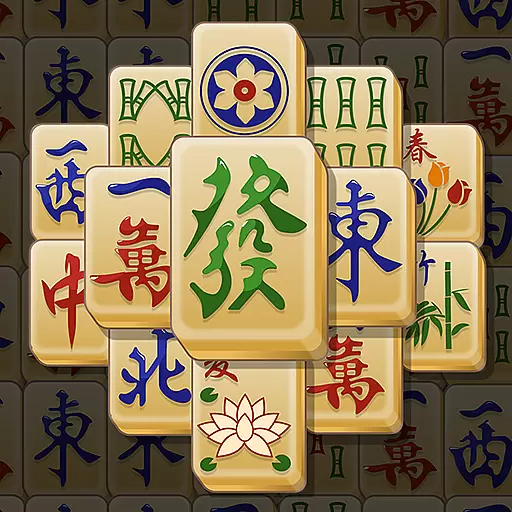
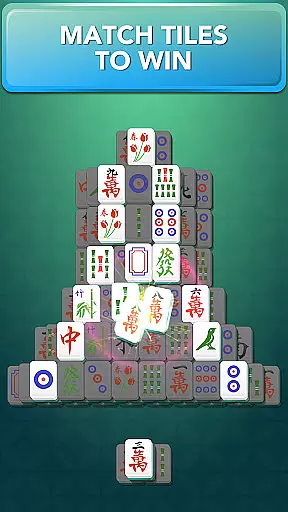
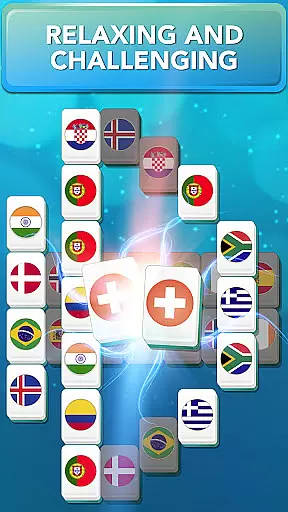
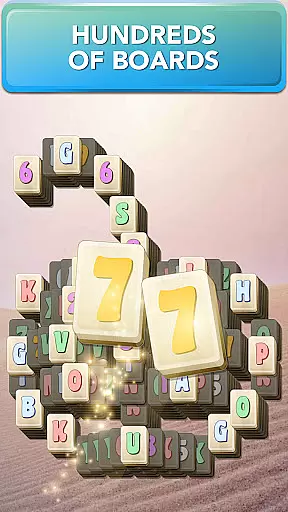

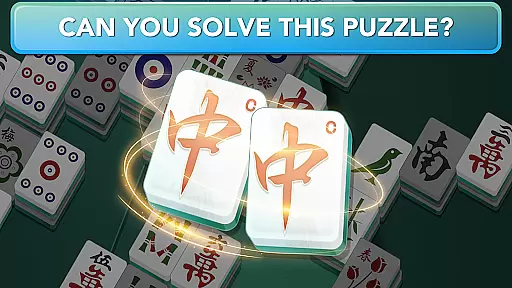
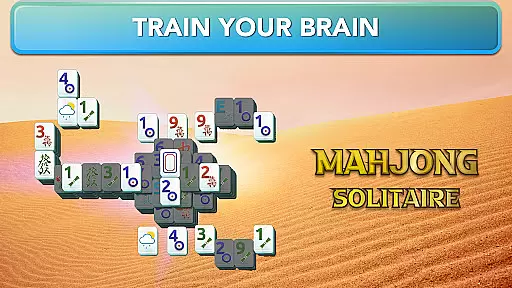
Mahjong for Seniors is a classic puzzle game designed to keep your brain sharp while providing hours of entertainment. The core gameplay revolves around matching pairs of tiles with identical symbols, following specific rules that require at least one side of the tile to be free and no other tiles on top. With hundreds of boards across various categories, this app offers endless challenges to stimulate your mind.
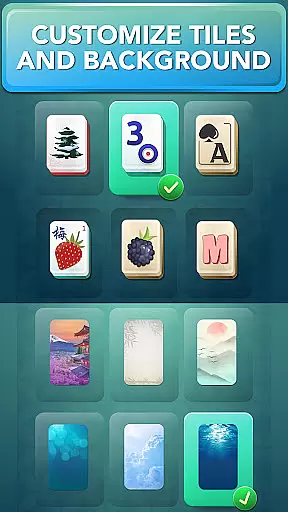
One of the standout features is the Daily Missions, which provide fresh puzzles every day. Players can also enjoy beautiful layouts, customizable tiles and backgrounds, and helpful tools like Hints and Shuffle when stuck. Whether you're looking to relax or challenge yourself by beating time goals, Mahjong for Seniors caters to all play styles. Its offline functionality ensures you can enjoy the game anytime, anywhere without an internet connection.
This app is perfect for seniors who want to engage in a mentally stimulating activity while having fun. By solving increasingly complex puzzles, users can improve their cognitive skills, focus, and pattern recognition abilities. The combination of simple rules, diverse boards, and relaxing music creates an enjoyable experience that keeps players coming back for more.
Mahjong for Seniors boasts a wide array of features that enhance the overall gaming experience. One key aspect is the variety of boards and categories available, ensuring that players never run out of new challenges. Each board is thoughtfully designed with unique layouts and themes, keeping the gameplay fresh and engaging. Additionally, the app includes Daily Missions and Monthly Challenges, offering regular content updates to keep players motivated.
The customization options are another highlight, allowing users to personalize their experience by changing tiles and backgrounds. This flexibility ensures that players can tailor the visuals to their preferences. The app also provides practical tools such as Unlimited Free Undos, Auto Zoom In, and Highlight Free Tiles, making it accessible even for beginners. These features help create a user-friendly environment where players can focus on enjoying the game.
For those seeking a competitive edge, the app includes time-based goals and scoring systems. Players can aim to achieve three-star ratings on each board, earning coins and rewards along the way. The inclusion of relaxing music and sound effects further enhances the immersive experience. Overall, these features work together to create a well-rounded Mahjong game that appeals to both casual and dedicated players.
In Mahjong for Seniors, the game strictly adheres to traditional Mahjong Solitaire rules while offering flexible options to enhance gameplay. The primary objective remains matching identical tiles in pairs to clear the board.
Players can only match tiles that are free on at least one side with no tiles stacked on top. This ensures a logical and strategic approach to solving each puzzle.
The game also introduces modern features like Shuffle and Hint functionalities, providing assistance when players find themselves stuck. These additions maintain the classic rule structure while allowing adaptability for different playing styles.
With customizable tiles and backgrounds, as well as adjustable settings like timer visibility, this app offers a personalized experience without compromising the authentic Mahjong rules.
Although Mahjong for Seniors primarily focuses on single-player Mahjong Solitaire, it simulates competitive elements through Daily Missions and Monthly Challenges. These features act as virtual opponents by setting time-based goals and rewarding players who achieve high scores.
The AI-driven challenges provide dynamic difficulty levels, ensuring players remain engaged over time. By attempting to beat time goals and earning three stars, users effectively compete against their previous performances.
Additionally, the Daily Reward system encourages consistent play by offering incentives for returning players. This creates a sense of competition against one's past achievements and motivates regular engagement.
While there isn't a traditional multiplayer mode, these AI-powered elements create an engaging solo experience that maintains the competitive spirit of Mahjong.
Easy-to-learn gameplay
Hundreds of unique boards
Daily missions for fresh content
Customizable tiles and backgrounds
Offline play capability
Limited social features
Ads between games
Some levels are tricky
No multiplayer mode
Coin system may limit hints

Build your perfect make-believe city in the beloved family-friendly board game!
 4.70
4.70
Strike sparks hard, but don't get charred!
3.00
Play a comic book come to life in this exciting adaptation of the hit card game!
3.70
Legendary board game classic from award-winning designer Vlaada Chvátil
4.70
Nostalgia Color: Relive Your Fondest Memories
4.40
Become a chess master
4.70
Loop and Merge!
4.5
Defuse a bomb with your friends!
4.80
Companion app for Final Girl boardgame
4.50
Hit Play! Roll the dice! Play the classic Dice game you know and love!
4.90
Easy and relaxing zen coloring game. Tap to color. Enjoy the coloring time.
4.90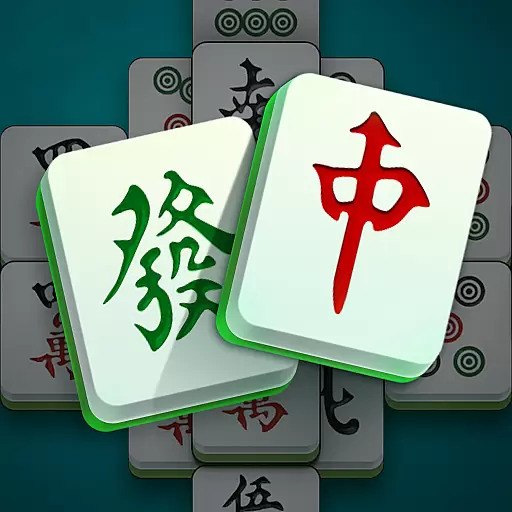
Mahjong Match: Relaxing and Fun Mahjong Tile Puzzle! Designed for seniors!
4.80
The official award-winning domino building strategy game comes to life!
4.80
Official digital version of the board game Gaia Project.
4.70
Choose your own life story again and again in this family-friendly board game!
4.60
Shredder, the chess world champion. Play and learn chess.
4.50
online interactive board games
4.50
The Family Game Night Classic
4.40
The popular roll & write game by Paolo Mori
3.90


User Reviews