
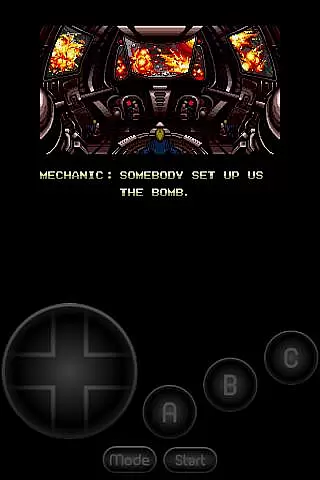
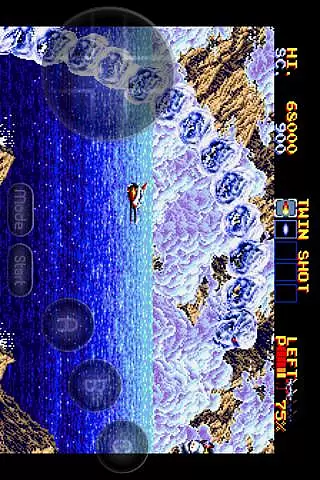
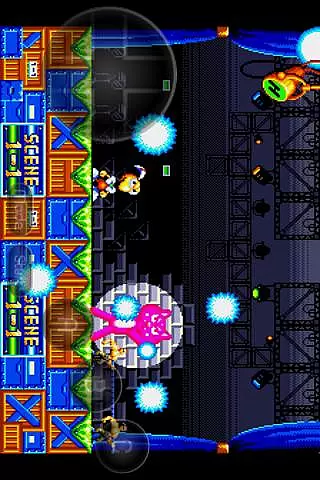
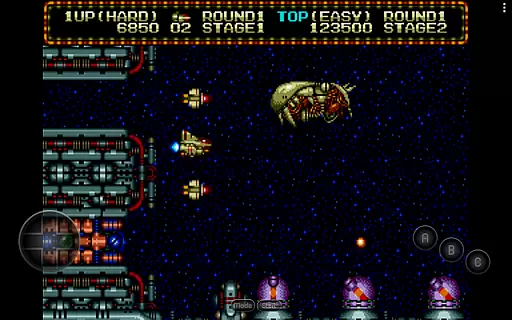
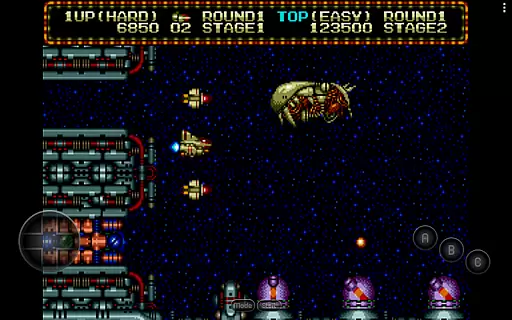
MD.emu is an advanced open-source emulator for Sega Genesis/Mega Drive, Sega CD, and Master System/Mark III. It offers a minimalist UI with a focus on low audio/video latency, making it suitable for a wide range of devices from the original Xperia Play to modern devices like the Nvidia Shield and Pixel phones. The app supports various file formats including .bin, .smd, .gen, and .sms, optionally compressed with ZIP, RAR, or 7Z.
One of its standout features is the support for Sega CD emulation via loading .cue or .bin files, although this feature is still in beta. MD.emu also provides users with configurable on-screen controls and supports Bluetooth/USB gamepads and keyboards, ensuring compatibility with HID devices recognized by the OS such as Xbox and PS controllers. This makes it an ideal choice for gamers looking to relive classic gaming experiences on their Android devices.
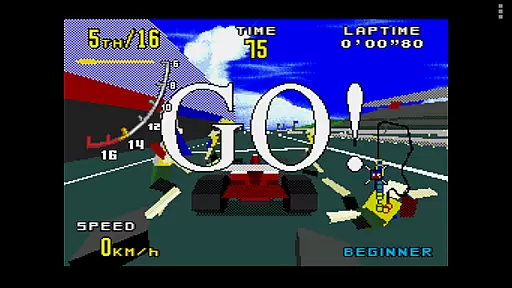
MD.emu boasts a comprehensive set of features designed to enhance the gaming experience. It supports multiple file formats such as .bin, .smd, .gen, and .sms, which can be optionally compressed with ZIP, RAR, or 7Z. The inclusion of SVP chip support allows for smooth gameplay in titles like Virtua Racing. Additionally, the app supports FLAC, Ogg Vorbis, and Wav audio track formats, providing high-quality sound during gameplay.
The emulator also includes 6-button controller and 4-player multitap support, along with gun support for games like Menacer and Justifier. Cheat code support using the .pat file format ensures that users can enjoy their favorite games with added flexibility. Configurable on-screen controls and compatibility with Bluetooth/USB gamepads and keyboards further enhance user experience, making MD.emu a versatile choice for retro gaming enthusiasts.
Arcade authenticity and nostalgia are essential elements for any gaming emulator, including MD.emu. This app ensures that classic Sega Genesis/Mega Drive games feel as close to the original arcade experience as possible.
MD.emu supports a wide variety of file formats such as .bin, .smd, .gen, and .sms, which are native to Sega consoles. This compatibility allows users to relive their favorite arcade moments without compromising on quality or performance.
The inclusion of advanced features like SVP chip support for Virtua Racing and gun support for games like Menacer and Justifier enhances the nostalgic value. These features ensure that gameplay mechanics remain true to their original form, providing an immersive experience.
By focusing on low audio/video latency and supporting devices from older models to modern ones like the Nvidia Shield and Pixel phones, MD.emu delivers a seamless blend of arcade authenticity and contemporary usability.
Control responsiveness is crucial for an optimal gaming experience, especially in arcade emulators like MD.emu. The app excels in delivering precise and immediate responses to user inputs, ensuring that every action is accurately reflected in-game.
MD.emu supports both Bluetooth and USB gamepads, including popular controllers from Xbox and PlayStation. This compatibility ensures that users can enjoy a tactile and responsive gaming experience with their preferred input devices.
Configurable on-screen controls further enhance control responsiveness by allowing users to customize the layout and size of virtual buttons. This flexibility caters to individual preferences and play styles, making each session more enjoyable and intuitive.
Additionally, the app's support for 6-button controllers and 4-player multitap setups demonstrates its commitment to delivering a responsive and versatile gaming experience. These options enable complex gaming scenarios while maintaining high levels of precision and feedback.
Wide device compatibility
Low audio/video latency
Supports multiple file formats
Configurable on-screen controls
Active development and support
Sega CD support in beta
No ROMs included
Complex setup for beginners
Limited customer support
Requires technical knowledge

Bomb the communists back to 1916!
 4.70
4.70
Play retro games with ease – NES, SNES, PSX, PSP & more supported
4.3
Try this unique restaurant sim and enjoy the fun of cooking in busy kitchens!
4.70
Sega Saturn Emulator
4.20
Cool car builder & racing simulator: make a car to win the obstacle course race!
4.60
Meet Snake Run Race! Slither through an obstacle course in our fun running game!
4.70
Venture into the galaxy to fight against the invasion of space invaders.
4.60
Absorb, or be absorbed...
4.70
Play all your favorite Playstation games in your android device!!
4.50
Punch your way through the Streets of Rage once again!
4.80
Master the hills in this extreme downhill racing game!
4.60
Merge bowmasters to win the bow and arrow war! Play the fun archery game!
4.60
Play, Craft and Share your Endless Runner Levels on Kooply Run: Subway Craft
4.50
Outrun cops, ignite the thrill of a high-speed chase!
4.50
Suck the other’s blood and be the longest surviving mosquito!
4.40
A Ball Bouncer With Depth
4.00
Mine planets, upgrade your space ship, battle others, and dominate the galaxy!
3.90
Welcome back to Vice City. Welcome back to the 1980s.
3.30
BallStack is a vibrant match-3 game where you stack and match colorful balls!
4.5


User Reviews