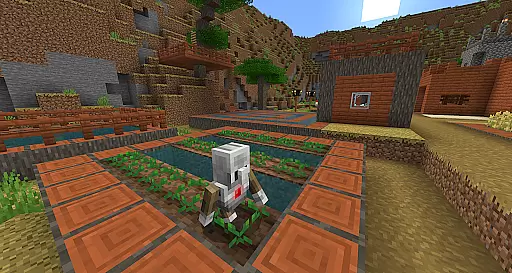
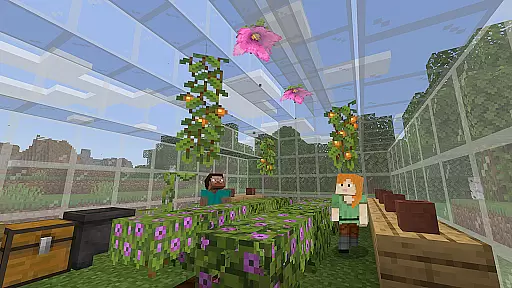
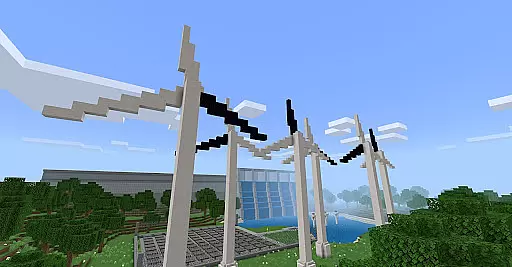
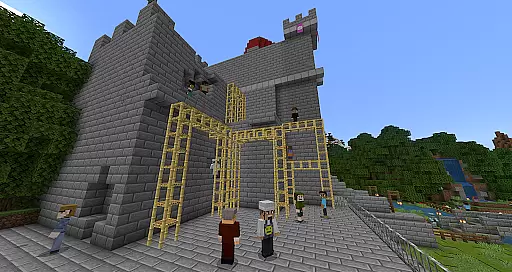
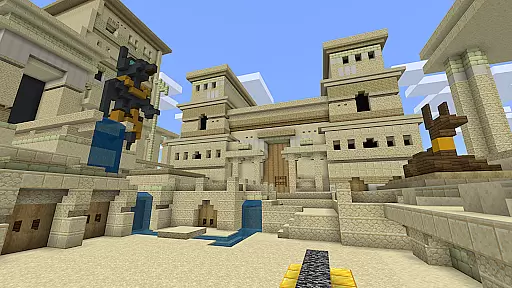
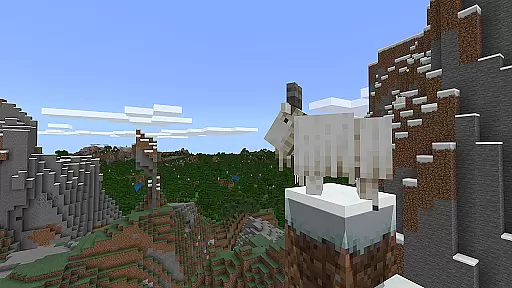
Minecraft Education is a game-based learning platform designed to inspire creative and inclusive education through interactive play. This innovative application allows students and educators to explore blocky, virtual worlds that provide new ways to tackle various subjects or challenges. From reading and math to history and coding, Minecraft Education offers lessons and standardized curriculums tailored for all types of learners. The app also supports collaborative building in open-ended environments, promoting teamwork and problem-solving skills.
With hundreds of ready-to-teach lessons, creative challenges, and customizable worlds, Minecraft Education can be adapted to fit any teaching style or subject matter. It requires no prior gaming experience, making it accessible for both teachers and students. By integrating tools like Immersive Reader, Code Builder, and partnerships with organizations such as NASA and the Nobel Peace Center, the platform fosters essential skills like digital citizenship, critical thinking, and STEM engagement. Its multiplayer mode enables cross-platform collaboration, while Microsoft Teams integration ensures smooth classroom management.
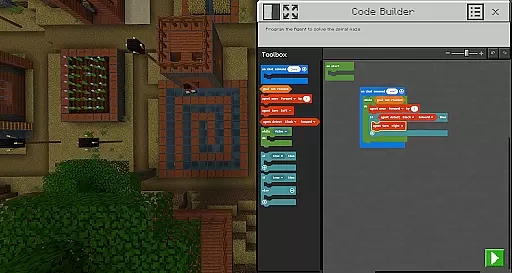
Minecraft Education stands out with its diverse range of features designed to enhance both teaching and learning experiences. One of its core strengths is the multiplayer mode, which allows students to collaborate in real-time across different platforms, devices, and hybrid environments. This feature promotes teamwork and communication, crucial skills for future success. Additionally, the app includes Code Builder, an intuitive tool that supports block-based coding along with more advanced languages like JavaScript and Python, helping students develop valuable programming skills.
The inclusion of Immersive Reader further enriches the learning process by assisting students in reading and translating text within the game. Tools like the Camera and Book & Quill enable users to document their creations and export them for presentations or assessments. Furthermore, Minecraft Education integrates seamlessly with Microsoft Teams and Flipgrid, providing educators with robust assessment capabilities and enhanced classroom controls. These features collectively create an engaging, flexible, and powerful educational environment that prepares students for the demands of tomorrow's workforce.
Minecraft Education stands out in the realm of educational tools by offering meticulously crafted content that aligns with academic standards. The platform collaborates with reputable organizations such as BBC Earth, NASA, and the Nobel Peace Center to create immersive learning experiences.
Each lesson and activity is designed not only to educate but also to engage students meaningfully. This ensures that learners are not just passive recipients of information but active participants in their educational journey.
The app provides a diverse range of subjects including reading, math, history, and coding, all tailored to accommodate various learning styles. Such an inclusive approach guarantees that every student can benefit from the platform's offerings regardless of their individual learning needs.
By integrating real-world topics and culturally relevant lessons, Minecraft Education fosters an environment where knowledge acquisition is both accurate and authoritative, preparing students for future academic and professional success.
One of the core strengths of Minecraft Education is its ability to offer personalized learning paths that cater to the unique needs of each student. Through a combination of ready-to-teach lessons, creative challenges, and open-world environments, educators can tailor the learning experience to suit different educational goals.
The platform supports various types of learners by providing hundreds of pre-designed lessons and activities. These resources make it easy for educators to get started, even without prior gaming experience, ensuring a smooth integration into the curriculum.
Moreover, Minecraft Education incorporates features like Immersive Reader, which helps players read and translate text, making the platform accessible to a broader audience. This inclusivity ensures that every student can follow their unique learning path without barriers.
By leveraging these personalized learning opportunities, educators can inspire a passion for STEM and other critical subjects, equipping students with essential skills such as problem-solving, collaboration, and digital citizenship.
Engaging learning environment
STEM-focused content
Multiplayer collaboration
Customizable lessons
Microsoft Teams integration
Requires subscription
Complex setup
Limited free resources
Device compatibility issues
Steep learning curve

Ignite curiosity, spark learning: All babybus videos &games
 4.30
4.30
Study the questions most likely to be asked during the Oral & Practical Exams.
2.80
Learn Words Daily in Just Minutes - Boost Your Language Skills Fast!
4.60
Explore numbers the Starfall way!
4.00
Engage in learning science and math with the award-winning PhET simulations!
4.70
Master note reading with StaffWars….
4.00
THE ESTABLISHED "GO TO" ARMY BOARD PREPARATION APP!
4.30
Visit Daniel's house & make believe. Play doctor, make music, & feed fish.
3.20
Stack the States makes learning about the 50 states fun!
4.70
Hebrew Vocab
4.90
A fast and fun way to learn guitar - works with any guitar.
4.60
Welcome to the Speak Navajo Language Application - Volume 1
4.50
Stack the Countries makes learning world geography fun!
4.50
Turns you phone or tablet into TI graphing calculator (ROM required).
4.20
Our most popular app series returns, better than ever!
3.90
Deal Craps (Practice Craps Payouts)
3.80
THE MOST COMPREHENSIVE JUMPMASTER STUDY RESOURCE AVAILABLE.
3.40
Flashnote Derby is the fun way for kids to learn music notes and memorize them.
3.40
Enrich the experience of your visit to the Pantheon with our audiotour.
1.60


User Reviews