
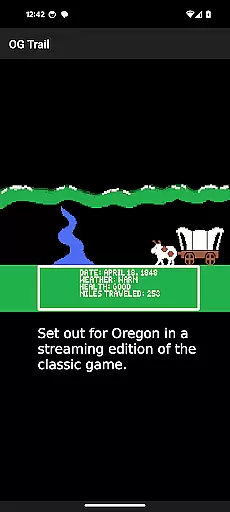
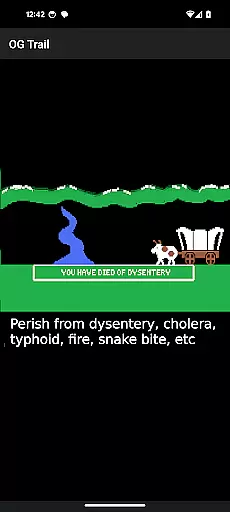
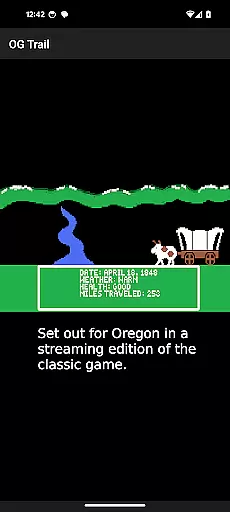
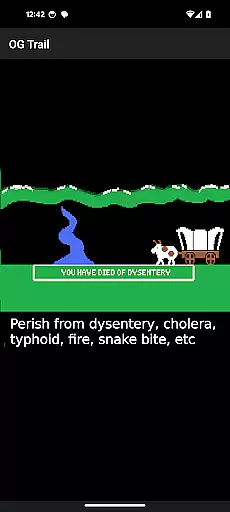
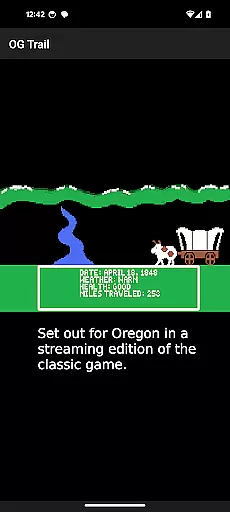
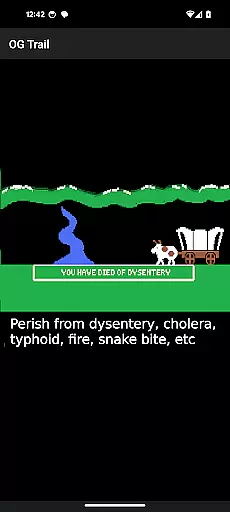
OG Trail is an innovative educational app that brings the classic Oregon Trail simulation to Android devices. This application allows users to experience the historically significant game, which was originally designed to teach school children about the realities of 19th-century pioneer life on the Oregon Trail. The app provides a seamless interface to access the streaming version of the game hosted on the Internet Archive.
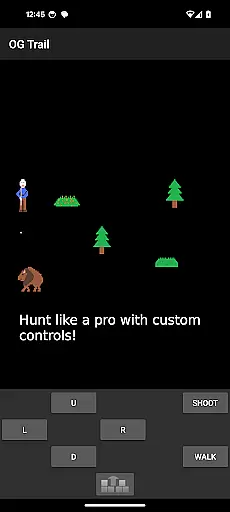
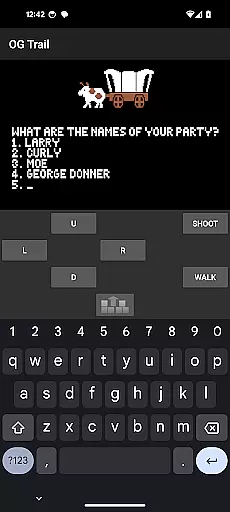
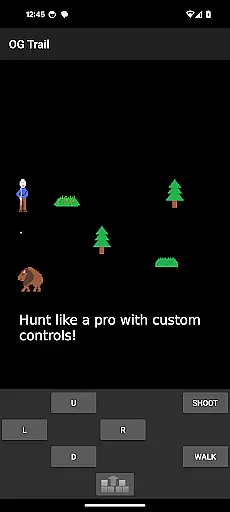
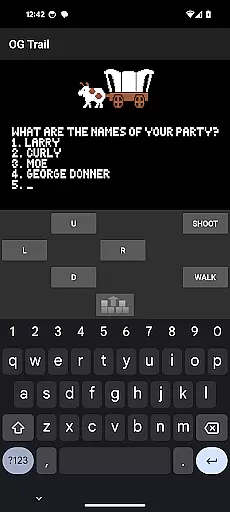
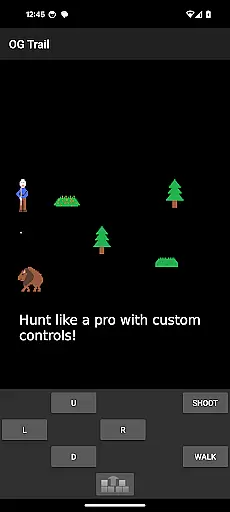
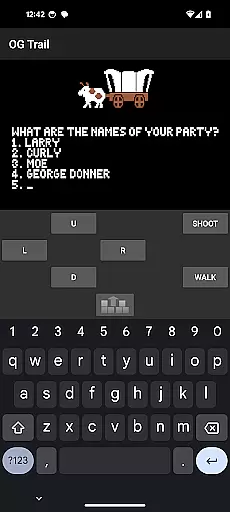
The key feature of OG Trail is its ability to run the unmodified version of The Oregon Trail (TM) game without requiring any ROM files or additional data downloads after the initial load. It utilizes an onscreen keyboard and control pad to make the game fully playable on touchscreen devices, maintaining the authenticity of the original gameplay while adapting it for modern hardware.
This app is particularly valuable in educational settings where teachers want to incorporate interactive history lessons into their curriculum. Students can learn decision-making skills and historical context while engaging with this classic simulation, making it both an entertaining and educational tool for classrooms and home learning environments.
OG Trail stands out with its unique approach to preserving and presenting classic educational software. The app's main feature is its integration with the Internet Archive's streaming version of The Oregon Trail, allowing users to play the complete game without any complex setup or emulation software. This makes it accessible to a wider audience who might not be familiar with traditional emulation methods.
The implementation of an onscreen keyboard and control pad is another distinguishing feature. These tools enable precise interaction with the original game interface, which was designed for keyboard input rather than touchscreens. Users can easily navigate through the game's menus and respond to prompts using the intuitive onscreen controls, providing an authentic gaming experience adapted for modern devices.
Additional features include automatic scaling for different screen sizes and orientations, ensuring optimal display quality across various Android devices. The app also maintains minimal data usage after the initial load, making it suitable for educational institutions with limited internet bandwidth. Furthermore, the developers have included comprehensive instructions and linked to the original user manual, enhancing the overall usability and educational value of the application.
In the realm of educational gaming, content authority and curriculum alignment are crucial for ensuring that learning is both accurate and relevant. OG Trail - Travel to Oregon offers an authentic experience by providing access to an unmodified version of The Oregon Trail (TM) game, which has been a staple in educational settings for decades.
This application leverages the publicly available Internet Archive posting of the streaming version of the game, ensuring that the content remains true to its original form. By doing so, it maintains the integrity of the historical simulation, allowing users to engage with a piece of educational history while learning about pioneer life and decision-making skills.
For educators and students, this means that OG Trail can be used as a supplementary tool that aligns with history curricula focused on American westward expansion. The game's challenges and scenarios encourage critical thinking and problem-solving within a historical context, making it a valuable resource for experiential learning.
By preserving the classic gameplay and controls, OG Trail ensures that the educational objectives of the original game remain intact, offering a nostalgic yet effective learning experience for new generations of players.
Gamification-learning integration represents the fusion of game mechanics with educational content, creating an engaging and interactive learning environment. OG Trail - Travel to Oregon exemplifies this approach by transforming the historically text-based Oregon Trail simulation into an accessible mobile format.
The app retains the core gameplay elements that made the original game a beloved educational tool, such as resource management and decision-making under uncertainty. These elements are now presented through an intuitive interface that includes an onscreen keyboard and control pad, adapting the game for modern touchscreen devices without losing its educational essence.
Players interact with the game using numbered choices and yes/no questions, mirroring the original input method but optimized for touch interaction. This design choice reinforces the learning objectives by requiring thoughtful consideration of each decision's potential outcomes, just as pioneers faced uncertain futures on their journey westward.
By maintaining the original game's challenge structure and adding convenient playability on Android devices, OG Trail successfully integrates gamification principles with educational goals, demonstrating how classic educational games can be revitalized for contemporary learners.
User-friendly interface
Authentic gameplay experience
Educational value maintained
Minimal data usage
Wide device compatibility
Requires internet connection
No touch-based gameplay
Limited to original game content
Interface may feel outdated
Not suitable for offline use

Woof! The very first official Hey Duggee app for CBeebies' new favourite show.
 3.70
3.70
Play the fun princess party game for kids with Cocobi the little dinosaurs.
4.10
Magical girl game where dreams come true. Collect & care for cute princesses!
3.80
Explore, create, and play with Hello Kitty and all her friends!
4.60
Find the hidden Numberblocks, add them together and see what happens.
3.50
Explore Fantasy Land, get to know the world and create stories!
4.30
Fun game for preschoolers to learn addition, subtraction, counting and math!
4.50
A fan of cute games? Try animal games & take care of fluffy virtual pets!
4.20
Fun baby games for kids. Play baby piano, musical instruments & nursery rhymes.
4.50
Amazing toddler coloring games for 2+. Enjoy painting games
4.60
Monkey Preschool Fix-It is an early learning game for ages 2 to 5.
4.40
Find Carmen - Play the classic detective game, stop VILE and find Carmen
4.10
Where Little Healers can Make a Big Difference!
4.00
Practice Early Literacy Skills and Build Vocabulary with Elmo & Cookie Monster!
3.90
Play pretend & explore at the doctor's & school in Daniel Tiger's Neighborhood.
3.30 2.80
2.80
Help your child improve their number literacy with Numberblocks: Card Fun!
2.60
Absorbing, highly visual, effective learning of multiplication, division
4.0
Have fun learning Alef Beit
4.3


User Reviews