
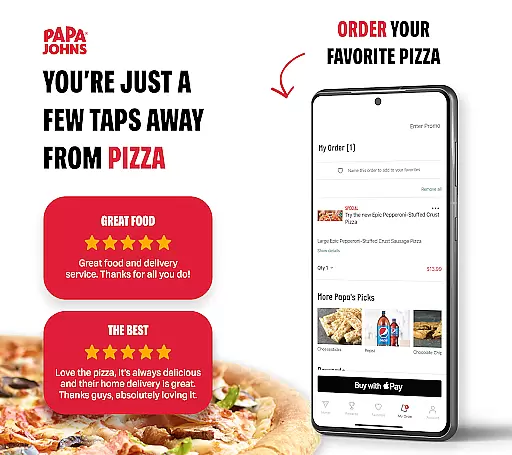
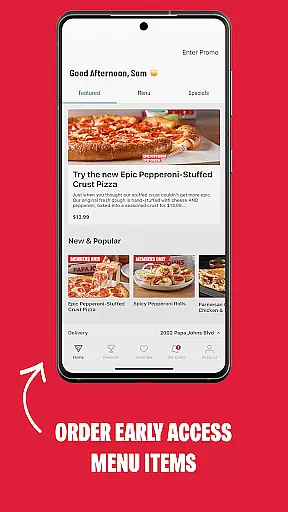
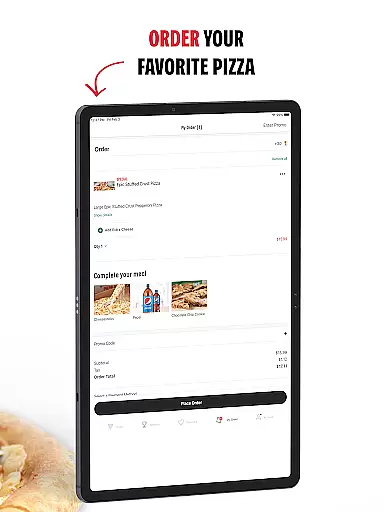
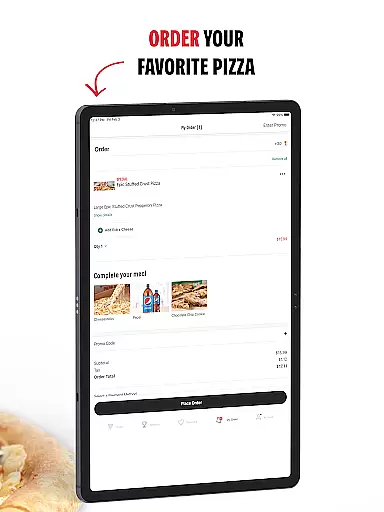
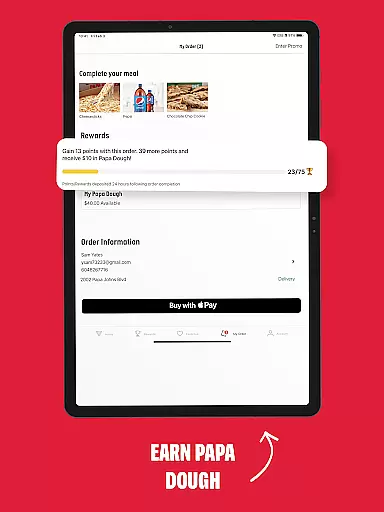
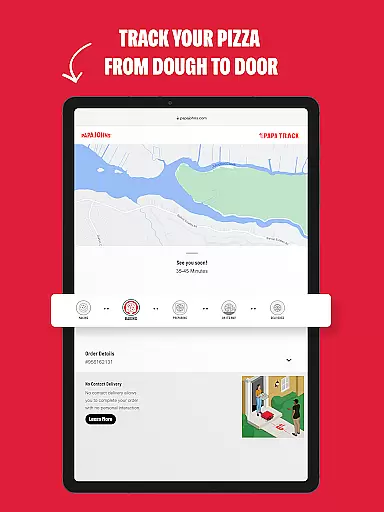
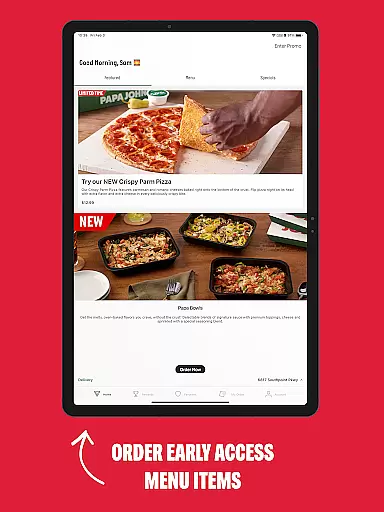
Papa Johns Pizza & Delivery is a premier food ordering app that simplifies the process of ordering pizza online. With this app, users can effortlessly place orders for their favorite pizzas and earn rewards towards free food items. The app provides special offers exclusively available online and features a no-contact delivery option ensuring safety and convenience.
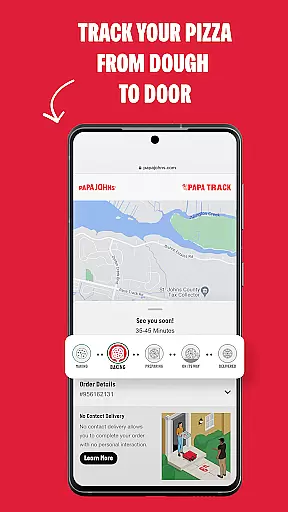
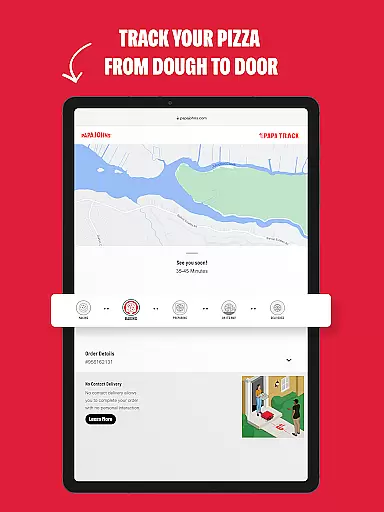
One of the standout features is the ability to track your pizza delivery in real-time, from preparation to your doorstep. Whether you're craving a quick slice or planning a party, Papa Johns Pizza & Delivery ensures timely and quality service. It's an ideal choice for those who want a seamless pizza ordering experience with added benefits like local deals and flexible payment options.
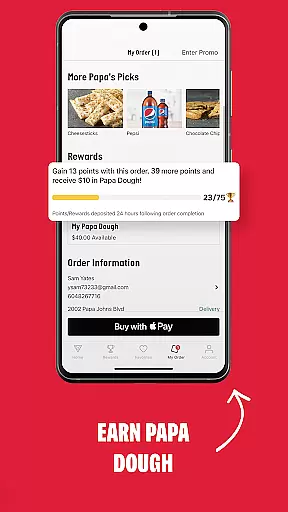
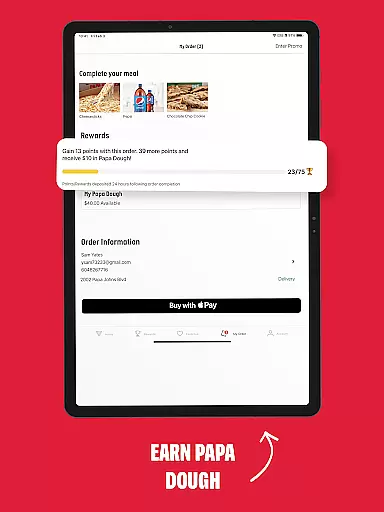
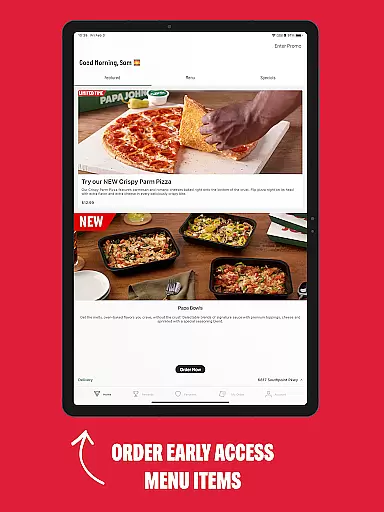
The Papa Johns Pizza & Delivery app boasts a variety of features designed to enhance user experience. Users can earn Papa Rewards points, which can be redeemed for free food items, simply by placing orders through the app. Special online-only deals are frequently available, providing significant savings on your favorite menu items.
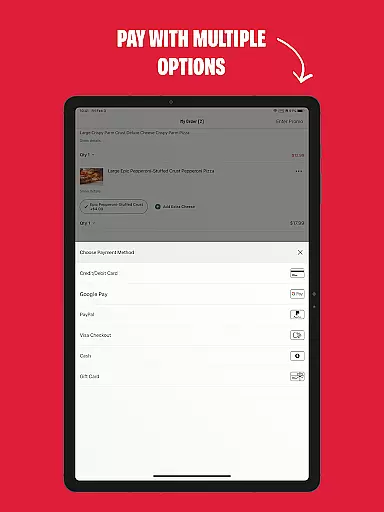
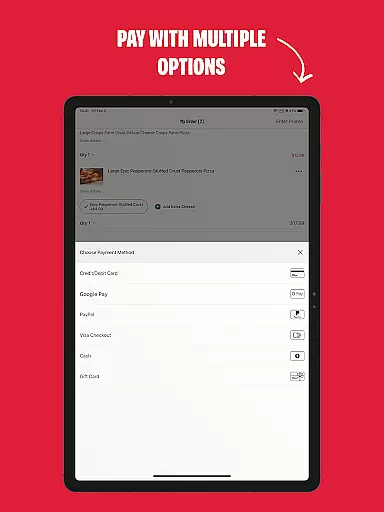
For added convenience, the app allows users to save their favorite orders and quickly reorder them. You can also browse nearby Papa Johns locations and take advantage of localized discounts. Payment flexibility is another highlight, as customers can choose between cash, credit card, or digital payment methods like Google Pay. Additionally, the Future Ordering feature lets you schedule orders ahead of time, perfect for planning events or busy days.
Locating a nearby Papa Johns restaurant is effortless with the app's advanced store locator feature. This functionality allows users to search for restaurants by zip code or city, ensuring you can find your local pizza spot with ease.
The store locator not only provides addresses but also highlights special local deals and discounts available in your area. This ensures that customers can take full advantage of cost-saving opportunities while enjoying their favorite pizzas.
By providing accurate location data and filtering options, the app makes sure that whether you're at home or traveling, you'll always know where to get your pizza fix. The intuitive interface displays all relevant information clearly, including operating hours and contact details.
Papa Johns app offers convenient no-contact delivery and safe store pickup options, prioritizing customer safety and satisfaction. By default, all delivery orders use No Contact Delivery, ensuring a hygienic and secure experience from order placement to doorstep arrival.
For those preferring to pick up their orders, the app provides easy selection of pickup times and clear instructions for a smooth collection process. Users can also benefit from pre-ordering meals for later pickup, adding flexibility to their dining plans.
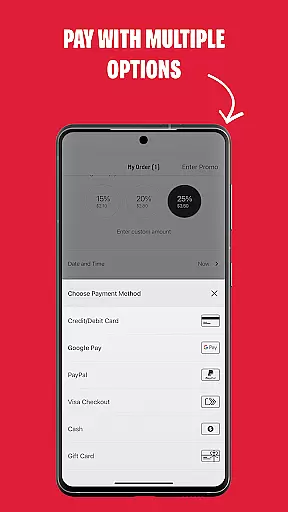
Payment options are versatile, allowing customers to choose between cash, credit card, or Google Pay. This variety ensures that everyone can pay according to their preference, making transactions as seamless as possible.
User-friendly interface
Extensive menu options
Convenient reordering system
Real-time order tracking
Flexible payment choices
Limited to US locations
Occasional app glitches
Push notifications can be intrusive
Some deals require account signup
Delivery times may vary

My Recipes Your personal recipe collection in one APP. Private, offline, adfree.
 4.1
4.1
Enjoy all your Legendary favorites at Texas Roadhouse!
4.80
Order from Gopuff and get your essentials delivered in as fast as 15 minutes
4.50
Monthly Perks. Fuel Discounts. App Exclusive Deals.
4.90
Wings for Delivery or Carryout
4.80
Sweeten the season!
4.90
Food delivery from your favorite places. Order food, alcohol and more nearby
4.50
Bringing a piece of Louisiana to your fingertips!
4.90
KFC-US Mobile App
3.30
Rescue tasty unsold food from local stores for ½ price or less.
4.90
Get Rewards, Easy Ordering & Exclusive Offers
4.70
Get food, grocery, and retail essentials delivered fast with DoorDash.
4.70
Simple recipes and kitchen tips for easy meal planning. Your digital cookbook.
4.60
Not just food delivery. Shop for groceries from local supermarkets to your door.
4.60
Get groceries delivered today
4.50
Order ahead, receive points with qualifying purchase & redeem available rewards.
4.50
Delicious cocktail recipes you can make with ingredients you already have.
4.40
Discover. Create. Plate.
4.40
Eating fresh just got a whole lot better with the new Subway app.
4.20


User Reviews