
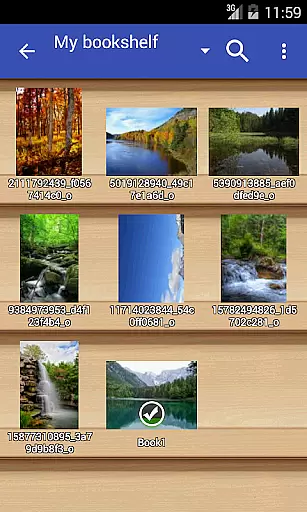
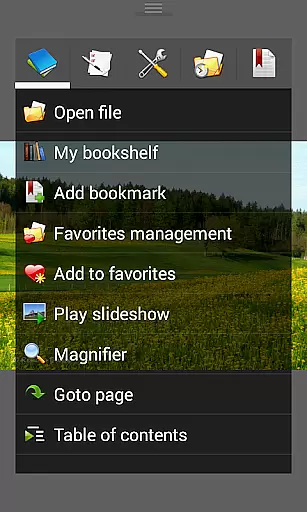
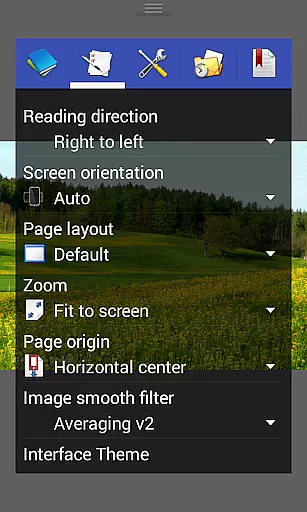
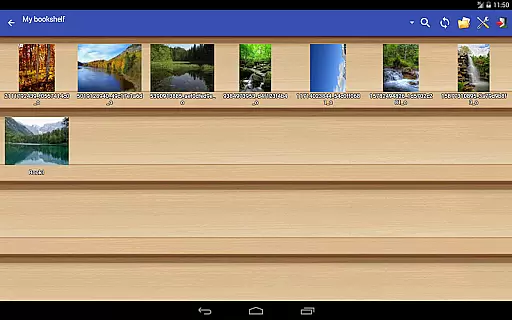
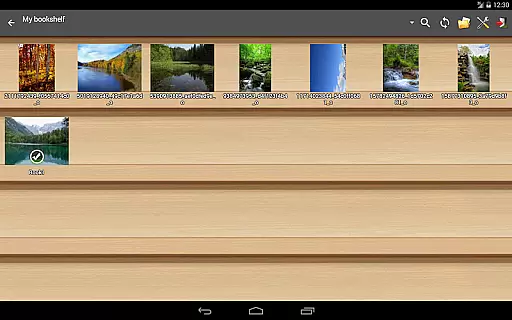
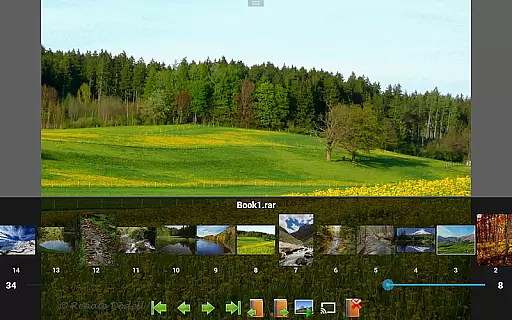
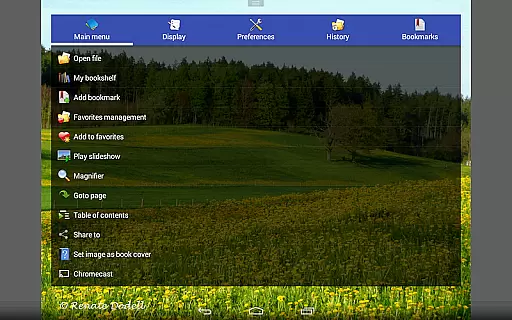
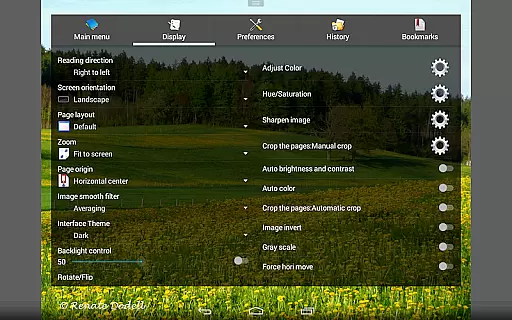
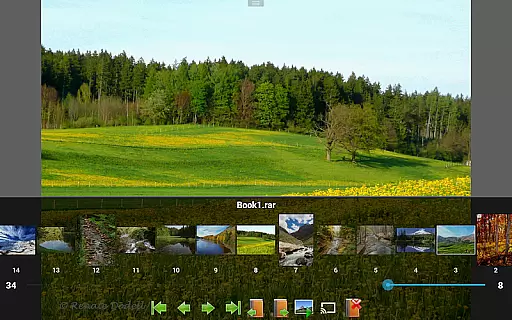
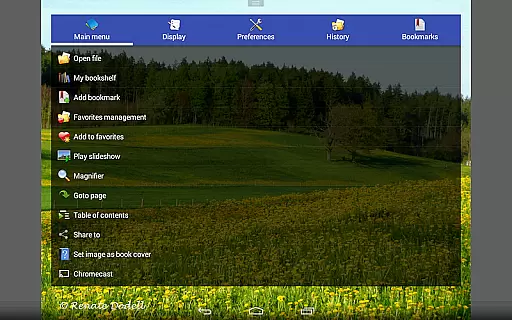
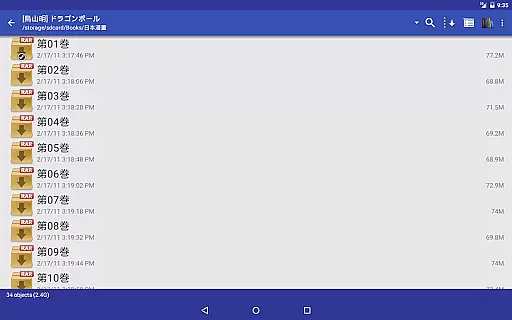
Perfect Viewer is a versatile and fast image, comic, and ebook viewer designed for seamless reading experiences. The app supports multiple file formats including EPUB, PDF, CBZ/ZIP, CBR/RAR, and more, making it ideal for digital comic enthusiasts and avid readers alike. With advanced features like auto page layout adjustment, smooth filters, and five view modes, users can customize their viewing preferences to suit their needs.
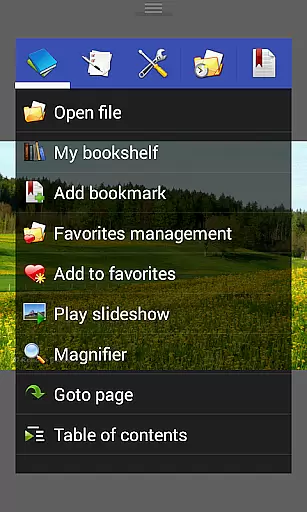
In addition to its robust format support, Perfect Viewer offers network file sharing capabilities, allowing users to access files from Google Drive, Dropbox, and OneDrive. Its intuitive interface includes pinch-to-zoom, fling gestures, and bookmark functions, ensuring ease of navigation. Whether you're reading comics or managing ebooks, Perfect Viewer provides an efficient and enjoyable experience on both mobile and tablet devices.
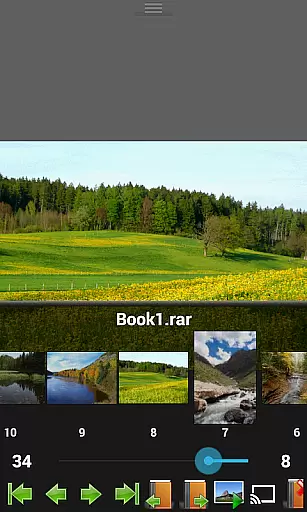
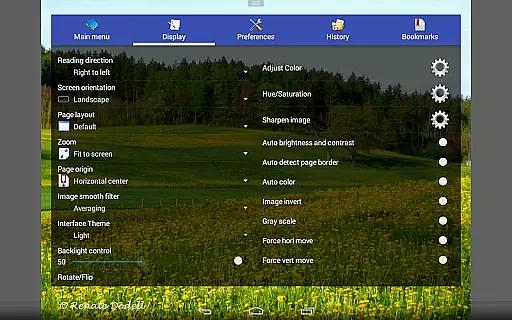
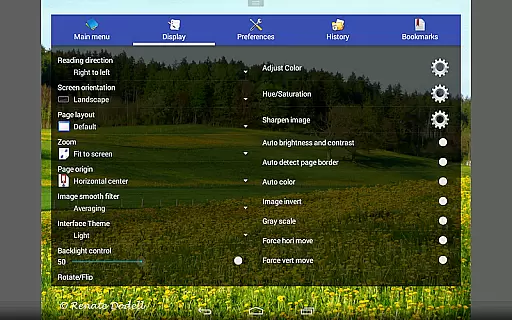
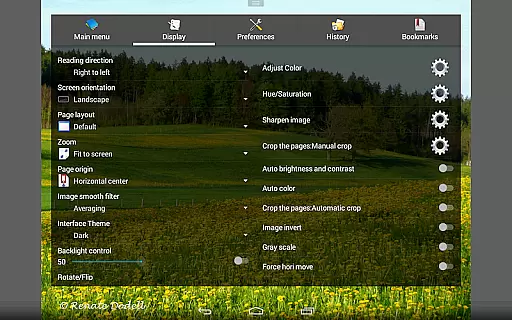
Perfect Viewer stands out with its comprehensive feature set tailored for comic and ebook lovers. The app supports three distinct viewer modes: Page mode, Vertical scroll mode (ideal for webtoon-like experiences), and Horizontal scroll mode. It also offers advanced viewing options such as smooth filters (Averaging, Bilinear, Bicubic, Lanczos3) and five view modes (Full size, Fit Screen, Fit Width, Fit Height, Fixed size, Stretch), enabling users to optimize their reading experience.
One of the key highlights is its ability to handle various file formats, including EPUB, PDF, and archive files like CBZ/ZIP and CBR/RAR. Additionally, Perfect Viewer integrates seamlessly with cloud services like Google Drive and Dropbox, while supporting network file sharing protocols like CIFS/SAMBA. With added functionalities such as auto border cutting, brightness adjustments, and Chromecast support, this app ensures a feature-rich and adaptable reading environment.
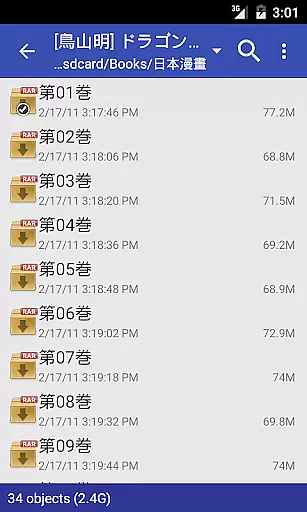
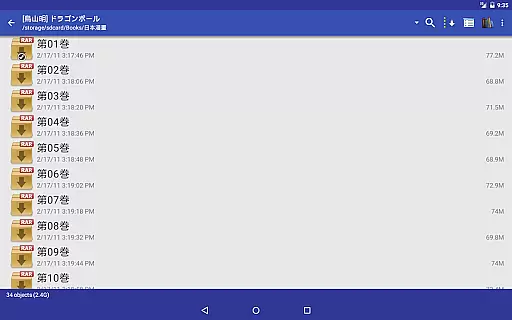
Perfect Viewer offers an extensive and versatile comic library that supports multiple file formats, making it a comprehensive tool for comic enthusiasts. The application is designed to handle various comic file types such as CBZ/ZIP, CBR/RAR, 7Z/CB7, LZH, and CBT/TAR, ensuring that users can access their favorite comics regardless of format.
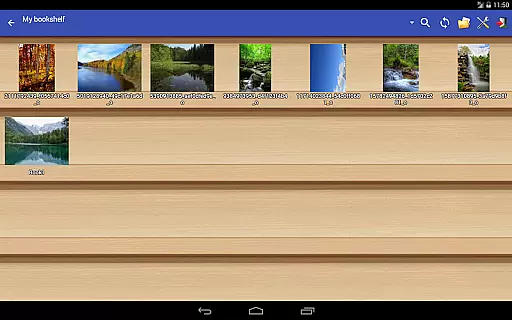
In addition to traditional comic files, Perfect Viewer also supports image file formats including JPEG, PNG, GIF, BMP, WebP, and TIFF. This wide-ranging support allows users to maintain a diverse collection that can include everything from standard comics to high-resolution art pieces.
For those interested in digital publications beyond comics, the app further extends its capabilities by supporting eBook files like EPUB, HTML, and TXT. With additional plugins, users can even view PDF, XPS, and DJVU files, enhancing the depth and utility of their digital library.
The ability to open files from network file sharing (CIFS/SAMBA), FTP, SFTP, FTPS, and OPDS adds another layer of convenience, allowing users to seamlessly integrate their local and cloud-based collections. By supporting services like Google Drive, Dropbox, and OneDrive through plugins, Perfect Viewer ensures that your entire library is accessible from anywhere.
Perfect Viewer places a strong emphasis on content authenticity and proper licensing, providing users with peace of mind regarding the legitimacy of their digital collections. The app itself does not host or distribute content but rather serves as a powerful viewer for users' personal libraries, reinforcing its commitment to lawful content consumption.
Users are empowered to load and manage their own files, which they have legally acquired or have the rights to use. This includes the ability to open files from various networked locations and cloud storage services like Google Drive, Dropbox, and OneDrive, ensuring that users can organize and enjoy their lawfully obtained comics and eBooks efficiently.
Furthermore, Perfect Viewer offers advanced features only to users who have legally purchased the donation version of the application. These exclusive features, such as turning black-and-white images into four-colorized images, highlight the developer's dedication to rewarding legitimate users while encouraging legal software usage.
By focusing on being a versatile and efficient viewer rather than a content provider, Perfect Viewer maintains a clear stance on respecting intellectual property rights. This approach not only enhances user trust but also promotes a sustainable ecosystem where creators and consumers both benefit from authentic and properly licensed digital content.
Fast and responsive performance
Wide file format support
Customizable viewing modes
Cloud service integration
Advanced gesture controls
Some features require donation
Interface may feel complex
Limited free plugin availability
Occasional caching issues
Heavy on system resources

Scan comics instantly! Find comic value, price, and key collector details fast.
 4.50
4.50
Your key to unlocking manga and webtoons on the go
3.50
Create your personalized cartoon comic strips & comic books.
3.20
Comic reader app: open ZIP, RAR, CBZ, CBR, and PDF files
3.00
Find free mangas in Spanish
4.70
Goat sound simulator. This app makes for fun.
4.0
The pure application on the Manga SWAT website
4.80
Read your favorite mangas for free
4.50
100k comics, manga & webcomics, including Batman, Invincible, Hellboy & more
4.60
Read and track manga across the web with ease
4.90
Official from Japan
4.80
Instant access to over 30,000 Marvel comics with new issues added every week.
4.70
Dive into creative online comics, short video, graphic novels and web novels!
4.60
Joke book collection with the funniest dad jokes and riddles for you to enjoy!
4.60
The most popular comic book reader.
4.40
Webtoons, comics, web novels, and e-books are all here! RIDI, my own space to enjoy stories
4.30
Read webcomics & webnovels
4.20
Arabic manga reader
4.00
Welcome to SnapSaga - your ultimate manga and novel destination!
4.0


User Reviews