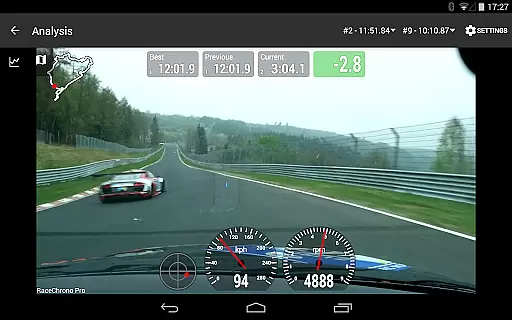
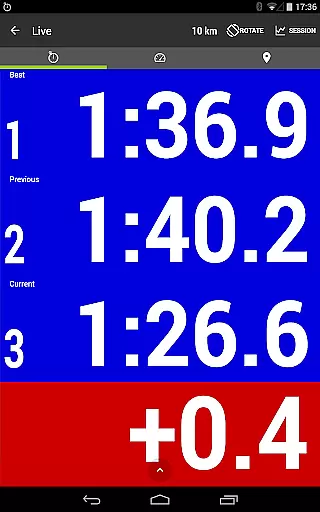
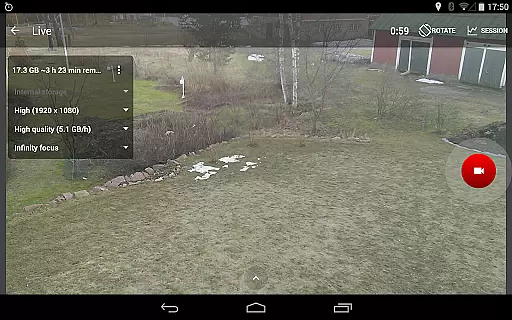
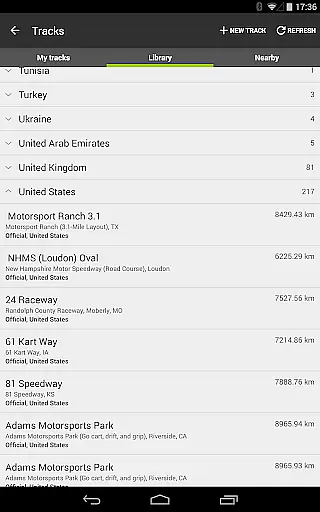
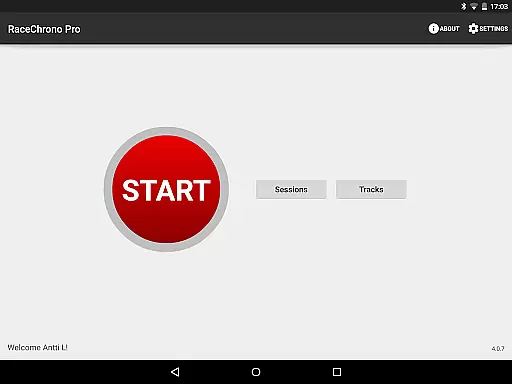
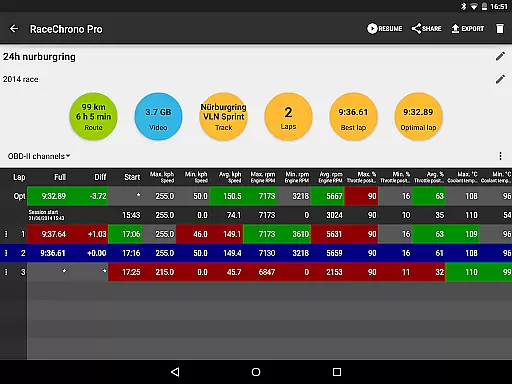
RaceChrono Pro is a premier motorsports application designed to elevate your racing experience through advanced lap timing, data logging, and video analysis. This app serves as an all-in-one replacement for traditional lap timers and data loggers, offering over 2600 pre-made race tracks and custom track creation options. With its predictive lap timing, time delta graph, and synchronized data analysis features, it caters to both amateur enthusiasts and professional racers.
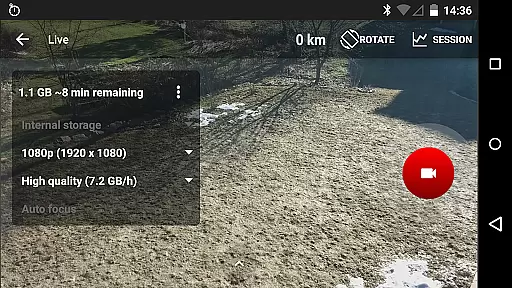
The app's standout capability lies in its comprehensive integration with external devices. It supports GPS receivers like RaceBox Mini, OBD-II readers, and Bluetooth LE heart rate monitors, providing users with precise performance metrics. Whether you're into motorbikes, go-karts, or cars, RaceChrono Pro delivers smooth scrolling data visualization, video overlays, and multiple camera recording options that make it indispensable for serious competitors.
Designed for use on closed circuits or special stage tracks, this app is particularly valuable during long races thanks to unlimited session lengths and various export formats (.ODS, .NMEA, .VBO, .CSV). The ability to overlay logged data onto recorded videos creates compelling visual feedback that helps drivers improve their performance while sharing their achievements with the motorsports community.
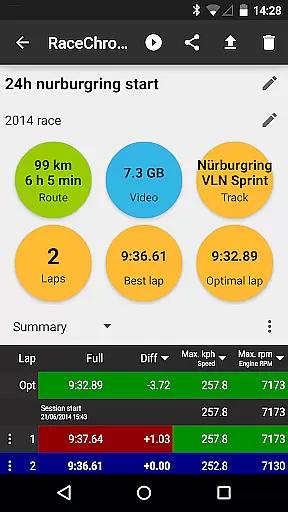
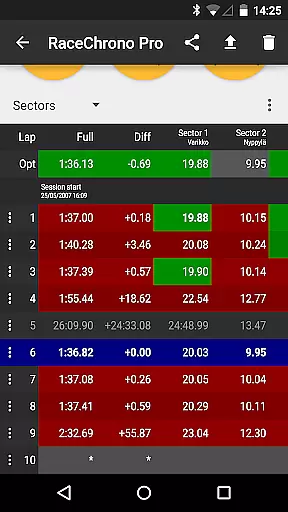
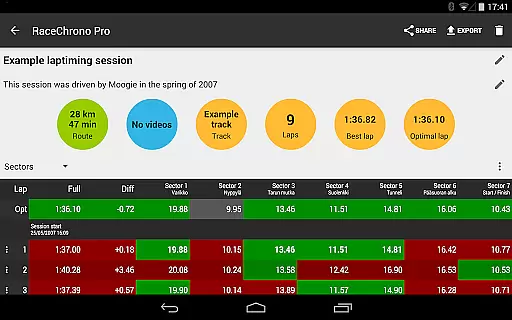
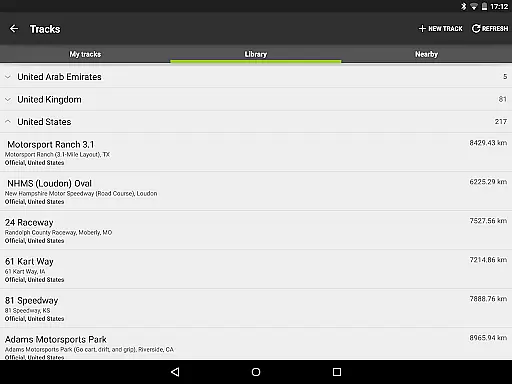
RaceChrono Pro distinguishes itself through a robust set of features tailored specifically for motorsports enthusiasts. At its core, the app provides accurate lap timing with sector splits and optimal lap calculations, supported by a vast library of over 2600 pre-made race tracks. Users can also create custom circuits or point-to-point tracks, ensuring compatibility with any racing environment they encounter.
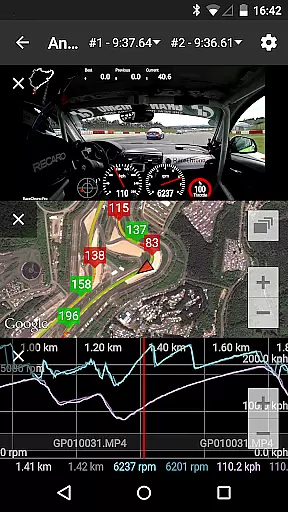
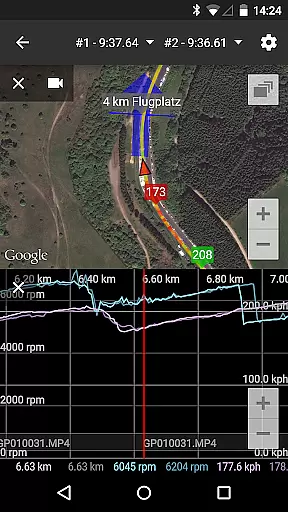
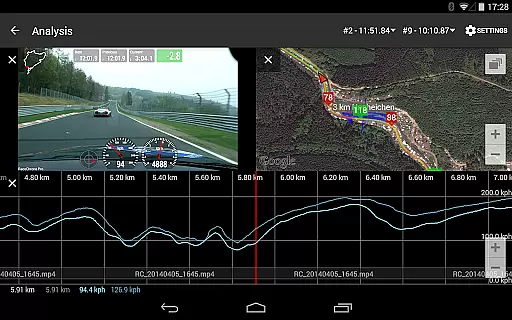
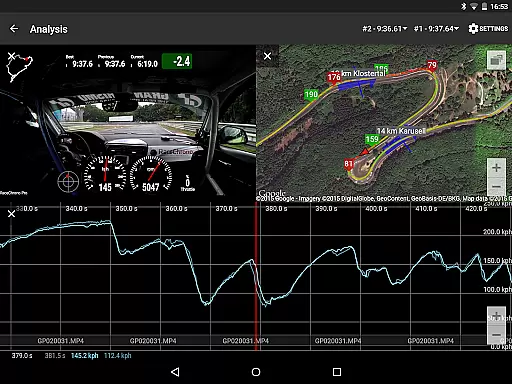
Data analysis is where RaceChrono Pro truly shines. The app offers smoothly scrolling synchronized graphs, X/Y plots, maps, and comparison videos that allow racers to dissect every aspect of their performance. Its predictive lap timing and time delta graph provide real-time feedback during sessions, helping drivers optimize their speed. The hardware-accelerated video export feature lets users overlay logged data onto videos from multiple cameras, including picture-in-picture configurations.
What sets RaceChrono Pro apart is its extensive device compatibility. The app supports various external GPS receivers, OBD-II readers (Bluetooth and Wi-Fi), and Bluetooth LE heart rate monitors, enabling comprehensive vehicle and biometric data collection. These integrations, combined with unlimited session length support and multiple data export formats, make it an essential tool for serious racers looking to analyze and improve their performance across different racing disciplines.
RaceChrono Pro sets a new standard for realism in motorsports applications by providing highly accurate lap timing and data logging features. The app's ability to record precise lap times, sector splits, and optimal laps ensures that users receive professional-grade performance tracking.
The integration with external GPS receivers and OBD-II readers allows the app to capture real-time vehicle data with exceptional accuracy. This includes speed, acceleration, and other critical metrics that are essential for serious motorsport enthusiasts who demand reliable performance measurements.
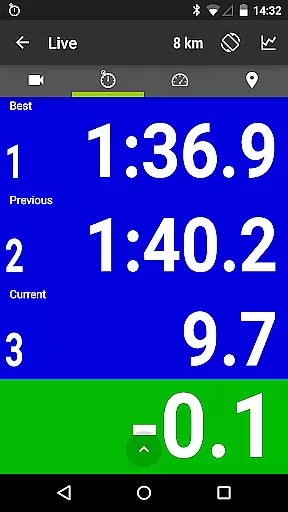
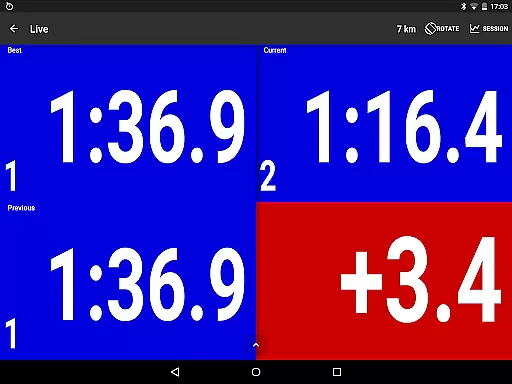
With its predictive lap timing and time delta graph features, RaceChrono Pro offers an analytical approach to improving driving skills. These tools enable drivers to compare their current performance against previous laps, helping them make real-time adjustments and achieve faster times.
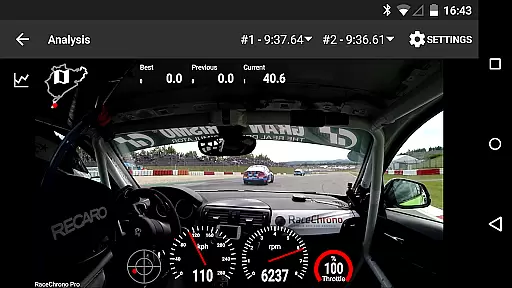
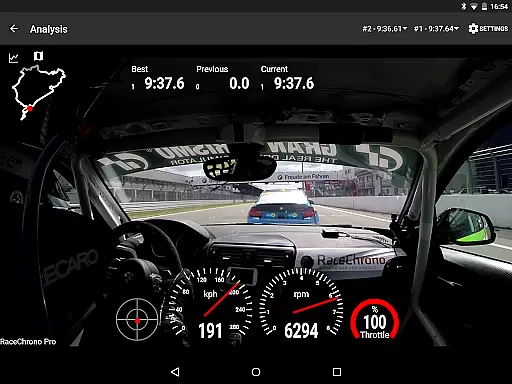
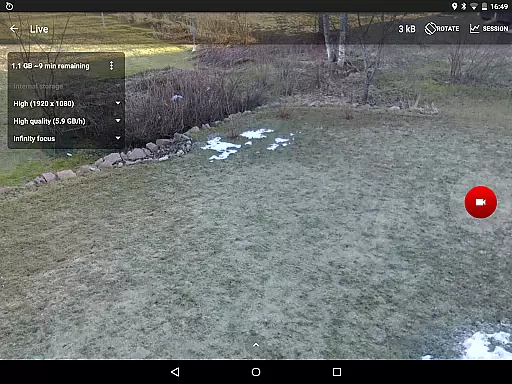
The app's commitment to realism extends to its support for multiple camera recording and video overlays. Users can visually analyze their driving techniques while reviewing synchronized telemetry data, creating an immersive experience that mirrors professional racing environments.
RaceChrono Pro demonstrates exceptional control scheme intuitiveness through its well-designed interface and logical feature organization. The app provides a seamless user experience by grouping related functions together, making it easy for both novice and experienced users to navigate its comprehensive feature set.
A key aspect of the app's intuitive design is its smoothly scrolling data analysis interface. Users can effortlessly review synchronized graphs, X/Y plots, maps, and videos without encountering cumbersome navigation obstacles. This fluid interaction model enhances the overall usability of the app during critical racing moments.
The implementation of customizable track settings and user-defined circuits showcases the app's thoughtful approach to control design. These features allow drivers to quickly configure and access their preferred racing configurations without disrupting their workflow or concentration.
Furthermore, RaceChrono Pro's support for various hardware integrations, including action cameras and Bluetooth devices, maintains consistent operational logic across different platforms. This unified control scheme ensures that users can focus on their performance without being distracted by complex technical configurations.
Comprehensive data logging
Extensive track library
Real-time performance feedback
Multi-camera video support
Device compatibility
Steep learning curve
Premium price point
Requires external devices
Complex setup process
High system requirements

Feel the thrill of American football: guide a team to triumph through touchdowns
 4.40
4.40
Challenging 1vs1 online matches! Strike, score, and be a soccer champion!
4.40
Webcam based exercise and learning game with rock climbing!
4.0
Manage your lineup of NBA and WNBA stars on the go with the NBA 2K26 MyTEAM app.
4.50
FIFPRO licensed soccer game
4.50
Build, manage & coach your NFL dream team in this American Football sports game!
4.40
Kick into action! Score goals & climb 100+ levels to become a soccer super star!
4.70
Play online multiplayer or PvP Pool games and compete with your friends!
4.80
Stream Formula 1® Live and on-demand
4.40
NBA-licensed Streetball Game
4.70
Build a football club from scratch and see if you can conquer the leagues!
4.70
8 Pool Master is an interesting billiard game
4.70
Play the hit multiplayer Carrom Disc Pool board game and become the best!
4.60
Shoot, score, and outplay your rival in a fast-paced basketball battle duel!
4.60
Master the arrow art in archer duels
4.50
Score stunning goals and outsmart defenders on your path to football glory!
4.40
Try your hand at managing an auto racing team!
4.30
The Hudl app helps coaches and athletes win using video.
3.70
Play fun baseball with doodle-style characters and hit massive home runs!
4.4


User Reviews