
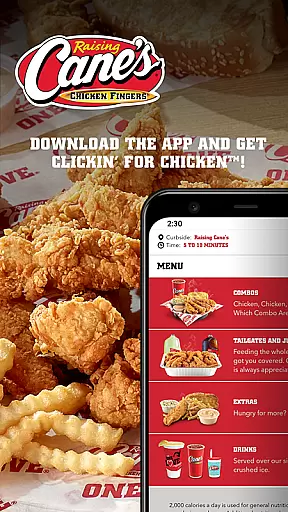
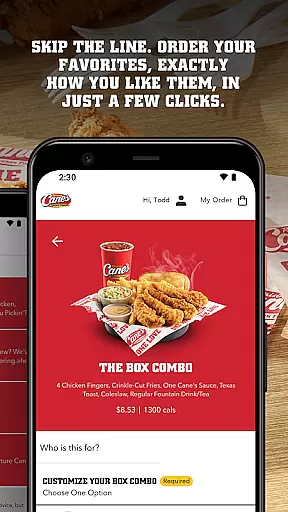
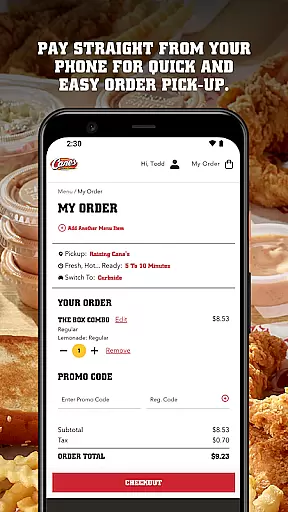
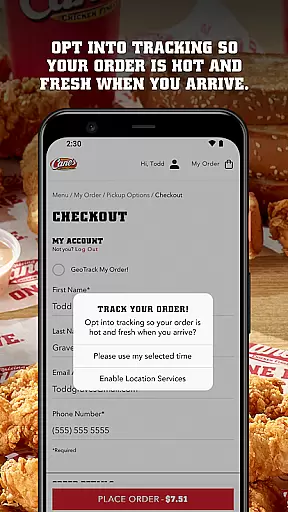
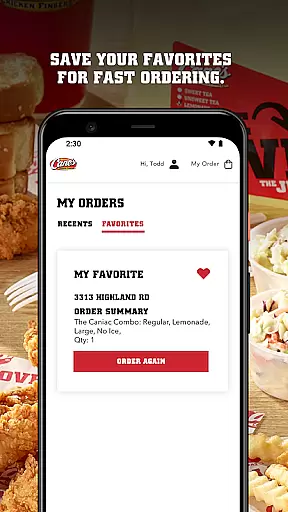
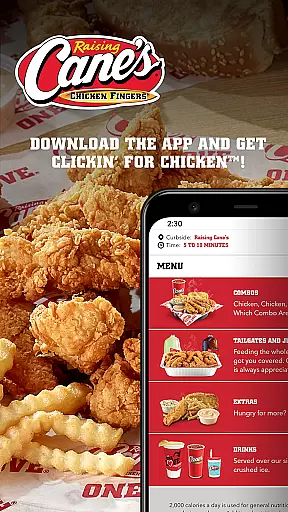
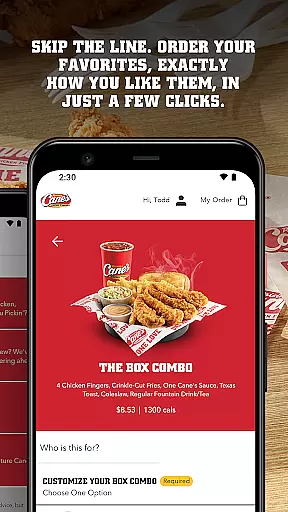
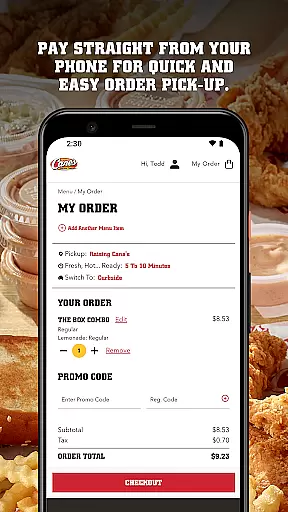
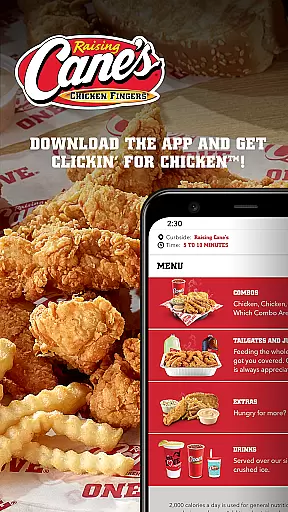
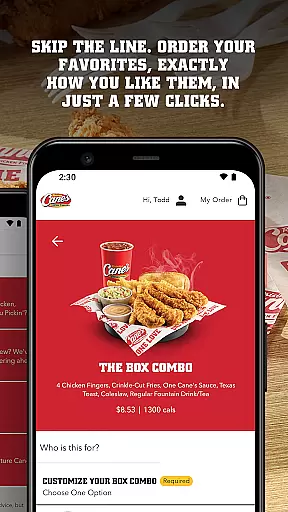
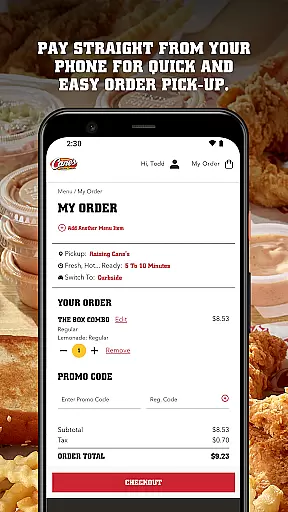
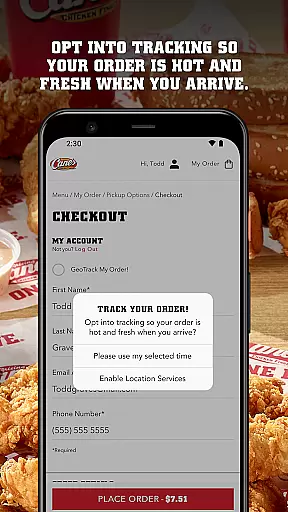
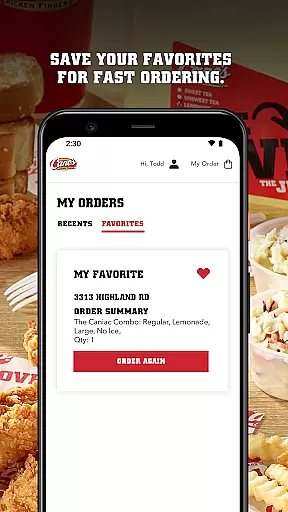
Raising Cane's Chicken Fingers is a dedicated food ordering app that allows users to conveniently order their favorite chicken finger meals with ease. The app offers features such as Order Ahead, which lets customers skip the line by pre-ordering their preferred items, and Pay Ahead, enabling seamless payment directly through the app for swift pickup.
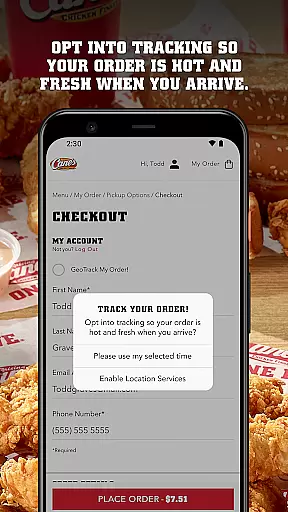
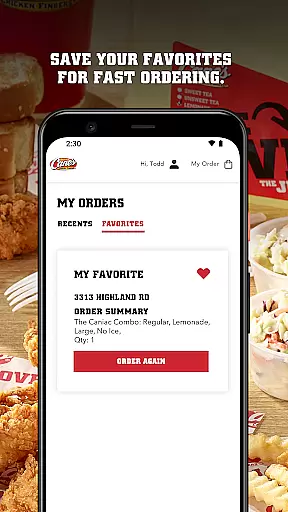
With functionalities like Tasty Tracking, users can ensure their orders are fresh and hot upon arrival. Additionally, Quick Reordering saves customer preferences for faster future transactions. This app is ideal for those who frequently enjoy Raising Cane's offerings and seek a streamlined, efficient ordering process.
The app boasts several key features designed to enhance user experience. Firstly, its intuitive interface allows for effortless navigation, ensuring that even first-time users can place orders without hassle. Secondly, the Order Ahead functionality empowers patrons to customize their meals down to the smallest detail, guaranteeing satisfaction with every order.
Moreover, the Pay Ahead option simplifies transactions by integrating secure mobile payments, thus reducing wait times significantly. Lastly, the Quick Reordering feature remembers past selections, making subsequent purchases quicker than ever before. These aspects collectively contribute to an unparalleled level of convenience and personalization within the realm of fast-food apps.
Locating your nearest Raising Cane's Chicken Fingers is effortless with the built-in store locator. This feature uses your current location to present you with the closest restaurants, ensuring minimal travel time for pickup orders.
The app provides essential details such as operating hours, address, and contact information for each outlet. This guarantees that customers can plan their visits during operational hours, avoiding any inconvenience.
Additionally, users can save their favorite locations for quick access in the future. This personalized touch simplifies the ordering process by remembering your preferred dining spots.
Overall, the store locator function enhances user experience by combining convenience with practical information, making every visit to Raising Cane's as efficient as possible.
Raising Cane's app offers seamless integration of delivery and pickup services, allowing customers to enjoy their favorite meals without the wait. By choosing the Pay Ahead feature, patrons can skip lines entirely and grab their orders directly from the counter.
For those preferring delivery, the app ensures that food arrives fresh and hot, maintaining the quality Raising Cane's is known for. The Tasty Tracking system keeps users informed about the status of their order, providing peace of mind and accurate timing for meal arrival.
Moreover, the Quick Reordering option saves previous orders, enabling swift transactions for regular customers who wish to repeat their favorite meals. This functionality not only saves time but also enhances customer satisfaction through personalized service.
By focusing on speed and convenience, Raising Cane's app transforms the traditional fast-food experience into a modern, user-friendly process that prioritizes customer needs.
User-friendly interface
Customizable meal options
Secure mobile payment
Fast reordering system
Freshness tracking
Limited menu variety
Occasional bugs
Geographical restrictions
In-app ads
Requires internet

Easy and fast ordering, improved customization, and an enhanced guest experience
 4.20
4.20
Get 20% Back at thousands of 4+ star restaurants when you pay using inKind
4.90
Enjoy all your Legendary favorites at Texas Roadhouse!
4.80
Fix bad slushies with SlushIQ tools for Ninja Slushi, Iceman, and home mixers.
4.0
Wings for Delivery or Carryout
4.80
Tons of tasty options, ready in an instant! Order for pickup or delivery.
4.70
Good Fortune Awaits with Panda Rewards and the Panda Express® App.
4.70
Discover restaurants, reservations, food delivery, reviews & services near me
4.60
Exclusive deals, mobile ordering & find your nearest BK® restaurant anytime
4.40
Monthly Perks. Fuel Discounts. App Exclusive Deals.
4.90
Top restaurants delivered
4.70
NEW digital gift cards available in exclusive designs!
4.60
The ultimate app to save recipes from Instagram, TikTok, Facebook & more.
4.60
Order ahead & earn rewards
4.60
Not just food delivery. Shop for groceries from local supermarkets to your door.
4.60
Order your Buffalo Wild Wings favorites for takeout & delivery
4.50
Get exclusive food deals, earn rewards, fast reordering & order ahead options.
4.30
Eating fresh just got a whole lot better with the new Subway app.
4.20
Food Delivered to your door! Order from 1800+ Grocery & Retail Store Brands.
4.10


User Reviews