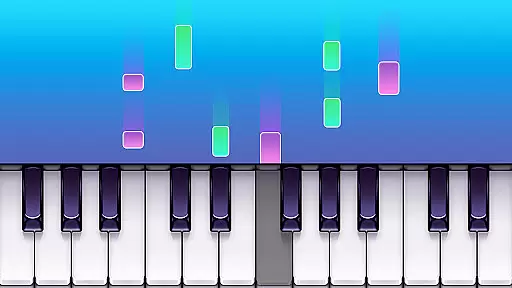
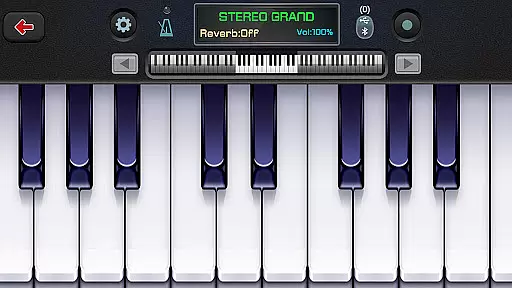
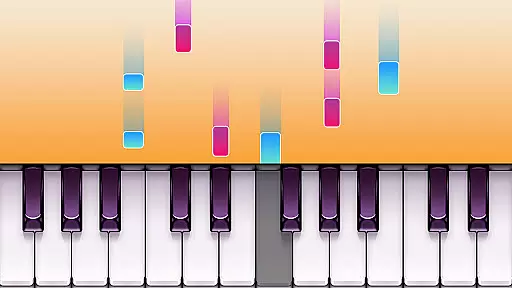
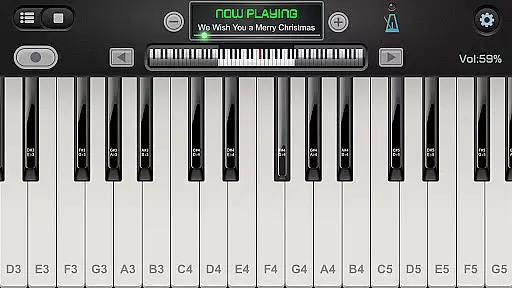
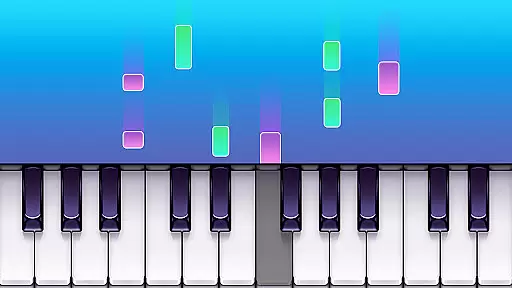
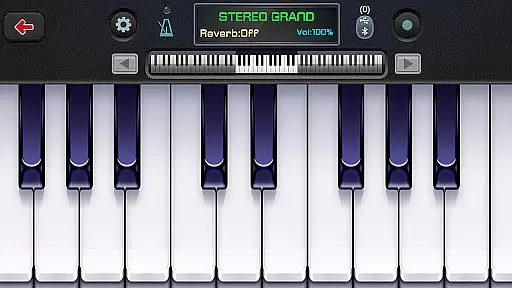
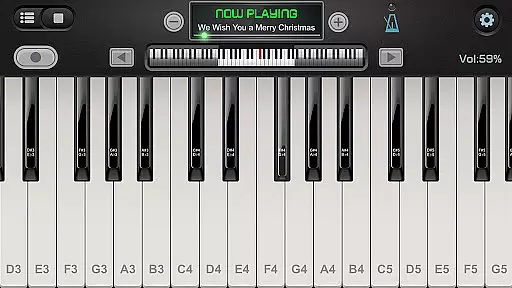
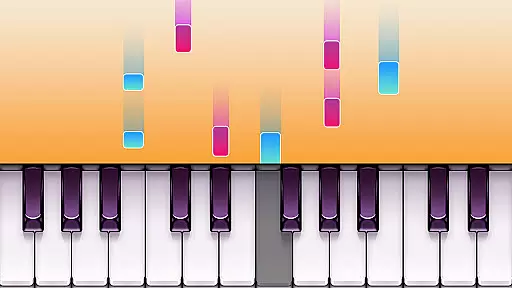
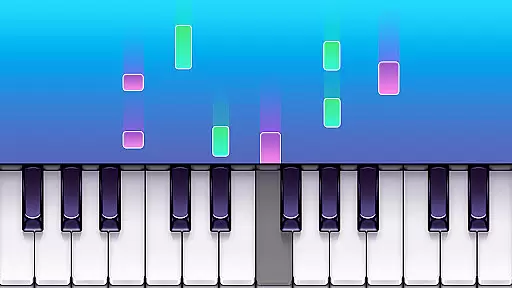
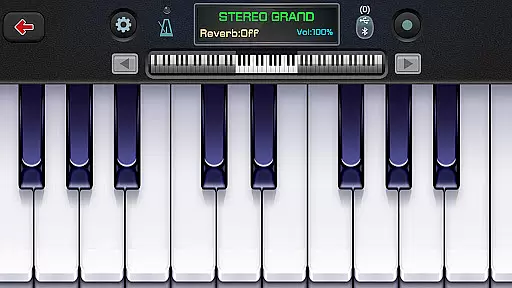
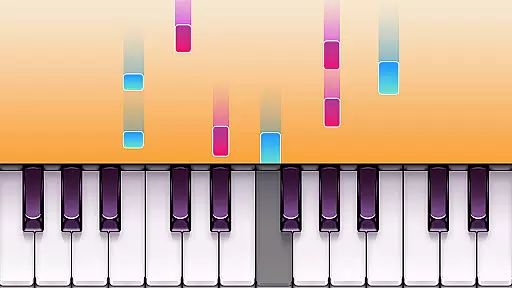
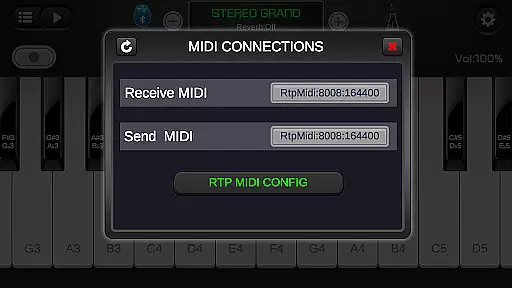
Real Piano For Pianists is a feature-rich electric keyboard simulator app designed for music enthusiasts. This virtual musical instrument app allows users to learn and practice piano chords and notes through its 88-key keyboard interface. Suitable for both beginners and advanced pianists, the app offers multiple modes including single-row, double-row, dual players, and chord modes. The built-in ADSR filter ensures high-quality sound output while supporting multitouch gestures for an authentic playing experience.
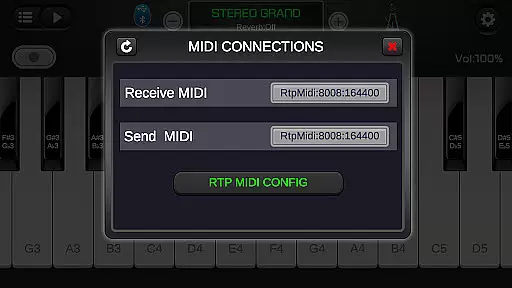
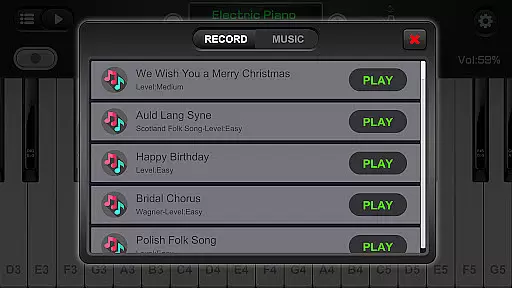
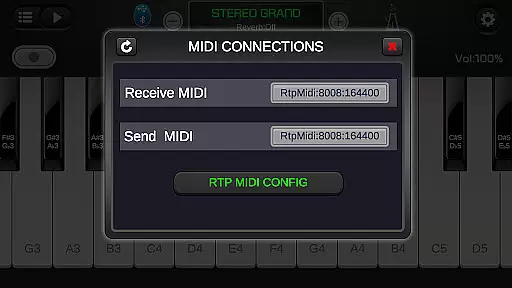
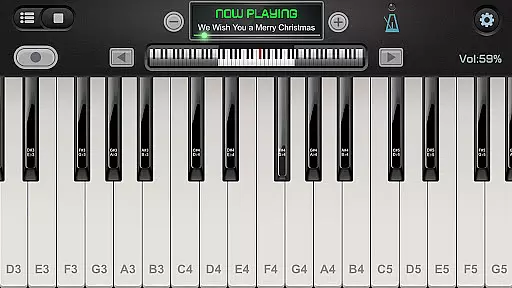
The app's versatility extends beyond traditional piano sounds, offering 128 different keyboard options ranging from grand pianos to organs and accordions. Users can connect their digital pianos, record performances in MIDI format, and even adjust keyboard size and width. With features like force touch, metronome, and multiple sound effects, Real Piano For Pianists provides a comprehensive platform for musical exploration and learning.
Real Piano For Pianists stands out with its extensive feature set tailored for music learners and professionals. The app's 88-key virtual keyboard provides a complete range of notes, while its compatibility with both smartphones and tablets ensures optimal performance across devices. The innovative ADSR filter technology delivers professional-grade audio quality, making practice sessions more realistic and engaging.
One of the app's key strengths lies in its diverse learning modes and instrument options. Users can choose from various playing modes including single-row for beginners and complex chord modes for advanced players. The inclusion of 128 different keyboard sounds, multiple instrument simulations, and built-in sound effects creates an immersive musical experience. Additional features like MIDI recording, adjustable keyboard dimensions, and support for external digital pianos make this app a versatile tool for music education and composition.
Rhythm judgment precision is crucial for any music app, especially one that simulates playing the piano. Real Piano For Pianists excels in this area by offering accurate feedback on your performance timing.
The app uses advanced algorithms to analyze each keystroke and provides real-time feedback on how well you're keeping the beat. This feature helps users develop a strong sense of rhythm, which is essential for playing music professionally.
With its precise rhythm detection, learners can track their progress over time and see tangible improvements in their timing skills. The app's ability to provide instant corrections ensures that bad habits don't form, leading to more effective practice sessions.
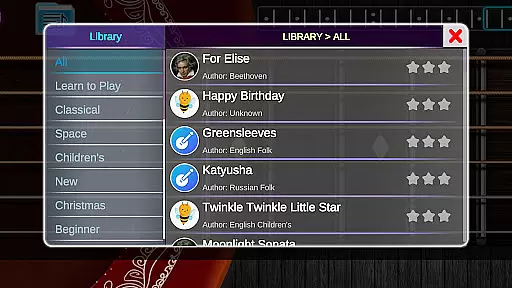
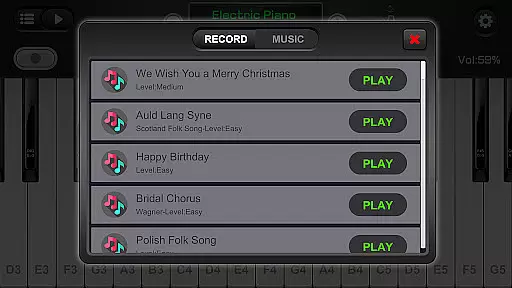
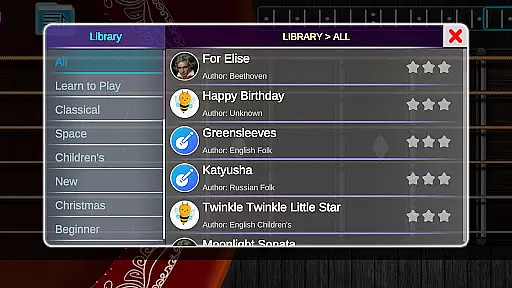
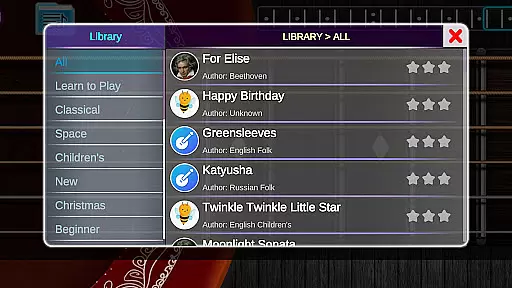
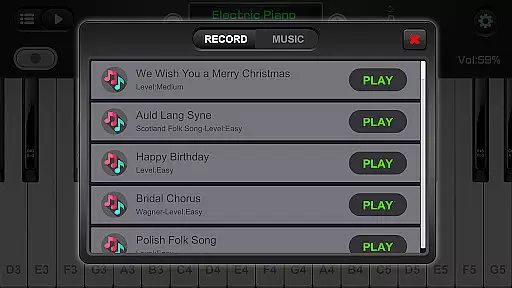
A diverse and high-quality music library is vital for keeping users engaged and motivated. Real Piano For Pianists offers an extensive collection of popular and classic songs, catering to different tastes and skill levels.
The app includes various musical genres, from classical compositions to modern hits, ensuring there's something for everyone. Each piece is carefully selected and arranged to maintain the original feel while being accessible to learners.
Beyond just quantity, the quality of the sheet music is top-notch. Professionally transcribed and reviewed, these pieces help users learn authentic versions of their favorite songs. With regular updates adding new content, the library remains fresh and exciting.
User-friendly interface
High-quality sound output
Multiple instrument options
Comprehensive learning modes
External device compatibility
Occasional performance lags
Limited free song selection
Advanced features require learning
Interface may feel complex
Large app size

Enjoy songs & crash same color blocks in a rhythm action surf, dash music game.
 4.40
4.40
Cat music games! Dancing on cute piano tiles and meow in rhythm games!
4.60
Enjoy the fun of cat hop on piano tiles, feel the rhythm of bouncing and dancing
4.50
Can you hear me?
4.10
Lowriders comeback 2 - Musical Game with dancing, hopping and freeride cruising
4.20
Create your own music with the help of a merry crew of beatboxers!
4.90
Fun song games! A fun challenge of piano tiles & magic tiles. Hop to the beat!
4.30
Bounce the ball on music tiles to the beat of trending songs! Feel the magic!
4.50
All Hit Songs In Your Piano Game? Feel The Magic, Don't Miss The Tiles
4.70
The coolest rhythm game on this damn Play Store (respectfully)
4.80
Breed them. Feed them. Listen to them sing! Build a musical world.
4.70
DIY funny monster, watch it dance, and mix amazing beats.
4.70
Bounce to the Beat! Tap, Dash & Feel the Music!
4.70
Unlock your amazing rhythm beat & theme. Perfect for music lovers of all ages!
4.60
Tap tiles piano kpop rhythm, pocket piano, offline music game Rush E challenge
4.60
Ride a sonic skateboard, slash beats, and master the rhythm!
4.40
A favorite of music teachers, Note Rush boosts note reading speed and accuracy.
4.20
Create a kids' marching band with fun instruments and interactive music & rhythm
4.10
Game of song, dual vocal, swipe, tap piano magic tiles pad & harmonize pop songs
3.70


User Reviews