
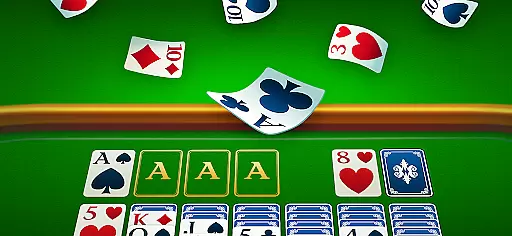
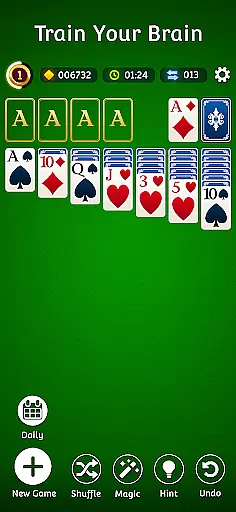
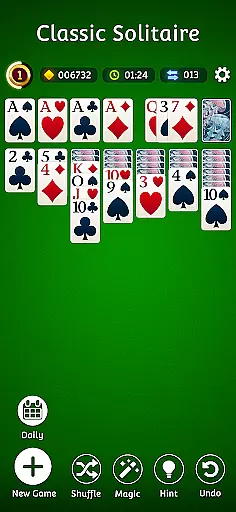
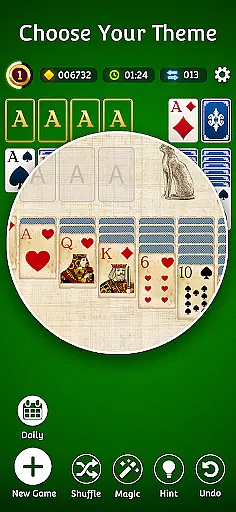
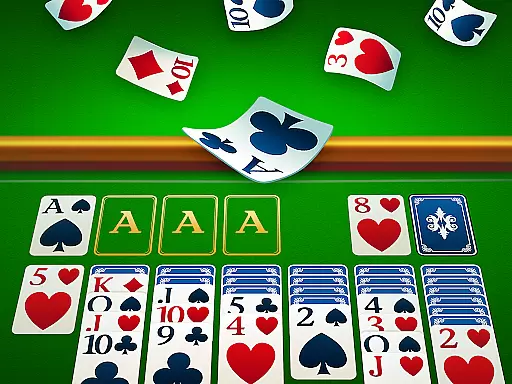
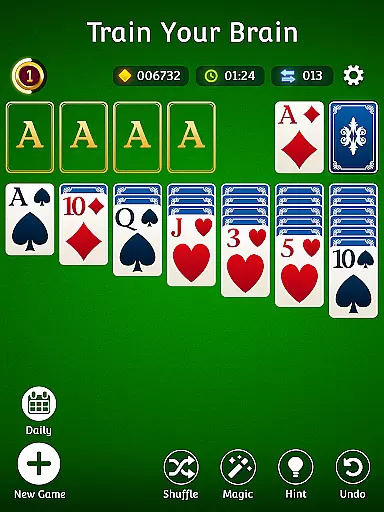
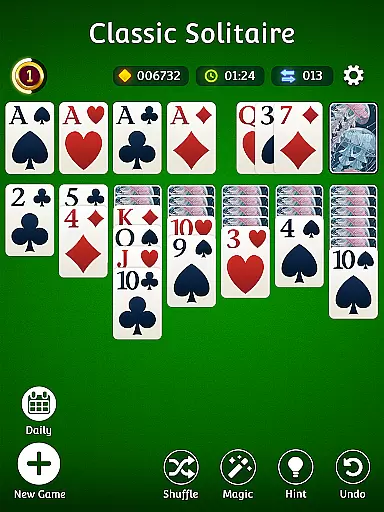

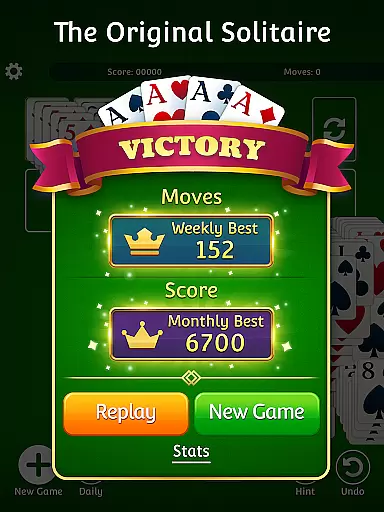
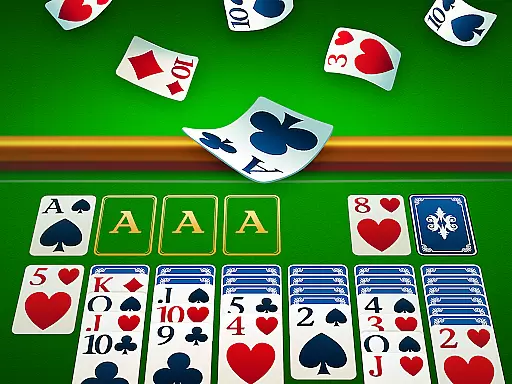
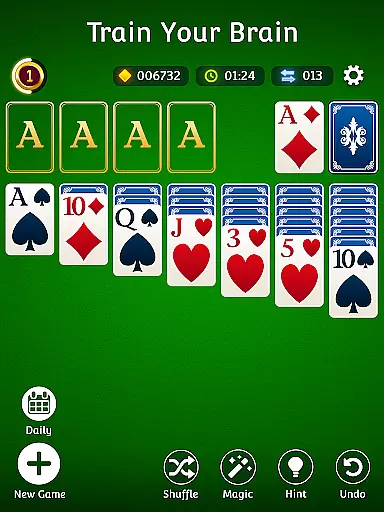
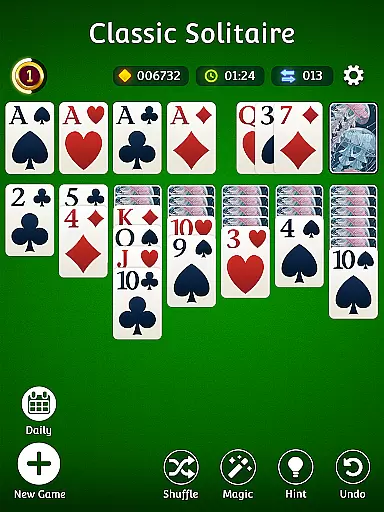
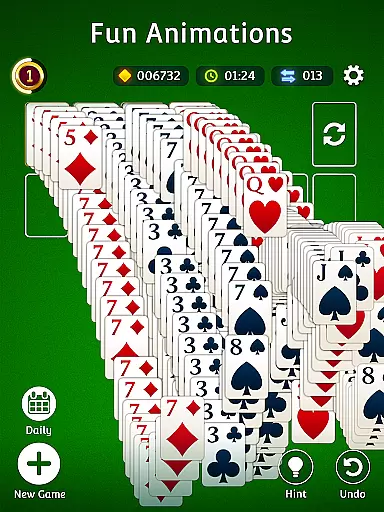
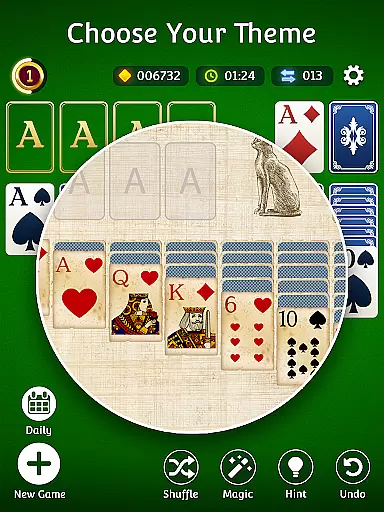

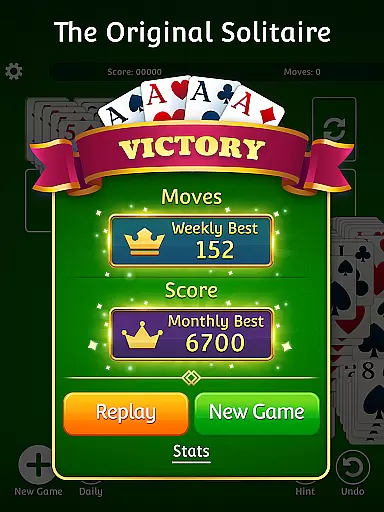
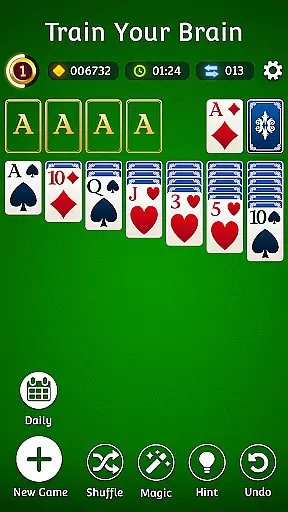
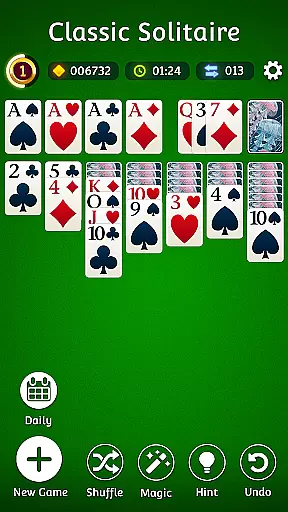
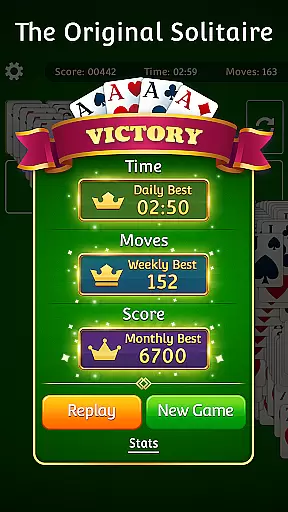
Solitaire.com - Classic Cards brings the timeless card game experience to your mobile device with beautifully designed graphics and smooth gameplay. As one of the most popular card games worldwide, this app offers both classic Solitaire and innovative features for players of all levels.
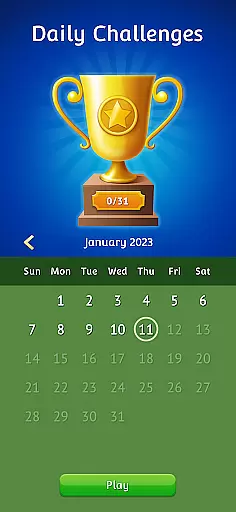
Users can enjoy various modes including random and winnable decks, daily challenges, and customizable card designs. The offline play option ensures you can enjoy the game anytime, anywhere, even without an internet connection. Whether you're a casual player or a Solitaire expert, this app provides endless opportunities to test your skills and strategy.
The app's intuitive interface and helpful features like unlimited hints and undo make it perfect for both beginners and experienced players. With its engaging gameplay and relaxing nature, Solitaire.com - Classic Cards is an ideal way to unwind or keep your mind sharp during breaks.
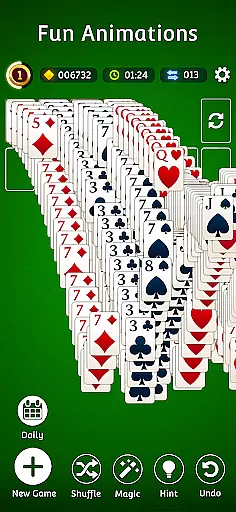
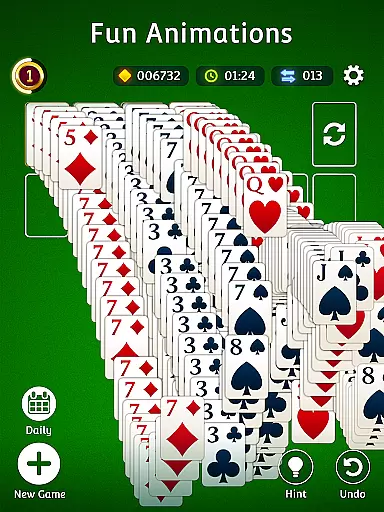
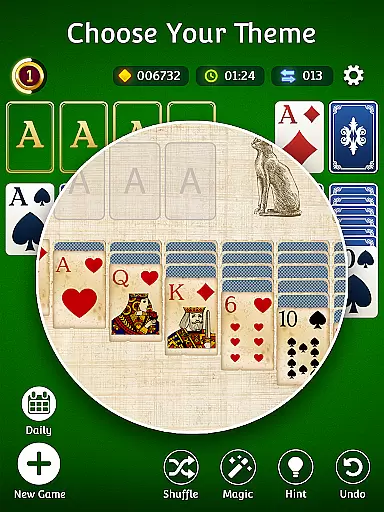
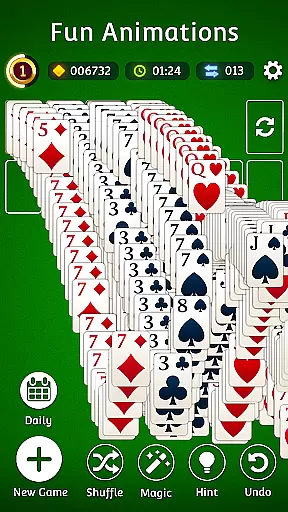
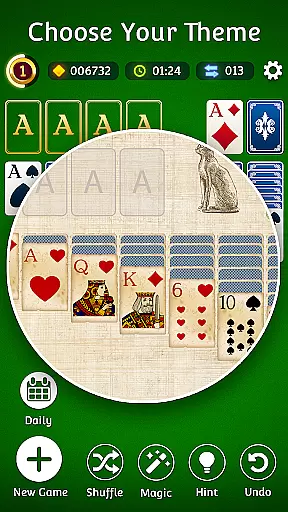
This comprehensive Solitaire app offers an array of features that enhance the traditional card game experience. Players can choose between classic scoring or Vegas scoring, while enjoying beautiful animations and customizable card designs that make each game unique and visually appealing.
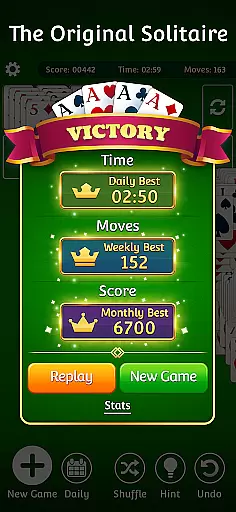
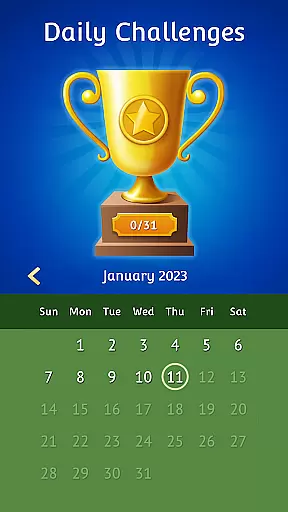
The app includes practical features such as player statistics tracking, left-handed mode, and full deck solitaire mode for more strategic gameplay. The inclusion of both random and winnable decks caters to different playing styles and preferences, while daily challenges provide fresh content and keep players engaged.
Additional learning tools like unlimited hints and undo options help new players master the game while maintaining the challenge for seasoned Solitaire enthusiasts. These features combined create a versatile and enjoyable gaming experience suitable for all ages and skill levels.
Random Number Generation (RNG) fairness is crucial in card games like Solitaire, ensuring that each game presents a unique and unpredictable challenge. In Classic Solitaire by Solitaire.com, RNG is employed to shuffle the cards, providing players with a fresh experience every time they play. This randomness is key to maintaining the excitement and engagement of players, as it prevents patterns from emerging that could make the game predictable.
The certification of RNG processes adds another layer of trust and reliability for users. While specific certifications may not be detailed within the app itself, the assurance that the shuffling algorithms are designed to mimic real-world randomness closely aligns with fair play principles. Players can rely on the fact that each session's outcome depends solely on their skill and strategy, rather than any pre-determined sequence set by the game.
For enthusiasts who cherish traditional card games, knowing that Classic Solitaire upholds these standards provides peace of mind. The game offers both random and winnable decks, catering to various preferences while guaranteeing an equitable experience across all gameplay modes. This commitment to fairness enhances user confidence, encouraging more extended and more frequent play sessions without concerns about manipulated outcomes or biased algorithms.
Control fluidity and input latency are essential factors that determine how smoothly and responsively a digital card game operates. In Classic Solitaire, control fluidity ensures that every move you makeu2014whether dragging a card across the tableau or tapping to selectu2014is executed seamlessly without any noticeable delay. This fluid interaction is vital for maintaining immersion and enjoyment, allowing players to focus on their strategies rather than being distracted by technical hiccups.
Input latency refers to the time it takes between a player's action and the gameu2019s response. Low input latency is particularly important in fast-paced or timed solitaire variations where quick decision-making can impact scoring or progression. Classic Solitaire optimizes this aspect by ensuring minimal lag, even during complex moves involving multiple cards. Such optimization results in an intuitive interface where actions feel immediate and precise, enhancing overall gameplay satisfaction.
Moreover, customizable features such as left-handed mode further demonstrate attention to detail regarding user controls. By offering options tailored to individual preferences, Classic Solitaire guarantees an inclusive experience suitable for all types of players. Whether enjoying offline play or engaging in daily challenges, users benefit from consistently smooth interactions that uphold high standards of performance and accessibility throughout their gaming journey.
User-friendly interface
Offline play capability
Daily challenges
Customizable design
Free to play
Limited social features
In-app ads present
Premium version costs
Complex for beginners
Occasional bugs

Build a squad of gnomes and embark on a roguelike adventure with card battles!
 4.0
4.0
Relax and unwind with Solitaire: Card Games.
4.70
Play Solitaire, win real cash prizes, and enjoy endless fun anytime, anywhere!
4.70
The classic Hand & Foot experience with a premium, easy to play, offline design.
4.10
Cloud, Rain, Fog, Ice, Fire Magic Puzzle Card Game
4.4
Find dragons in mysterious land and play card games.
4.60
Classic Solitaire Game: Brain training & relaxation!
4.20
Large Card Solitaire Games: Play the addictive solitaire classic card games now!
4.90
An indie roguelike card game
4.20
The official digital adaptation of the beloved card game Morels.
4.70
Euchre Offline! Master strategy fun, install and play NOW!
4.70
Play for fun, practice or get advice for 400+ VP games and over 2000 pay tables.
4.60
Reiner Knizia's classic card game, Masters Gallery
4.60
Classic Solitaire Game - Play Original Klondike Solitaire Card Games to Relax
4.60
A game of apocalypse and yearning. Experiment. Die. Ascend.
4.60
Play and Master the Fun Classic Card Games with Friends
4.60
Play the legendary Blackjack 21! Win like a pro in this exciting casino game!
4.50
The Conquian made with 100% Mexican talent.
4.40
Sinister solitaire. Four cards, one fate.
4.1


User Reviews