
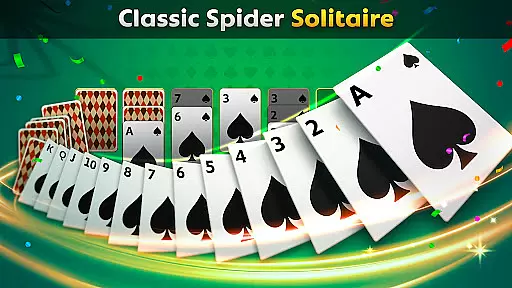
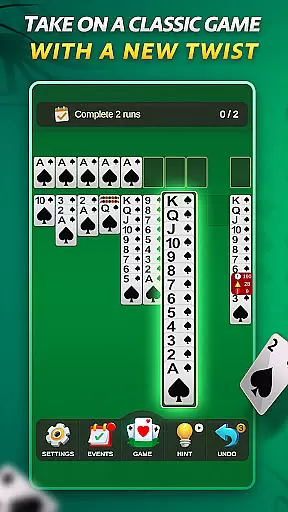

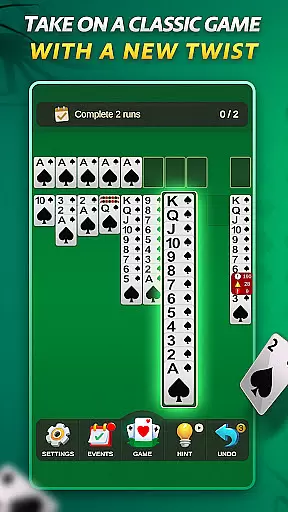

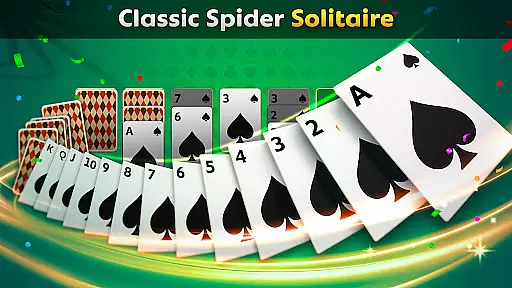
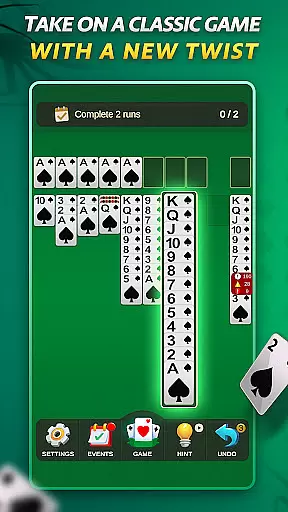
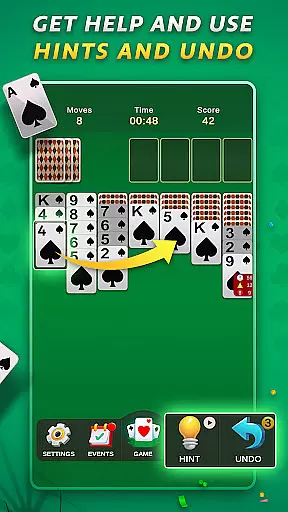

Spider Solitaire offers a modern twist on the classic card game, providing players with an engaging and polished gaming experience. The app features multiple game modes including traditional Spider Solitaire and the faster-paced Spiderette variation, catering to both casual and serious gamers.
With daily challenges, special events, and collectible badges, this version keeps the gameplay fresh and exciting. Players can enjoy a pressure-free experience in Free Play mode or test their skills with new challenges every day. The intuitive design and mobile optimization ensure smooth and enjoyable sessions across all devices.
Spider Solitaire stands out with its variety of features designed to enhance the classic gameplay. Choose between Spider Solitaire and Spiderette modes for either a full strategic experience or quicker games. Daily challenges and special events keep the game dynamic and engaging.
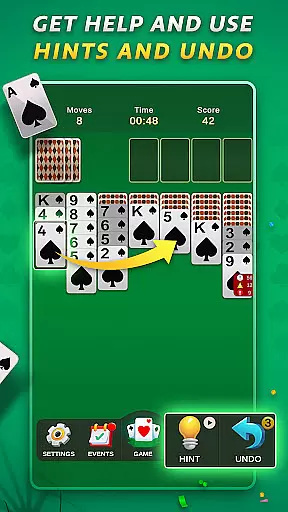
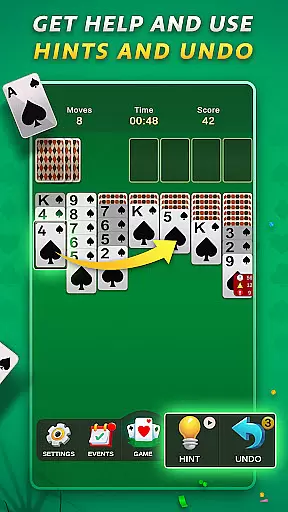
The app includes undo and hint options to assist players when they are stuck or make mistakes. Collect unique badges by completing challenges and events, adding a layer of achievement to the gameplay. With no in-app purchases, players can enjoy uninterrupted gaming supported by optional rewarded ads.
The polished and intuitive design ensures a seamless user experience with clean visuals and smooth controls. Optimized for mobile, the game performs flawlessly on all screen sizes, making it perfect for quick games on the go or longer, more focused sessions.
Random Number Generation (RNG) is crucial in card games to ensure that every shuffle and deal is genuinely unpredictable. Spider Solitaire employs certified RNG algorithms, guaranteeing that each game starts with a random card distribution, thus maintaining the integrity of gameplay.
The implementation of RNG in this app ensures that no two games are alike, providing players with a unique challenge every time they play. This randomness is key to keeping the game engaging and preventing patterns that could make the game predictable.
For players, this means an authentic card game experience where strategy and skill are genuinely tested without any bias from pre-determined card sequences. The certification of RNG adds a layer of trust, assuring users that the game is fair and balanced.
Control fluidity and input latency are vital for a seamless gaming experience, especially in card games like Spider Solitaire. This app optimizes touch controls to ensure that every tap and swipe is registered instantly, allowing players to move cards across the tableau effortlessly.
By prioritizing smooth animations and responsive interactions, the game minimizes delays between player actions and on-screen responses. This optimization is particularly important during complex moves or when undoing actions, ensuring that the flow of the game remains uninterrupted.
Players benefit from this precision as it allows them to focus on their strategy without being hindered by technical glitches or sluggish controls. The result is an intuitive interface that makes gameplay not only efficient but also enjoyable, enhancing overall user satisfaction.
User-friendly interface
Daily challenges
No in-app purchases
Variety of game modes
Collectible badges
Limited social features
Ads between games
Basic graphics
Occasional bugs
Few customization options

The official digital adaptation of the beloved card game Morels.
 4.70
4.70
Play for fun, practice or get advice for 400+ VP games and over 2000 pay tables.
4.60
Addictive Classic Solitaire of 2025! Relax with classic and fun card games now!
4.90
A sleek, addictive Solitaire experience made for the modern player.
4.60
90 games. Intuitive, simple, beautiful... just great. Try it and you'll love it!
4.20
Fantasy Realms - A combo-licious card game.
3.10
Riichi Mahjong - A fun, strategic variant of the classic multiplayer game!
4.80
Play Blackjack and and earn gift cards
4.50
An official UNO adventure full of card-slinging fun and unexpected thrills!
4.40
Large Card Solitaire Games: Play the addictive solitaire classic card games now!
4.90
Classic Solitaire game you love! Offline, easy, and relaxing!
4.80
Play and Master the Fun Classic Card Game Online & Offline
4.70
Train your brain with relaxing classic solitaire game and have endless fun!
4.70
When Poker Meets Solitaire
4.70
Hardwood Hearts, where breaking hearts is just part of the game.
4.50
Kill the monsters & grab the loot in the classic card game!
3.70
The classic Solitaire card game, with intuitive game-play and stunning graphics.
3.10
Sinister solitaire. Four cards, one fate.
4.3
A fun and challenging rougelike dungeon card game.
4.5


User Reviews