
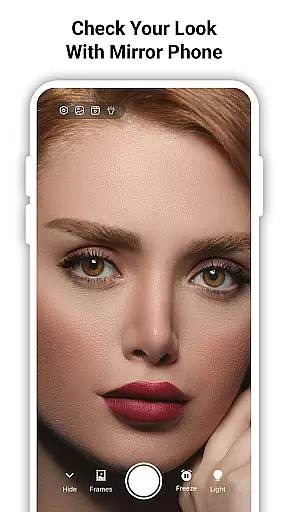
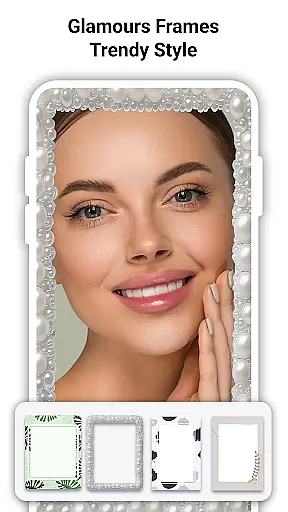
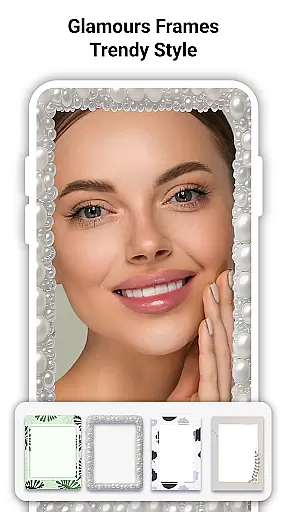
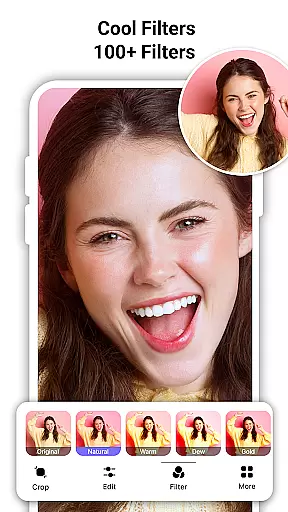
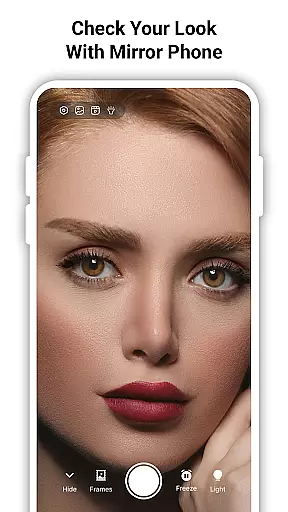
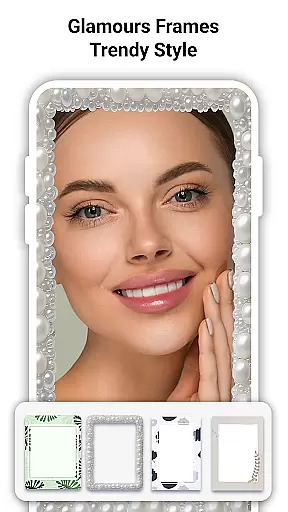
True Mirror: Magnifying Mirror is a versatile beauty tool that transforms your phone into a high-definition mirror with advanced features. This app provides users with an exceptional grooming experience through its magnification, lighting, and true reflection capabilities.
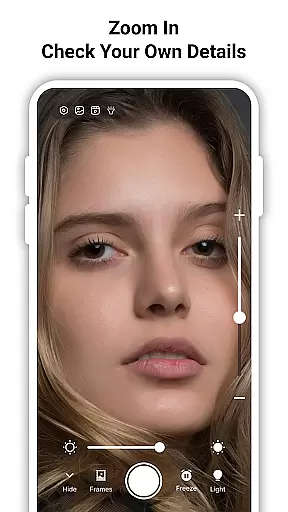
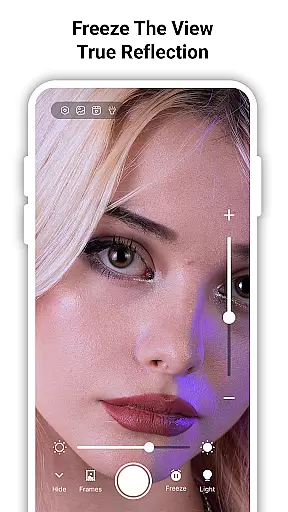
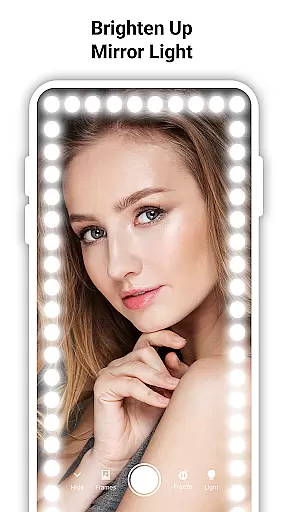
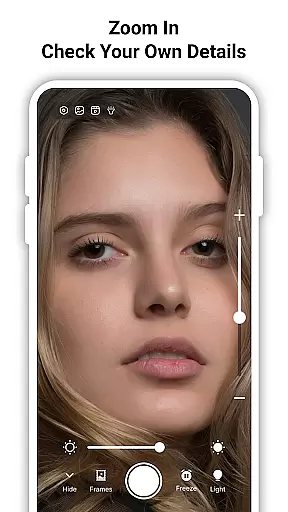
The core functionality includes an HD magnifying mirror that allows precise zooming for detailed work such as makeup application or skincare checks. Additionally, the built-in LED light ensures optimal visibility in any environment, while the True Mirror mode displays an unflipped image, showing you exactly how others perceive you.
Whether you're perfecting your look at home or need a reliable mirror on the go, True Mirror offers practical solutions like selfie capture and freeze frame options. These features make it an essential all-in-one beauty tool for various personal care tasks.
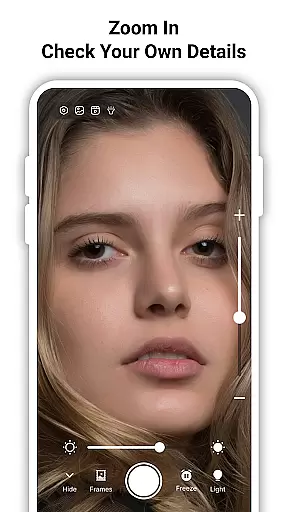
True Mirror stands out with its comprehensive feature set tailored for beauty enthusiasts. The app's HD magnifying capability lets users zoom in effortlessly, capturing every detail without distortion—ideal for precision-based activities like applying makeup or checking skin texture.
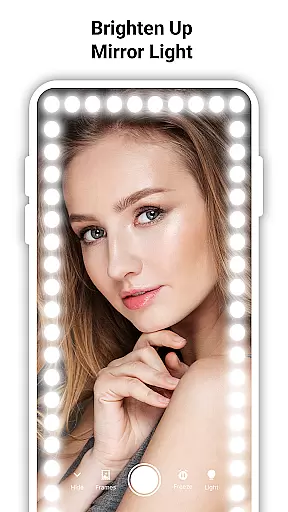
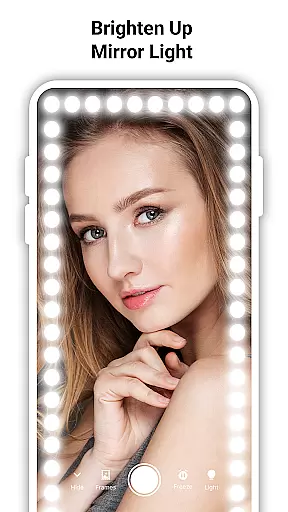
A standout feature is the True Mirror mode, which presents an accurate, non-reversed reflection. This innovation helps users apply makeup more accurately and take better selfies by reflecting their real appearance. Coupled with adjustable LED lighting, users can achieve professional-grade results regardless of ambient light conditions.
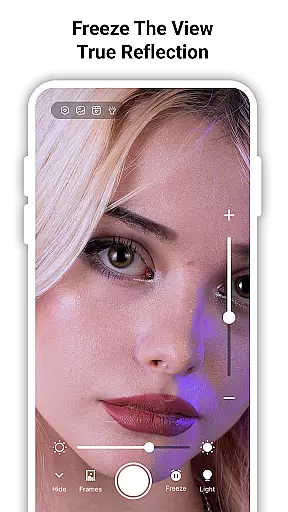
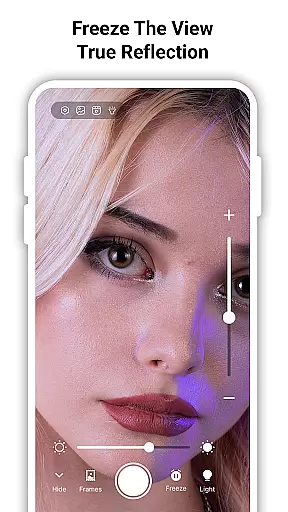
Additional functionalities include a freeze frame option to hold your reflection temporarily and a selfie mode for capturing your look instantly. These tools collectively enhance user convenience, making daily grooming routines more efficient and enjoyable.
True Mirror: Magnifying Mirror offers an extensive product database that caters to a variety of personal grooming and beauty needs. This app doesn't just stop at being a simple mirror; it provides detailed functionalities such as zooming in for precision work, making it an essential tool for applying makeup or checking your appearance with accuracy.
The application's built-in features are designed to ensure users have all the necessary tools at their fingertips. With adjustable lighting options and true mirror capabilities, it allows you to see yourself in different conditions as others would perceive you, which is crucial when doing makeup or preparing for a photoshoot.
Users benefit from the comprehensive suite of features that True Mirror brings to the table. Whether it's the ability to freeze frames for a closer look or capturing selfies to track changes over time, this app ensures that every detail of your appearance can be meticulously managed.
The value proposition of True Mirror lies in its all-in-one approach. By combining multiple functions into one platform, it eliminates the need for separate tools and provides a seamless experience that enhances personal grooming routines, making it indispensable for both everyday use and professional settings.
Personalization is at the heart of True Mirror: Magnifying Mirror, allowing users to tailor their experience to their specific needs. The app's intuitive design lets you adjust settings like zoom level and lighting intensity, ensuring that each user can create an optimal environment for their grooming tasks.
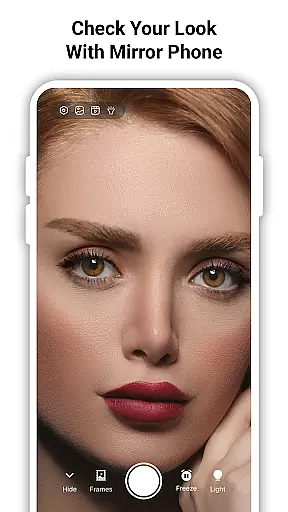
With True Mirror Mode, the app goes beyond traditional mirror apps by providing an unflipped reflection. This feature is particularly useful for those who want to see themselves exactly as others do, offering a unique advantage when perfecting your look or taking natural selfies without the usual smartphone camera distortion.
The inclusion of specialized tools such as magnification and freeze frame demonstrates the app's commitment to precise personalization. These features enable users to focus on minute details, whether they're shaping eyebrows or examining skin texture, thus enhancing overall usability and effectiveness.
Ultimately, True Mirror stands out through its dedication to delivering a personalized experience. By empowering users with customizable options and practical features, it ensures that everyone can achieve their desired results with confidence, knowing they have full control over how they view themselves digitally.
User-friendly interface
High-definition magnification
Adjustable LED lighting
Accurate true reflection
Convenient selfie capture
Limited advanced tools
No video recording
Basic UI design
Occasional lag
Ads in free version

Glow up with science: cosmetics, ingredients scanner, tracking & face analysis
 4.10
4.10
Make beautiful Hairstyles for girls with your own hands in little bit of time
4.00
Crown Heart Emoji Photo Editor has given you the chance to look cute girl
4.40
Edit Your Photos and Videos with Beauty Filters & Get Makeup Artist Tutorials
3.60
The mirror app you were looking for, simple and easy to use. Try Mirror now.
4.60
AI Stylist, Try On Millions Of Clothes In Any Brand & Style, AI Clothes Changer
4.70
Book beauty salon, hair or health and wellness experiences in an instant
4.90
Beauty Camera & Selfie Camera snap Beauty selfie with filter, makeup, stickers
4.80
Unleash your (Pro)tential with the hottest hair, nails and beauty brands!
4.60
Salon appointment booking and scheduling software for beauty pros and barbers.
4.80
Use your phone as a makeup mirror, shaving mirror. Magnifying mirror with light!
4.80
Try interesting trending filters allows you switch to a cute girl
4.70
Beauty camera & Selfie camera for perfect selfie with filter, sticker, makeup
4.70
Monthly Perfume Subscription
4.70
For businesses, Booksy Biz allows you to manage your schedule & more on the go.
4.60
Your on-demand aesthetician
4.40
Seasonal color palette, my personal color, hair color changer, makeup, wardrobe
4.20
Beauty/age defining ai coach guides you through the exercises in daily routine.
3.30
Your Personal Stylist for Smart Shopping, Beauty & Styling Outfits.
4.0


User Reviews