
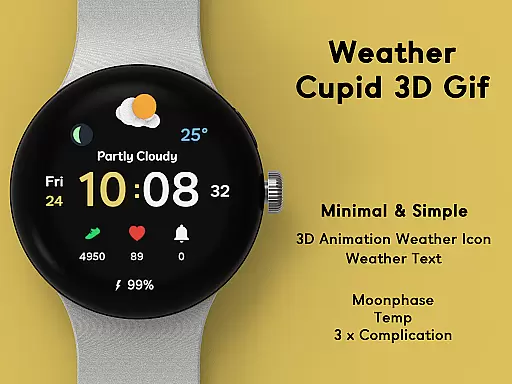
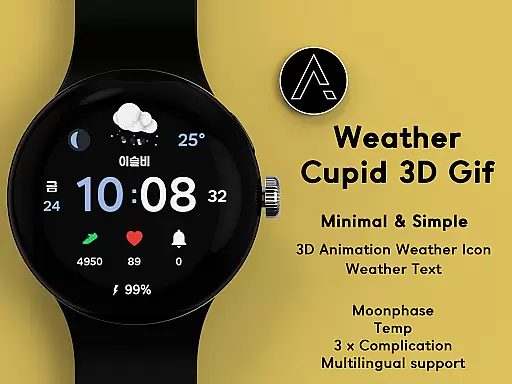
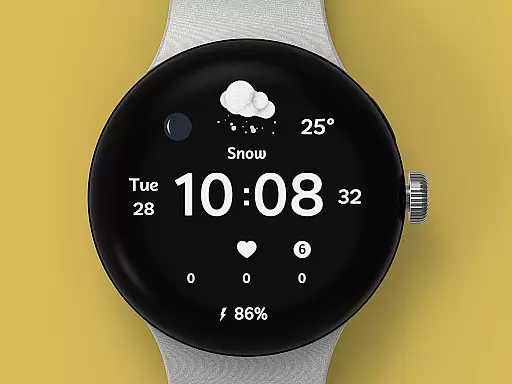
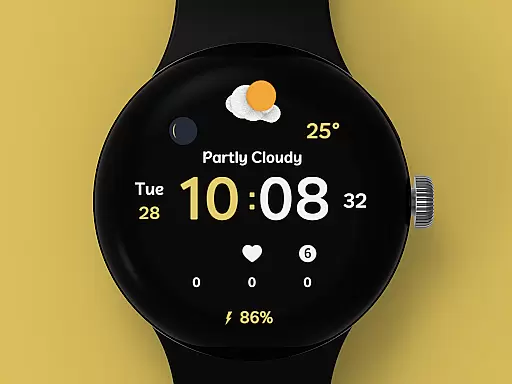
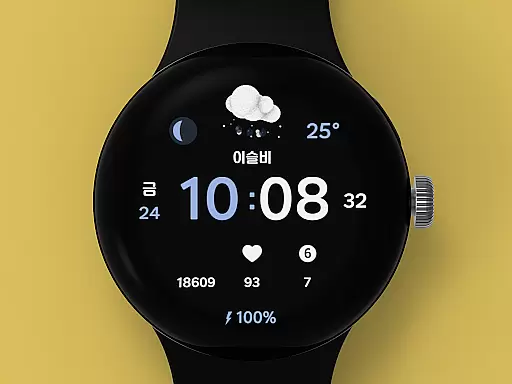
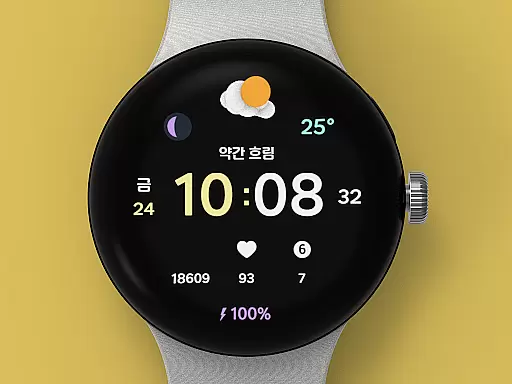
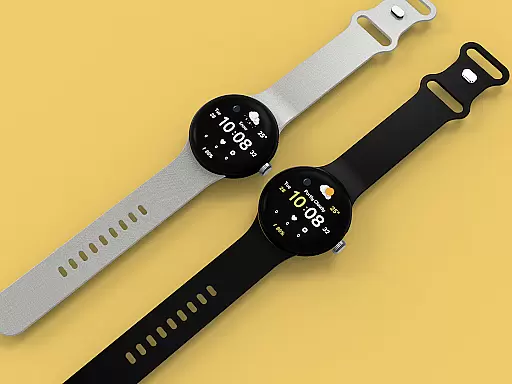
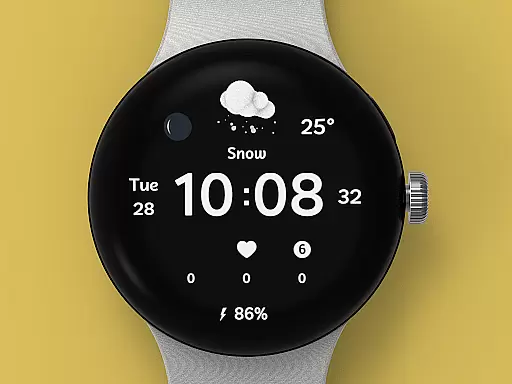
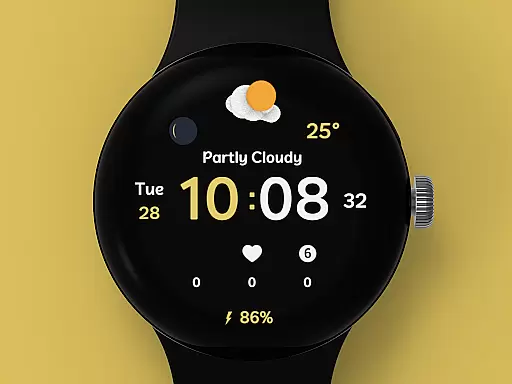
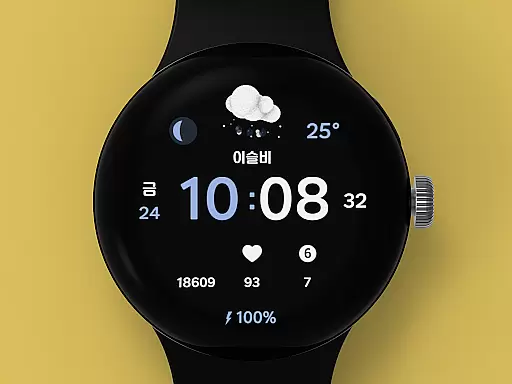
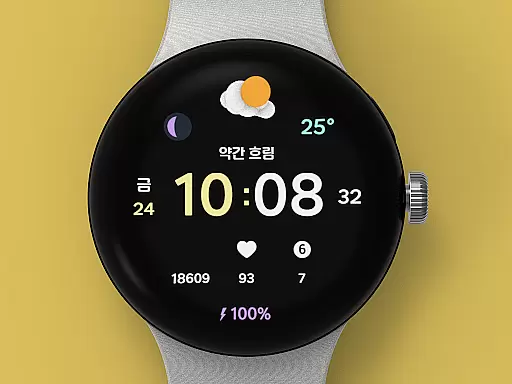
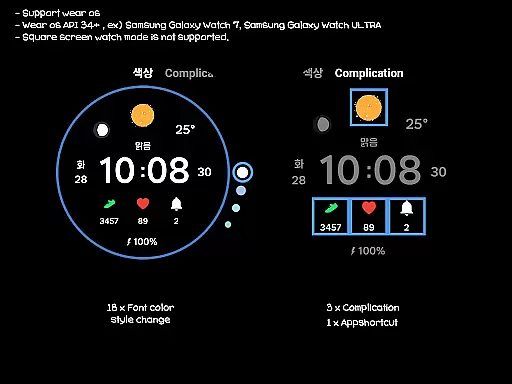
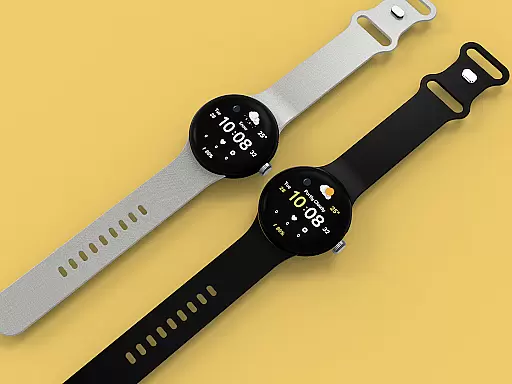
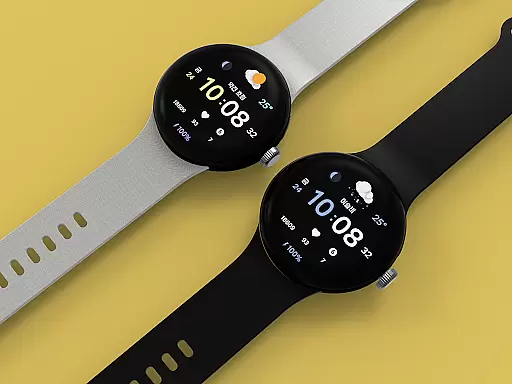
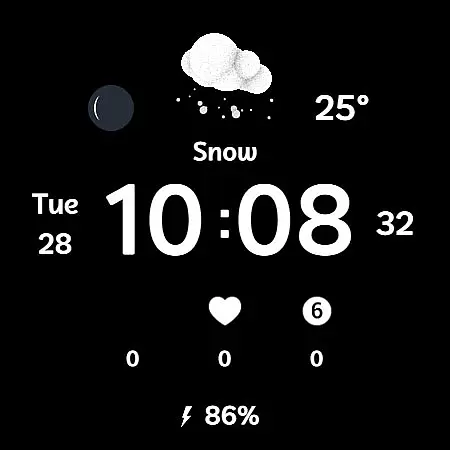
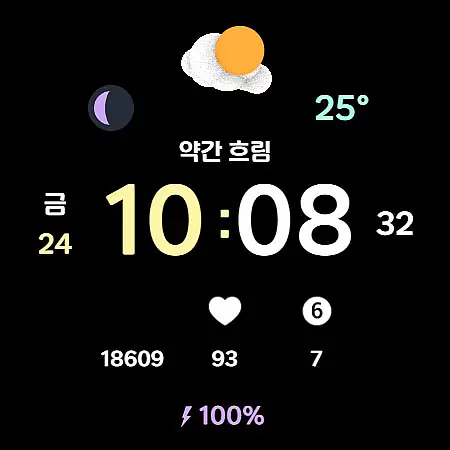
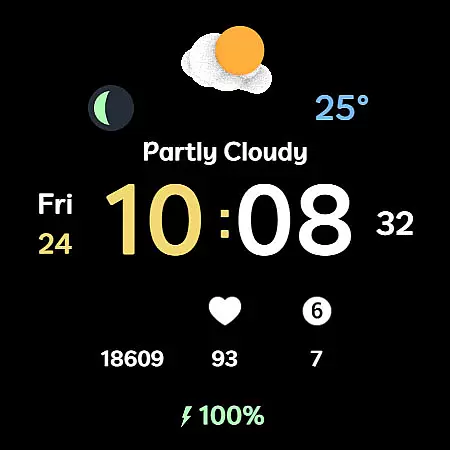
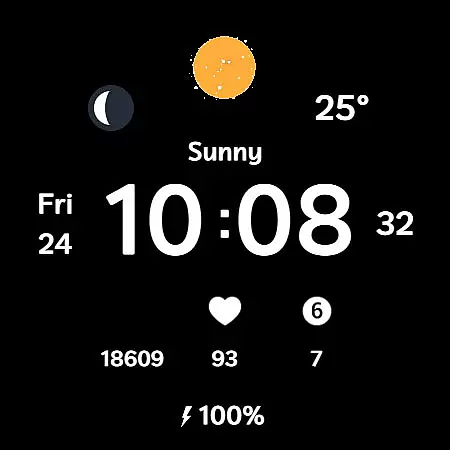
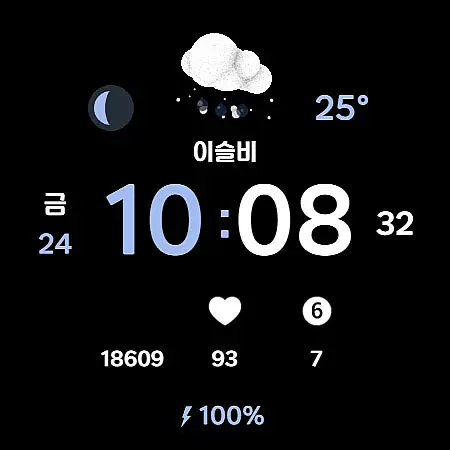
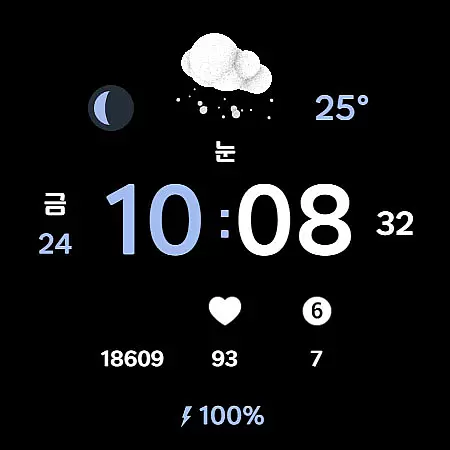
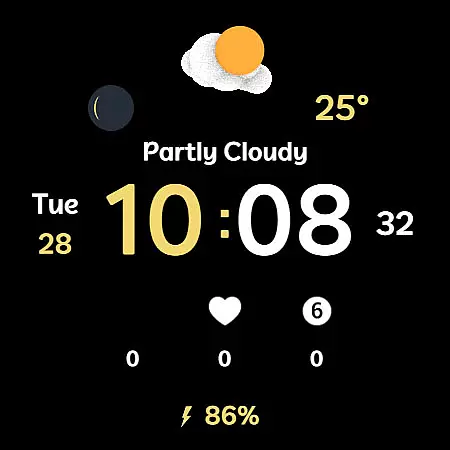
Weather Cupid 3D Gif is a visually appealing Wear OS watch face that combines functionality with aesthetics. This digital watch face features a minimalistic design complemented by lively 3D animated weather icons, making it both practical and engaging. Users can easily check essential information such as temperature, moon phase, and battery percentage directly from their watch screen.
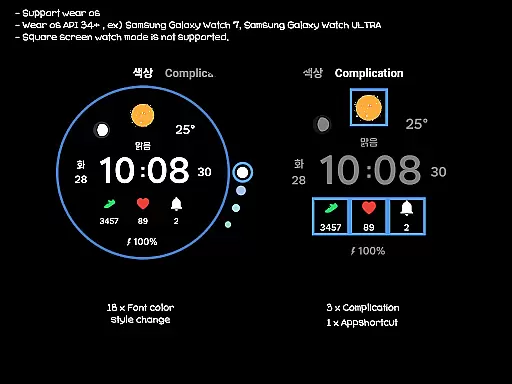
The app supports multiple languages and offers both 12-hour and 24-hour time formats, catering to a global audience. The weather data, updated approximately every 30 minutes, is powered by Samsung's API, ensuring reliable and timely information. With customization options like 18 font color styles and three complications, users can personalize their watch face to suit their preferences while enjoying an intuitive interface that enhances the overall wearable experience.
Weather Cupid 3D Gif stands out with its unique combination of features tailored for Wear OS devices. One of its key highlights is the dynamic 3D weather animation, which provides users with an interactive way to view current weather conditions. The app supports both Celsius and Fahrenheit temperature scales, allowing users worldwide to monitor weather changes conveniently.
In addition to weather information, this watch face displays vital health and device metrics such as moon phases and battery levels. It also includes multilingual support and customizable design elements like font colors and complications. These features collectively create a personalized and functional user experience. Although square-screen modes are not supported, the app ensures compatibility with most Wear OS devices, offering flexibility without compromising performance or style.
Weather Cupid 3D Gif provides accurate weather forecasts through an API provided by Samsung. This ensures that users receive reliable and precise weather information directly on their Wear OS devices. The temperature data, moon phase, and other details are updated approximately every 30 minutes, offering timely insights into current conditions.
The application supports both Celsius and Fahrenheit scales, catering to a global audience with varying preferences for temperature measurement. Additionally, multilingual support enhances accessibility, allowing users from different regions to understand and utilize the weather data effectively. These features collectively contribute to the credibility of the forecasted information.
While the app strives for precision, it is important to note that discrepancies may occur compared to other weather services. However, the intuitive design and animated weather icons ensure that even if variations exist, users can still easily interpret and act upon the displayed weather details. This makes Weather Cupid 3D Gif a dependable choice for staying informed about environmental conditions.
Weather Cupid 3D Gif offers extensive temporal and spatial coverage, ensuring users have access to relevant weather information regardless of location. By leveraging Samsung's API, the app delivers updates approximately every 30 minutes, maintaining a fresh stream of data throughout the day. This frequent update cycle helps users stay prepared for changing weather patterns in real-time.
In terms of spatial coverage, the app supports various geographical locations, providing localized weather forecasts tailored to the useru2019s current position. Whether you're traveling or at home, the app adapts to display pertinent weather details such as temperature, moon phase, and UV index. This adaptability enhances its utility across different environments and scenarios.
For optimal performance, it is recommended to restart the watch face if weather information does not appear immediately after rebooting the device. Once re-applied, the app consistently displays weather updates, reinforcing its role as a comprehensive tool for both immediate and long-term forecasting needs.
Visually appealing 3D animations
Customizable font colors
Accurate weather updates
Multilingual support
Easy-to-read design
No square screen support
Limited manual updates
Bluetooth dependency
Weather API limitations
Initial setup complexity

A tool that provides real-time and 5-day weather info.
 4.4
4.4
Live Weather Forecast app with acu weather radar, weather alert & weather widget
4.80
Weather - Local weather forecast, weather daily & hourly, weather radar
4.80
Instant weather updates, easy to check anytime on your home screen.
3.50
No ads, No data collected. Beautiful and powerfully customizable weather app
4.90
72-hour weather & daily forecasts with extreme weather alerts
4.60
The moon phases app for tracking the lunar calendar, blue moon and full moon.
4.80
A powerful weather forecast to get real-time weather information
3.60
The weather channel, tiempo weather forecast, weather radar & weather map
4.70
Hurricane Tracker, Rain Map
4.80
The reliable and trusted global air quality, wildfire, pollen, PM2.5 forecast
4.70
Live weather forecast for your everyday life
4.60
Get accurate rainfall and snowfall totals for pinpoint locations on a map.
4.60
NOAA radar, weather forecasts, hurricane tracking & customizable alerts.
4.50
Weather watch face for Wear OS 5+
4.40
Personal Weather Station PRO - Meteo monitor to check your WU info and charts.
4.20
Live weather radar, widgets & forecasts. Track rain, storms & temperature.
4.20
Accurate Local Weather Forecast, let you easily understand the nearby weather!
4.20
Get instant weather & temperature predictions right on your Wear OS smartwatch!
4.4


User Reviews