
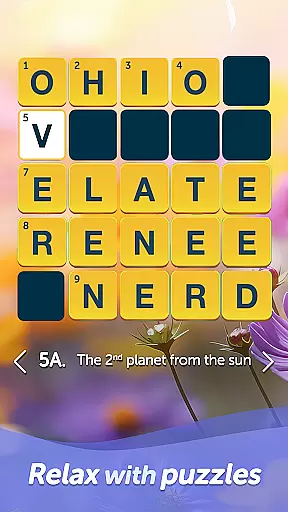
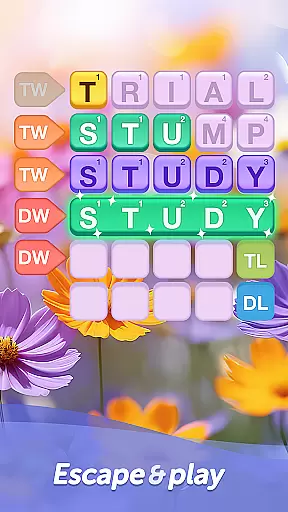
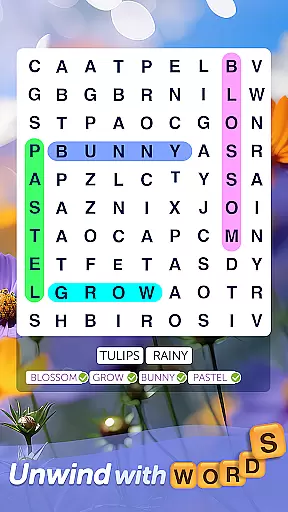
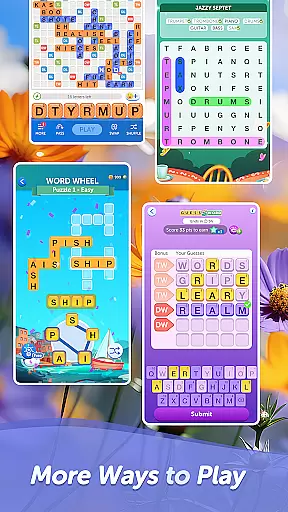
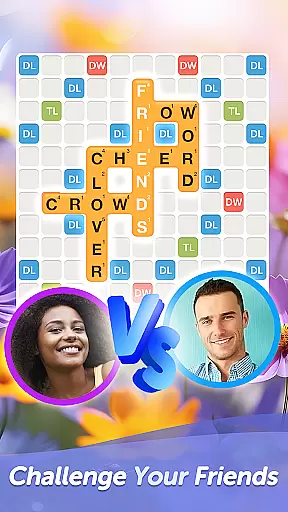
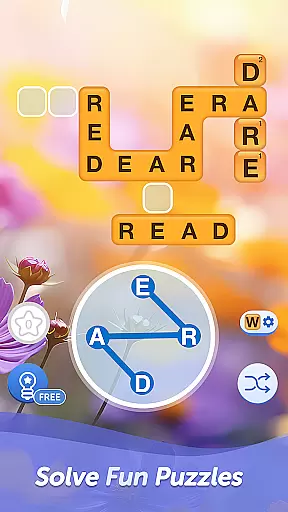

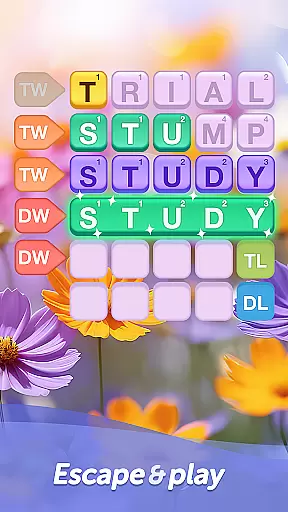
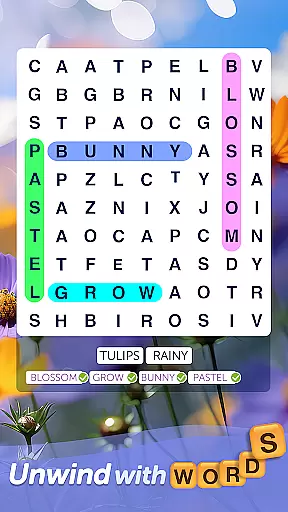
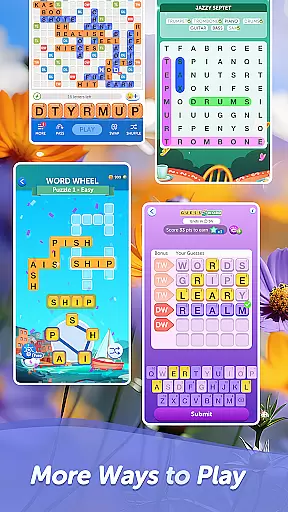
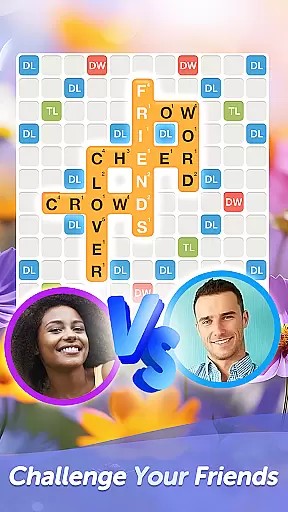
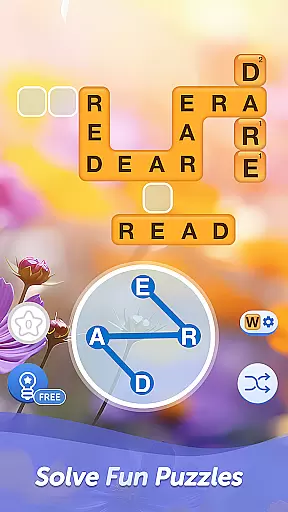

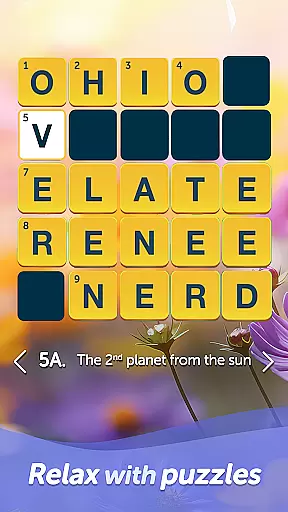
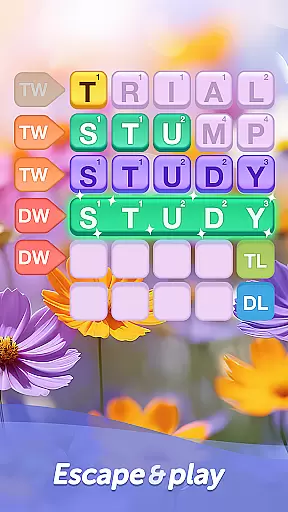
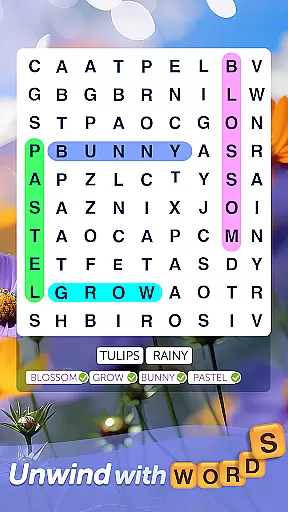
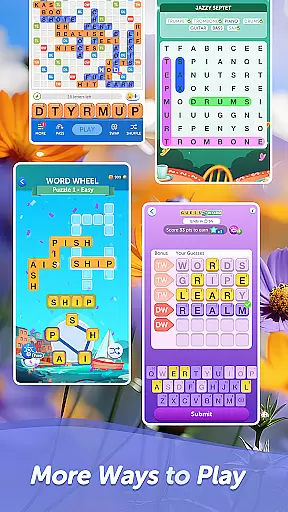
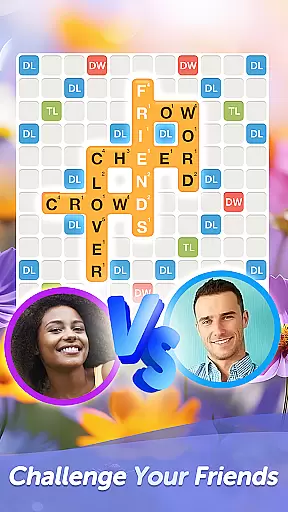
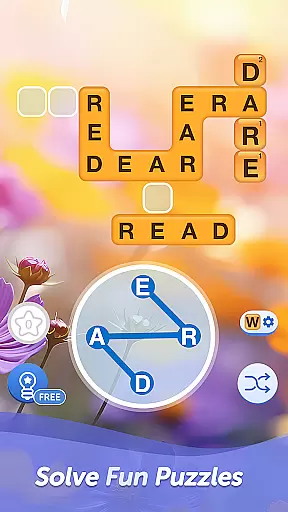

Words With Friends Word Game is a premier multiplayer word game that combines classic board game elements with modern mobile gaming. The app allows players to unscramble letters, form high-scoring words, and compete against friends or Smart Match opponents in crossword-style challenges. Its engaging gameplay helps expand vocabulary while offering strategic depth through various modes like Solo Challenge and Word Wheel.
Beyond traditional play, the app features rewarding progression systems such as Word Goals and Rewards Pass, where users earn keys to unlock exclusive collectibles. Players can also customize their experience with unique Stickers, Tile Styles, and Profile Frames. Whether playing casually or competitively, Words With Friends delivers an enriching experience for word game enthusiasts looking to train their brains and connect socially.
Words With Friends offers a rich set of features designed to enhance both competitive and solo play. Multiplayer functionality lets you challenge friends or use Smart Match to find skilled opponents, ensuring every match is engaging. The inclusion of WordMasters in Solo Challenge mode provides AI-driven competition that grows tougher as you advance, making it ideal for players seeking brain teasers without needing another human opponent.
The app also introduces innovative mini-games like Word Wheel, which tests your ability to solve anagrams under time constraints. Additionally, customization options allow players to personalize their profiles with Stickers and Tile Styles, adding flair to each game session. With regular updates introducing new themes and collectibles via Rewards Pass, Words With Friends ensures sustained interest and variety for all types of word gamers.
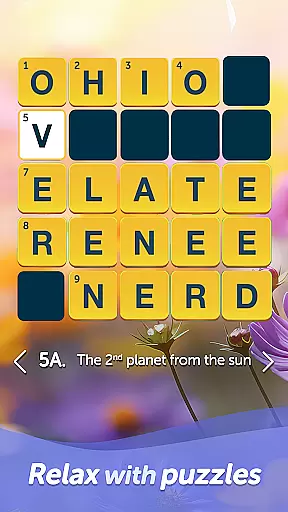
In Words With Friends, clue quality and clarity are essential for an engaging word game experience. The game provides clear and concise clues that guide players in forming words from a jumble of letters. This ensures that players can focus on their strategic thinking and vocabulary skills without being confused by ambiguous hints.
The game's design emphasizes the importance of precise clues to enhance word formation and strategy development. By offering well-structured clues, players can enjoy a seamless gameplay where each move is intuitive and logical. This clarity helps maintain the challenge while ensuring players remain immersed in the game.
Players benefit from these high-quality clues as they navigate through various game modes. Whether playing against friends or challenging themed WordMasters, the clear guidance allows users to improve their spelling skills and expand their vocabulary effectively. Such features make the gaming process both educational and entertaining.
Ultimately, Words With Friends leverages excellent clue quality and clarity to create a rewarding experience. Gamers can indulge in classic word board games and crossword puzzles with confidence, knowing that each clue will lead them closer to victory. This dedication to detail sets the game apart in the realm of multiplayer word games.
Words With Friends offers an impressive variety of puzzles that cater to different player preferences and skill levels. From classic crossword-style challenges to innovative mini-games like Word Wheel, the app ensures that users have access to diverse word-forming tasks. This variety keeps the gameplay fresh and exciting, encouraging players to return for new challenges.
The inclusion of multiple game modes such as Solo Challenge and Smart Match adds another layer of diversity. Players can choose to compete against friends, family, or AI opponents, each offering unique puzzle experiences. These modes not only diversify gameplay but also help players refine their skills by adapting to various opponent strategies.
Additionally, the game frequently updates its content, introducing new themes and objectives every six weeks. This constant evolution provides players with novel puzzles and goals, maintaining their interest over time. By continuously refreshing its offerings, Words With Friends ensures sustained engagement and enjoyment.
This extensive puzzle variety enhances the overall appeal of Words With Friends. Players can explore different types of word games, from brain teasers to anagram puzzles, all within a single app. Such diversity not only entertains but also sharpens cognitive abilities, making it a comprehensive tool for mental agility and fun.
User-friendly interface
Variety of game modes
Engaging rewards system
Customizable player profiles
Social connectivity
In-app purchases required
Ads between moves
Limited offline play
Occasional bugs
High difficulty curve

Crossword & Trivia Game for Christian
 4.60
4.60
Great Word Game with Friends!
4.80
Visit the wonders of the world while you connect letters to create great words!
4.90
Explore the world playing word puzzle games. Relax your brain by finding words
4.80
260 professional cryptic crosswords to keep you pondering.
4.40
A collection of engaging word and logic games with puzzles for all skill levels
4.80
The 2 player games of hangman: save the hangman! Hangman 2player come! Ahorcado!
4.90
Relax your brain with this fun word puzzle game and beautiful landscapes!
4.50
Daily crossword puzzles for brain training! Master vocabulary with word games!
4.50
Play word games to find as many words as you can. Use mode of crossword puzzles!
4.80
Looking for inspiration? Enjoy offline Bible word games and unlock daily verses.
4.80
A smart word game that's challenging your mind with more than 1000 levels
4.80
Train your brain daily with fun crosswords and addictive word puzzles!
4.80
The highly addictive fun word game.
4.70
Group words by category and solve relaxing association puzzles in a word game!
4.60
Daily logic and word puzzles: Sudoku, Bonza, Jigsaw, Keysmash & more.
4.60
Try to find the hidden words!
4.30
Combine crossword clues with a fill in the quote cryptogram style answer
4.30
Word puzzles with cute bears to enjoy, just don’t let the bubble bee bother you!
4.0


User Reviews