
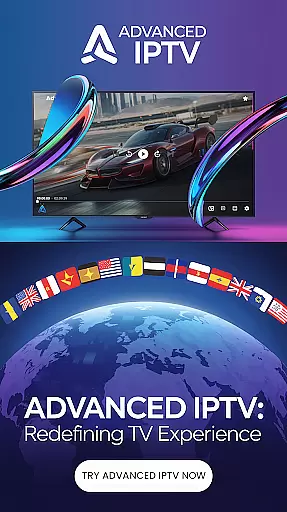
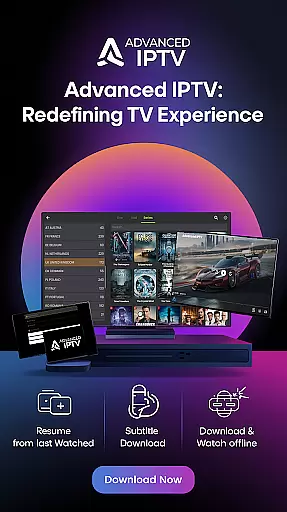
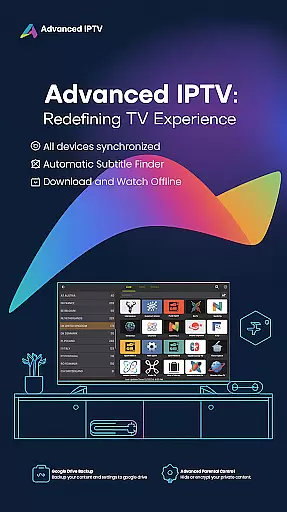
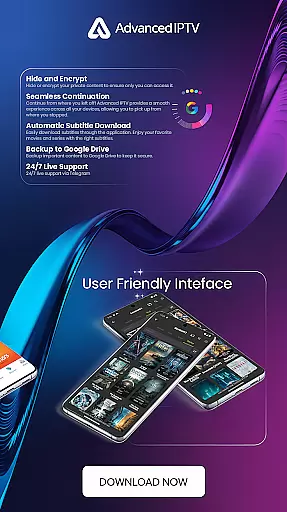

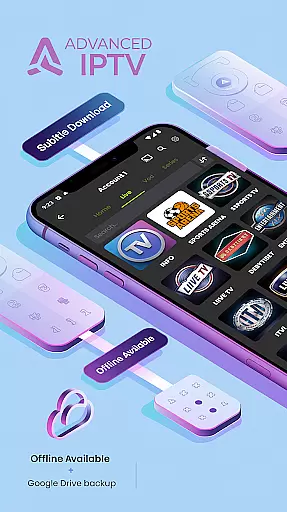

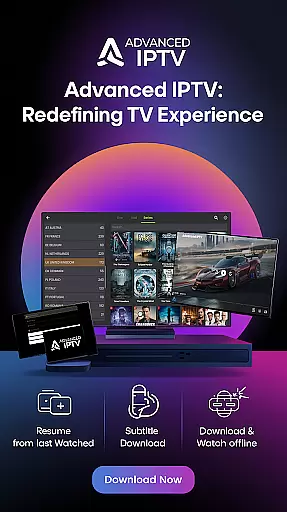
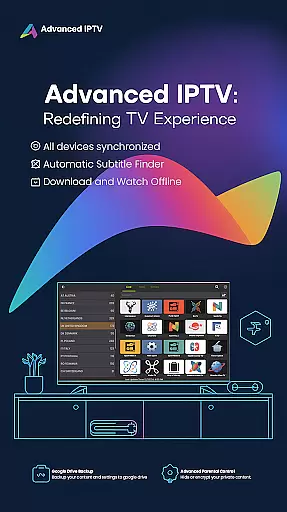
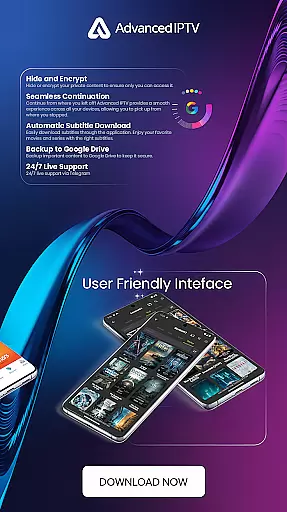
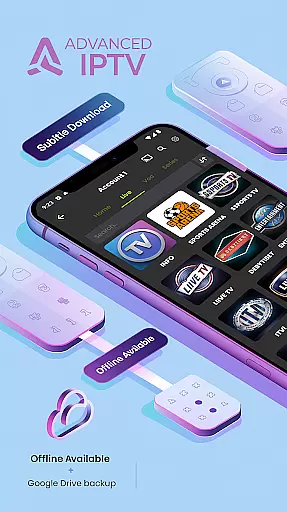


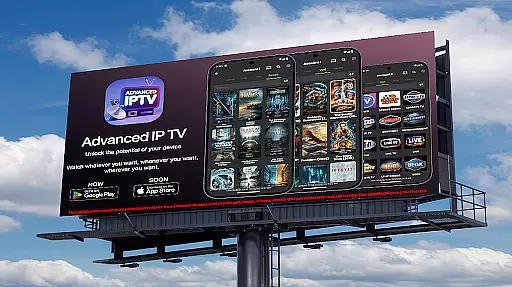
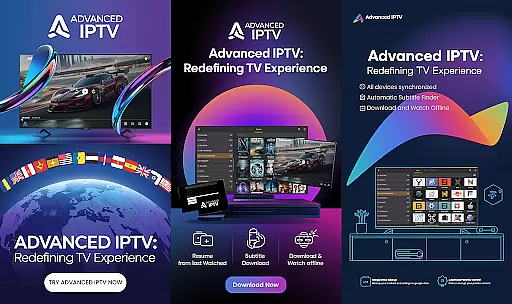

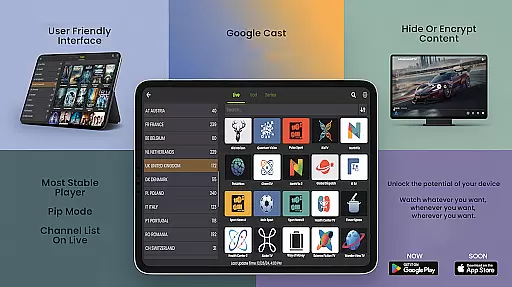
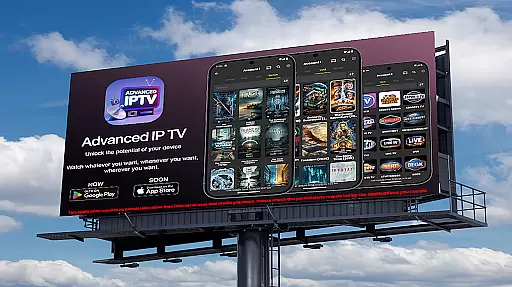
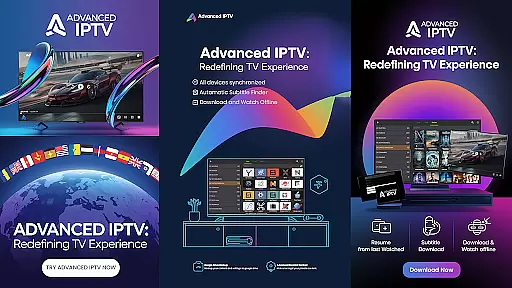
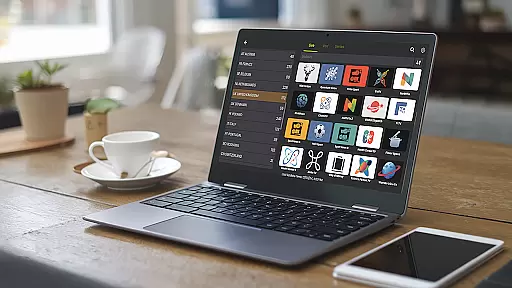
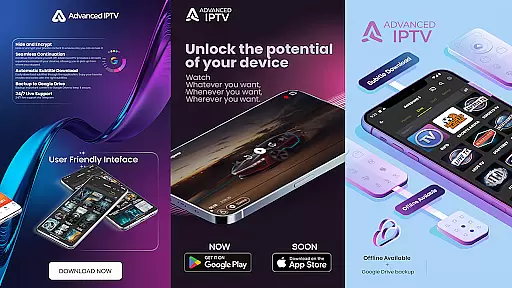
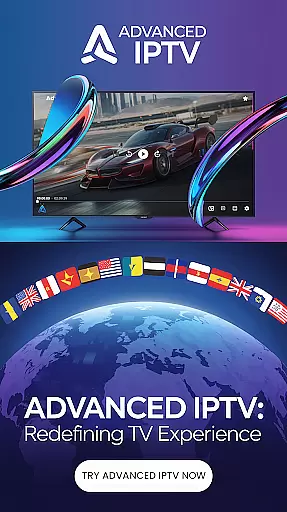
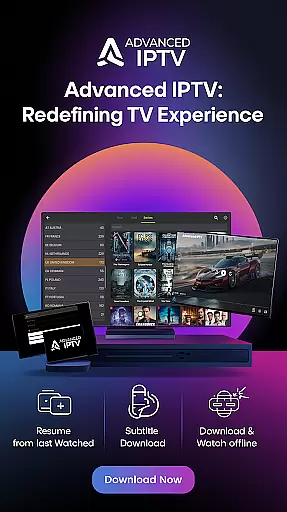
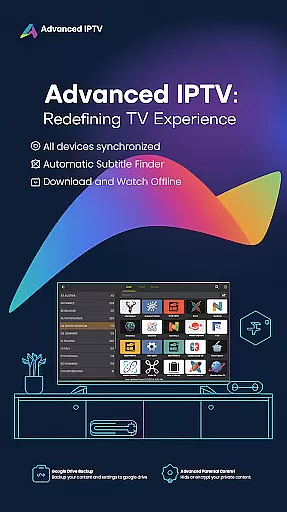
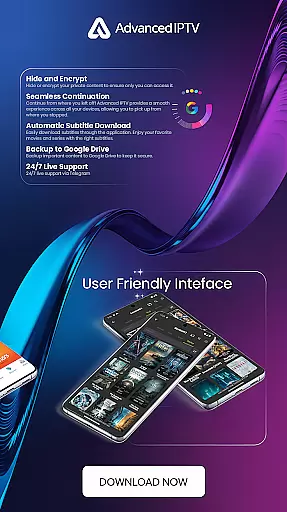
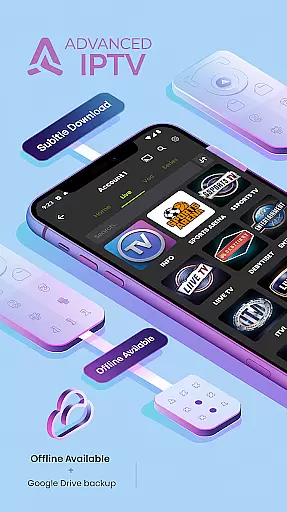


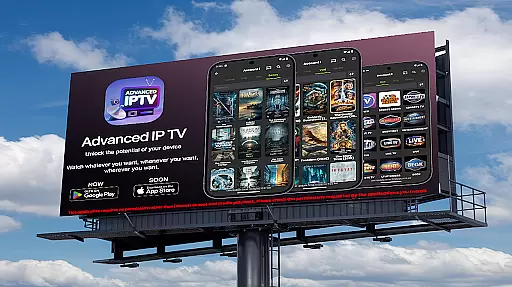
Advanced IPTV is a cutting-edge entertainment application designed to elevate your TV viewing experience. This app allows users to access a wide array of personalized content anytime and anywhere, making it both convenient and enjoyable. With features such as seamless continuation across devices, online subtitle downloads, and the ability to manage favorite channels, Advanced IPTV ensures that you never miss out on your preferred programs. Additionally, the app supports downloading content for offline viewing and backing up important data to Google Drive, ensuring security and accessibility.
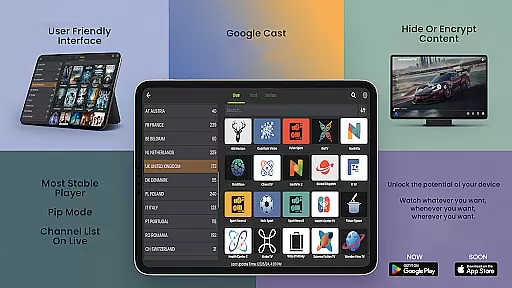
One standout feature of Advanced IPTV is its compatibility with various media players and support for Google Cast, allowing users to stream directly to their TV without needing additional installations. The app also offers 24/7 live support via Telegram and provides an option to test the app before purchasing. Supporting a multitude of languages, including English, Arabic, Spanish, French, and many others, Advanced IPTV caters to a global audience. Whether you're at home or on the go, this app delivers a rich and flexible TV experience tailored to your preferences.
Advanced IPTV boasts a variety of innovative features that enhance user experience. One of its key functionalities is seamless continuation, which allows users to pick up from where they left off across all their devices, providing a smooth and uninterrupted viewing experience. The app also includes an online subtitle download feature, enabling users to enjoy movies and series with accurate subtitles, thus catering to a global audience. Another notable feature is the ability to manage favorite channels, letting users add their preferred channels to their favorites list for quick and easy access.
In addition to these, Advanced IPTV supports downloading content for offline viewing, ensuring that users can enjoy their favorite shows even without an internet connection. For added security, the app allows users to back up important content to Google Drive and offers options to hide or encrypt private content. Compatibility with various media players and support for Google Cast further enhance its versatility, allowing users to stream content directly to their TV. With 24/7 live support via Telegram and a wide range of language options, Advanced IPTV stands out as a comprehensive and user-friendly entertainment solution.
Content variety and freshness are crucial for any entertainment application, ensuring users have access to a diverse range of up-to-date media. Advanced IPTV excels in this area by offering an extensive selection of channels, movies, and series that cater to different tastes and preferences.
The app supports a wide array of languages, including but not limited to English, Arabic, Spanish, French, and Chinese, which broadens its appeal globally and ensures that content remains relevant to various cultural contexts. This multilingual support allows users from different regions to enjoy their preferred programs in their native language.
Furthermore, Advanced IPTV provides features like seamless continuation and online subtitle downloads, enhancing the user experience by allowing viewers to engage with their favorite content conveniently. The ability to download and watch content offline also adds to the flexibility, enabling uninterrupted viewing even without an internet connection.
With 24/7 live support via Telegram and regular updates, Advanced IPTV ensures that its offerings remain current and responsive to user needs. This commitment to freshness and variety helps maintain user interest and satisfaction over time.
User engagement duration and retention are key metrics for evaluating the success of entertainment applications. Advanced IPTV employs several strategies to maximize these aspects, ensuring that users not only spend more time on the platform but also return frequently.
One significant feature is the seamless continuation capability, which allows users to pick up where they left off across multiple devices. This convenience encourages longer viewing sessions as users can easily transition between their phone, tablet, or TV without losing their place.
Additionally, the app's ability to manage favorite channels and download content for offline viewing enhances user retention. By personalizing the viewing experience and providing flexible access options, Advanced IPTV fosters a deeper connection with its audience, prompting them to return regularly.
Live support via Telegram and compatibility with various media players further contribute to user satisfaction. These features ensure that any issues are promptly addressed, maintaining a smooth and enjoyable experience that keeps users engaged and loyal to the platform.
User-friendly interface
Wide language support
Seamless device syncing
Offline viewing capability
Google Cast integration
Limited free content
Subscription fees apply
Requires internet access
No parental controls
Occasional bugs

A wonderful collection of the most beautiful sounds of animals and birds
 4.0
4.0
Stream Live TV, News & Documentaries. Watch Full Seasons with PBS Passport.
4.80
Fetch money rewards all just for playing games. Cash out for gift cards in app.
4.50
Just play games to earn gift cards. Keep playing, keep earning.
4.50
The classic game of rock, paper, scissors
4.5
Binaural Brainwave Doses for Every Imaginable Mood
3.60
Geooh GO is the most feature rich geocaching app available today.
4.50
Your Avatar, Endless Fun
4.60
With the Steam Mobile App, you can take Steam with you anywhere.
3.00
The OFFICIAL PeeWee Purpdrank Soundboard!
4.80
Catalog & tracker of your DVD, Blu-ray & Digital Movie and TV Collection Library
4.80
Find out if you're on Santa's Naughty or Nice List with this magical scanner!
4.60
Unleash Your AI Imagination
4.60
Premium version to enjoy your favorite anime
4.60
Create, chat & bond with AI souls who truly listen.
4.50
Browse popular images and videos from Reddit on Android TV!
3.90
NFL, NBA, NHL, MLB, local sports coverage, shows, movies & news!
3.20
Stream over 80 hours of exclusive mashups and remixes by DJ Rehab.
4.1
Collaboration with popular VTubers
4.0


User Reviews