
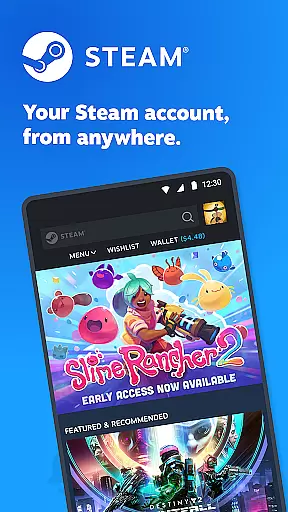



Steam Mobile is an essential companion for PC gamers, providing a comprehensive suite of features to enhance your gaming experience on the go. The app allows you to stay connected with the Steam community, manage your game library, and secure your account through advanced protection features.
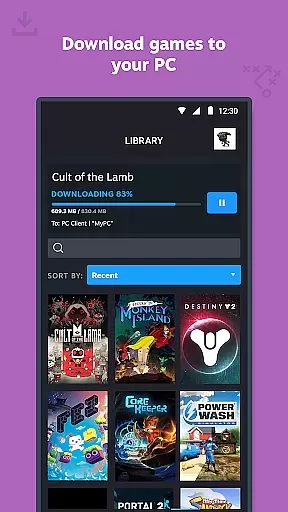
With Steam Mobile, you can browse and purchase games from the extensive Steam catalog directly from your phone. The app also enables you to remotely manage downloads and updates to your PC games. Additionally, it offers two-factor authentication and trade confirmations, ensuring your account and items remain safe.
This application is particularly useful for gamers who want to keep up with the latest releases, sales, and community news while away from their computers. By having these capabilities at your fingertips, Steam Mobile delivers both convenience and security to its users.
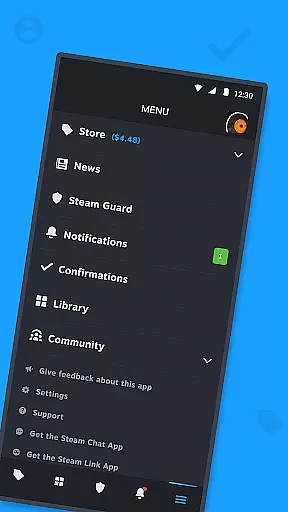
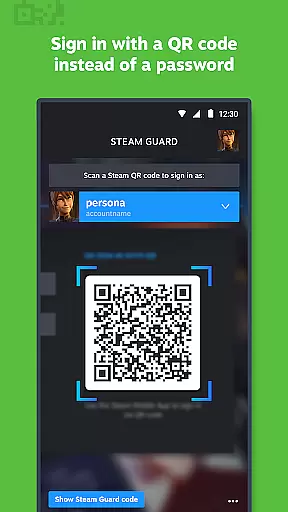
Steam Mobile boasts a rich set of features designed to cater to the needs of avid gamers. One of its standout functionalities is Steam Guard, which provides two-factor authentication and QR code sign-in options. This ensures that only you have access to your account, adding an extra layer of security.
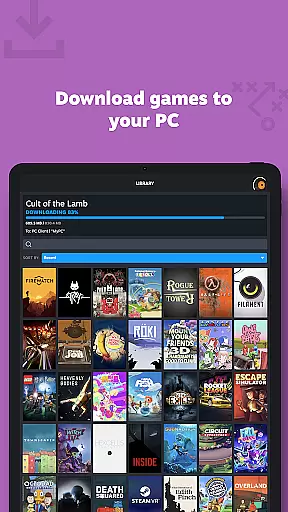
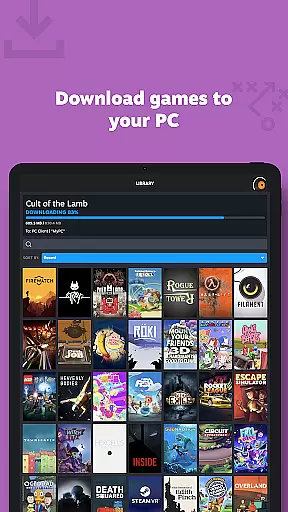
The Library feature allows you to view detailed information about your games, including discussions, guides, and support. You can also manage downloads and updates remotely, making it easier to maintain your gaming setup. Furthermore, the app includes Trade and Market Confirmations, enabling you to quickly approve or deny item trades and sales.
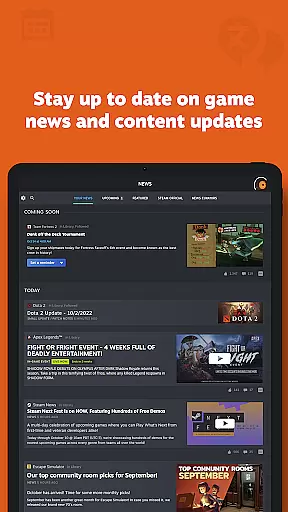
Other notable features include personalized news feeds based on your game library, customizable notifications, and full access to the Steam Community. These tools collectively offer a seamless and integrated experience, allowing you to engage with the gaming world anytime and anywhere.
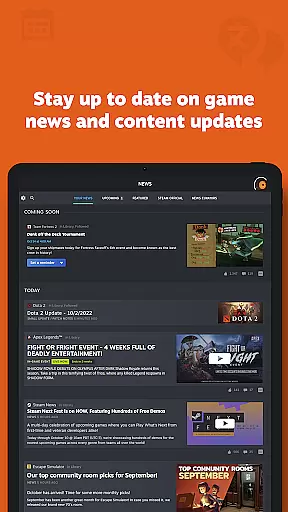
Steam Mobile App offers an extensive range of content that caters to diverse gaming interests. The personalized News feed keeps users updated with the latest news, events, and content updates from publishers and developers based on their game library.
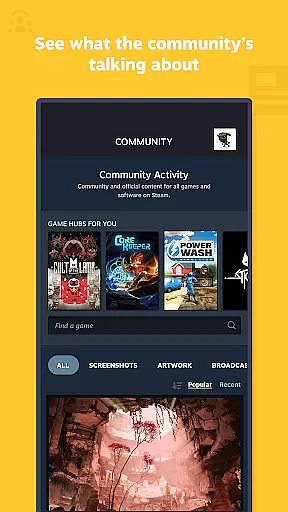
The app provides access to the entire Steam Community, including discussions, groups, guides, Market, Workshop, broadcasts, and more. This comprehensive integration ensures that users are always in touch with the pulse of the gaming world, regardless of their location.
With customizable notifications for wishlist updates, sales, comments, trades, and friend requests, users can tailor their experience to match their preferences. This level of personalization enhances user engagement by delivering relevant and timely information.
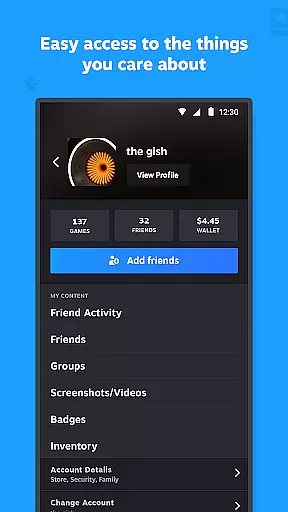
Furthermore, the app supports multiple Steam accounts and allows customization of its main tabs, ensuring a fresh and personalized experience every time it's used.
User engagement is at the core of the Steam Mobile App's design. By offering features such as remote management of game downloads and updates, users can maintain their PC gaming library from anywhere, which significantly boosts the time spent interacting with the app.
The Trade and Market Confirmations feature adds another layer of interaction by allowing users to confirm item trades and sales using their mobile device. This convenience encourages frequent app usage and helps retain users by integrating essential Steam functionalities into their daily routines.
Additionally, the Library view provides easy access to game content, discussions, guides, and support, making it a one-stop destination for all gaming-related queries and interactions. Such accessibility promotes longer engagement durations as users explore these resources.
By continuously updating its offerings and maintaining a dynamic environment through community interaction and regular content updates, the Steam Mobile App ensures high retention rates among its user base.
User-friendly interface
Enhanced security features
Comprehensive game management
Personalized news feed
Remote download control
Limited mobile gameplay
Occasional sync issues
High battery usage
Complex setup process
Notifications overload

Exclusive creator communities
 4.70
4.70
Rain and lightning effects for your Philips Hue lights
4.30
The JBL Portable app works with JBL portable Bluetooth speakers.
4.60
Raise Christmas Magic with daily missions, magical scanners, and kindness.
4.3
Control your AWTRIX 3 easily
4.5
Premium version to enjoy your favorite anime
4.60
VR 360 Cinema Player is the ultimate VR player for playing videos on mobile
3.50
Hand-drawn, cartoon OC creator - original character creator
4.70
Play casual games to get gift cards and money. More playing, more earning.
4.70
Colorful flows will relax and calm you down, or get you trippy and creative!
4.90
Find out if you're on Santa's Naughty or Nice List with this magical scanner!
4.60
Fetch money rewards all just for playing games. Cash out for gift cards in app.
4.50
Everything FOX in one place. Watch FOX News, NFL, MLB, TV shows and more.
4.50
Himnario LLDM - Fast and Easy to read , updated Hymnal 2019 Edition Official
4.20
Real ghost box scanner with echo, reverb, EMF, & multi-stream channels.
3.80
Alice Box is an Instrumental Trans Communication app.
3.80
Stream videos to VIDAA & VEWD TVs from Hisense, Sharp, Skyworth, Vestel & TiVo
3.00
Watch everything you want.
2.90
Ultimate VR movie player for android mobile videos
4.3


User Reviews