
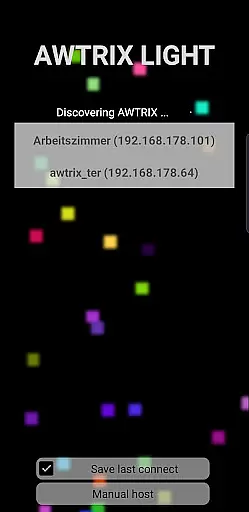
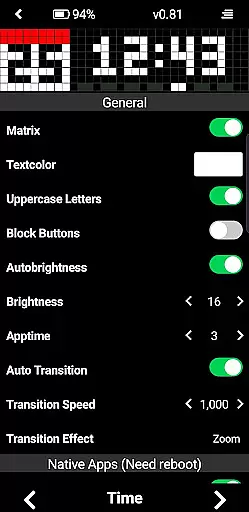
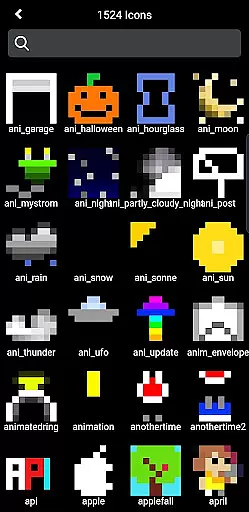
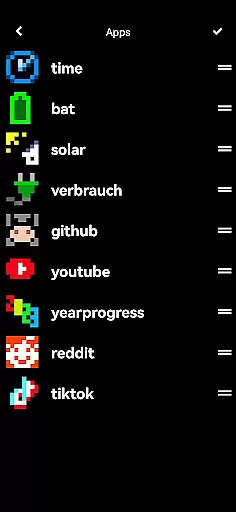
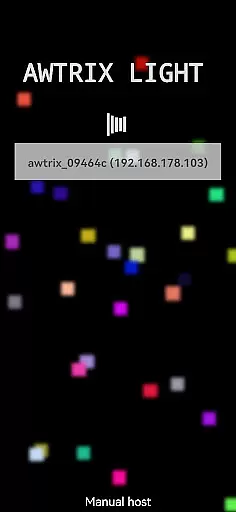
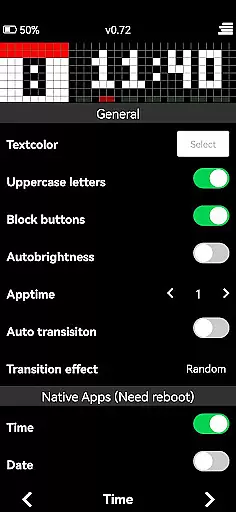
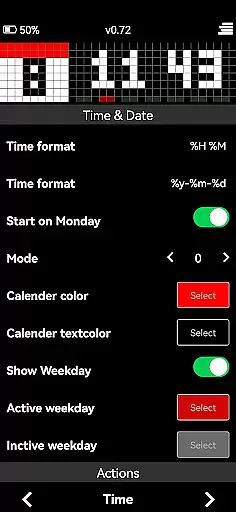
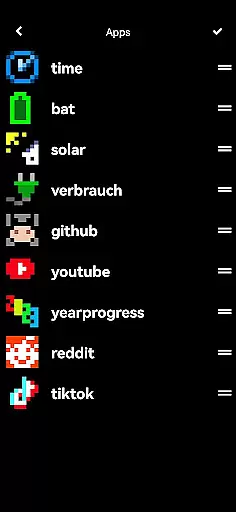
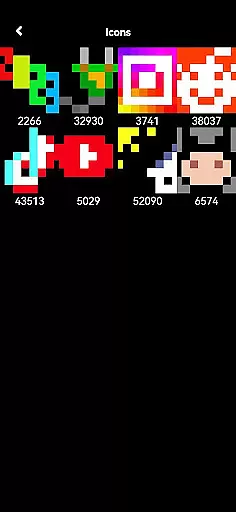
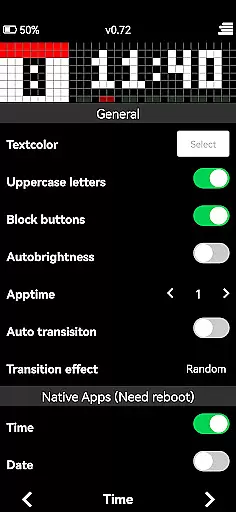
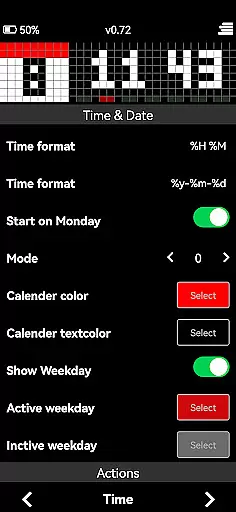
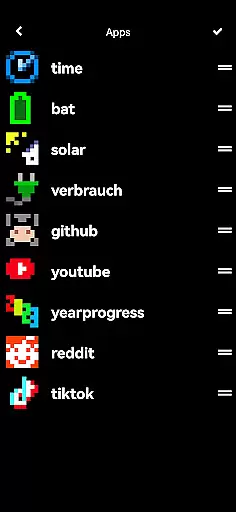
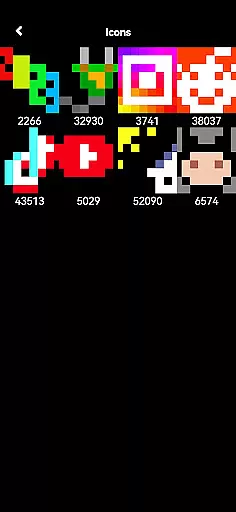
AWTRIX 3 is an innovative entertainment app designed to provide seamless control over your Awtrix device directly from your smartphone. With its intuitive interface, users can effortlessly manage various features such as liveview, text color settings, and icon updates with just a single click. The app also grants exclusive access to the Awtrix icon database, allowing users to view, preview, or delete icons on their device.
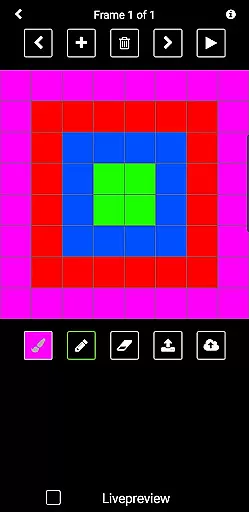
In addition to managing existing content, AWTRIX 3 empowers users to create custom icons and share them with a vibrant community of enthusiasts. This feature-rich application serves as a crucial tool for enhancing user experience while supporting the ongoing development of Awtrix Light. Whether you're looking to customize your device's appearance or explore new functionalities, AWTRIX 3 offers everything you need in one convenient package.
One of the standout features of AWTRIX 3 is its comprehensive control options. Users can adjust settings like text color, update icons instantly, and access their AppLoop with ease. The liveview functionality provides real-time monitoring of your Awtrix device, ensuring that you always have a clear picture of its current state.
Another remarkable aspect is the exclusive access to the Awtrix icon database. This feature allows users to browse through a vast collection of icons, preview them directly on their Awtrix device, and even delete unwanted ones. Moreover, the ability to create custom icons and share them with the community adds a personal touch to your device's customization options.
By purchasing AWTRIX 3, users not only enhance their own experience but also contribute to the innovation and development of Awtrix Light. The app's extensive range of features ensures that you can fully explore and utilize all aspects of your device, making it an essential tool for any Awtrix enthusiast.
AWTRIX 3 offers a diverse range of content options that keep users engaged with fresh and exciting features. The app provides live views, customizable settings, and access to an exclusive icon database.
Users can update icons with a single click, preview them on their device, or delete as needed. This constant flow of new content ensures the app remains relevant and entertaining.
The ability to create custom icons and share them with a community adds another layer of variety. Users can express creativity while contributing to a growing library of unique designs.
Regular updates and new features make sure that the app experience never becomes stale, offering users something new to explore each time they engage with AWTRIX 3.
One of the standout features of AWTRIX 3 is its ability to maintain high levels of user engagement and retention. With an intuitive interface and numerous customization options, users are encouraged to spend more time within the app.
The app's functionality, such as adjusting settings, managing AppLoop, and interacting with the icon database, invites users to return frequently. These interactive elements help in building a loyal user base.
Exclusive features like creating and sharing custom icons foster a sense of community among users. This social aspect not only enhances engagement but also aids in retaining users who feel connected to the platform.
By continuously adding new content and features, AWTRIX 3 ensures that users have compelling reasons to keep coming back, thus boosting both engagement duration and retention rates.
User-friendly interface
Comprehensive control options
Exclusive icon database access
Custom icon creation
Supports Awtrix development
Paid application
Limited to Awtrix devices
Requires internet connection
Occasional bugs reported
Learning curve for new users

Create, chat & bond with AI souls who truly listen.
 4.50
4.50
Binge-worthy short dramas on DramaRush—engaging stories that fit your day.
3.90
Browser for Chromecast to stream webvideos, online movies, IPTV & HD livestreams
4.40
Earn gift cards for playing games. Become a real game tester!
4.40
Fetch money rewards all just for playing games. Cash out for gift cards in app.
4.50
The classic game of rock, paper, scissors
4.5
Binaural Brainwave Doses for Every Imaginable Mood
3.60
Explore the unknown!
3.00
Original short dramas with diverse genres for a rich viewing experience!
4.80
Pathfinder 2e initiative tracker with bestiary, HP, reaction, conditions, etc
4.80
The JBL Portable app works with JBL portable Bluetooth speakers.
4.60
Tarot & Oracle Card Readings
4.50
Best of icon for christmas
4.30
Build and Share AI
4.20
Browse popular images and videos from Reddit on Android TV!
3.90
Fool your friends & Family with Fake ultrasound test report
3.60
Stream videos to VIDAA & VEWD TVs from Hisense, Sharp, Skyworth, Vestel & TiVo
3.00
A wonderful collection of the most beautiful sounds of animals and birds
4.3
Neon Christmas Tree Animated: Festive Wear OS watch face with fitness info
4.5


User Reviews