
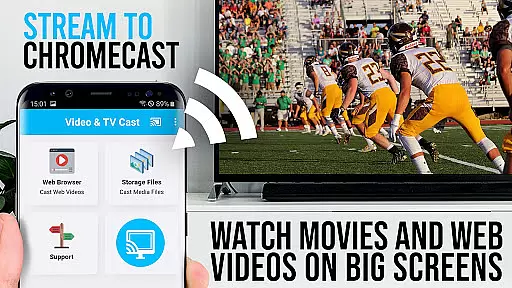
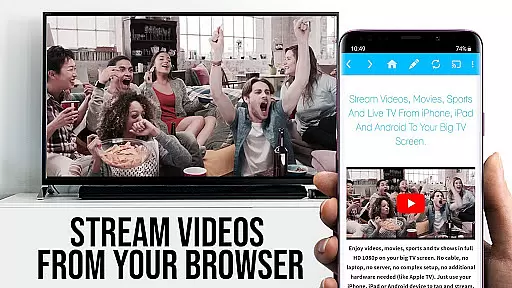
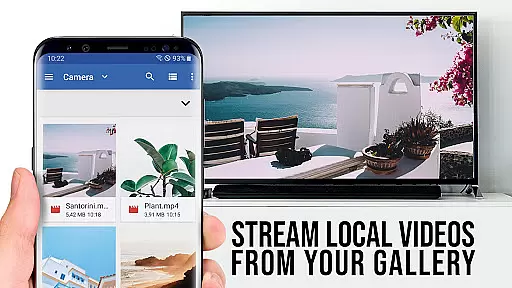
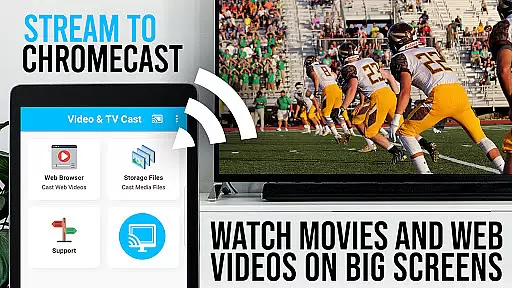
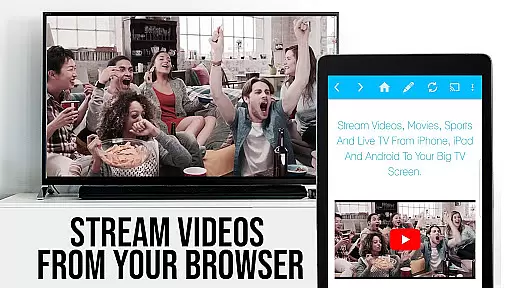
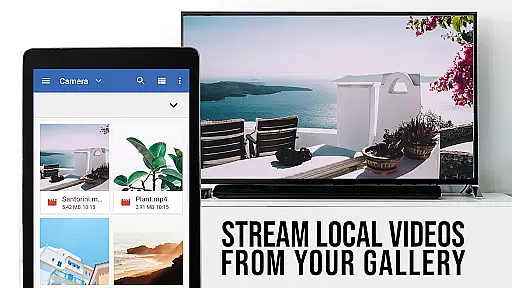
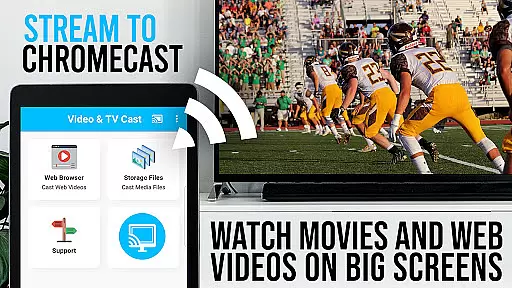
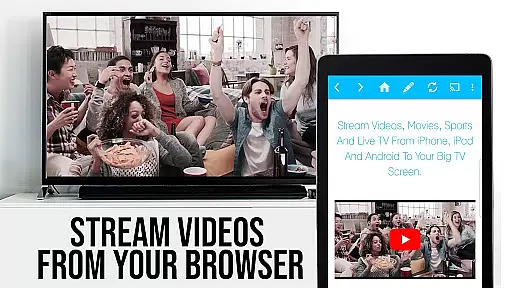
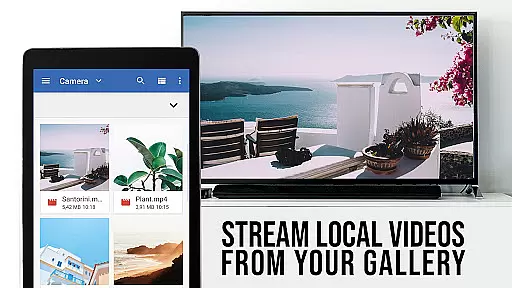
TV Cast Pro for Chromecast is the premier browser app designed specifically for streaming video content directly to Chromecast-enabled devices. With over 10 million users across Android and iOS platforms, this application allows you to cast web videos, online movies, IPTV, livestreams, and live TV shows effortlessly to your TV screen. Supporting a wide range of video formats including MP4, M3U8, HLS livestreams, and Full HD content, it ensures high-quality playback.
This PRO edition unlocks all premium features, offering an enhanced casting experience without limitations. The app is compatible exclusively with Chromecast devices from Google and other Google Cast or Android TV-powered gadgets. By browsing the web within the app, you can discover and cast embedded videos with a single tap, making it easy to enjoy content on the big screen. However, note that DRM-protected services like Netflix are not supported.
TV Cast Pro stands out with its comprehensive feature set tailored for seamless media streaming. One of its key capabilities is the Remote Playbar, which provides advanced video controls such as scrubbing, forward, rewind, play, pause, and stop. This feature is synchronized across all linked Android and iOS devices, ensuring a consistent user experience regardless of the platform.
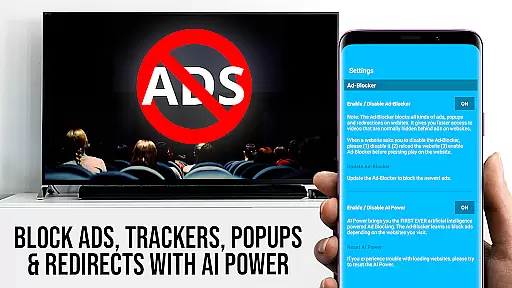
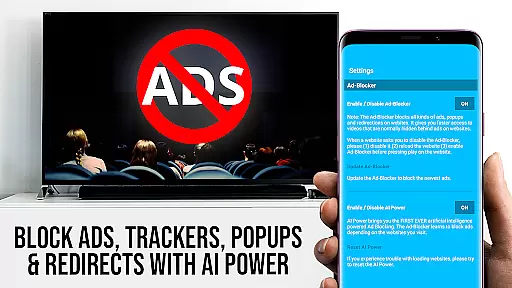
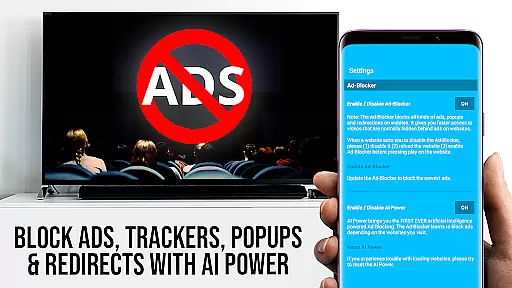
In addition to robust control options, the app includes an Ad-Blocker that removes ads and popups on most websites, creating a cleaner viewing environment. Users also benefit from the ability to manage bookmarks efficiently, change the homepage, and switch to Desktop Mode. This latter feature loads desktop versions of websites, although it won't enable casting of Flash-based videos. These functionalities collectively enhance both convenience and customization for users seeking a versatile casting solution.
TV Cast Pro for Chromecast offers a diverse range of content options, allowing users to stream web videos, online movies, IPTV, livestreams, and live TV shows directly to their television screens. The app supports various video formats including mp4, m3u8, hls livestreams, and Full HD over https, ensuring that users can enjoy high-quality streaming experiences.
The application's strength lies in its ability to browse the web and cast any discovered video with a single tap, making it easy to access a wide array of online content. With support for millions of websites, users are not limited to pre-set channels or services but can explore and stream from virtually any site they choose, enhancing the diversity of available entertainment.
Moreover, the PRO edition unlocks features like an Ad-Blocker, which removes distractions and interruptions from ads, providing a smoother viewing experience. This ensures that the content remains fresh and engaging without the interference of unwanted advertisements, thus maintaining user interest and satisfaction.
By enabling direct entry of video URLs and supporting advanced video control through the Remote Playbar, TV Cast Pro keeps content delivery both versatile and up-to-date. Users benefit from continuous updates and improvements, ensuring that their viewing options remain current with the latest web standards and technologies.
One of the key strengths of TV Cast Pro for Chromecast is its focus on maximizing user engagement duration and retention. By offering a seamless browsing and casting experience, the app encourages extended use, as users can effortlessly navigate to their favorite websites and stream embedded videos directly to their TV screens.
The inclusion of premium features such as the Remote Playbar enhances user interaction by providing advanced video controls including scrubbing, forward, rewind, play, pause, and stop functions. These tools empower users to manage their viewing experience precisely, leading to longer engagement times as they have more control over what and how they watch.
Additionally, the PRO version's Ad-Blocker contributes significantly to user retention by eliminating annoying ads and popups that could disrupt the viewing experience. A cleaner, ad-free interface helps maintain viewer attention and reduces the likelihood of users switching to other platforms out of frustration or boredom.
Furthermore, personalized settings such as custom bookmarks, Desktop Mode, and the ability to change the homepage cater to individual preferences, fostering a sense of ownership and personal investment in the app. This customization capability not only boosts initial engagement but also promotes long-term retention as users tailor the app to suit their unique entertainment needs.
User-friendly interface
Wide format compatibility
Ad-free experience
Remote Playbar functionality
Desktop mode option
No DRM video support
Limited to Chromecast
Occasional connectivity issues
Device restarts may be required
Not a full device mirror

The OFFICIAL PeeWee Purpdrank Soundboard!
 4.80
4.80
EVP Recorder / Voice Recorder for ghost hunting, to communicate with ghosts.
4.3
Open-source, fast, simple and powerful IPTV app
4.90
Triple A is a highly complex, kinetic, and interactive visualizer.
4.50
Wodfix Air aggregates popular online content for you.
4.80
Your choice of 350+ networks plus movies and full TV series on-demand.
3.70
Alice Box is an Instrumental Trans Communication app.
3.80
Explore the unknown!
3.00
Create your Songs. Cover Maker with any Voice, Song Generator
3.30
Colorful flows will relax and calm you down, or get you trippy and creative!
4.90
Live TV, sports & holiday movies — stream on phone, tablet & TV
4.60
Geooh GO is the most feature rich geocaching app available today.
4.50
Earn gift cards for playing games. Become a real game tester!
4.40
Come and watch short dramas, reels with diverse genres!
4.40
Best of icon for christmas
4.30
NFL, NBA, NHL, MLB, local sports coverage, shows, movies & news!
3.20
With the credits you earn play more games
2.90
Unofficial Game Companion App” “Guides • Builds • Tips • Progression
4.0
Christmas Globe: Transform your Wear OS device into a festive timekeeper!
4.0


User Reviews