
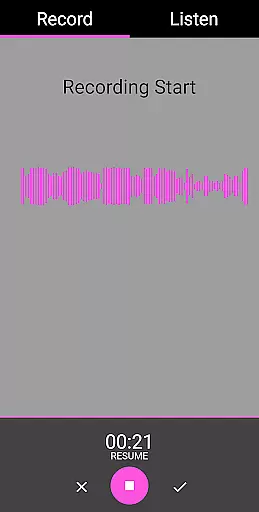
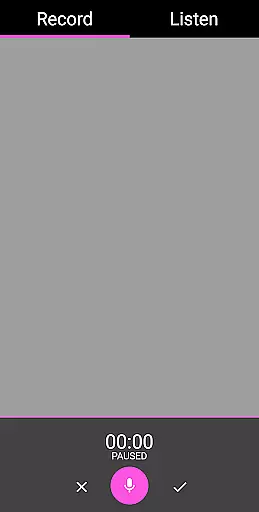
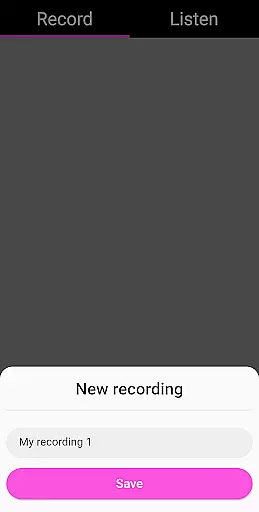
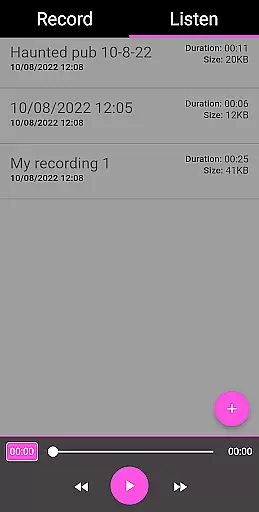
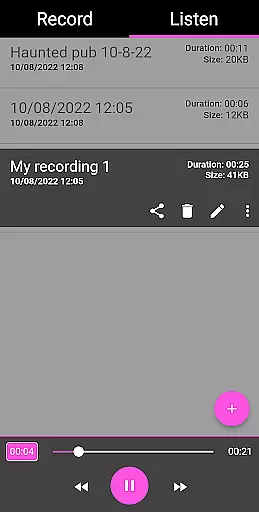
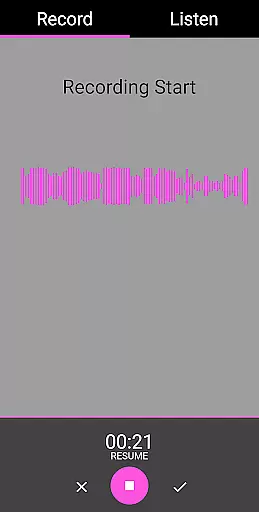
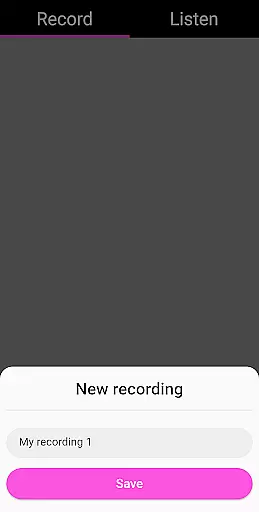
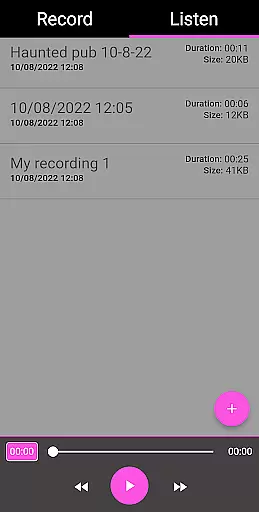
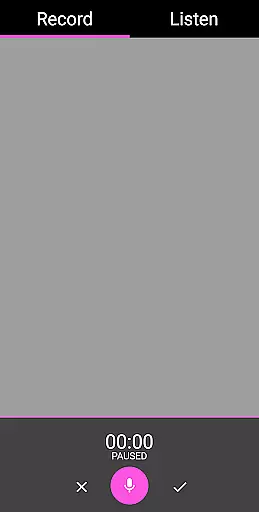
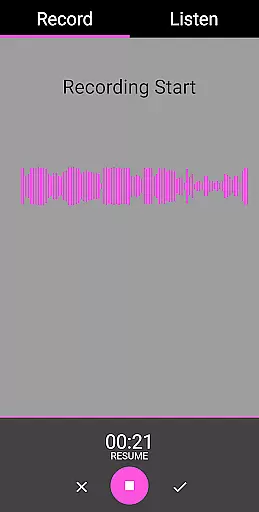
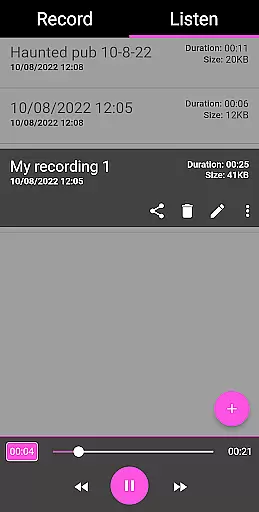
EVP Recorder is a specialized application designed for paranormal enthusiasts and ghost hunters. The app utilizes the device's built-in microphone to capture Electronic Voice Phenomena (EVP), which are believed to be responses from spirits. With features like recording, playback, and audio visualization, it provides users with essential tools for their ghost hunting sessions.
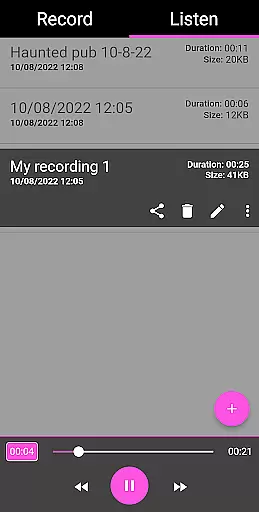
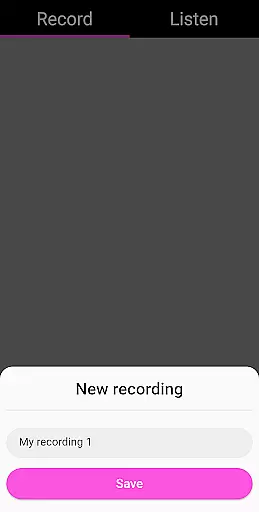
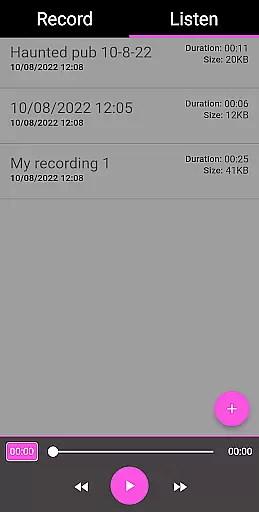
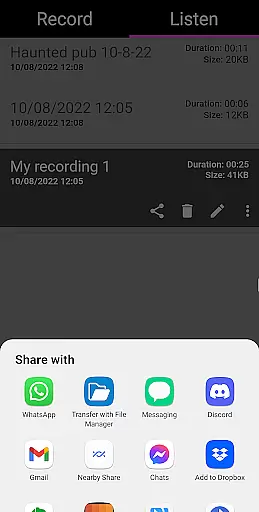
The app offers advanced functionalities such as pause during recording, sharing options, and the ability to rename or delete recordings. Its user-friendly interface ensures ease of use while providing detailed recording information including duration and file size. Whether you're an amateur or seasoned investigator, EVP Recorder serves as a reliable companion in your paranormal explorations.
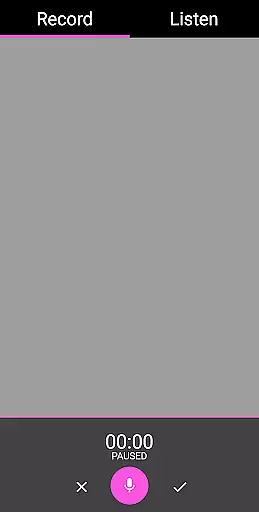
EVP Recorder stands out with its comprehensive set of features tailored for effective ghost communication. The app allows users to record, save, and playback EVP sessions with precision. Unique functions like pausing during recording and fast-forward/reverse options during playback provide greater control over the capturing process.
Additionally, the app supports integration with external tools. Users can export recordings to software like Audacity for further analysis, amplifying tracks and removing white noise. This feature-rich application ensures that every session is captured in detail, making EVP Recorder an indispensable tool for serious paranormal investigators.
The EVP Recorder app offers a unique approach to content creation within the entertainment category by allowing users to capture Electronic Voice Phenomena (EVP). This specialized form of audio content provides an engaging and niche experience for those interested in paranormal activities.
With features such as the ability to save, pause, and playback recordings, users can manage their EVP sessions effectively. The inclusion of fast forward and reverse options during playback adds another layer of control over how content is reviewed and analyzed after recording.
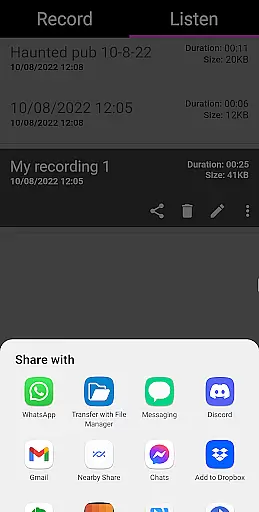
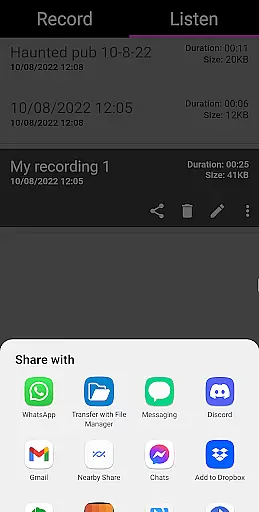
Sharing options via social media platforms like Facebook and WhatsApp enhance the app's capability for content distribution, ensuring that users can easily disseminate their findings with others who share similar interests.
Regular updates and new features ensure that the app remains fresh and continues to offer novel ways to interact with potential paranormal audio phenomena, keeping its user base engaged over time.
User engagement is a critical factor for apps in the entertainment sector, and the EVP Recorder app addresses this through its comprehensive feature set designed for sustained interaction. By providing tools for capturing EVPs, it invites users to spend considerable time on recording and analyzing sessions.
The app's intuitive interface and useful functionalities, such as audio visualization and the ability to rename or delete records, encourage prolonged use. These features not only facilitate initial capture but also support detailed review and management of recordings, which is essential for maintaining interest.
Retention is further bolstered by the absence of ads or in-app purchases, offering a seamless experience without interruptions. This approach helps maintain user focus on the task at handu2014communicating with the spirit worldu2014thereby increasing the likelihood of continued use.
Additionally, tips for ghost hunting and analysis methods provided within the app serve educational purposes, equipping users with knowledge that enhances their overall experience and encourages them to return to the app repeatedly.
User-friendly interface
Advanced audio controls
Export functionality
No ads or in-app purchases
Lifetime free updates
Limited to paranormal use
Requires haunted locations
No live monitoring
Dependent on device mic quality
Results may vary

Time tracking, lap counting and much more for Carrera® Digital 132/124
 4.80
4.80
With the credits you earn play more games
2.90
Catalog & tracker of your DVD, Blu-ray & Digital Movie and TV Collection Library
4.80
Collaboration with popular VTubers
4.5
The JBL Portable app works with JBL portable Bluetooth speakers.
4.60
Build and Share AI
4.20
Binaural Brainwave Doses for Every Imaginable Mood
3.60
Companion app for Elden Ring to track quests, bosses, progress and more.
4.70
Hand-drawn, cartoon OC creator - original character creator
4.70
Pathfinder 2e initiative tracker with bestiary, HP, reaction, conditions, etc
4.80
Play games. Earn real rewards. Cash out in 3hours via PayPal or gift cards.
4.40
Experience the video editing experience brought by our intuitive interface
4.10
Alice Box is an Instrumental Trans Communication app.
3.80
Fool your friends & Family with Fake ultrasound test report
3.60
Connect. Discover. Control.
3.60
Stream videos to VIDAA & VEWD TVs from Hisense, Sharp, Skyworth, Vestel & TiVo
3.00
Music visualizer and party effects for your Nanoleaf devices
4.0
Control your AWTRIX 3 easily
4.3
The classic game of rock, paper, scissors
4.2


User Reviews