
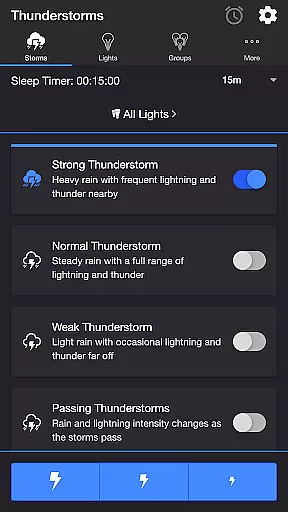
Thunderstorm for Hue is an innovative entertainment app that transforms your Philips Hue lights into a dynamic thunderstorm light show. The app allows users to simulate various types of thunderstorms, from weak to strong, with synchronized audio and visual effects. By leveraging the capabilities of Philips Hue smart lighting system, it creates an immersive atmosphere where lights pulse and flash in sync with realistic storm sounds.
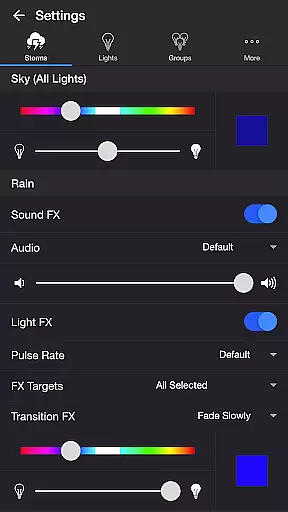
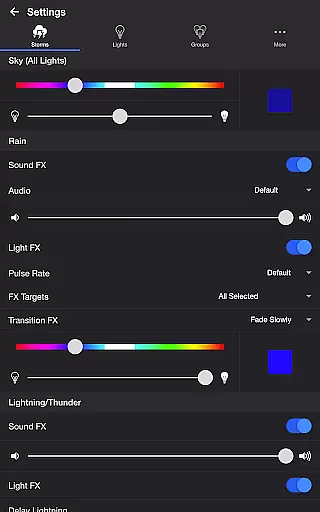
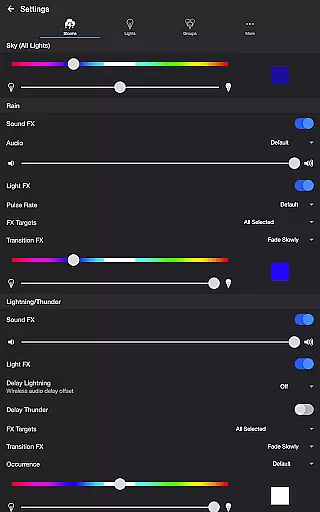
The application offers extensive customization options, letting you adjust rain intensity, lightning patterns, thunder volume, and background sounds. With dedicated settings for sky color, rain effects, and lightning transitions, users can create personalized storm experiences. Whether you want to relax, fall asleep, or test your home theater setup, this app provides a unique way to enhance your environment through smart lighting technology.
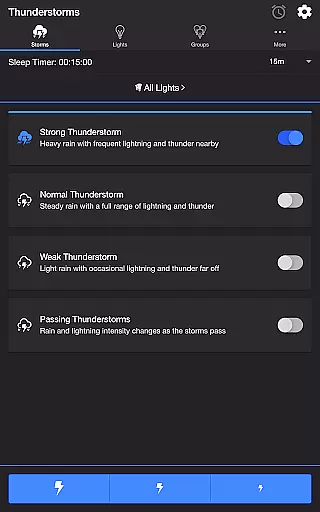
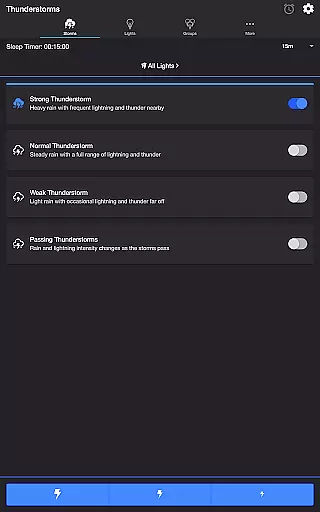
Thunderstorm for Hue stands out with its comprehensive feature set tailored for creating realistic storm simulations. The app includes multiple thunderstorm presets ranging from Weak to Strong storms, each with distinct light pulsing patterns and corresponding sound effects. Users can further customize their experience through detailed settings menus for Sky, Rain, Lightning/Thunder, and Background Sounds.
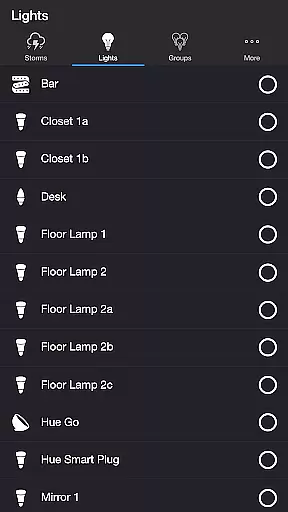
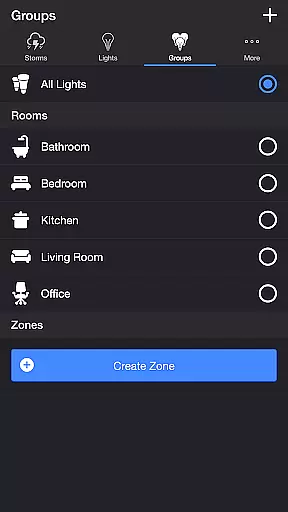
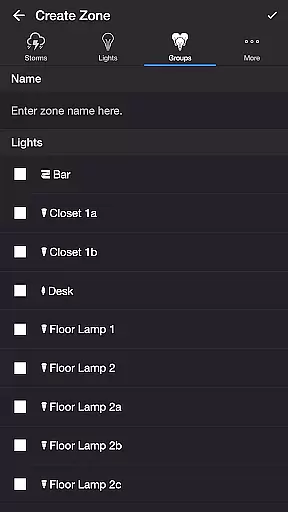
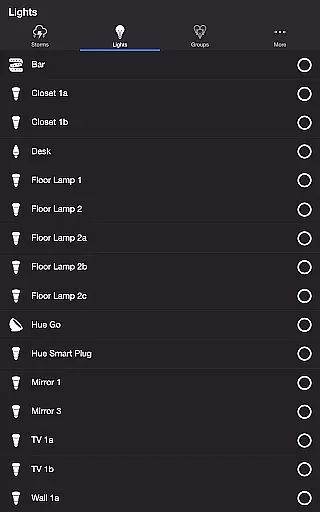
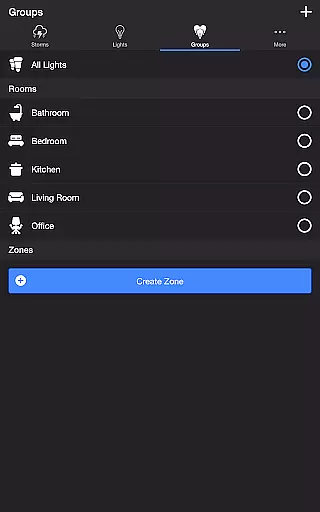
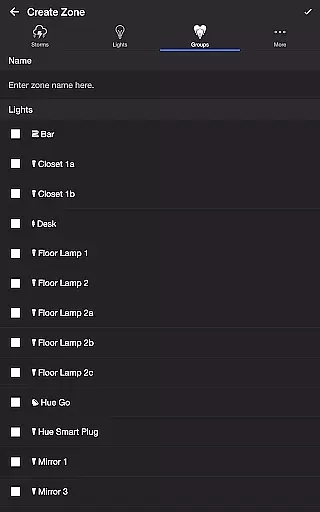
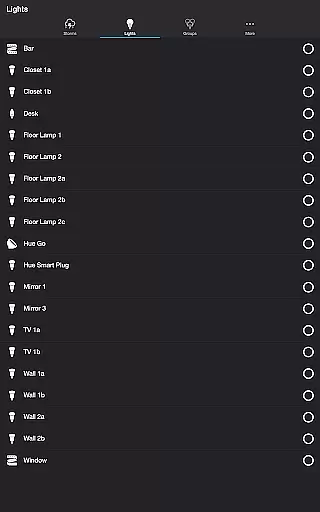
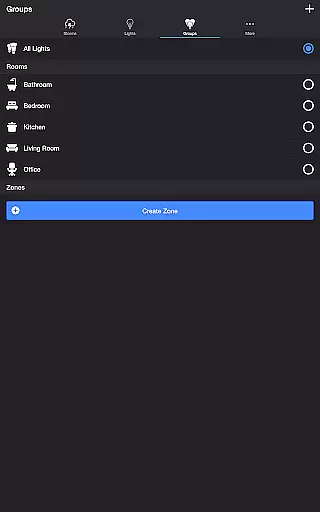
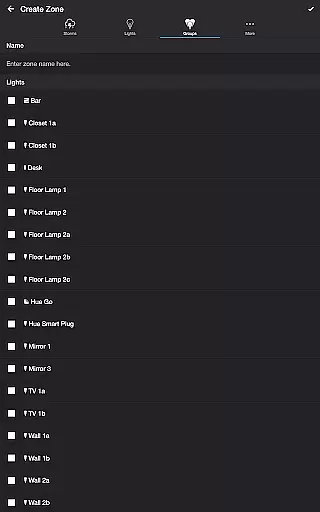
Advanced features include wireless audio support through Bluetooth and Chromecast integration, ensuring synchronized audio-visual presentation. The app also supports Philips Hue zones and groups, allowing targeted control of specific lights. Unique functionalities like Lightning on Demand provide manual control over storm effects, while Sleep Timer enables automated operation with fade-out functionality. These features collectively deliver a highly customizable and immersive entertainment experience.
Thunderstorm for Hue offers an impressive range of content variety that caters to different user preferences. With four distinct thunderstorm intensity levels, from Weak to Strong, users can customize their experience based on the mood or atmosphere they wish to create. Each level is accompanied by unique light effects and soundscapes, ensuring a fresh and engaging experience every time.
The app's settings allow for extensive personalization, including rain sound effects, lightning transitions, and background sounds like birds or crickets. These options ensure that the content remains dynamic and adaptable to various scenarios, whether you're looking to relax, focus, or simply enjoy a simulated storm. The ability to toggle between different audio and visual elements keeps the experience from becoming monotonous.
Updates and new features are regularly incorporated into Thunderstorm for Hue, maintaining its relevance and appeal. The introduction of Bluetooth and Casting Support demonstrates the developer's commitment to keeping the app current with technological advancements. This dedication to freshness ensures that users always have access to the latest in smart lighting entertainment.
User engagement duration in Thunderstorm for Hue is significantly enhanced by its intricate design and multifaceted features. The app provides a captivating blend of light and sound that can keep users engaged for extended periods. Whether it's through the pulsating lights during a heavy thunderstorm or the soothing sounds of light rain, the sensory experience encourages prolonged usage sessions.
Retention is further bolstered by features such as the Sleep Timer and recurring cycle options. These functionalities allow users to incorporate the app into their daily routines, whether as a sleep aid or ambient background during work. The ability to set timers and automate modes makes the app not just entertaining but also practical, increasing the likelihood of repeated use.
Additionally, the app's customization capabilities contribute to higher retention rates. Users can fine-tune almost every aspect of their thunderstorm experience, creating a personalized environment that suits their specific needs. This high degree of personalization fosters a deeper connection with the app, making it an indispensable part of users' smart home ecosystems.
User-friendly interface
Highly customizable settings
Realistic storm simulation
Wide range of effects
Excellent audio-visual sync
Requires Hue Bridge
Premium version needed
Complex for beginners
Occasional bugs
Resource intensive

Practice and master your ESP and intuition with five mode trainer.
 4.20
4.20
Stream videos to VIDAA & VEWD TVs from Hisense, Sharp, Skyworth, Vestel & TiVo
3.00
Series,Películas y Telenovelas
4.50
Fetch money rewards all just for playing games. Cash out for gift cards in app.
4.50
Experience the video editing experience brought by our intuitive interface
4.10
Necrophone is spirit box ghost hunting app made for spirit communication.
3.70
Neon Christmas Tree Animated: Festive Wear OS watch face with fitness info
4.3
Realistic Baby Simulator App
4.00
With the Steam Mobile App, you can take Steam with you anywhere.
3.00
Time tracking, lap counting and much more for Carrera® Digital 132/124
4.80
Stream Live TV, News & Documentaries. Watch Full Seasons with PBS Passport.
4.80
Unleash Your AI Imagination
4.60
Earn gift cards for playing games. Become a real game tester!
4.40
Come and watch short dramas, reels with diverse genres!
4.40
Best of icon for christmas
4.30
Build and Share AI
4.20
Catch the latest episodes of The Voice or live stream NFL games with The NBC App
4.20
A companion app for the game Elite Dangerous
4.10
A wonderful collection of the most beautiful sounds of animals and birds
4.5


User Reviews