
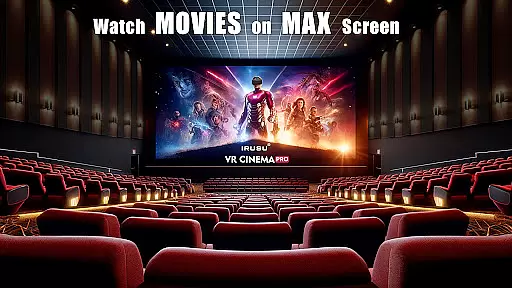
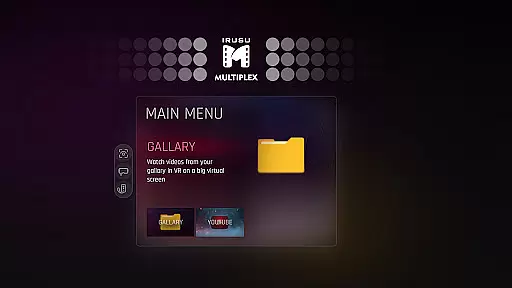
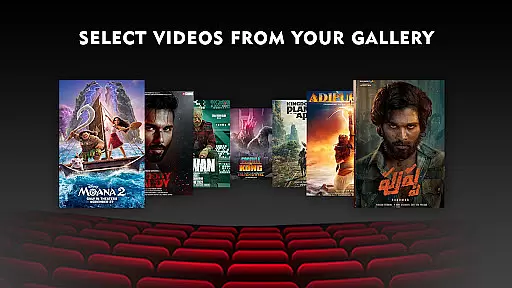
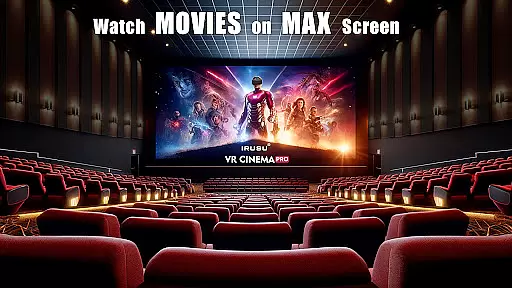
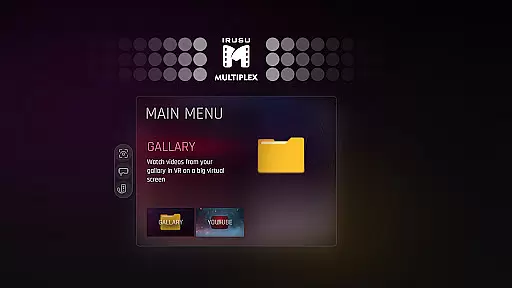
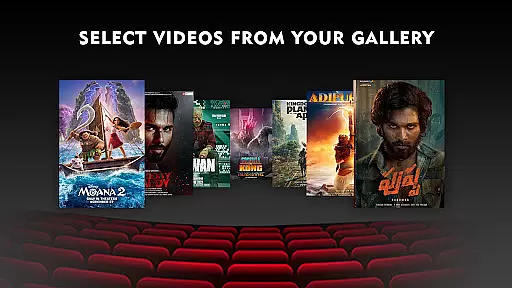
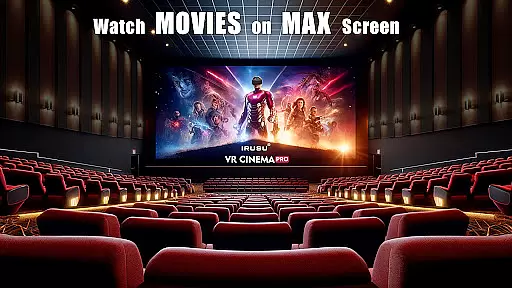
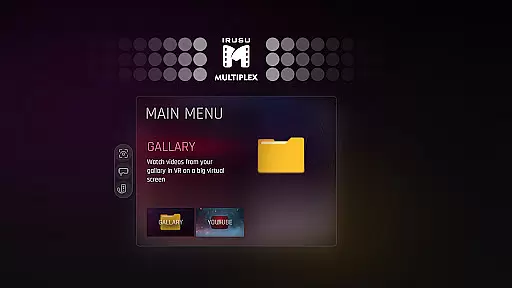
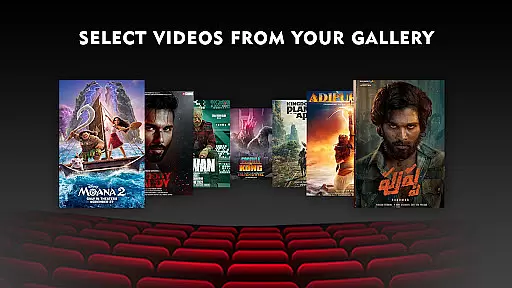
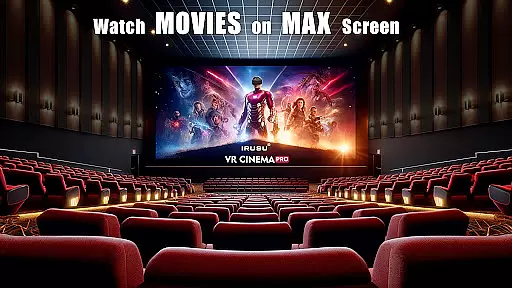
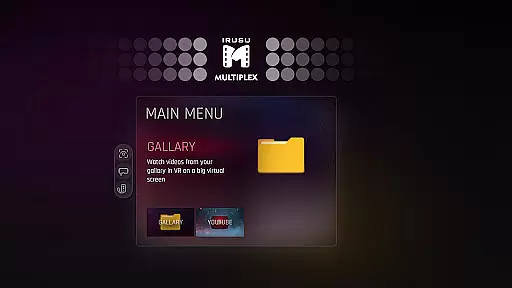
VR Player Pro is a premium virtual reality video player designed for immersive entertainment experiences. The app transforms your smartphone into a personal VR theater, allowing you to watch videos on large virtual screens with customizable environments. With support for multiple viewing formats including 2D, 3D SBS, and 360° videos, the app caters to diverse media preferences while delivering stunning visuals in resolutions up to 4K.
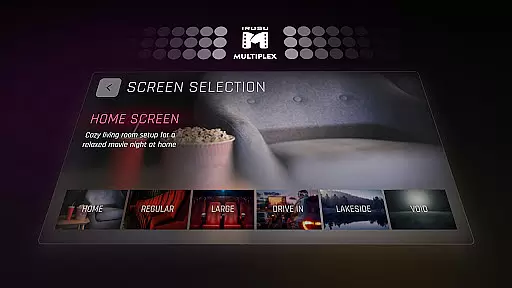
One of the standout features is its selection of unique viewing locations, ranging from classic movie halls to scenic outdoor settings like winter lakes. These environments are enhanced by dynamic lighting that reacts to video content, creating an unparalleled sense of realism. Whether you're using Google Cardboard or other popular VR headsets, VR Player Pro ensures compatibility and smooth performance across devices.
This application is ideal for users seeking a private, cinema-like experience at home or on the go. By combining advanced playback capabilities with user-friendly features such as seat selection and angle adjustment, VR Player Pro offers both functionality and comfort for extended viewing sessions.
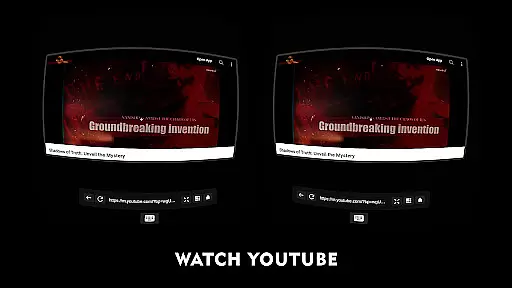
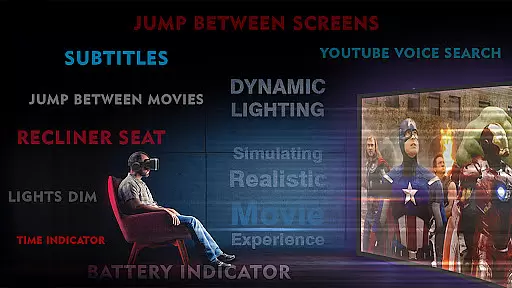
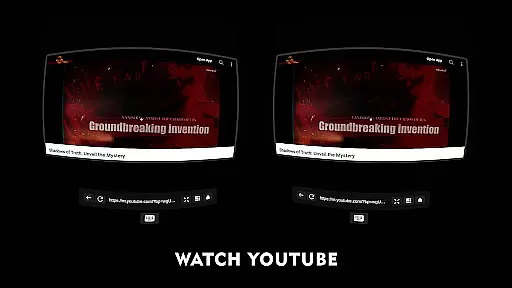
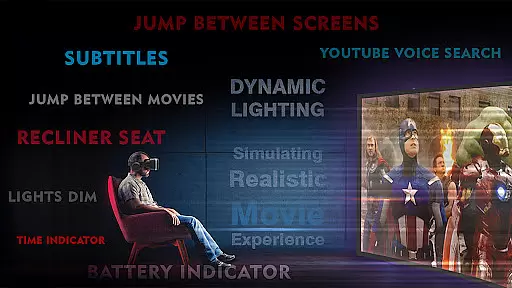
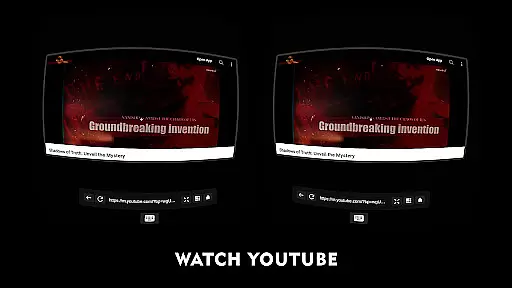
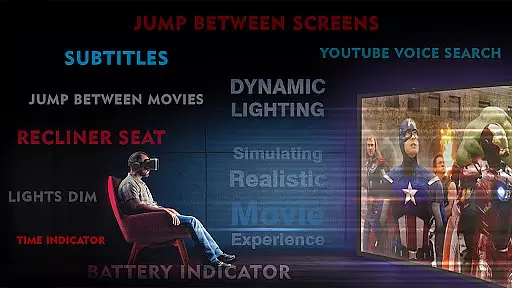
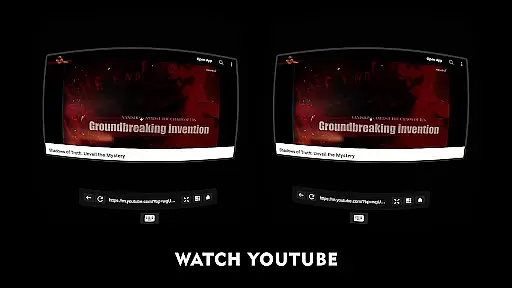
VR Player Pro stands out through its innovative feature set tailored for VR enthusiasts. At its core, the app provides a built-in browser with YouTube VR playback, enabling users to stream online content without leaving the virtual environment. Voice search functionality further enhances convenience, allowing seamless navigation and content discovery.
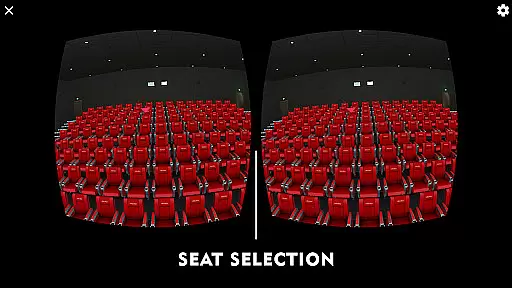
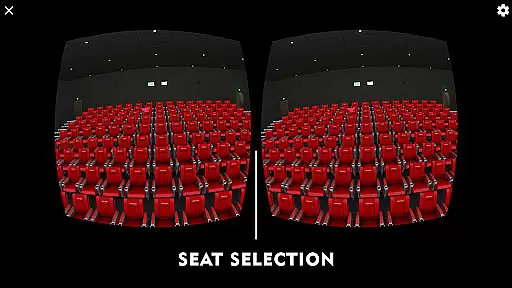
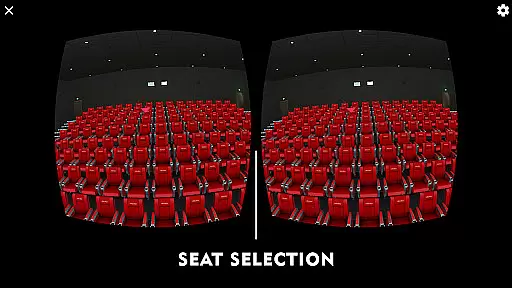
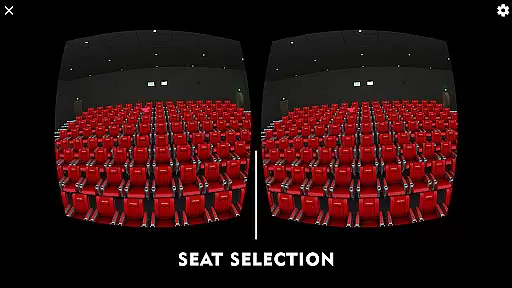
The app's seat selection system lets users choose their preferred viewing position within the virtual space, mimicking the experience of selecting seats in a real theater. Coupled with angle adjustment options, this ensures optimal comfort regardless of how you position your device. Additionally, the dynamic lighting system adapts to the video being played, synchronizing ambient effects with on-screen action for deeper immersion.
Another key advantage is its broad compatibility with various VR headsets, including Google Cardboard, Irusu, VR Box, and Shinecon. This versatility makes it accessible to a wide audience while maintaining high-quality performance standards. For those who value flexibility and cutting-edge technology in their media consumption, VR Player Pro delivers an exceptional VR experience.
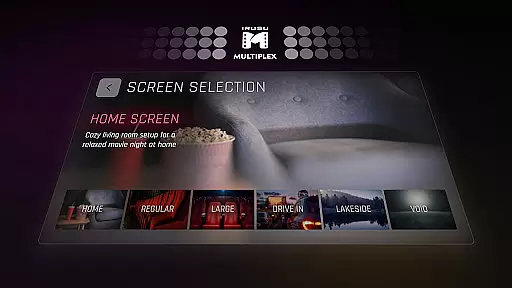
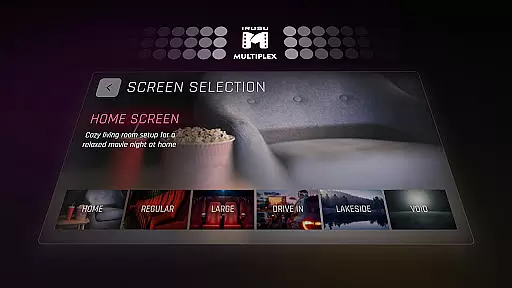
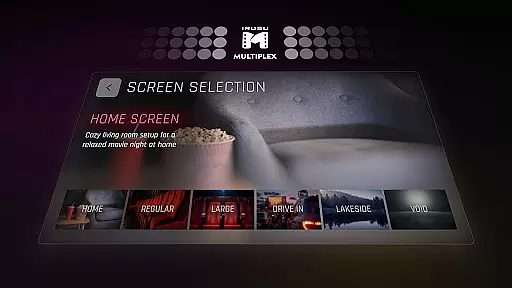
In the realm of virtual reality entertainment, content diversity is key to maintaining user interest and satisfaction. VR Player Pro rises to the occasion by offering an extensive range of viewing environments that cater to different moods and preferences.
From classic movie halls to scenic drive-in lots, winter lake views, and cozy home theatres, this app ensures that users can enjoy their favorite movies in settings that feel refreshingly new each time. This diversity not only enhances the sense of immersion but also encourages repeated use, as there's always a new scene to explore.
The inclusion of dynamic lighting further enriches these varied scenarios, adapting in real-time to the video content being played. Such responsiveness creates an ever-changing atmosphere that keeps the virtual experience engaging and lifelike.
By providing multiple seat selections and angle adjustments, VR Player Pro allows for personalized viewing experiences within its diverse locations. Users can customize their vantage points, ensuring comfort and optimal visual clarity, which adds another layer of freshness to every screening.
User engagement is critical for any entertainment platform, and VR Player Pro excels in creating an environment that captivates users for extended periods. The app's unique selling proposition lies in its ability to transform a regular movie night into an immersive event through its Irusu VR Cinema Player feature.
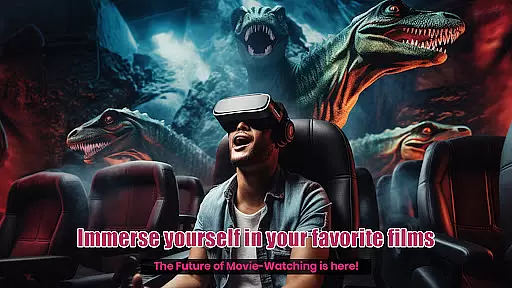
With massive virtual screens and realistic ambient lighting, viewers are drawn into what feels like a private theatre, encouraging them to stay longer and engage more deeply with their chosen content. The allure of experiencing films on such grandeur scales naturally boosts session durations.
Moreover, the built-in browser with YouTube VR playback capabilities extends user sessions beyond local media libraries. By integrating web browsing and voice search functions directly within the VR space, it seamlessly blends online exploration with offline entertainment consumption.
This combination of features fosters high retention rates as users find themselves returning not just for movies but also for exploring new virtual spaces or testing out different seating arrangements u2013 all contributing towards prolonged interaction times within VR Player Prou2019s ecosystem.
Immersive environments
Dynamic lighting effects
Multiple seat options
Voice search support
Wide headset compatibility
Premium price tag
Steep learning curve
Limited free features
High device requirements
No offline tutorials

* Multiple Matches * Intuitive UI * Scoring Made Easy!
 4.40
4.40
Air Horn - Siren Sounds Prank, Fun way to wake up your Friends and Family
4.5
Unofficial Game Companion App” “Guides • Builds • Tips • Progression
4.5
Pathfinder 2e initiative tracker with bestiary, HP, reaction, conditions, etc
4.80
Watch short films, dramas, reels, series and movies anytime on Micro Drama.
4.60
Time tracking, lap counting and much more for Carrera® Digital 132/124
4.80
Underrated short-drama gems that hit hard and keep your heart hooked.
4.50
Realistic Baby Simulator App
4.00
Catch the latest episodes of The Voice or live stream NFL games with The NBC App
4.20
Exclusive creator communities
4.70
Fun brain twisting challenge with trending Whirlpool Filter.
4.70
Browser for Chromecast to stream webvideos, online movies, IPTV & HD livestreams
4.40
Rain and lightning effects for your Philips Hue lights
4.30
Music visualizer and party effects for Hue
3.90
Browse popular images and videos from Reddit on Android TV!
3.90
NFL, NBA, NHL, MLB, local sports coverage, shows, movies & news!
3.20
Stream live TV shows, sports, news, movies & more - all without cable.
3.00
Ultimate VR movie player for android mobile videos
4.1
Simulation of Dashboard / Touch Screen for Tesla. (Works without actual Tesla).
4.1


User Reviews