
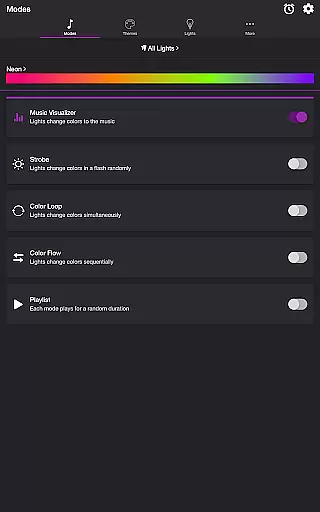
Soundstorm for Hue is an innovative entertainment application that transforms your Philips Hue lights into a dynamic party experience. The app allows users to sync their smart lights with music, creating stunning visual effects through various customizable modes.
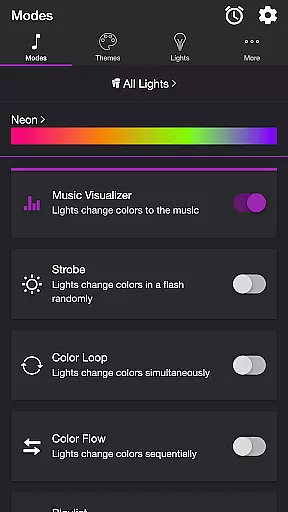
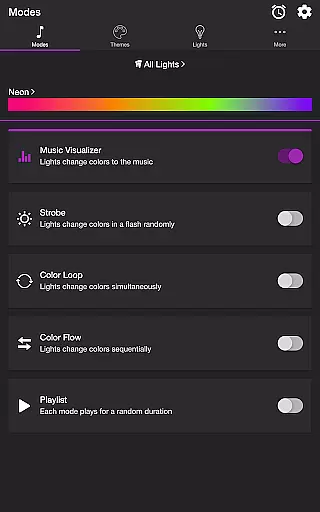
The core functionality includes multiple lighting modes such as Music Visualizer, Strobe, Color Loop, and Playlist options. These features enable users to create immersive light shows that respond to music beats or cycle through color patterns. With microphone access, the Music Visualizer mode detects audio frequencies and triggers corresponding light effects.
This application is particularly useful for home parties, special events, or creating ambient environments where synchronized light and music can enhance the atmosphere. The ability to customize themes and adjust detailed settings provides users with complete control over their lighting experience.
Soundstorm for Hue offers an impressive array of features that set it apart in the smart lighting category. The application's most notable capability is its sophisticated Music Visualizer mode, which uses device microphone input to synchronize lights with music in real-time.
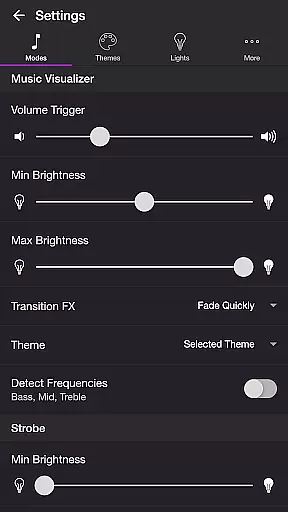
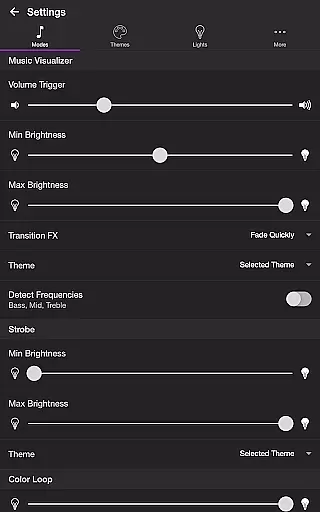
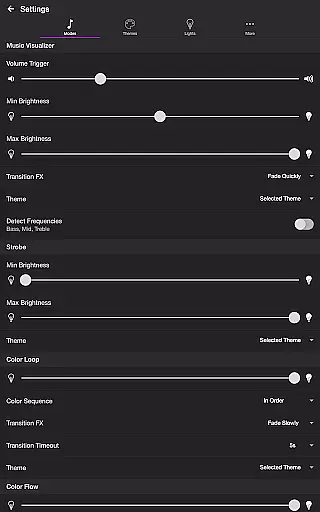
Users can choose from multiple operational modes including Strobe for rapid color changes, Color Loop for simultaneous transitions, and Color Flow for sequential lighting effects. The Playlist feature allows for randomized mode switching with adjustable durations. Advanced customization options include frequency detection (Bass, Mid, Treble), transition effects selection, and brightness controls.
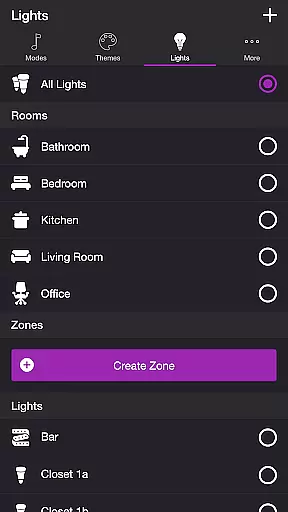
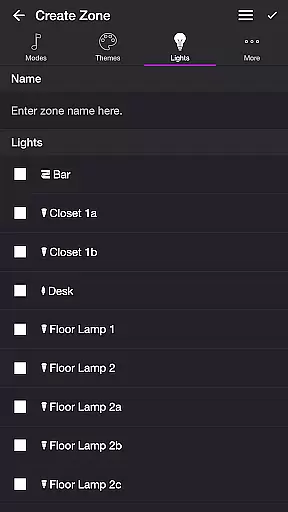
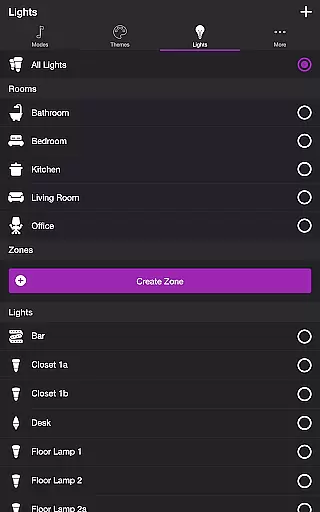
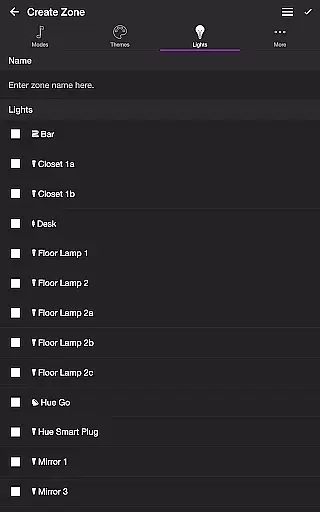
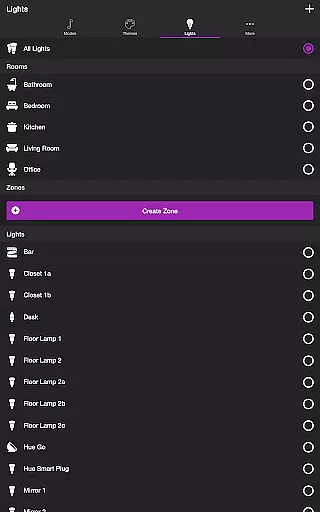
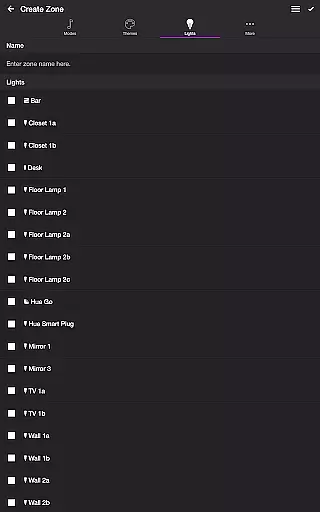
What makes Soundstorm for Hue particularly valuable is its comprehensive settings menu. Users can configure default end states, sleep timers, and automatic mode activation. The application also supports both individual light control and group management, enabling complex lighting setups across multiple rooms or zones.
Soundstorm for Hue offers a diverse range of content through its various modes and themes, ensuring users have multiple entertainment options. The app features modes like Music Visualizer, Strobe, Color Loop, Color Flow, and Playlist, each providing a unique way to enjoy Philips Hue lights.
The Music Visualizer mode listens to the ambient music and changes the lights' colors accordingly, creating an immersive experience. With customizable settings such as volume triggers, brightness levels, and transition effects, users can tailor the visualizer to their preferences.
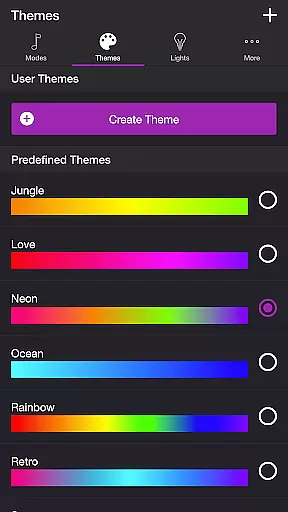
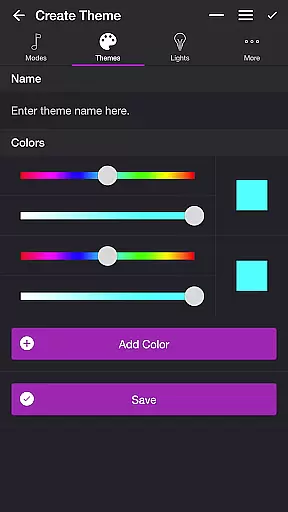
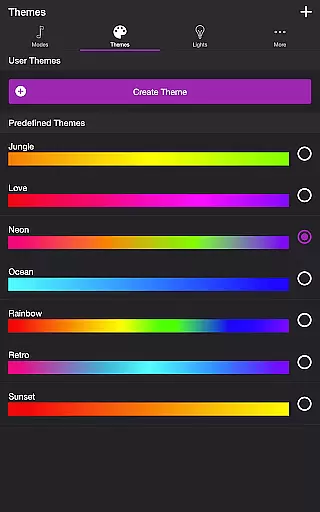
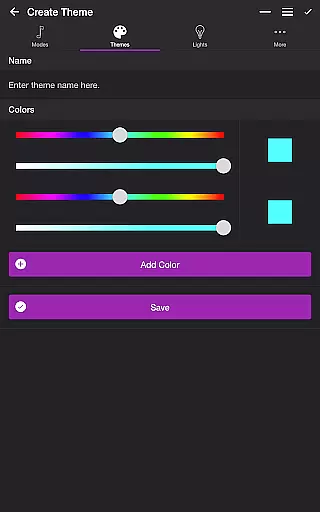
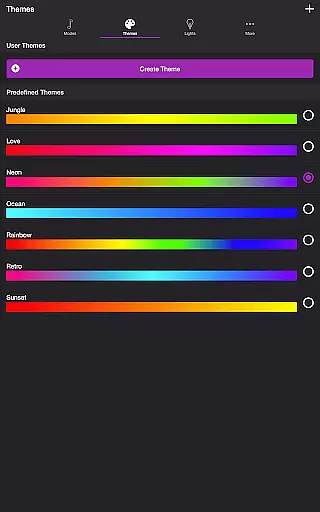
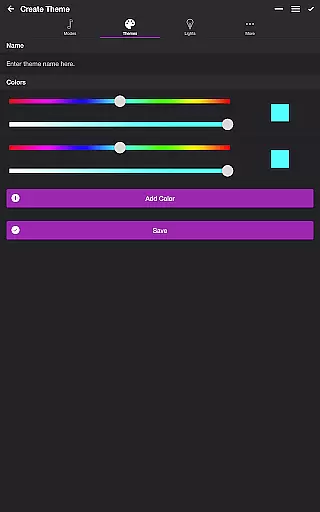
Themes add another layer of variety, allowing users to choose from predefined themes or create their own. This customization ensures that the light shows remain fresh and engaging every time they are used.
User engagement is at the heart of Soundstorm for Hue's design, with features intended to keep users interacting with the app for extended periods. The ability to customize each mode's settings means users can continually refine their experience, encouraging longer sessions.
With the Playlist mode, users can set random durations for each lighting effect, which helps maintain interest over time. Additionally, the Sleep Timer feature allows users to automate when the light show ends, seamlessly integrating into their nightly routine without abrupt interruptions.
By offering deep personalization and automation options, Soundstorm for Hue not only captures users' attention but also retains it by becoming an integral part of their home entertainment setup.
Highly customizable
Real-time music sync
Multiple lighting modes
Advanced theme options
Detailed settings control
Hue Bridge required
Microphone access needed
Complex setup process
Premium features locked
Device compatibility issues

* Multiple Matches * Intuitive UI * Scoring Made Easy!
 4.40
4.40
Journey to the world’s oldest rainforest and meet its Indigenous Custodians.
4.1
Triple A is a highly complex, kinetic, and interactive visualizer.
4.50
Catalog & tracker of your DVD, Blu-ray & Digital Movie and TV Collection Library
4.80
Scan sets, track your builds, and enjoy intuitive digital instructions.
4.70
Stream live TV shows, sports, news, movies & more - all without cable.
3.00
Premium version to enjoy your favorite anime
4.60
Explore the unknown!
3.00
Watch New Episodes & Live TV
3.80
Original short dramas with diverse genres for a rich viewing experience!
4.80
Live TV, sports & holiday movies — stream on phone, tablet & TV
4.60
Watch short films, dramas, reels, series and movies anytime on Micro Drama.
4.60
Chat with AI characters! Anime, games, roleplay & more.
4.50
Create and play realistic-looking mock Emergency Alert System messages.
4.30
Catch the latest episodes of The Voice or live stream NFL games with The NBC App
4.20
Necrophone is spirit box ghost hunting app made for spirit communication.
3.70
NFL, NBA, NHL, MLB, local sports coverage, shows, movies & news!
3.20
Disney Stickers: Zootopia 2
4.1
Neon Christmas Tree Animated: Festive Wear OS watch face with fitness info
4.0


User Reviews