
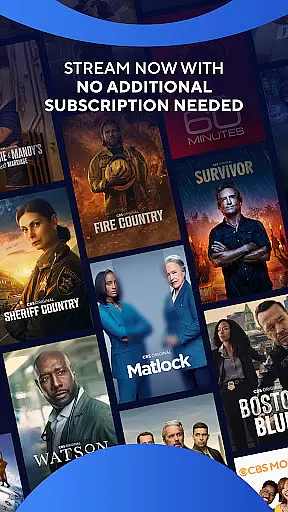
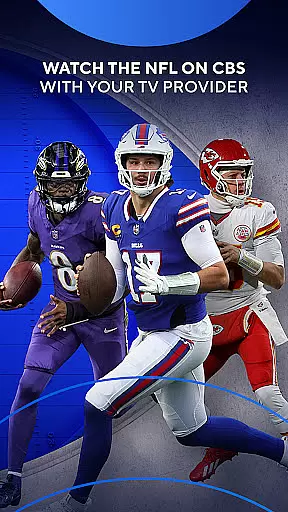
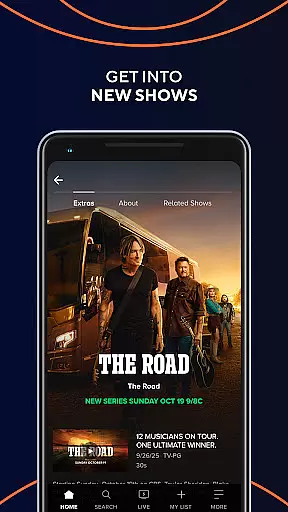
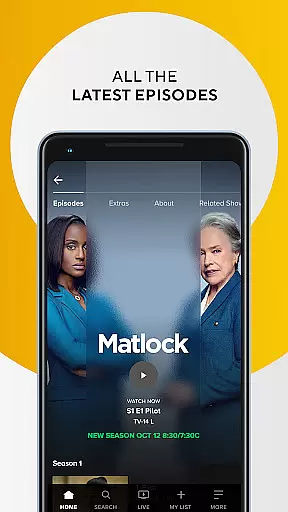
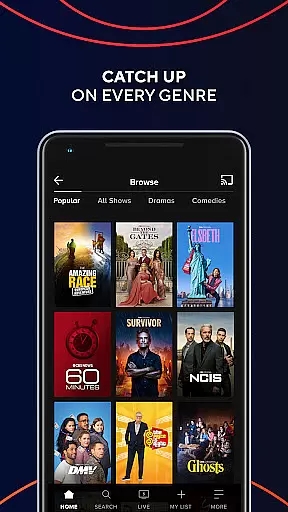
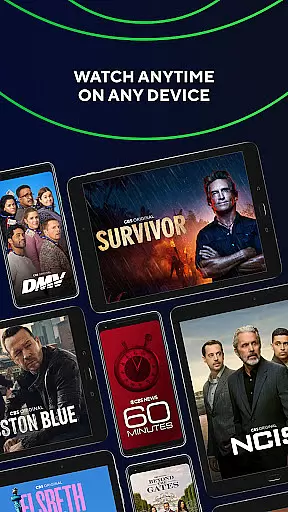
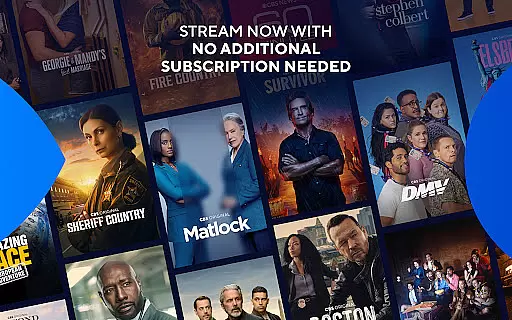
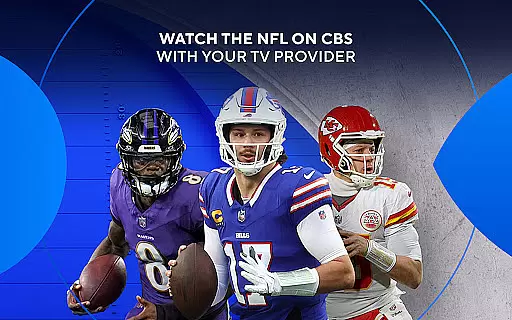
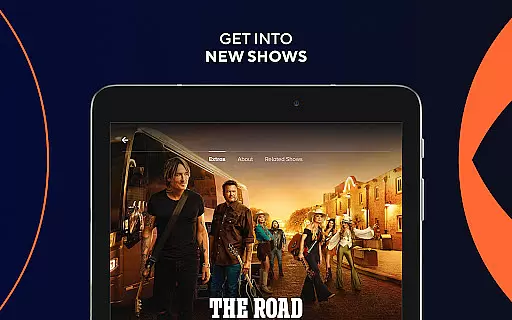
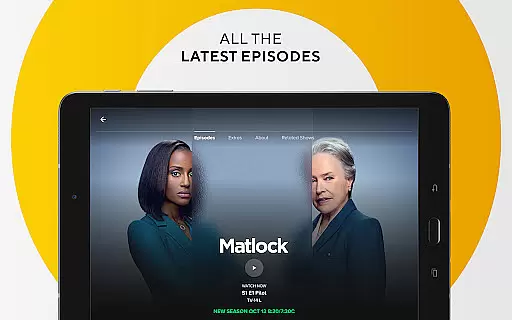
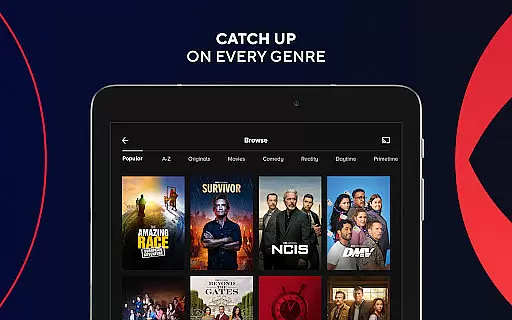
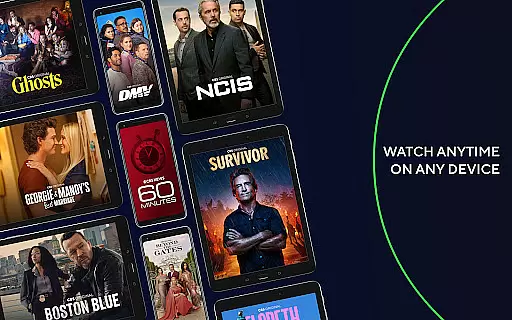
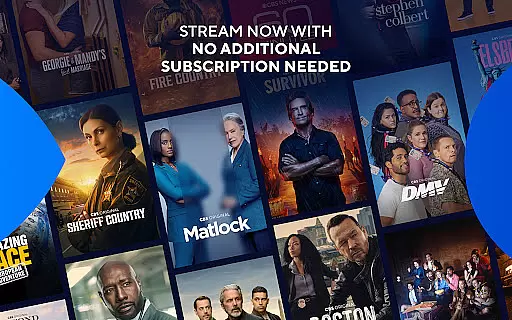
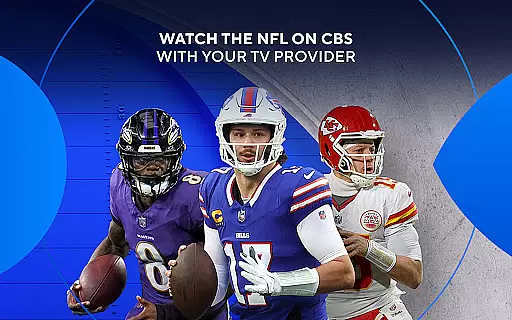
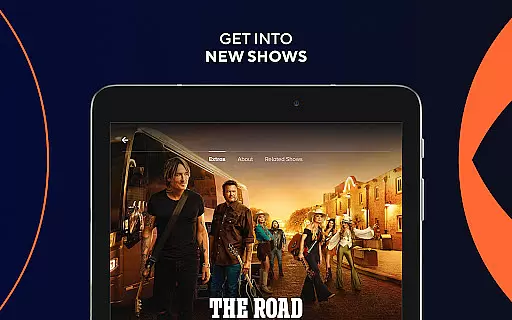
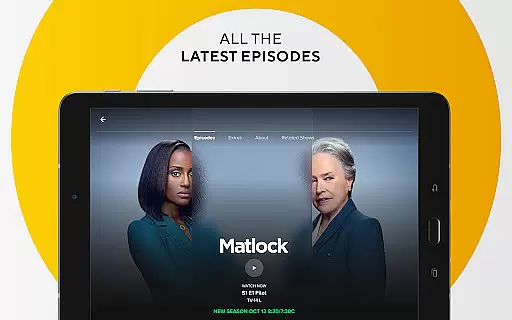

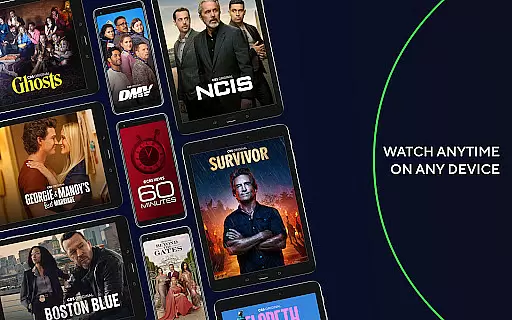
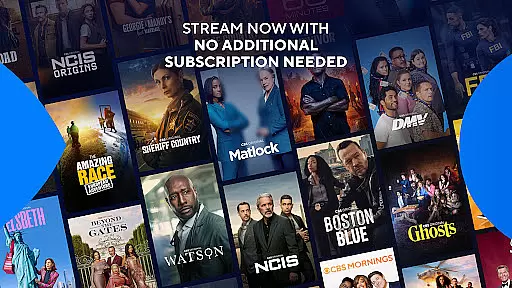
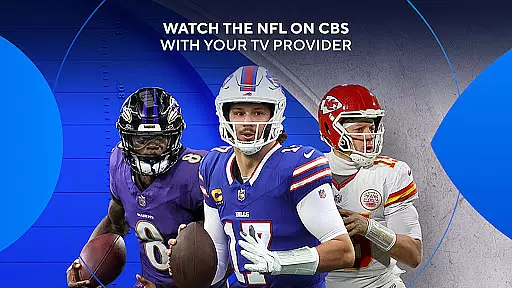

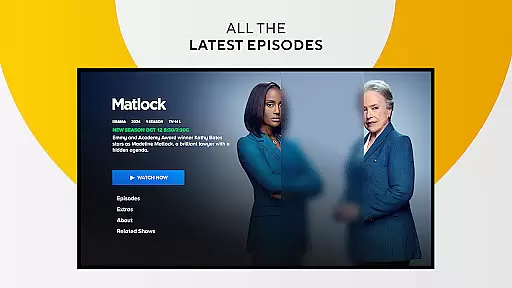
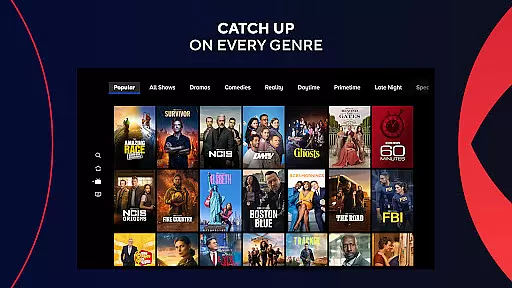
The CBS app is a free entertainment platform that allows users to stream the latest episodes of popular CBS shows without requiring a log-in. Available on any device, it offers instant access to content such as live news, sports, and exclusive events like The Grammy Awards and NFL on CBS. For those who wish to access full seasons or live TV, an optional cable provider sign-in is available.
One of the standout features of the CBS app is its flexibility. Users can watch their favorite shows anytime and anywhere, with next-day streaming for many episodes. While certain content may vary in availability based on location or device, the app provides a comprehensive experience for accessing CBS programming without additional subscription fees.
This app is ideal for viewers seeking convenient access to high-quality entertainment, live events, and breaking news. Its user-friendly design ensures that both casual viewers and dedicated fans can enjoy CBS content seamlessly across multiple devices.
The CBS app stands out with its diverse range of features designed to enhance viewer convenience. A key highlight is the ability to stream new episodes for free without needing a subscription or credit card. This makes it accessible for anyone looking to enjoy CBS programming without financial commitment.
For users who want more extensive access, signing in through a cable provider unlocks live TV streaming and full seasons of CBS shows. Live content includes sports events, news updates, and must-see award shows like The Grammy Awards and NCAA March Madness. Additionally, the app supports cross-device functionality, allowing users to watch their favorite programs on smartphones, tablets, or smart TVs.
While most episodes are available for next-day streaming, some restrictions apply depending on the show or device used. To ensure transparency, detailed information about these limitations can be found on CBS's help page. Overall, the CBS app delivers a versatile and engaging viewing experience tailored to modern audiences.
In the realm of digital entertainment, content diversity and regular updates are crucial for user engagement. The CBS app excels in this area by offering a wide array of shows that cater to different tastes and preferences. From the latest episodes of popular series to live broadcasts of significant events like The Grammy Awards and NCAA March Madness, the platform ensures there's always something new and exciting for viewers.
One of the standout features of the CBS app is its ability to provide next-day streaming of the most recent episodes, ensuring users stay up-to-date with their favorite shows without delay. This immediacy not only enhances viewer satisfaction but also keeps them coming back for more, knowing they can rely on the app for timely content delivery.
Beyond just episodic content, the CBS app enriches its library with live TV options, including news, sports, and exclusive events. This blend of pre-recorded and live content creates a dynamic viewing experience that can adapt to various schedules and interests, making it an indispensable tool for modern entertainment consumption.
User engagement and retention are pivotal metrics for any entertainment platform, and the CBS app addresses these through strategic features designed to keep viewers hooked. By offering full seasons of CBS shows to users who sign in with their cable provider credentials, the app encourages longer viewing sessions and repeat visits. This access to extensive content libraries promotes binge-watching behaviors, which significantly boosts overall time spent within the app.
The CBS app further enhances user retention by providing free access to a substantial amount of content without requiring a subscription or log-in. This approach lowers barriers to entry and invites casual viewers to explore what the platform has to offer. As users discover shows they enjoy, they're more likely to return regularly, thereby increasing their engagement duration over time.
Additionally, the inclusion of Nielsenu2019s measurement software plays a subtle yet important role in understanding viewer habits and preferences. By analyzing this data, CBS can tailor its content offerings and promotional strategies to better align with audience expectations, ultimately fostering a more personalized and engaging user experience that encourages sustained usage.
User-friendly interface
No subscription required
Live event streaming
Cross-device compatibility
Free episode access
Limited international use
Content availability varies
Requires cable login for full access
Next-day delays on some shows
Device-specific restrictions

Exclusive creator communities
 4.70
4.70
The OFFICIAL PeeWee Purpdrank Soundboard!
4.80
A wonderful collection of the most beautiful sounds of animals and birds
4.2
Create and play realistic-looking mock Emergency Alert System messages.
4.30
Watch everything you want.
2.90
Chat with AI characters! Anime, games, roleplay & more.
4.50
Official KennysGifs Stickers
4.20
Daily immersive workout plan: Body warm up & finger yoga exercises
3.80
Earn big rewards like PayPal & Amazon gift cards by playing games you love!
4.30
Open-source, fast, simple and powerful IPTV app
4.90
Pathfinder 2e initiative tracker with bestiary, HP, reaction, conditions, etc
4.80
Watch short films, dramas, reels, series and movies anytime on Micro Drama.
4.60
Unleash Your AI Imagination
4.60
Stream Online TV - Watch Live IPTV Playlist & Channel with Built-In Player
4.50
Series,Películas y Telenovelas
4.50
Earn gift cards for playing games. Become a real game tester!
4.40
Atomus is a 10-finger multi-touch interactive visualizer.
4.30
Necrophone is spirit box ghost hunting app made for spirit communication.
3.70
Control your AWTRIX 3 easily
4.2


User Reviews