
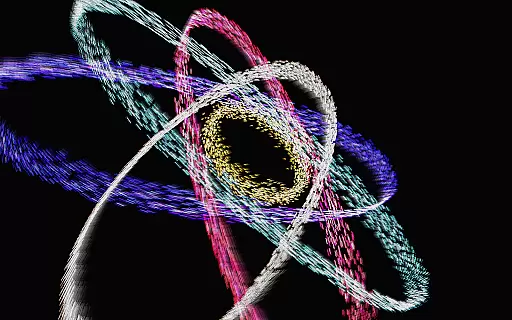
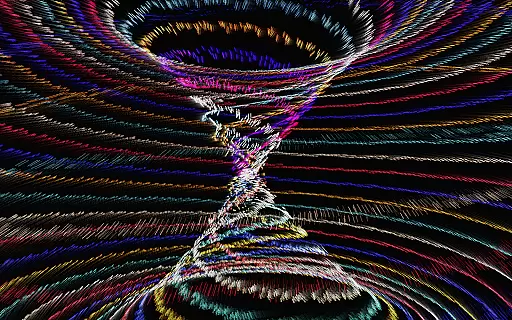
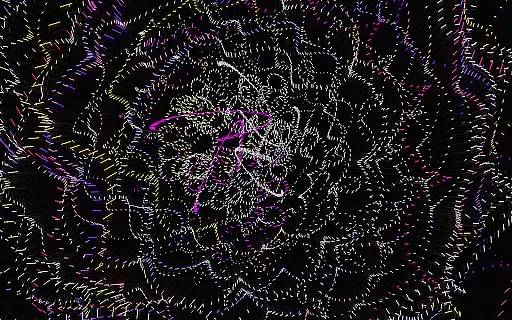
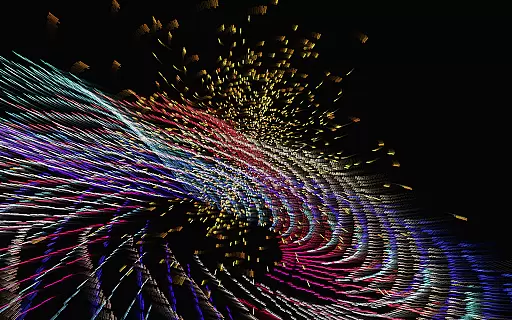
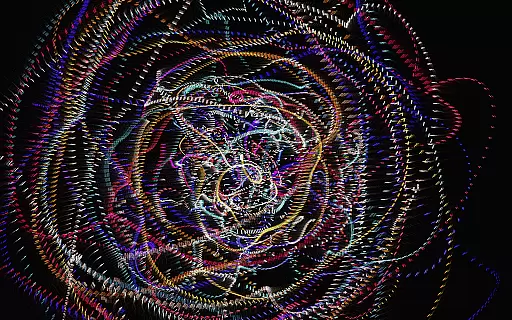
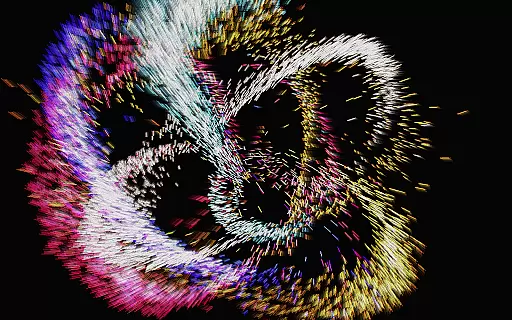
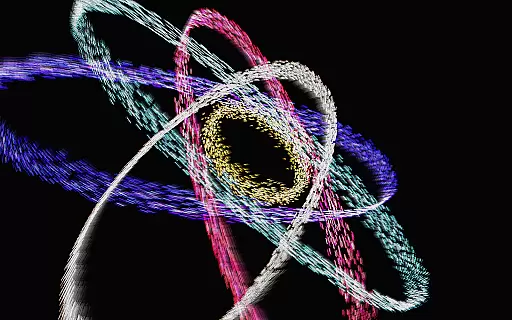
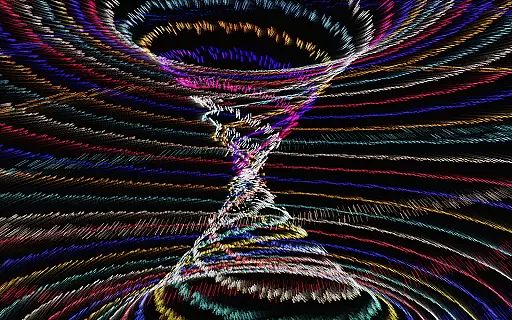
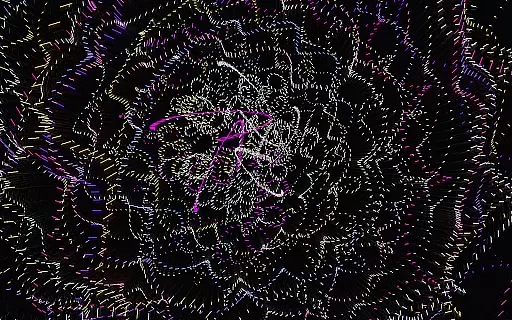
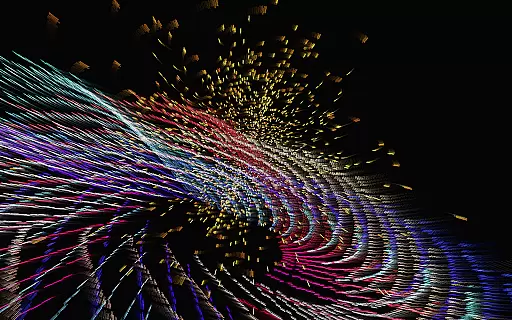
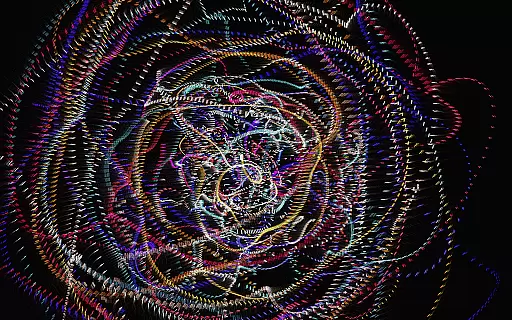
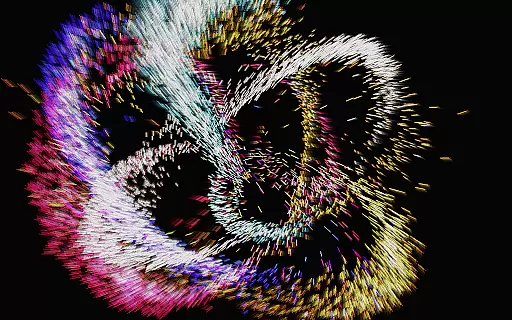
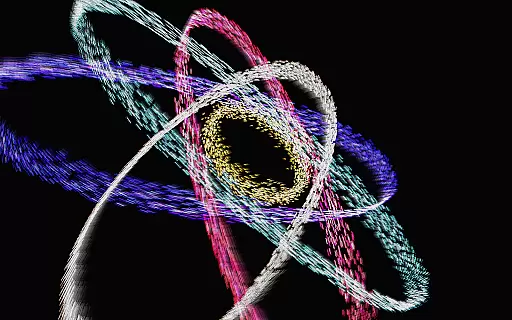
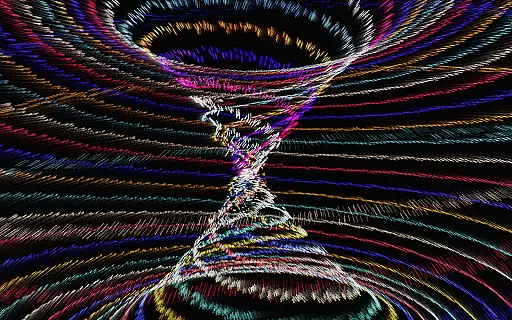
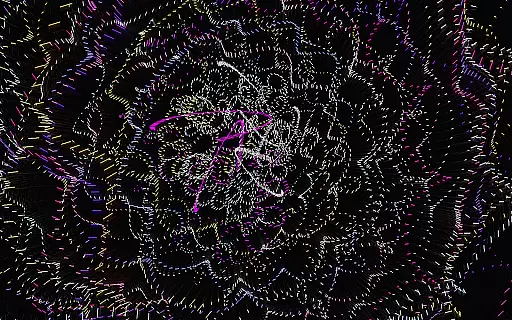
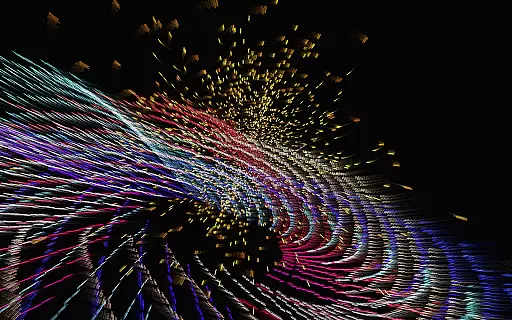
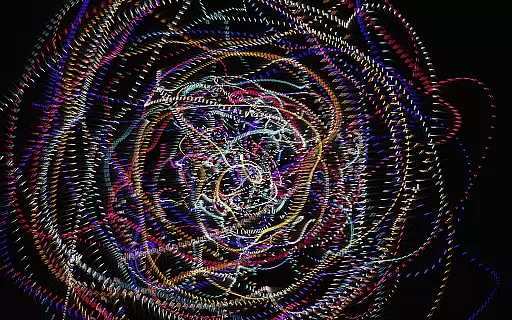
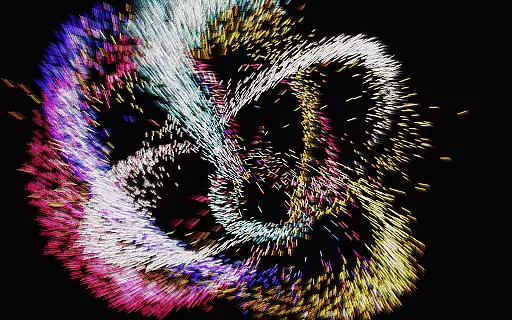
Atomus 3D is a visually stunning interactive application that combines art, science, and entertainment into one dynamic experience. Designed for users who appreciate creativity and innovation, this app serves as both a source of inspiration and a tool for relaxation. With its foundation in mathematics, physics, and advanced 3D graphics, Atomus 3D delivers an immersive environment filled with kinetic visualizations such as fireworks, auroras, and cosmic phenomena.
The app's versatility makes it suitable for various uses, whether as a personal creative outlet, a party centerpiece, or even an interior design element. Its ability to render complex animations at an impressive 60 FPS ensures smooth performance across all platforms. By offering customizable parameters and interactive controls, Atomus 3D empowers users to explore and manipulate intricate designs while enjoying a seamless artistic journey.
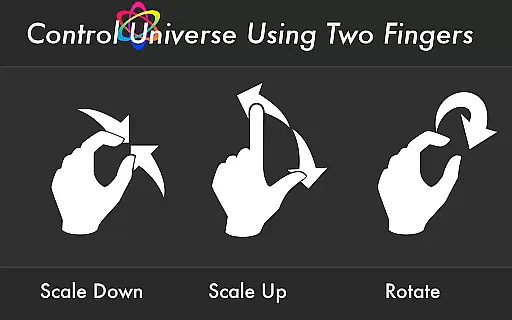
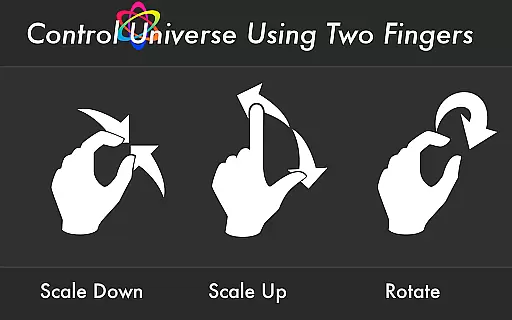
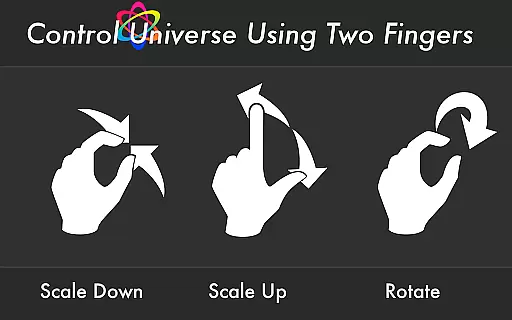
Atomus 3D stands out with its rich feature set designed to provide an unparalleled interactive experience. The app supports 10-finger multi-touch functionality, allowing users to engage with the visuals in real-time through intuitive gestures. With five selectable music tracks by Ross Bugden, users can enhance their experience with optional soundscapes that complement the dynamic visuals.
Performance is another key highlight, as Atomus 3D achieves a blazing-fast speed of 60 FPS while emitting up to 10,000 particles simultaneously. Users have extensive customization options, including adjustable particle length, number, size, and three distinct color modes: Neon, Crystal, and Nature. Additionally, the app offers live wallpaper functionality, enabling users to bring their device screens to life with mesmerizing animations.
Atomus 3D offers an impressive array of content that ensures users are constantly engaged with fresh and varied visual experiences. The app includes a vast selection of dynamic designs such as Fireworks, Tornado, Aurora, and even planetary simulations like Jupiter and Mars.
Each visual element within Atomus is crafted using advanced mathematics, physics, and 3D graphic techniques, providing users with an interactive canvas that's both scientifically intriguing and visually stunning. This technical foundation allows for an ever-evolving spectrum of creative possibilities.
With features like customizable particle length, number, and size, along with three distinct color modesu2014Neon, Crystal, and Natureu2014users can tailor their experience to match their mood or setting. These personalization options guarantee that the content remains relevant and stimulating over time.
The design of Atomus 3D is inherently captivating, encouraging extended user engagement through its mesmerizing visuals and interactive elements. Users can manipulate up to ten fingers on the multi-touch display to create complex patterns and effects, which naturally prolongs interaction times.
In addition to its visual allure, Atomus supports background music by Ross Bugden, adding another layer of sensory engagement that enhances the overall experience. With the option to toggle music on or off, users can curate an auditory backdrop that complements their visual explorations.
By maintaining a consistent frame rate of 60 FPS, even when emitting 10,000 particles, Atomus ensures smooth performance that keeps users immersed without interruptions. This high level of responsiveness and fluidity plays a crucial role in retaining user interest over extended periods.
Visually Stunning
Highly Customizable
Smooth Performance
Multi-Touch Support
Versatile Usage
Complex Interface
Resource Intensive
Limited Free Features
No Offline Music
Steep Learning Curve

Exclusive Short Drama Video! All in HD. Bringe trending reels & enjoy drama time
 3.80
3.80
Heroclix search units with multi filter , team builder, collection manager.
4.40
Stream over 80 hours of exclusive mashups and remixes by DJ Rehab.
4.4
Live TV, sports & holiday movies — stream on phone, tablet & TV
4.60
Come and watch short dramas, reels with diverse genres!
4.40
Browse popular images and videos from Reddit on Android TV!
3.90
VR 360 Cinema Player is the ultimate VR player for playing videos on mobile
3.50
Create your Songs. Cover Maker with any Voice, Song Generator
3.30
Everything FOX in one place. Watch FOX News, NFL, MLB, TV shows and more.
4.50
Triple A is a highly complex, kinetic, and interactive visualizer.
4.50
Series,Películas y Telenovelas
4.50
Fetch money rewards all just for playing games. Cash out for gift cards in app.
4.50
The Xbox app keeps you connected to your gaming community.
4.50
Browser for Chromecast to stream webvideos, online movies, IPTV & HD livestreams
4.40
Rain and lightning effects for your Philips Hue lights
4.30
Official KennysGifs Stickers
4.20
Binaural Brainwave Doses for Every Imaginable Mood
3.60
Air Horn - Siren Sounds Prank, Fun way to wake up your Friends and Family
4.2
See the frequencies! Watch the magic!
4.1


User Reviews