
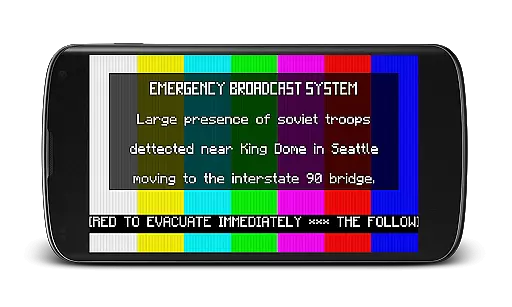
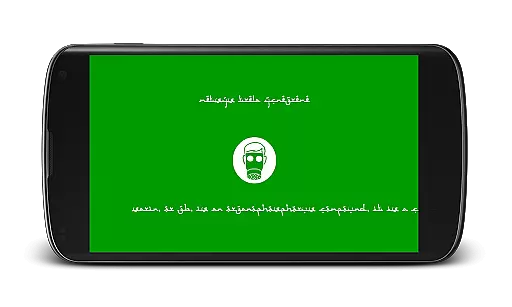
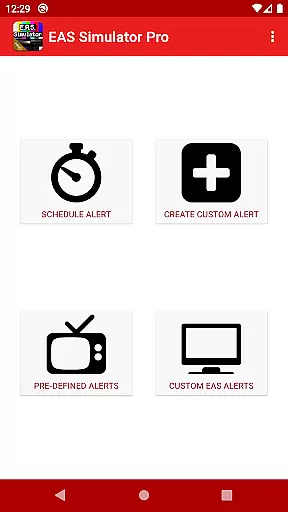
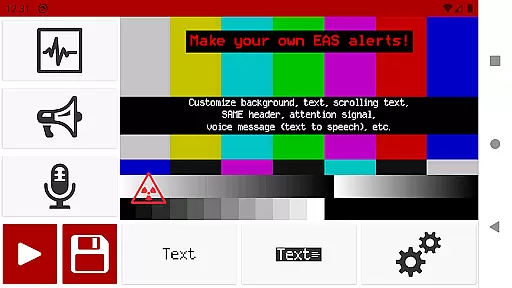
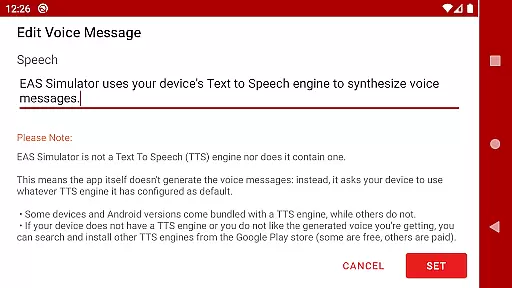
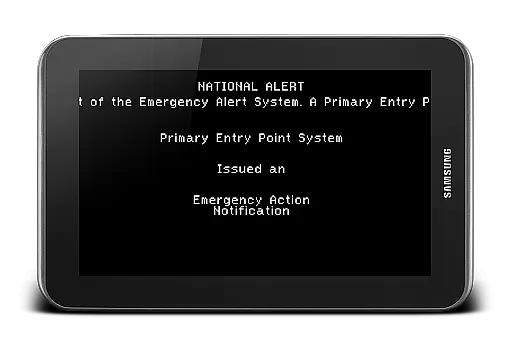
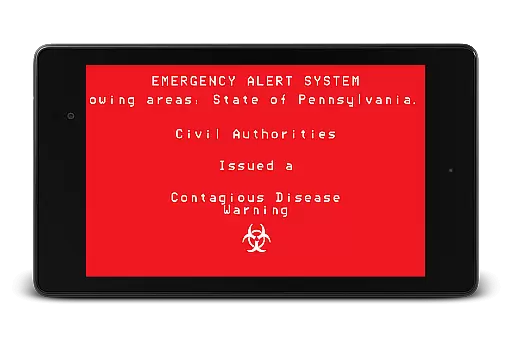
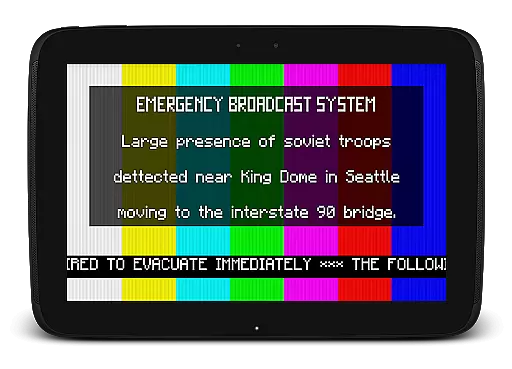
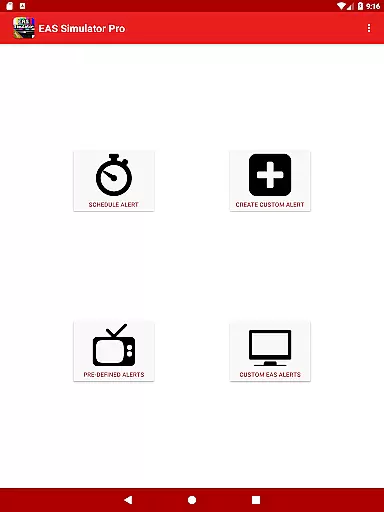
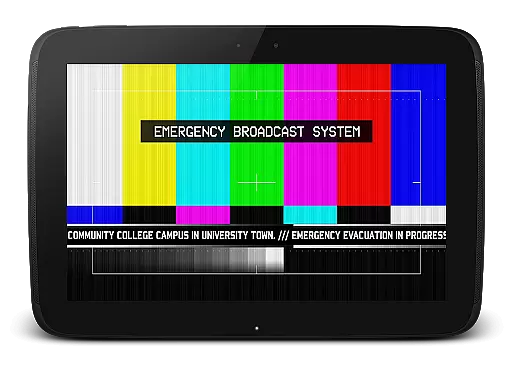
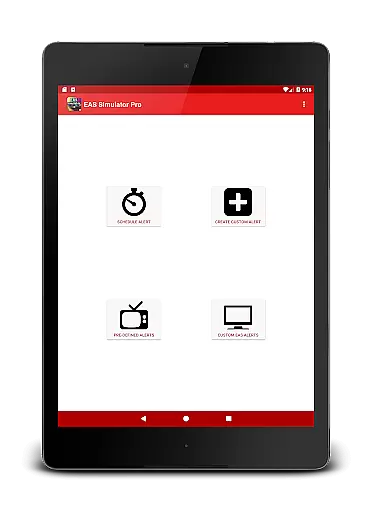
EAS Simulator Pro is an innovative entertainment application that allows users to create and experience realistic Emergency Alert System (EAS) simulations on their Android devices. The app offers a comprehensive suite of features for crafting detailed and customized alert scenarios, ranging from natural disasters to fictional apocalyptic events. With its robust functionality, users can produce high-quality mock alerts complete with authentic sound effects, visual displays, and even voice messages generated through the device's Text-to-Speech engine.
Designed for both recreational and educational purposes, this app provides a unique platform for emergency preparedness drills, creative storytelling, or simply indulging in disaster-themed role-playing. Whether you're a content creator looking to add realism to your projects or an enthusiast fascinated by emergency response systems, EAS Simulator Pro delivers an engaging and immersive experience.
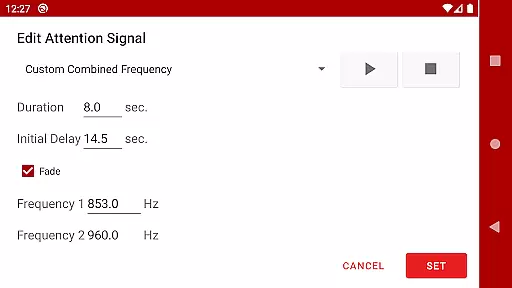
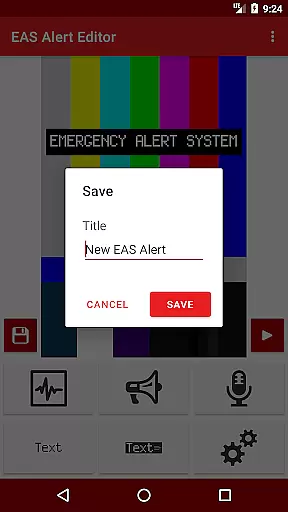
The standout feature of EAS Simulator Pro is its powerful EAS alert editor, which grants users unrestricted ability to design and save personalized alerts. This includes options for background visuals akin to those seen on television broadcasts, static or scrolling text overlays, and genuine SAME header tones. Additionally, the app supports scheduling capabilities, enabling alerts to be triggered at specific times—even when the device is locked—making it ideal for unattended drills or pranks.
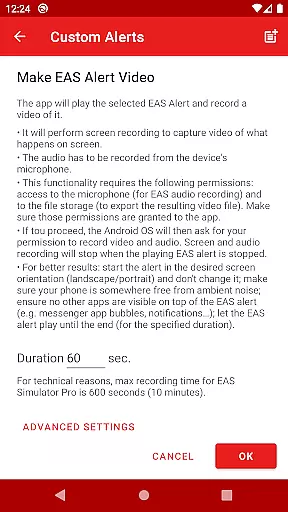
Another remarkable aspect is the video conversion tool, allowing users to transform their created alerts into shareable video files using screen recording and microphone audio. Coupled with import/export functionalities, these features facilitate collaboration and backup solutions among users. Furthermore, the app comes pre-loaded with a diverse array of pre-defined alerts covering real-world incidents like flash floods and tornadoes, alongside thrilling fictional scenarios such as zombie pandemics and nuclear strikes, ensuring there’s something for every interest.
In the realm of entertainment, content variety and freshness are paramount to maintaining user engagement. EAS Simulator Pro excels in this area by offering a diverse array of pre-defined alerts that cater to both real-life scenarios and thrilling fictional situations. From simulating natural disasters like flash floods and tornadoes to enacting apocalyptic events such as nuclear attacks and zombie pandemics, the app provides an extensive selection designed to captivate users' imaginations.
Moreover, the application allows for the creation and saving of custom alerts without limitations, ensuring that content remains fresh and personalized. Users can convert these EAS alerts into videos, which not only adds another dimension to the experience but also enables sharing with others who may be using either the Demo or Pro version of the app. This feature encourages community interaction and continuous content renewal.
The scheduling capability further enhances content freshness by enabling users to set up drills, pranks, or role-playing scenarios at their convenienceu2014even if the device is locked. By doing so, it keeps the element of surprise alive and makes each simulation feel unique and timely. With regular updates addressing known issues and introducing new features, EAS Simulator Pro demonstrates a commitment to keeping its offerings current and engaging for its audience.
User engagement duration and retention are critical metrics for any entertainment app, and EAS Simulator Pro has been crafted to maximize these aspects through immersive and interactive experiences. The app's realistic Emergency Alert System (EAS) simulations provide a compelling draw for users interested in disaster preparedness, gaming, or simply seeking novel forms of amusement. By allowing users to create detailed mock alerts complete with SAME headers, attention signals, scrolling texts, and voice messages generated by Text-to-Speech engines, the app ensures prolonged periods of active use.
To further enhance user retention, EAS Simulator Pro includes advanced functionalities such as exporting/importing alerts as files, which facilitates backup and sharing among friends. This fosters a sense of community and encourages repeat usage as users exchange custom-created scenarios. Additionally, the ability to schedule alerts plays a crucial role in retaining interest over time; whether for planned drills or spontaneous fun, scheduled events keep users coming back to anticipate the next simulation.
By addressing potential technical challengesu2014such as compatibility with various devices and operating systemsu2014and providing clear guidance on permissions needed for optimal performance, EAS Simulator Pro builds trust and reliability. These factors contribute significantly to sustaining user engagement and promoting long-term retention, making it a standout choice within the entertainment category.
User-friendly interface
Highly customizable alerts
Realistic simulation effects
No advertisements
Comprehensive feature set
Requires TTS engine
Video export issues
Limited OS compatibility
Paid version only
Permissions needed

Unofficial Game Companion App” “Guides • Builds • Tips • Progression
 4.3
4.3
Rain and lightning effects for your Philips Hue lights
4.30
Atomus is a 10-finger multi-touch interactive visualizer.
4.30
Catalog & tracker of your DVD, Blu-ray & Digital Movie and TV Collection Library
4.80
Scan sets, track your builds, and enjoy intuitive digital instructions.
4.70
Experience the video editing experience brought by our intuitive interface
4.10
Unleash Your AI Imagination
4.60
5 funny and lovely ponies waiting for you to style them!
4.80
Himnario LLDM - Fast and Easy to read , updated Hymnal 2019 Edition Official
4.20
Wodfix Air aggregates popular online content for you.
4.80
Pathfinder 2e initiative tracker with bestiary, HP, reaction, conditions, etc
4.80
Exclusive creator communities
4.70
Live TV, sports & holiday movies — stream on phone, tablet & TV
4.60
Triple A is a highly complex, kinetic, and interactive visualizer.
4.50
Daily immersive workout plan: Body warm up & finger yoga exercises
3.80
Your choice of 350+ networks plus movies and full TV series on-demand.
3.70
Fool your friends & Family with Fake ultrasound test report
3.60
Air Horn - Siren Sounds Prank, Fun way to wake up your Friends and Family
4.4
Raise Christmas Magic with daily missions, magical scanners, and kindness.
4.1


User Reviews