
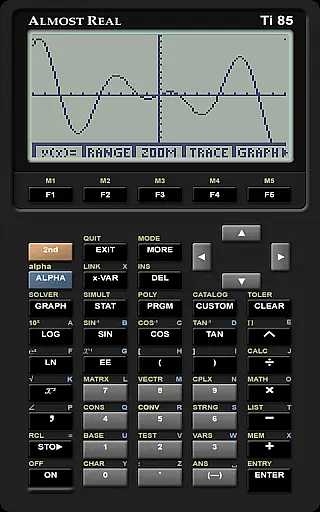
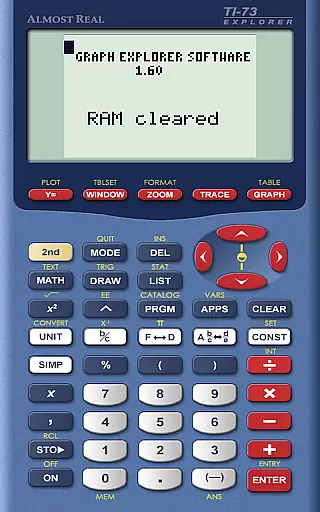
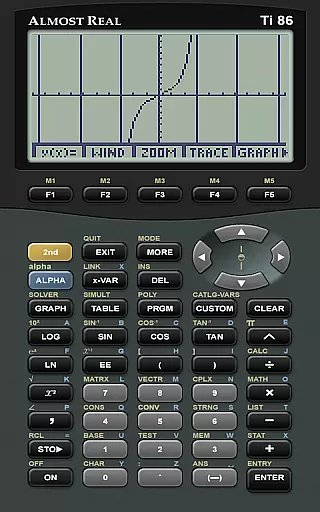
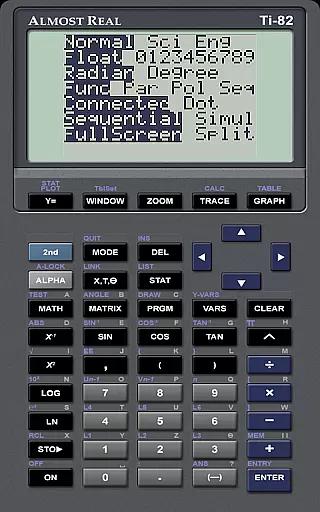
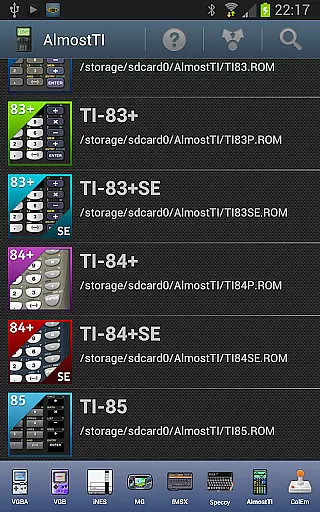
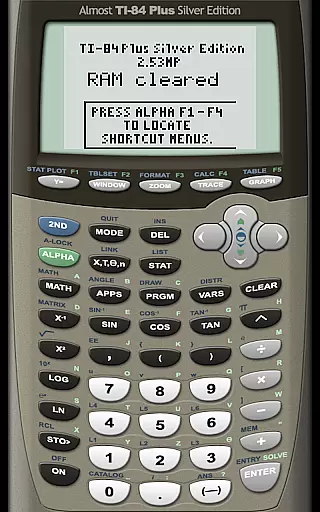
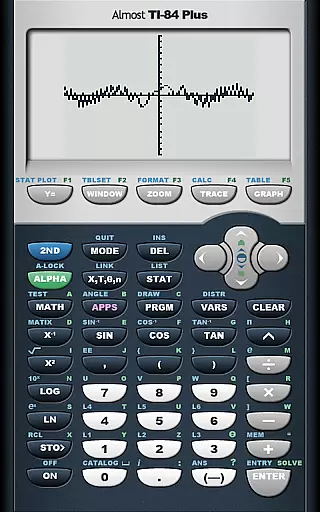
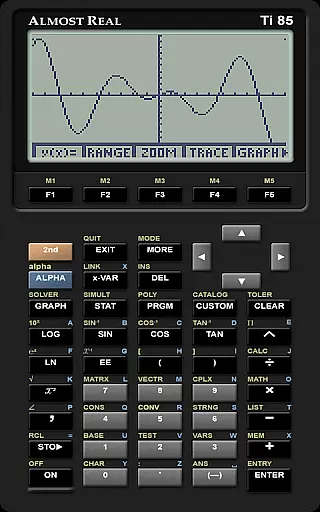
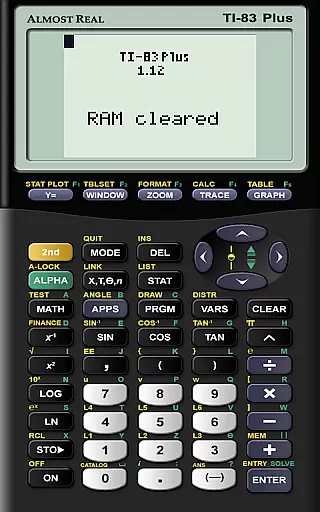
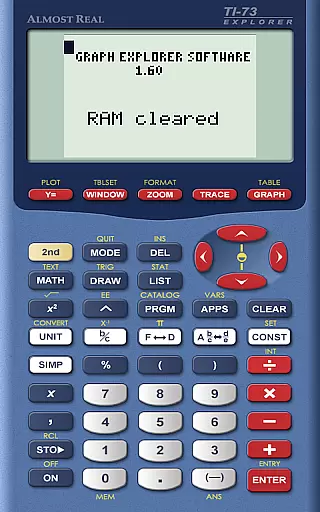
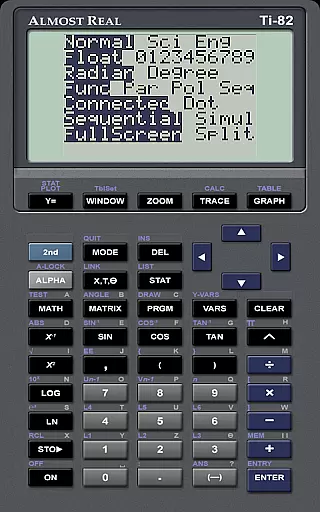
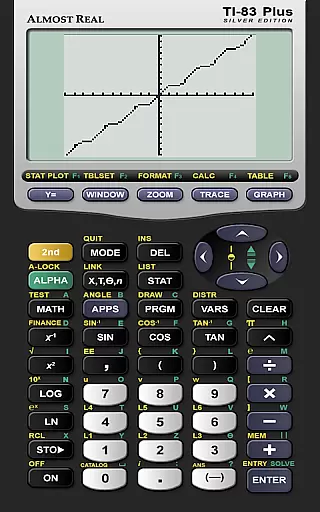
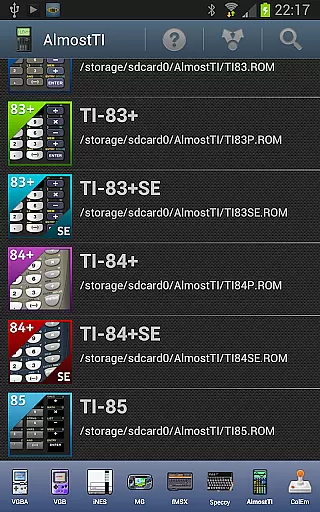
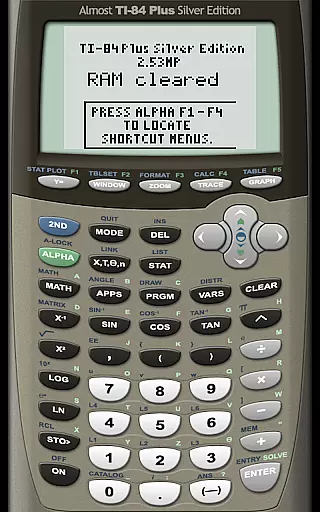
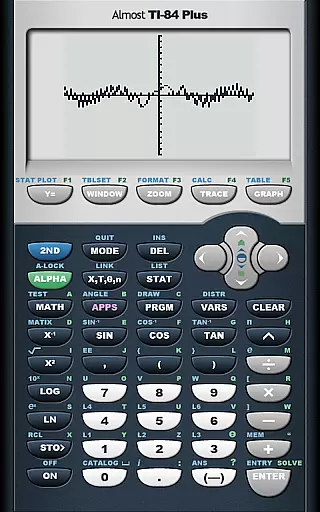
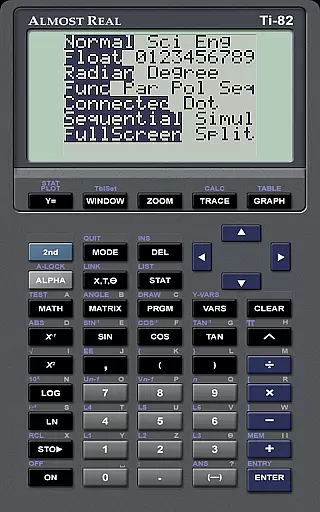
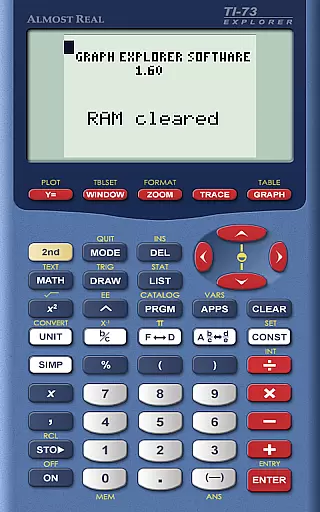
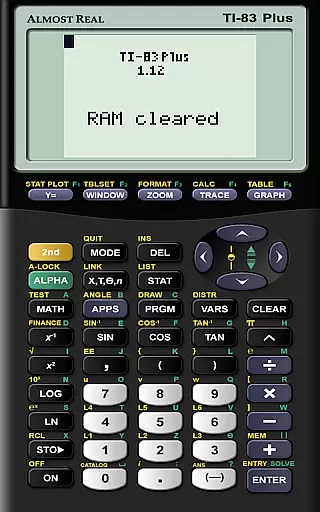
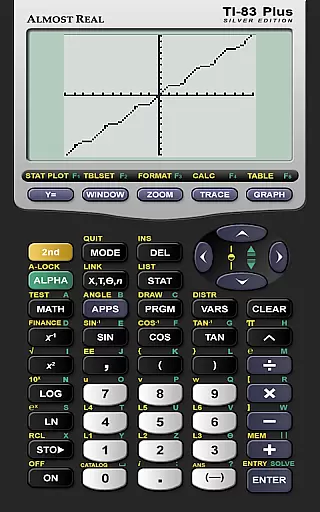
AlmostTI is an advanced educational application that transforms your Android device into a fully functional Texas Instruments graphing calculator. This app provides comprehensive emulation of multiple TI calculator models, including TI-84+, TI-83+, and TI-82 among others. Whether you are a student or a professional, AlmostTI offers the convenience of carrying a powerful calculation tool right in your pocket.
The app allows users to save their calculations at any point and switch between previously saved tasks, making it ideal for complex mathematical problem-solving. With support for tablets, users can enjoy an enlarged interface that mimics the experience of using a real calculator but on a larger screen. This feature-rich app is particularly beneficial for those involved in advanced mathematics, engineering, and scientific studies.
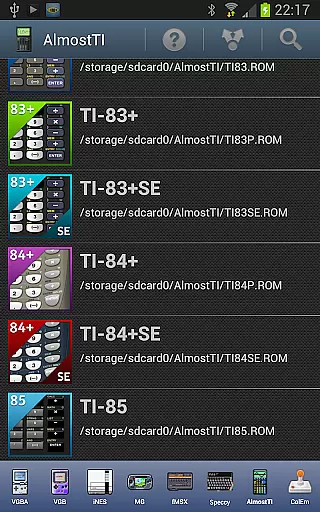
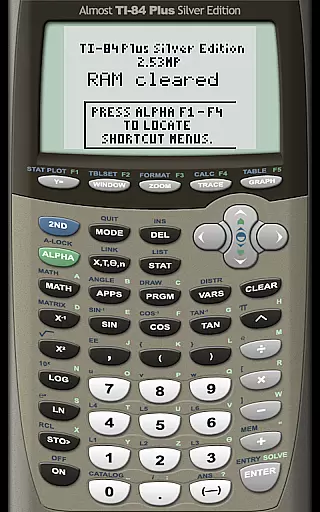
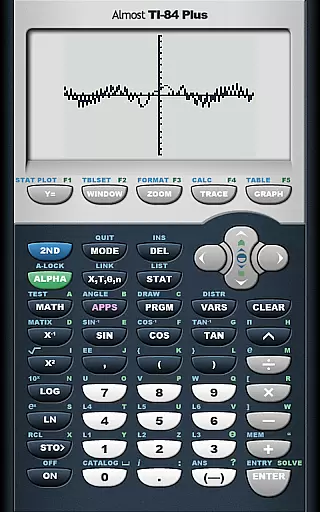
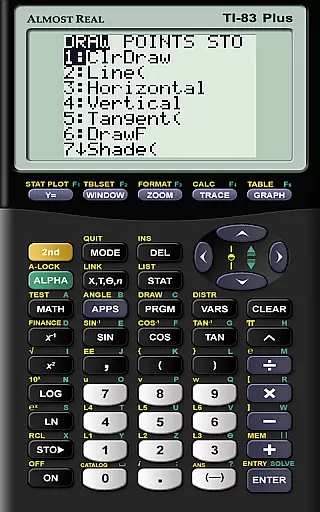
AlmostTI stands out with its ability to emulate a wide range of Texas Instruments calculators, providing users with versatile computational capabilities. The app supports models like TI-84+, TI-83+, TI-82, and more, ensuring compatibility with various educational and professional requirements. Its emulation accuracy ensures that all calculator functions behave as they would on the original devices.
A key feature of AlmostTI is its task-saving functionality, which allows users to save their work and return to it later. This is particularly useful for students and professionals who need to manage multiple calculations simultaneously. Additionally, the app's support for high-resolution displays on tablets enhances the user experience by providing a clearer and more interactive interface.
For optimal performance, users need to supply their own calculator ROM files. This customization aspect not only respects intellectual property rights but also allows users to tailor the app to their specific needs. Comprehensive resources are available online, including guides for ROM dumping and Android-specific help, ensuring users can maximize the potential of this powerful educational tool.
When it comes to educational applications, content accuracy is paramount. AlmostTI ensures precision by emulating a wide range of Texas Instruments graphing calculators, from the TI-84+ series to the classic TI-81. This emulation includes not only basic calculations but also advanced graphing and programming capabilities, providing users with an authentic experience that mirrors the original devices.
The app's commitment to authenticity extends to its requirement for genuine calculator ROMs. Users must supply their own ROM files, which are then integrated into the app. This approach guarantees that the mathematical operations and functions performed within the app adhere strictly to those of actual Texas Instruments calculators. By using real ROMs, AlmostTI maintains the integrity and reliability expected in educational settings.
Moreover, AlmostTI offers resources for users to understand how to dump ROMs from their physical calculators, ensuring that educators and students can legally and accurately replicate their specific calculator model. With links to detailed guides and support forums, users have access to authoritative information on setting up the emulator correctly.
AlmostTI supports personalized learning paths by allowing users to save their calculations at any point and return to them later. This feature enables students to work through complex problems over time, revisiting their work as needed. The ability to switch between previously saved tasks encourages a flexible approach to problem-solving and study, accommodating different learning styles and paces.
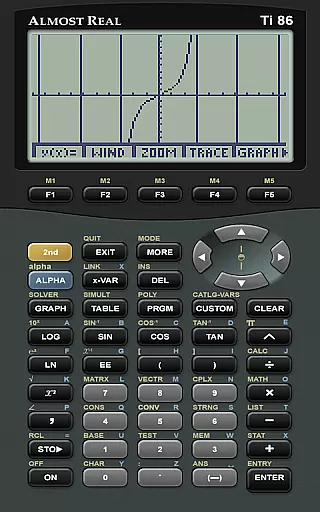
In addition to saving progress, the app's emulation of various calculator models means that learners can choose the interface they are most comfortable with or need to practice on. Whether it's the simpler TI-81 or the more advanced TI-86, users can tailor their experience to match their current level of understanding or curriculum requirements.
Furthermore, AlmostTI provides extensive support resources, including web pages dedicated to Android-specific help and active discussion groups. These platforms allow users to engage with both the developer and fellow users, fostering a community-driven learning environment where questions can be asked and answered. Such interactions contribute to a more customized educational journey, empowering users to overcome challenges unique to their learning path.
User-friendly interface
Wide device compatibility
Accurate emulation
Task-saving capability
Active community support
Requires ROM files
No built-in ROMs
Complex setup process
Limited offline resources
Tablet optimization issues

An aviator’s preparation, study and test tool for FAA Knowledge Exams.
 3.90
3.90
Pass your FAA written with flying colors - Study Buddy can help.
4.30
A collection of favorite stories from Daniel Tiger's Neighborhood
2.00
Astronomy Guide To Night Sky
4.30
Our most popular app series returns, better than ever!
3.90
Stack the Countries makes learning world geography fun!
4.50
The FE Clock is a way to track sun & moon around the circle of the earth.
4.30
SkyView®, an augmented reality space app, brings stargazing to everyone!
4.40
Reading for kids has never been easier. Learn phonics, letter tracing & more!
4.70
Experience the sky, planet earth and the solar system like never before
4.90
Hebrew Vocab
4.90
Short Lessons for Better Finances, Health, Skills, Jobs & Relationships.
4.80
Age-Related Child Developmental Milestones
4.80
Learn Words Daily in Just Minutes - Boost Your Language Skills Fast!
4.60
Ignite curiosity, spark learning: All babybus videos &games
4.30
The "Go To" app for Airmen studying for promotion to SSgt and TSgt
4.30
Designed for Calculator 84 users
4.20
Explore the City of the Sun in Augmented Reality
3.70
Animals pop up and make sounds—learn names and noises in Peekaboo Barn!
4.3


User Reviews