
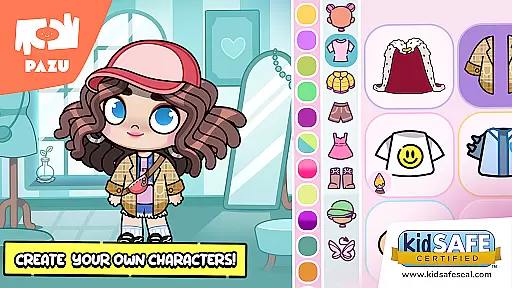
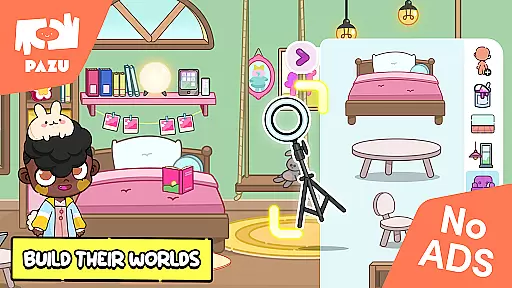
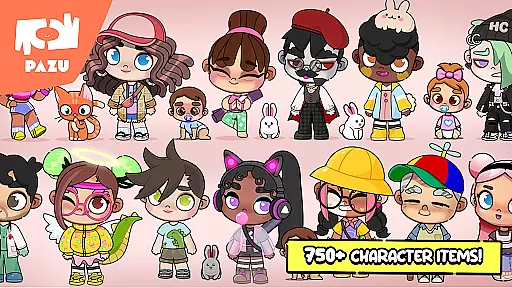
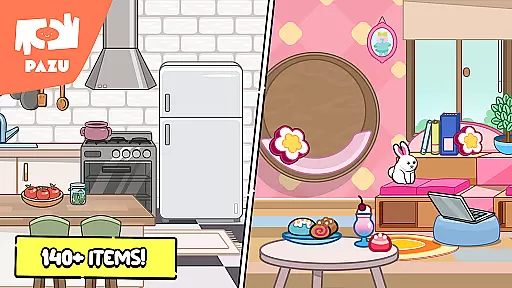
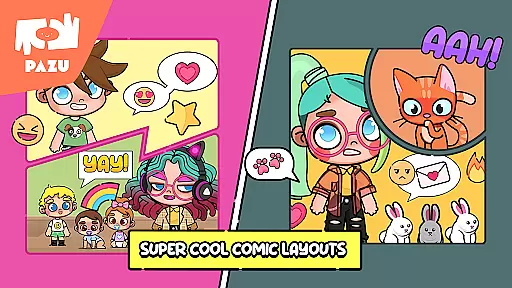
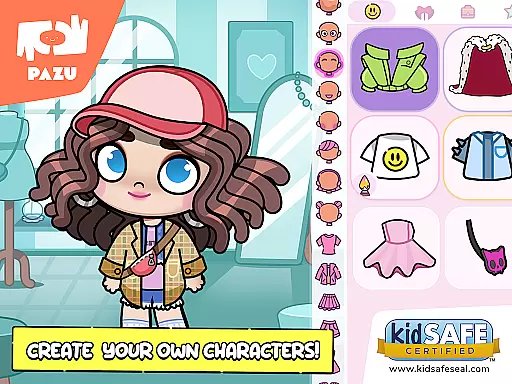
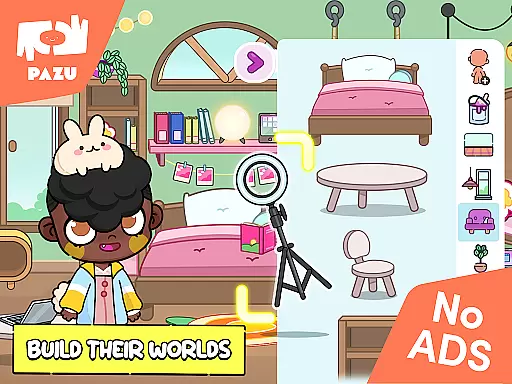
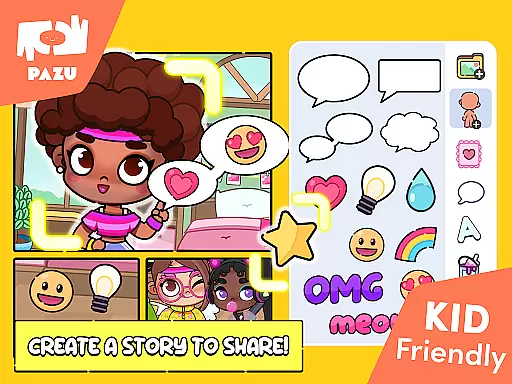
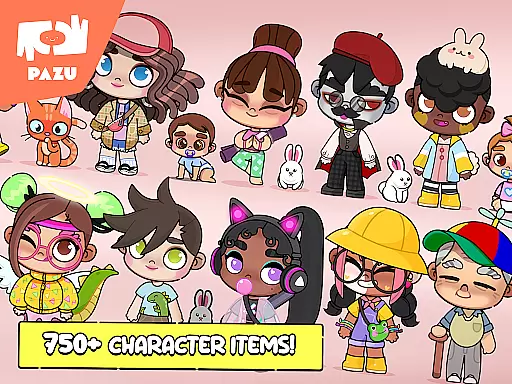
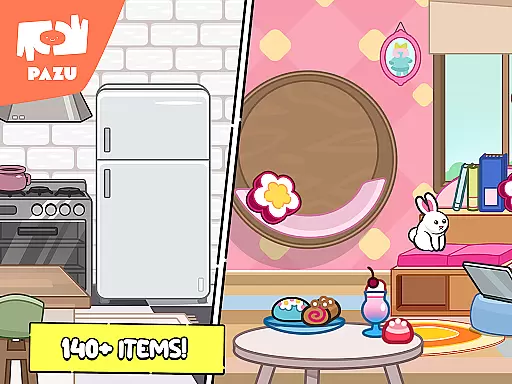
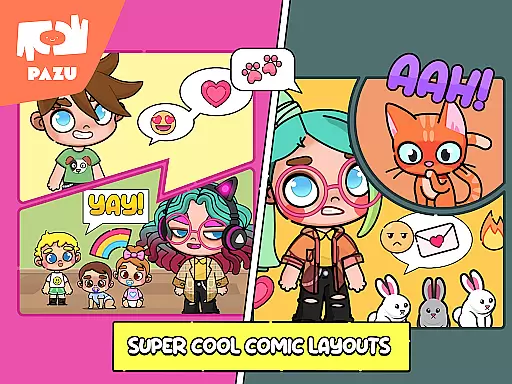
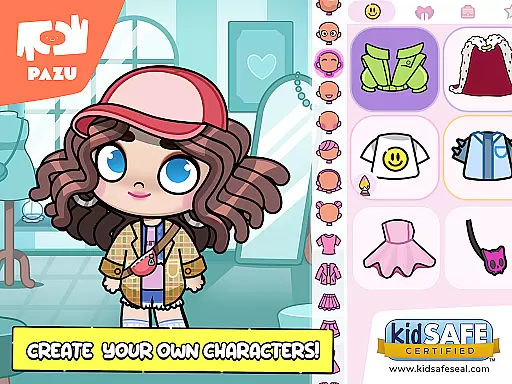
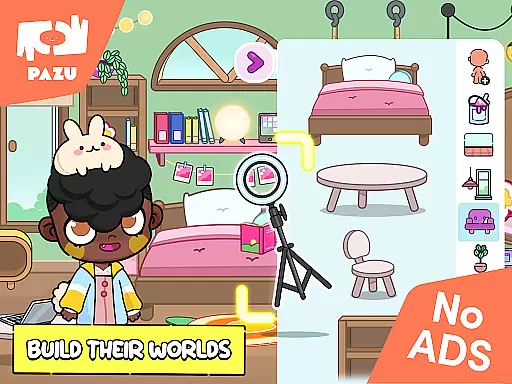
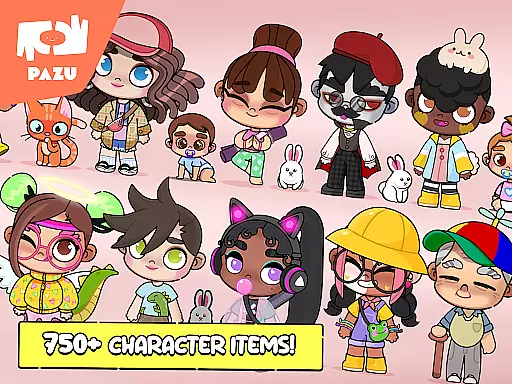
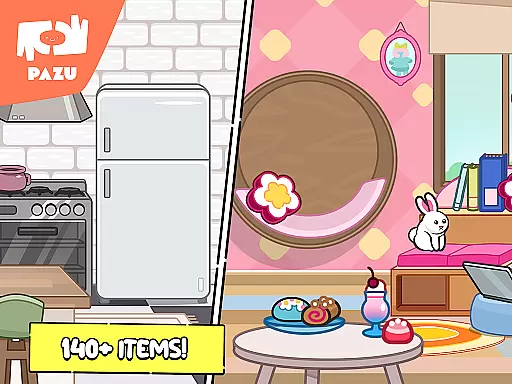
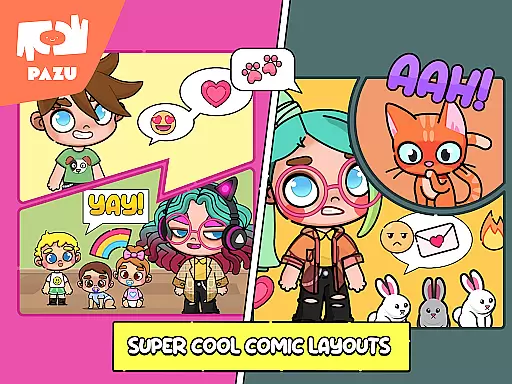
Avatar Maker Dress up for kids is an innovative educational app that allows children to design and customize their own cartoon characters. This engaging platform offers a magical world where kids can recreate any style they imagine, from choosing hairstyles and skin colors to customizing facial expressions. The app also provides room decoration features, letting users accessorize with various items, making it more than just a character creator.
The app's versatility makes it suitable for both boys and girls, encouraging creativity and self-expression. With endless customization options, children can explore different emotions and styles, bringing their imaginations to life. This interactive experience not only entertains but also educates children on color coordination, fashion sense, and artistic expression, providing significant developmental benefits.
One of the standout features of Avatar Maker Dress up for kids is its extensive customization capabilities. Users can choose from a vast array of accessories, clothing, and hairstyles, each with customizable colors and details. This high level of personalization ensures that every avatar is unique, reflecting the child's imagination and preferences.
In addition to character creation, the app allows users to decorate rooms with numerous furniture options and decorative items. This feature enhances the creative experience by letting children design entire scenes around their avatars. Furthermore, the app includes parental controls and is free from ads, ensuring a safe and uninterrupted environment for kids to explore and learn.
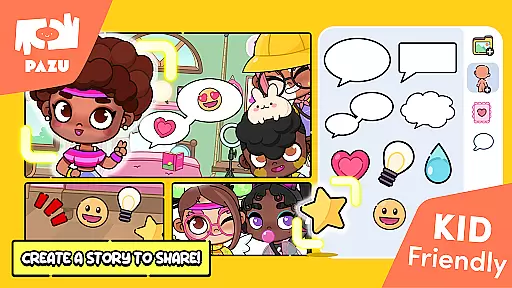
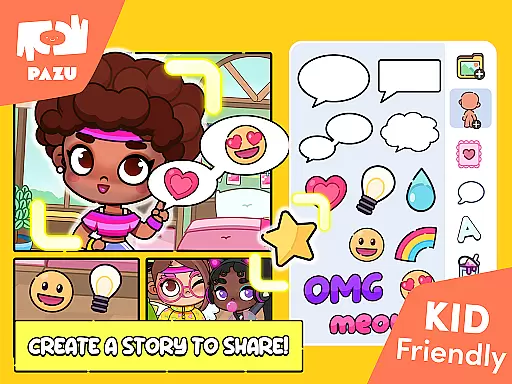
The ability to use avatars as wallpapers and profile pictures adds a practical dimension to the app, allowing children to share their creations with friends. This sharing capability fosters social interaction and pride in their work, further enriching the educational value of the app.
When it comes to educational applications, content authority and curriculum alignment are crucial factors that determine the app's effectiveness. Avatar Maker Dress up for kids offers a unique learning experience by allowing children to explore their creativity while developing essential skills. The app provides a vast array of customization options, from skin color to hairstyle, which aligns with artistic and design elements found in many school curriculums.
The application is developed by Pazu Games Ltd, a reputable publisher known for creating engaging and educational games for children. This ensures that the content provided is not only fun but also age-appropriate and aligned with educational standards. With features like full customization of avatars and endless style combinations, children can learn about colors, emotions, and fashion, all of which contribute to a well-rounded education.
Moreover, the app includes parental controls and is free from advertisements, making it a safe learning environment. Parents can trust that their children are engaging with authoritative content that has been designed to foster creativity and imagination within an educational framework.
Gamification-learning integration represents the fusion of game mechanics with educational content, enhancing engagement and motivation among learners. Avatar Maker Dress up for kids excels in this area by transforming the process of avatar creation into an interactive and enjoyable learning journey. Through its rich selection of accessories and customization options, the app encourages children to experiment with different styles and designs, effectively teaching them about aesthetics and personal expression.
This approach to learning through play helps reinforce key concepts such as color theory, spatial awareness, and emotional expression. By choosing various facial features and clothing items, children gain a deeper understanding of how different elements combine to create a cohesive look. This hands-on experience is invaluable for cognitive development and supports the acquisition of skills that are directly applicable to subjects like art and design.
In addition to avatar creation, the app allows users to decorate rooms and choose backgrounds, further expanding the gamified learning environment. These activities promote creativity and decision-making, enabling children to apply their knowledge in practical scenarios. As a result, Avatar Maker Dress up for kids stands out as an exemplary model of how gamification can be seamlessly integrated with educational objectives to produce meaningful learning outcomes.
User-friendly interface
Extensive customization
Educational and entertaining
Parental controls included
Ad-free experience
Limited advanced features
No multiplayer option
Basic animation quality
Few background choices
Occasional bugs

This will quickly become your kids' favorite animals game!
 4.40
4.40
Spark your little ones’ imagination!
3.80
Daycare full of baby games! Take care of cute toddlers & play fun mini-games!
3.90
Fun educational jigsaw puzzles for kids and preschoolers.
4.50
Learn numbers, letters, and shapes playing toddler balloon pop games ►NoAds◄
4.60
Cute coloring games for girls! Draw, paint & decorate with endless colors.
4.70
Find the hidden Numberblocks, add them together and see what happens.
3.50
Play virtual baby daycare simulator & be a babysitter, take care of cute babies!
4.60
Safe, fun, ad-free games for kids! For babies, toddlers, & kids age 2-6
3.60
Explore Dopples World, build your avatar life & create endless stories!
4.70
Amazing toddler coloring games for 2+. Enjoy painting games
4.60
Fun phonics & alphabet tracing game for toddlers, preschool & kindergarten kids!
4.60
Creative beauty & fashion
4.50
Toddler Learning Games, Learn: Colors, Shapes, Puzzles, ABC ... ►NoAds!◄
4.50
Fun game for preschoolers to learn addition, subtraction, counting and math!
4.50
Glow Doodle! Baby Coloring & Drawing games for toddlers: Color and Learn! NoAds!
4.40
Cure the patients to create your hospital story!
3.90
Baby Phone Game for Kids & Toddlers to Learn Sounds, Numbers, ABCs, Phone Calls
3.80
Fun step-by-step drawing & coloring app to learn and create art!
4.0


User Reviews