
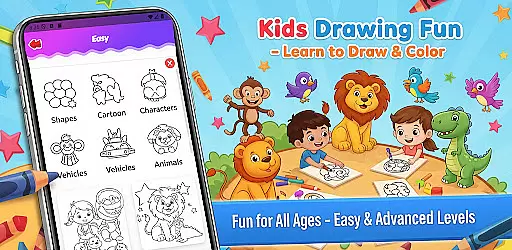
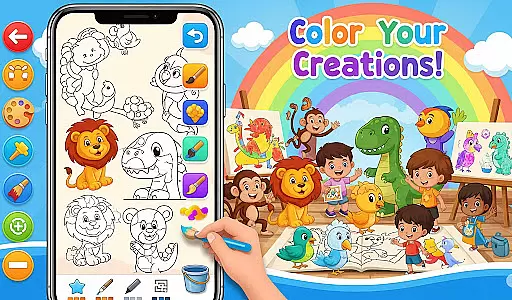
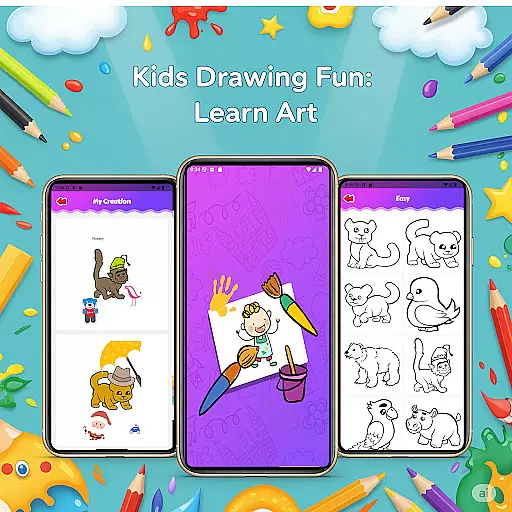
Fun Drawing & Color: Learn Art is an innovative educational app designed to make drawing and coloring both fun and instructional. This app caters to users of all ages, from beginners taking their first steps in art to experienced artists looking to refine their skills. The app offers a comprehensive suite of tools including step-by-step drawing guides, vibrant coloring options, and creative stickers that enhance the artistic process.
One of the standout features of Fun Drawing & Color is its ad-free environment, ensuring an uninterrupted and immersive experience. Users can explore various drawing techniques, experiment with different brush types and colors, and even add text with multiple font styles. With functionalities like undo, redo, and a personal gallery to save artwork, this app provides a complete package for nurturing creativity.
Whether you're using a smartphone or a tablet, Fun Drawing & Color delivers a seamless experience across all Android devices. Its compatibility with multiple skill levels makes it an ideal choice for educational purposes, allowing users to progressively enhance their artistic abilities while enjoying a vibrant and engaging interface.
Fun Drawing & Color: Learn Art boasts an impressive array of features designed to cater to a wide range of artistic needs. One of the core functionalities includes step-by-step drawing guides that simplify complex drawings into manageable steps, making it easier for users to learn how to draw animals, vehicles, objects, food, and characters using basic shapes.
The app also offers a rich selection of coloring tools, vibrant stickers, and diverse text styles which allow users to personalize their creations extensively. With multiple brush types such as pencil, brush, and magic brush, users can experiment with different textures and styles. Additionally, the color fill and palette tools provide a broad spectrum of colors, enabling users to effortlessly color large areas and fine details alike.
Practical tools like erase, undo, and redo ensure that users can correct mistakes and modify their work without hassle. Furthermore, every piece of art created within the app is automatically saved in a personal gallery, allowing users to revisit and edit their work anytime. These robust features collectively offer a dynamic platform for both learning and expressing creativity.
In the realm of educational apps, content authority and curriculum alignment are crucial for ensuring that learning is both accurate and relevant. Fun Drawing & Color: Learn Art positions itself as not just a creative outlet but also an educational tool.
The app offers step-by-step drawing guides that teach users how to draw various subjects using simple shapes. This method aligns with foundational art curricula that emphasize basic forms and structures before advancing to more complex designs. By providing lessons on animals, vehicles, objects, food, and characters, the app covers a broad spectrum of topics that can easily be integrated into different learning paths.
Moreover, the availability of multiple skill levels from beginner to advanced ensures that the content remains challenging and engaging for users at different stages of their artistic journey. This tiered approach supports curriculum alignment by catering to varying competencies and allowing learners to progress naturally.
Overall, Fun Drawing & Color: Learn Art delivers authoritative content through structured lessons that support curriculum-based learning objectives, making it a valuable resource for both self-directed learners and educational programs.
Gamification in learning has proven to be an effective way to engage users and enhance educational outcomes. Fun Drawing & Color: Learn Art incorporates gamified elements that make the process of learning art enjoyable and motivating.
One of the standout features is the use of stickers for fun decoration. These playful and colorful stickers serve as rewards that users can add to their drawings, enhancing their creations and providing a sense of accomplishment. This feature taps into the psychological benefits of gamification by offering immediate visual feedback and encouraging continued engagement.
Additionally, the app includes a variety of brush types, pencil colors, and text styles with multiple font options. These tools allow users to experiment and personalize their artwork, fostering creativity while maintaining interest. The ability to save and revisit artwork in a personal gallery further reinforces the gamification aspect by creating a portfolio of achievements that users can take pride in.
By integrating these gamified elements with core educational content, Fun Drawing & Color: Learn Art successfully merges entertainment with pedagogy, resulting in a compelling and effective learning experience.
User-friendly interface
Step-by-step tutorials
Variety of brushes
Ad-free experience
Cross-device compatibility
Limited advanced tools
No social sharing
Premium cost
Fewer updates
Basic fonts only

Wind down, relax and snuggle up with your favourite Blocks characters.
 3.30
3.30
Learn and practice multiplication and division
4.1
A game to memorize
4.3
Tracing, phonics & spelling games for toddlers, preschool & kindergarten kids!
4.50
Fun dentist game with Cocobi friends!
4.10
Kids coloring games for boys! Fun drawing, painting & learning book for kids.
4.60
Explore Dopples World, build your avatar life & create endless stories!
4.70
Play pretend & explore at the doctor's & school in Daniel Tiger's Neighborhood.
3.30
OG Trail - Lets you play the classic Oregon Trail simulation game on Android
4.20
Amazing toddler coloring games for 2+. Enjoy painting games
4.60
Enjoy coloring with wide variety of 1000+ coloring games for kids & drawing game
4.50
A world for little builders to create, imagine, and learn through play.
4.20
Play the fun princess party game for kids with Cocobi the little dinosaurs.
4.10
Find Carmen - Play the classic detective game, stop VILE and find Carmen
4.10
Fun baby care game for kids with dinosaur friends. Enjoy the fun kids game.
4.00
Welcome to the dollhouse! Unboxing, doll games, dress up & cute pets await!
4.00
Help your child improve their number literacy with Numberblocks: Card Fun!
2.60
Absorbing, highly visual, effective learning of multiplication, division
4.3
A speed-learning English vocabulary game designed for user to reach proficiency
4.0


User Reviews