
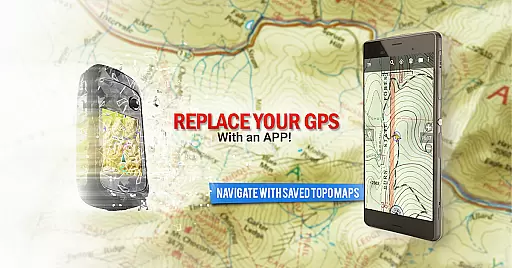
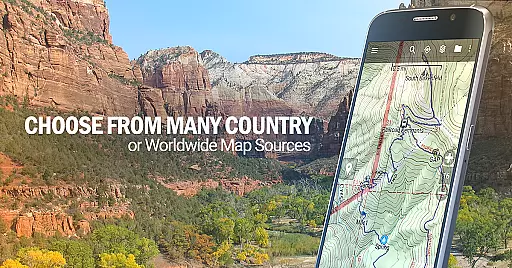
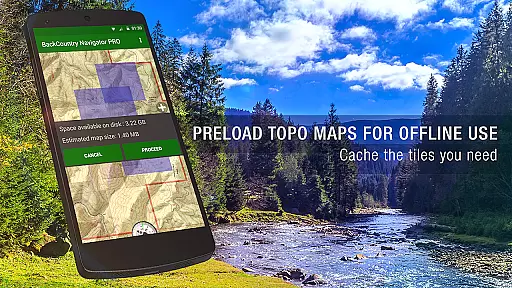
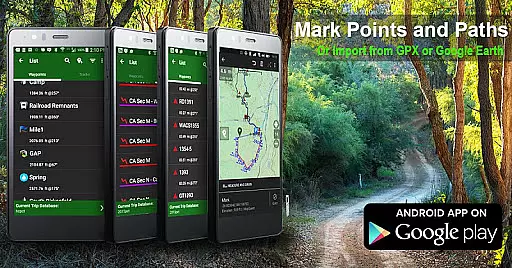
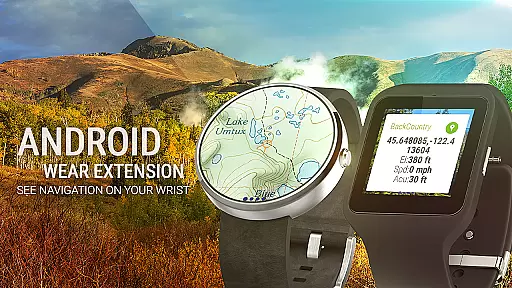
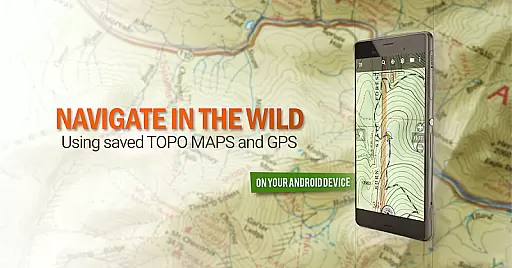
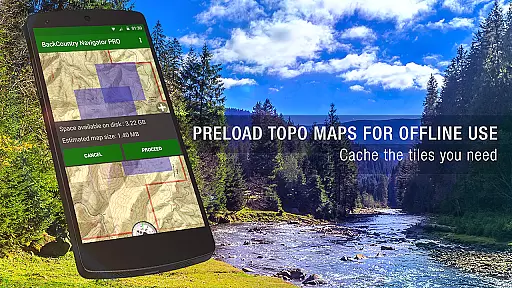
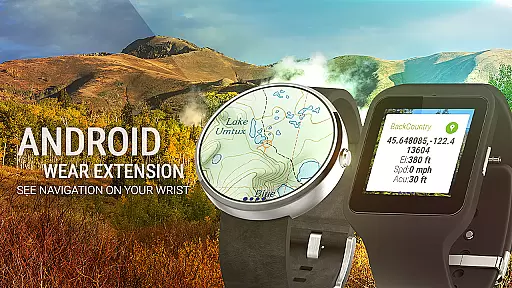
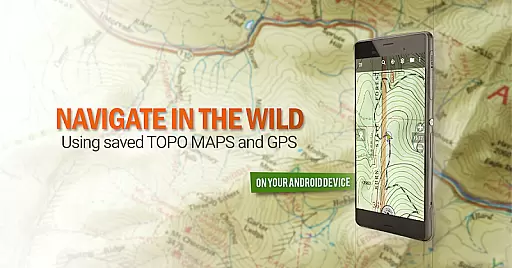
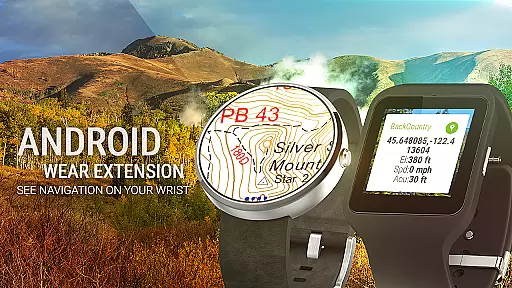
BackCountry Navigator GPS PRO is a premium outdoor navigation app that transforms your Android device into a powerful offline GPS tool. Designed for adventurers, it allows users to download topographic maps for offline use, making it ideal for hiking, hunting, and other outdoor activities beyond cell coverage. The app supports multiple map formats including GPX and KML files, and offers advanced features like Android Wear integration for wrist-based navigation.
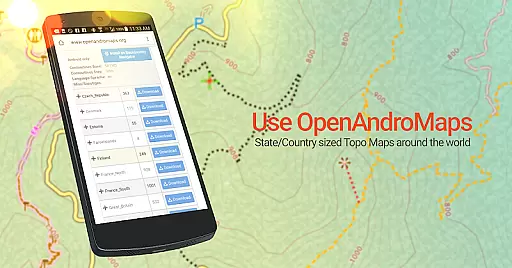
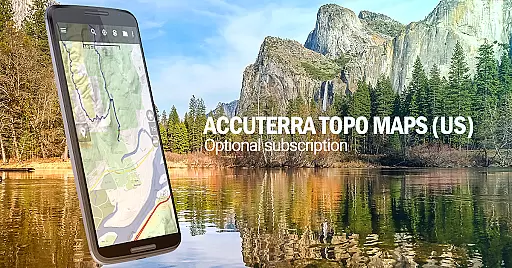
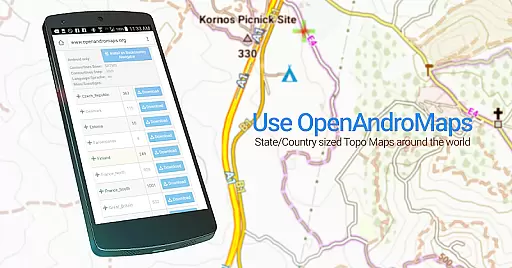
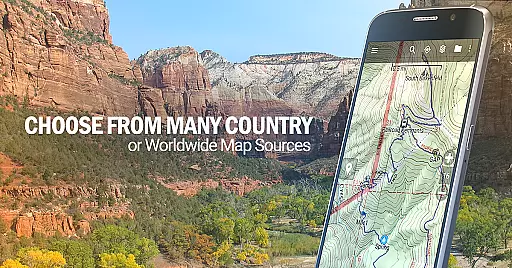
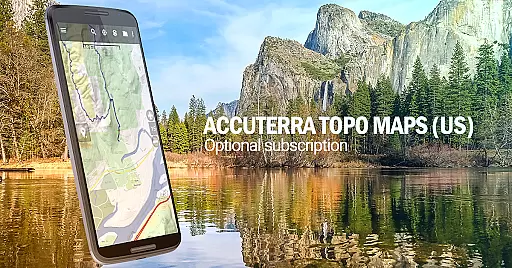
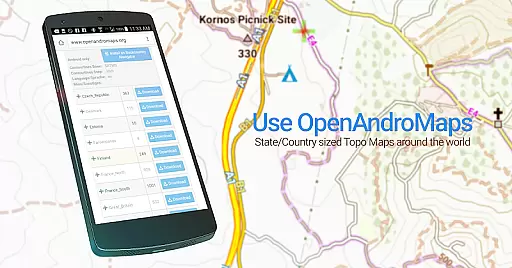
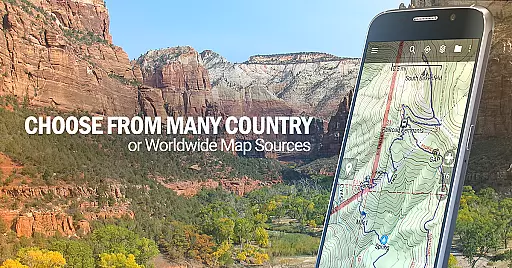
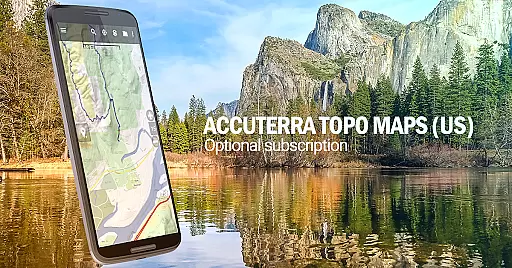
This versatile app provides access to various map sources, including free options and premium subscriptions such as Accuterra Topo and Thunderforest Maps. Users can create custom maps using Mobile Atlas Creator or specify custom tile servers. With built-in sources from USGS, NOAA, and international providers, the app caters to diverse geographical needs. Whether you're a hiker, hunter, or kayaker, BackCountry Navigator GPS PRO delivers professional-grade mapping capabilities in a convenient mobile package.
BackCountry Navigator GPS PRO stands out with its comprehensive feature set tailored for outdoor enthusiasts. The app's core functionality revolves around its ability to download and store detailed topographic maps for offline use, supporting multiple countries and regions. This ensures reliable navigation even in areas without cellular coverage. The inclusion of various map formats (GPX, KML) and coordinate systems (longitude/latitude, UTM, MGRS) makes it highly versatile for different navigation needs.
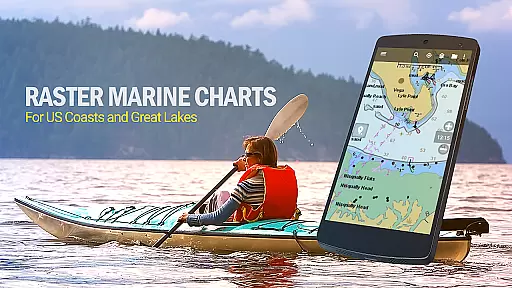
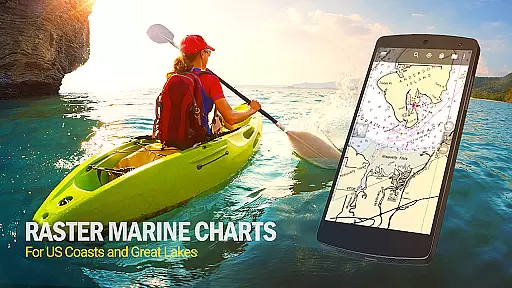
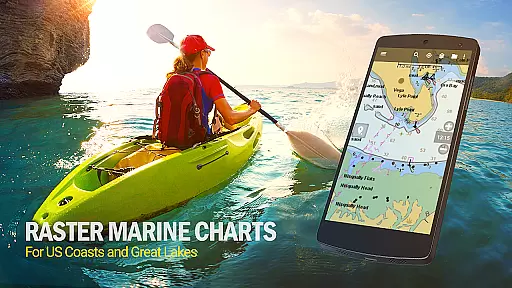
Advanced features include Android Wear support for glanceable navigation on smartwatches, and the ability to overlay specialized content such as BLM boundary maps and GMU boundaries. The app also supports marine navigation with NOAA charts and offers worldwide terrain mapping through OpenCycleMaps. Premium subscribers gain access to enhanced map sources while maintaining the option to use free alternatives. These features collectively make BackCountry Navigator GPS PRO a complete solution for serious outdoor adventurers who demand accuracy and reliability in their navigation tools.
Map accuracy is essential for any navigation app, and BackCountry Navigator GPS PRO excels in this area. The app provides access to a wide variety of topographic maps from reliable sources such as the USGS, OpenStreetMaps, and more. These maps are known for their precision and detail, making them invaluable for outdoor activities.
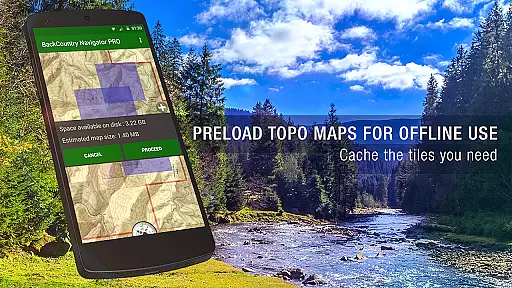
The app allows users to download maps in advance, ensuring that accurate mapping data is available even without cell coverage. This offline functionality is crucial for adventures in remote areas where network reliability is not guaranteed. Users can trust the map data to guide them safely through hiking trails, hunting grounds, and other terrains.
BackCountry Navigator GPS PRO supports multiple map formats and sources, including options for marine and aerial photography maps. This versatility ensures that users have access to the most appropriate and detailed maps for their specific activity, whether it's hiking, fishing, or kayaking. With precise contour lines and terrain representations, users can navigate with confidence.
By providing high-quality, accurate maps, BackCountry Navigator GPS PRO enhances user safety and enjoyment in the outdoors. The ability to rely on these maps for navigation without cell service makes it an indispensable tool for outdoor enthusiasts who venture beyond conventional boundaries.
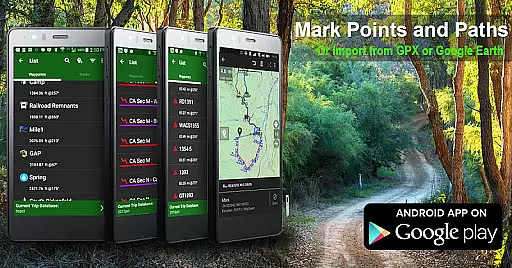
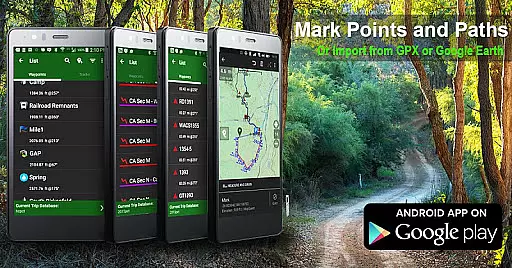
Route planning is a critical feature for outdoor adventurers, and BackCountry Navigator GPS PRO offers robust tools to support this need. The app enables users to create routes using GPS waypoints, which can be imported from GPX or KML files or entered manually using coordinates. This flexibility allows for customized route creation tailored to individual preferences and objectives.
Users can plan routes with the assurance that they are based on accurate topographic maps. The app's support for various map layers, including topographic, aerial, and marine maps, ensures that route planning considers all necessary geographical details. Whether planning a hike, kayak trip, or hunting expedition, users can account for terrain, waterways, and other natural features.
In addition to basic route plotting, the app facilitates advanced planning by allowing users to overlay additional map content, such as boundary maps and trail maps. These overlays provide valuable context for route planning, helping users avoid restricted areas or identify points of interest along their journey. Such comprehensive planning contributes to a safer and more enjoyable experience.
With its intuitive interface and powerful route planning capabilities, BackCountry Navigator GPS PRO empowers users to explore the outdoors confidently. By offering detailed and customizable route options, the app enhances both the efficiency and adventure of outdoor pursuits.
Comprehensive map sources
Offline functionality
Premium map options
Customizable overlays
Android Wear support
Subscription fees apply
Complex interface
Storage space required
Limited free maps
Learning curve present

Find trails, organize your locations and navigate with offline maps.
 4.60
4.60
Navigate with your watch and keep the phone in your pocket!
4.60
All of NHSA's trail information at your fingertips for the 2025-2026 season
4.0
ParkWhiz, an Arrive Mobility brand, part of the Arrive Network
4.30
MapQuest is your go-to app for maps, GPS, voice navigation & live traffic.
3.80
Route Planner is travel map to get turn by turn navigation & driving directions
3.90
Park in Chicago, NYC, Boston, SF, Houston & more!
4.70
GPS phone tracker, family locator, secure location sharing app
4.20
Get matched with a nearby driver — you’ll be on your way in minutes.
4.30
Find AI powered cameras, ALPRs, and other surveillance infrastructure near you
4.70
Affordable rides and food delivery with incredible discounts in just one app.
4.50
CamSam PLUS - The speed and red light camera warning system!
4.40
Find radar maps, GPS coordinates, altitude, offline maps, location, travel route
4.40
Explore a light pollution map to find suitable dark sky locations for observing.
4.30
Simple & easy to use a compass app. Get accurate directions.
4.20
Find radar, speed camera, flight tracker. Use hud, location tracker, speedometer
4.20
Lets explore the world's famous places by using Live Cams, GPS & Satellite View.
4.20
Get route, find shortest path, near by places and weather update
3.90
Start your next adventure confidently using our Accurate Compass App
3.70


User Reviews