
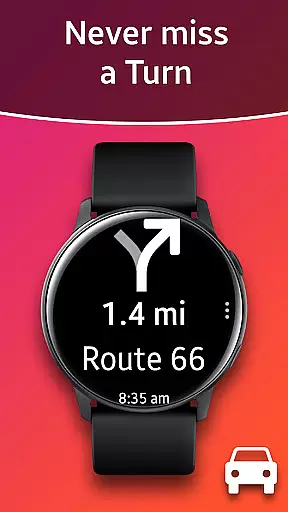
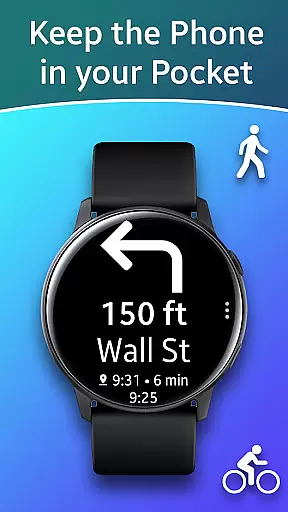
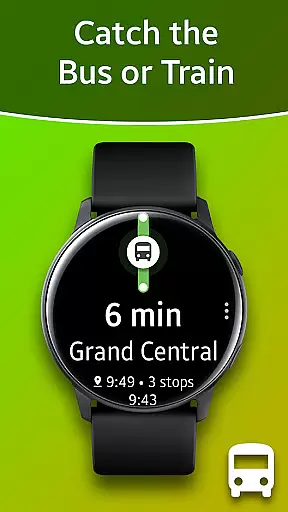
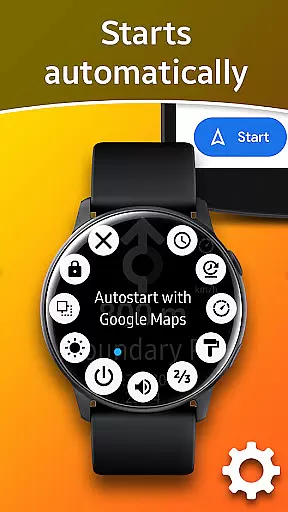
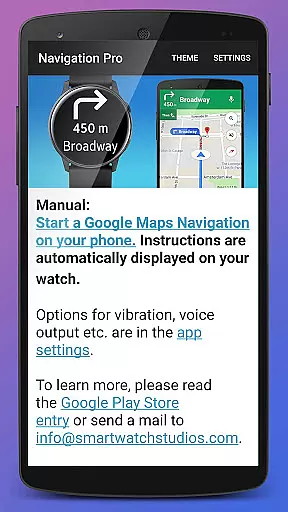
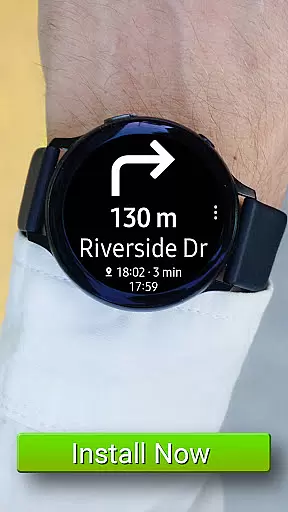
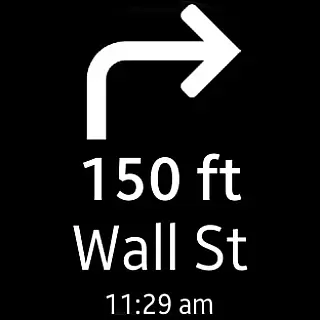
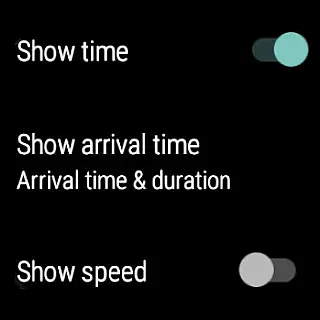
Navigation Pro is a specialized navigation application designed to display Google Navigation instructions directly on your Samsung smartwatch. This innovative app is particularly useful for drivers, cyclists, and public transport users who need real-time directions without having to look at their phones. The app offers an intuitive interface that ensures you can navigate safely and efficiently.
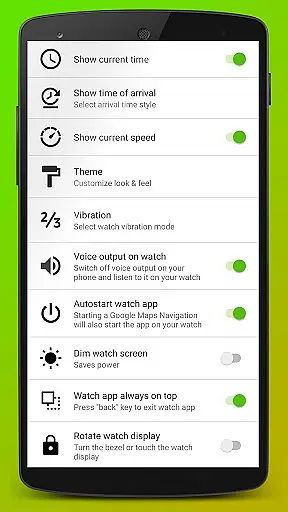
The application features autostart functionality with navigation, voice output, customizable vibration patterns, support for 102 languages, various theme options, and even a speedometer. These features make it an indispensable tool for anyone relying on Google Maps for navigation. By providing clear, concise directions on your wrist, Navigation Pro enhances both convenience and safety during travel.
Navigation Pro stands out with its comprehensive feature set tailored specifically for Samsung smartwatches. One of the key highlights is the autostart feature, which automatically launches the navigation when you start a journey. This seamless integration ensures you receive directions without any manual intervention.
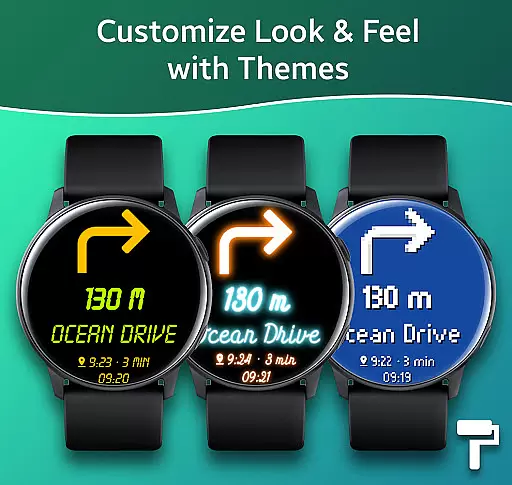
Voice output and customizable vibration patterns provide tactile and auditory feedback, making it easier to follow directions without looking at the screen. The app supports an impressive 102 languages, catering to a global audience. Additionally, users can choose from various themes to personalize their experience and utilize the built-in speedometer to monitor their speed in real time. These features collectively enhance the overall usability and accessibility of the app.
Map accuracy is crucial for any navigation app, and Navigation Pro excels in this area. The application ensures that the map data displayed on your Samsung watch is synchronized with Google Maps on your phone, providing real-time updates and precise location tracking.
The app supports over 102 languages, making it accessible to a global audience. This feature not only enhances user experience but also ensures that users can navigate confidently in foreign countries without language barriers.
Navigation Pro offers various customization options such as themes and speedometers, allowing users to tailor their navigation experience according to personal preferences. These features contribute to more accurate and visually appealing maps, which are essential for effective route planning.
Effective route planning is at the heart of Navigation Pro's functionality. By integrating seamlessly with Google Maps, the app provides users with multiple route options, real-time traffic updates, and estimated travel times, ensuring an optimal journey every time.
Voice output and customizable vibration alerts further enhance the route planning experience. Users receive timely audio and tactile notifications about upcoming turns or changes in direction, allowing them to keep their eyes on the road while staying informed about their route.
For those who rely on public transport, Navigation Pro offers specific features like transit schedules and station information. This makes it easier for commuters to plan their trips efficiently, reducing wait times and improving overall travel experience.
User-friendly interface
Real-time navigation
Voice guidance
Customizable settings
Wide language support
Requires companion app
Phone dependency
Limited to Samsung devices
No offline mode
Potential battery drain

Offline maps for phone and smart watch: topographic maps, satellite images...
 3.30
3.30
GPX Viewer PRO shows tracks, routes and waypoints from gpx and kml files.
4.60
Number locator, real connection map
4.10
Parcel map, property lines, owner, acres, land use, zoning and more from Regrid.
4.60
Get directions, Maps, GPS navigation & GPS Maps using GPS App
4.10
Truck Safe GPS Navigation & Maps: Parking, Fuel, Diesel, Weight Station
4.80
MapQuest is your go-to app for maps, GPS, voice navigation & live traffic.
3.80
Live Satellite view app for find GPS navigation Direction and live location map
3.70
Ride or drive at YOUR price
4.70
Navigate confidently with our precise Digital Compass app & Direction Compass!
4.70
"Balad" is a map and navigator with a Persian voice assistant and a complete city guide
4.40
ParkWhiz, an Arrive Mobility brand, part of the Arrive Network
4.30
Find routes fast with GPS Maps, GPS Navigation & driving directions.
4.10
Use GPS Maps and GPS Voice Navigation to find your way and get directions
4.10
Get route, find shortest path, near by places and weather update
3.90
NJ TRANSIT information and ticketing at your fingertips
3.70
Get route map navigation with 3D satellite view, and live earth camera streaming
3.70
Gas Station & Fuel Rewards Points
3.70
Compass is an accurate compass and a great tool for any outdoor activities
4.3


User Reviews