
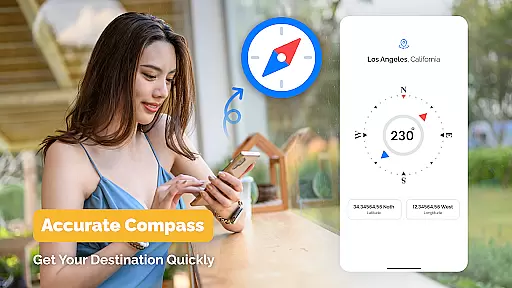
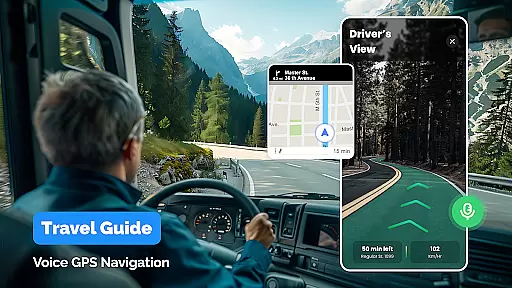
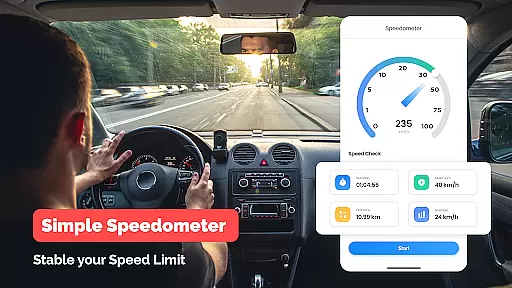
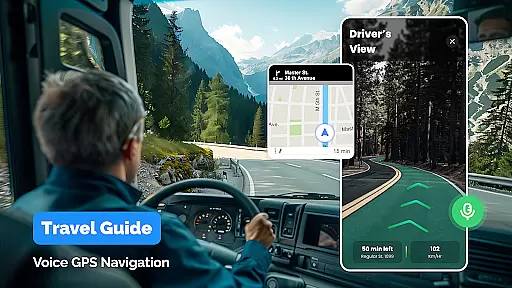
GPS, Maps Driving Directions is a robust navigation application designed to provide seamless travel experiences across different modes of transportation. This app combines advanced GPS technology with user-friendly interface elements to deliver accurate directions and voice-guided navigation.
Whether you're driving, walking, or cycling, the app offers real-time guidance supported by detailed maps and live traffic updates. Its comprehensive feature set includes turn-by-turn directions, multiple route options, and points of interest discovery, making it an essential tool for both local commutes and international travels.
The application's value lies in its ability to simplify complex navigation scenarios while ensuring users stay informed about their journey through timely alerts and alternative route suggestions.
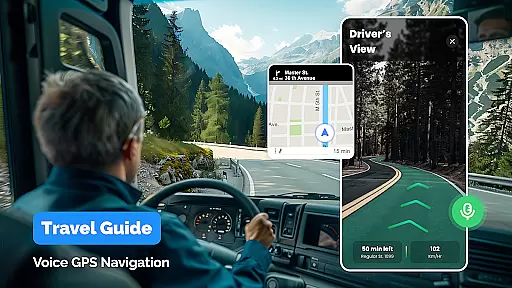
This navigation app distinguishes itself through innovative features tailored for modern travelers. The core functionality revolves around its sophisticated GPS system that provides precise location tracking and voice navigation in multiple languages.
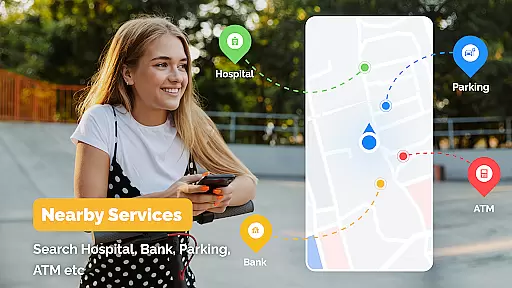
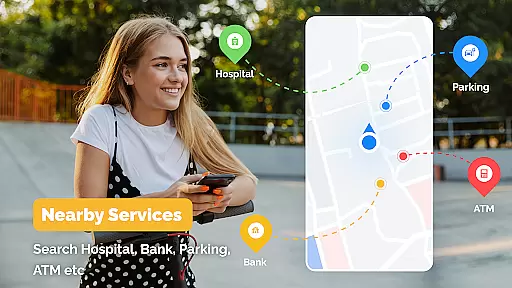
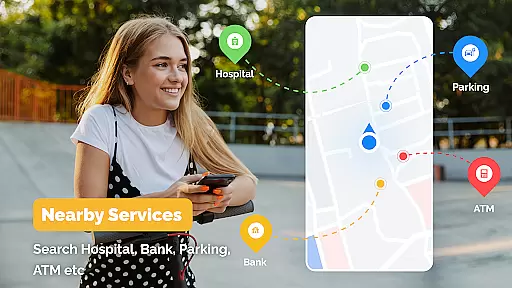
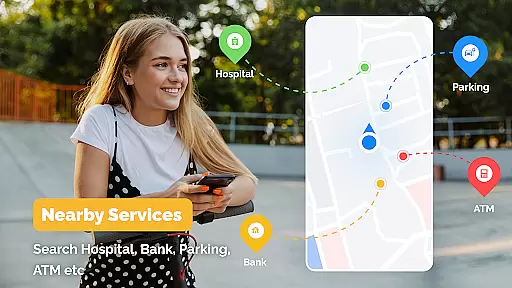
One standout feature is the real-time traffic monitoring system, which helps users avoid congestion by suggesting optimal routes. The app also supports various travel modes including driving, walking, and cycling, each with customized route calculations. Additionally, the nearby places discovery tool allows users to locate essential services and attractions along their path.
These features collectively enhance the user experience by providing not just directions, but also valuable contextual information that improves overall journey efficiency and convenience.
Map accuracy is essential for any navigation application, and GPS, Maps Driving Directions excels in this area. The app provides reliable and up-to-date maps that cover both local and international regions, ensuring users can navigate confidently no matter where they are. With detailed road networks and points of interest accurately marked, the app becomes a trustworthy companion for travelers.
The application employs advanced mapping technology to deliver precise location data. This includes real-time updates that reflect recent changes in road conditions or new construction projects. Users benefit from these timely updates as they can avoid closed roads or detours, making their travel more efficient and less stressful.
Moreover, the app's commitment to accuracy extends to its traffic reporting features. By providing live traffic information, it allows users to make informed decisions about their routes. Whether commuting daily or embarking on a cross-country road trip, having access to accurate maps with current traffic situations ensures a smoother journey.
In summary, GPS, Maps Driving Directions offers exceptional map accuracy that enhances the overall navigation experience. Its dedication to maintaining current and comprehensive map data means users can rely on the app for all their traveling needs, whether driving through familiar city streets or exploring unknown territories.
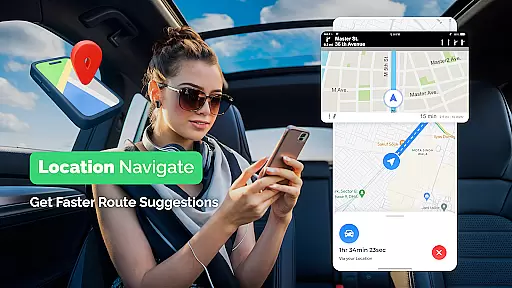
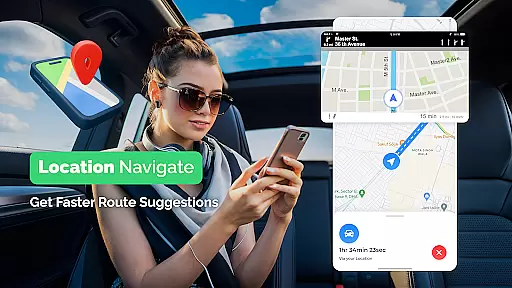
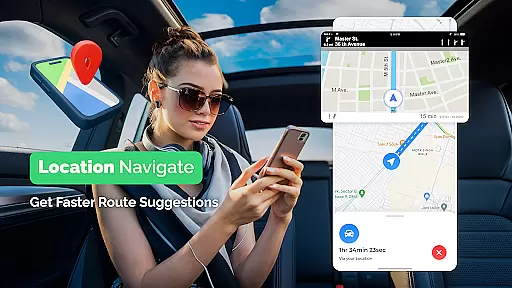
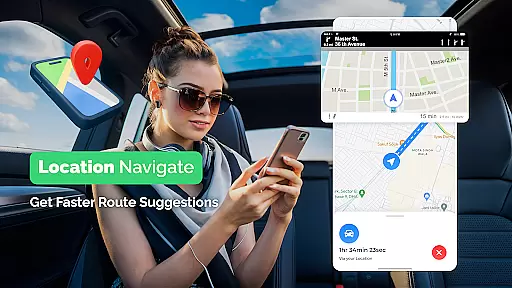
Route planning is a core feature of GPS, Maps Driving Directions, designed to optimize travel by offering multiple route options tailored to user preferences. Whether you're looking for the fastest, shortest, or most scenic path, the app provides various choices to suit different travel styles and objectives. This flexibility empowers users to select the best possible route for their specific journey.
Beyond basic routing, the app incorporates advanced algorithms that consider real-time traffic conditions when suggesting routes. This means users receive dynamic route recommendations that adapt to current congestion levels, accidents, or road closures. Such intelligent route planning not only saves time but also reduces stress associated with unexpected delays during travel.
Additionally, the app supports diverse modes of transportation including driving, walking, and cycling. Each mode comes with specialized route suggestions that take into account factors like bike lanes for cyclists or pedestrian pathways for walkers. This versatility makes GPS, Maps Driving Directions an invaluable tool for all types of journeys, enhancing convenience and accessibility.
Overall, the robust route planning capabilities of this app significantly improve travel efficiency and satisfaction. By delivering optimized and adaptable route options, it ensures users reach their destinations smoothly and enjoyably, regardless of their chosen mode of transport.
User-friendly interface
Accurate GPS tracking
Multiple language support
Real-time traffic updates
Comprehensive route options
Occasional GPS signal loss
High battery consumption
Limited offline functionality
Some features require premium subscription
Interface can be overwhelming for new users

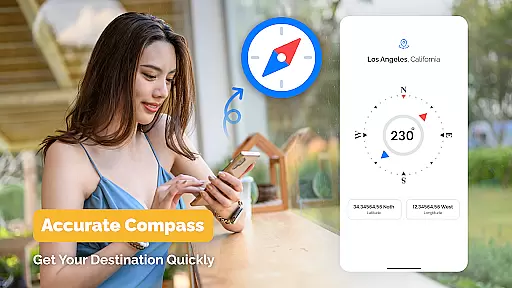
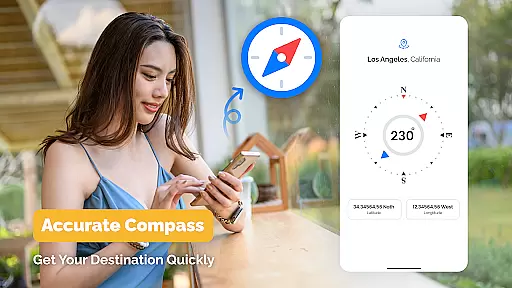
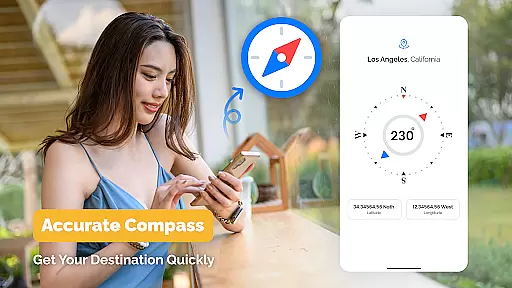
Compass is an accurate compass and a great tool for any outdoor activities
 4.0
4.0
Explore the world with Live Satellite View, 3D Maps, GPS Navigation & Earth Map.
2.90
Fully offline 1:50k New Zealand topographical map North Island
4.5
Your guide to the recreational opportunities of the Bureau of Land Management!
3.40
Instant diesel discounts - save big with each fill up!
4.40
GPS Navigation: Get map directions and find the shortest routes to avoid delays!
4.00
Navigate seamlessly with Real-Time Traffic, Offline Maps, and Voice Navigation.
4.10
GPS phone tracker, family locator, secure location sharing app
4.20
Navigate MTA, NJ Transit, MBTA, SEPTA, BART, MARTA, CTA & 900+ cities
4.60
This app is military GPS coordinate systems helper. (MGRS, UTM & DMS Maps)
4.80
Find AI powered cameras, ALPRs, and other surveillance infrastructure near you
4.70
Find shortest way and save energy . Distance and area calculator.
4.70
Explore a light pollution map to find suitable dark sky locations for observing.
4.30
Use GPS maps or search by property owner, address or parcel to view parcel data
4.30
Get matched with a nearby driver — you’ll be on your way in minutes.
4.30
Find radar, speed camera, flight tracker. Use hud, location tracker, speedometer
4.20
Number locator, real connection map
4.10
Avoid delays. Get real-time GPS navigation, safety alerts and live traffic.
4.10
Off-Roading Navigation App With Trails, Public Lands, & Private Property Info
3.30


User Reviews