
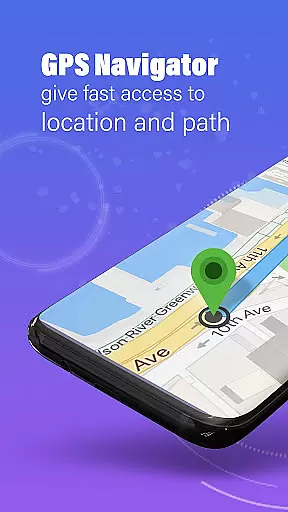
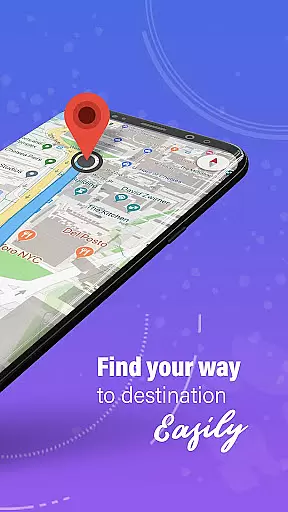
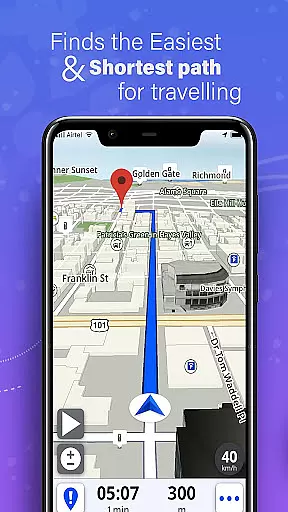
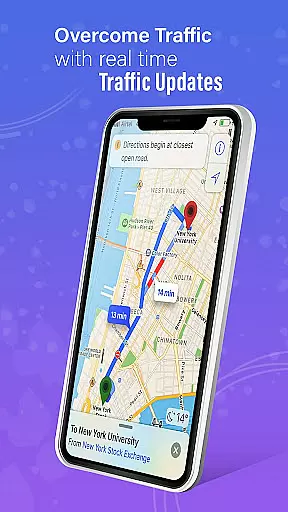
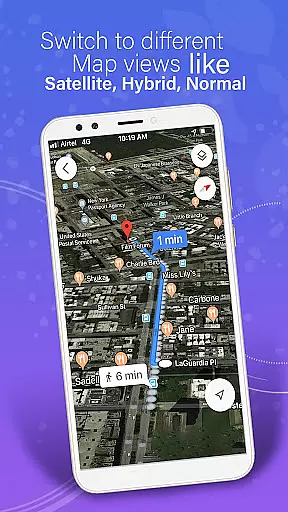
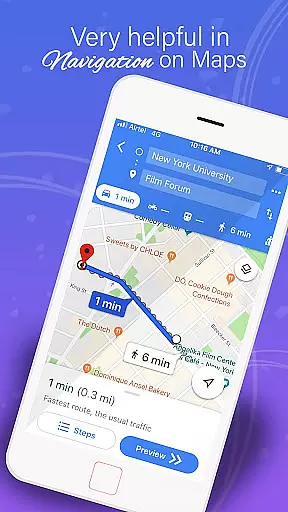
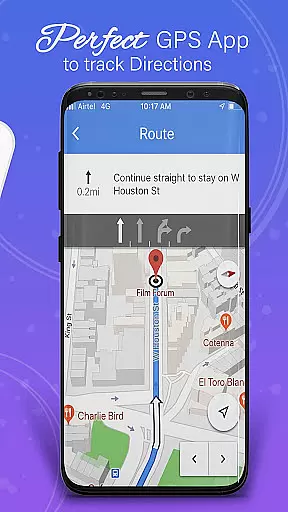
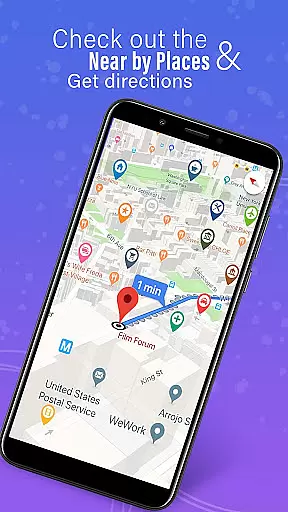
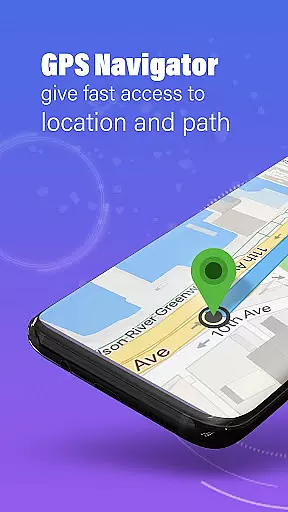
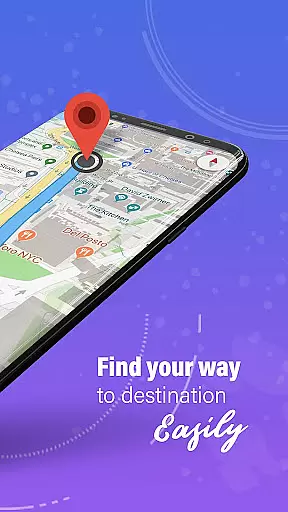
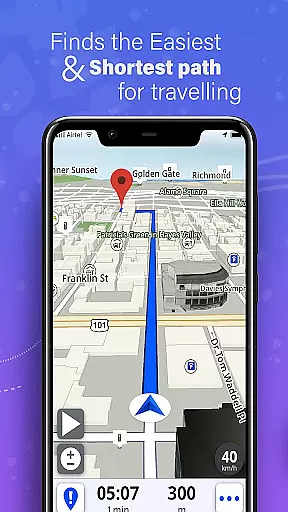
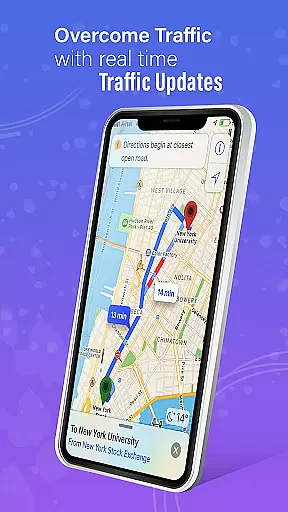
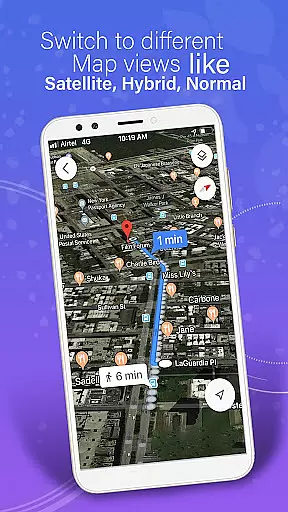
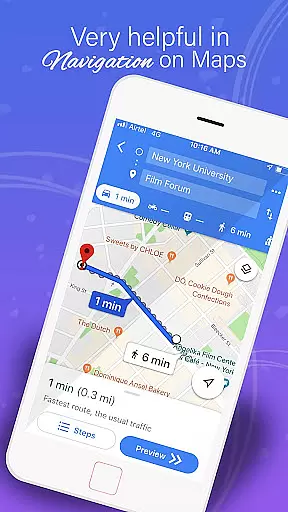
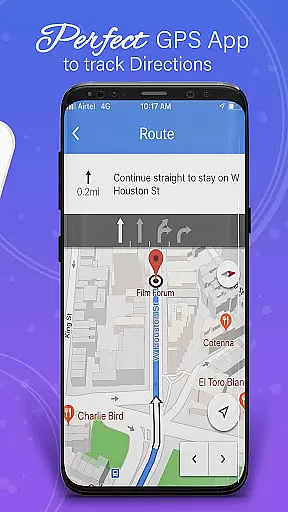
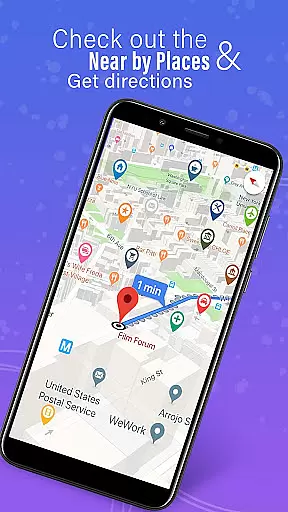
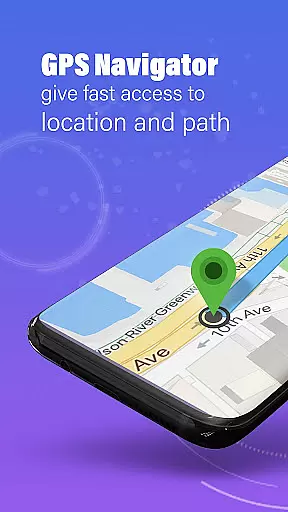
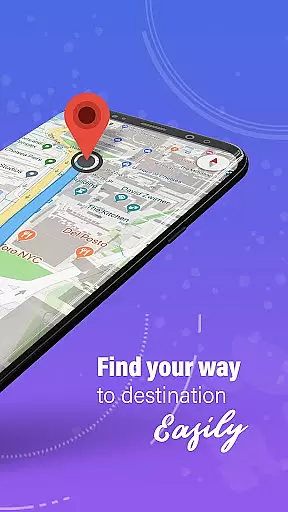
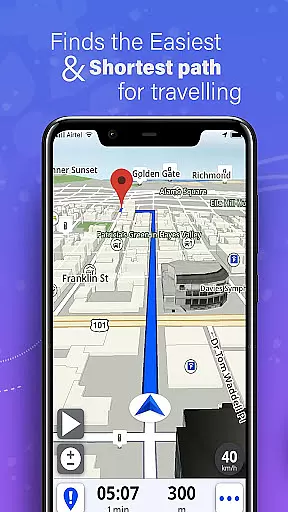
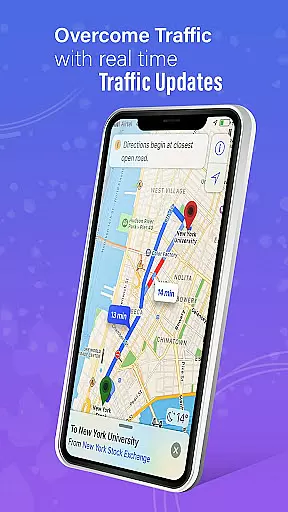
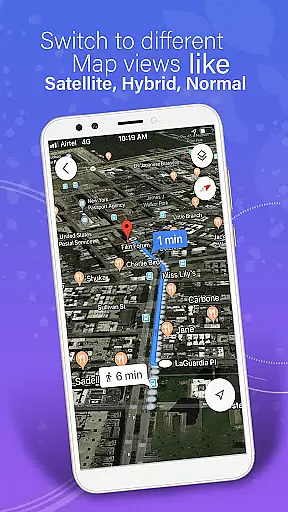
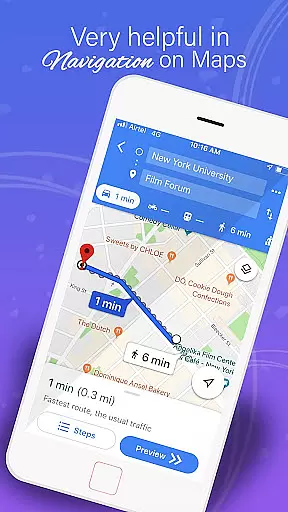
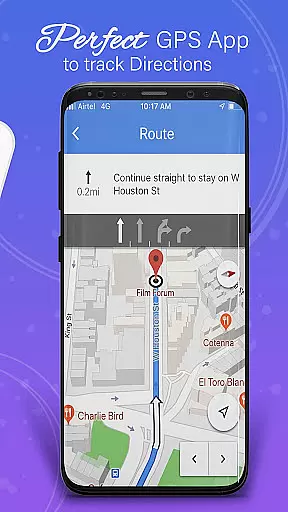
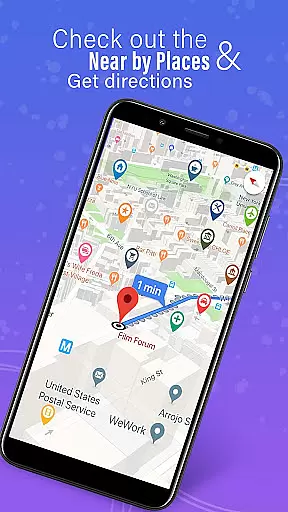
GPS, Maps, Driving Directions is a robust navigation application designed to cater to all your travel needs. Whether you are driving, walking, or cycling, this app provides accurate navigation, real-time traffic updates, and turn-by-turn directions to ensure you reach your destination efficiently.
The app features highly detailed maps and precise GPS navigation suitable for both on-road and off-road travels. With options for offline maps, users can enjoy uninterrupted navigation even without an internet connection. The built-in compass and GPS route finder further enhance the travel experience by helping you stay on track.
One of the standout features is the real-time traffic updates, which allow users to avoid congestion and find the fastest routes. Additionally, the app offers voice navigation and customizable routes, catering to various travel preferences such as the fastest way, scenic paths, or avoiding tolls. Users can also share their location with friends and family, adding a layer of safety and convenience.
This app boasts a variety of features tailored to deliver a seamless travel experience. One of its core functionalities is the provision of offline maps, allowing users to navigate without an active internet connection. This is particularly useful in areas with spotty internet coverage, ensuring reliable directions at all times.
Another significant feature is the real-time traffic updates. These updates provide instant information on road conditions, traffic jams, accidents, and weather alerts, empowering users to make informed decisions about their routes. The app also includes a route planner that helps users plan their trips efficiently, taking into account multiple stops and optimizing routes accordingly.
In addition to navigation, the app offers location sharing capabilities. Users can share their real-time location with friends and family, enhancing coordination and safety. The inclusion of a voice navigation system ensures that users never miss a turn, providing hands-free assistance during drives. Overall, these features collectively contribute to a hassle-free and intuitive user experience.
Map accuracy is a fundamental aspect of any navigation application, ensuring users reach their destinations efficiently and without unnecessary detours. GPS, Maps, Driving Directions boasts highly detailed maps that are regularly updated to reflect the latest road networks and points of interest. This commitment to precision allows for both on-road guidance and off-road exploration with confidence.
The app employs advanced GPS technology to deliver real-time location tracking with remarkable accuracy. Whether you're in urban centers or remote areas, the app provides reliable positioning data that forms the backbone of its turn-by-turn navigation feature. This ensures that every twist and turn is accurately represented, giving users peace of mind as they navigate through unfamiliar territories.
Moreover, the inclusion of offline maps means that even without an internet connection, the integrity of map data remains intact. Users can download specific regions and trust that the app will continue to offer precise directions regardless of connectivity issues. This feature is particularly beneficial for travelers venturing into areas with spotty internet coverage.
Ultimately, the map accuracy provided by this app translates into tangible benefits for its users. From efficient route planning to avoiding traffic congestion, the detailed and up-to-date maps ensure that every journey is as smooth and hassle-free as possible.
Route planning is essential for optimizing travel time and enhancing the overall navigation experience. With GPS, Maps, Driving Directions, users have access to an easy-to-use route planner that takes into account various factors such as traffic conditions, road closures, and personal preferences. This ensures that each trip is tailored to provide the most efficient path to the destination.
The app's route planner doesn't just focus on getting from point A to B; it also offers customizable options for those who prefer scenic routes or wish to avoid toll roads. Multi-stop navigation with route optimization features allows for complex journey planning, making it perfect for both daily commutes and longer road trips.
In addition to offering multiple route choices, the app provides automatic rerouting capabilities. Should a user deviate from the planned path or encounter unexpected roadblocks, the app quickly recalculates the route, even when offline. This ensures continuous guidance and minimizes delays caused by unforeseen circumstances.
By integrating real-time traffic updates and weather alerts, the route planning feature becomes even more robust. Users can make informed decisions about their travel plans, avoiding congested areas and preparing for adverse weather conditions. This comprehensive approach to route planning underscores the app's dedication to providing a seamless and stress-free travel experience.
Accurate GPS
Real-time traffic
Voice navigation
Offline maps
User-friendly
Battery drain
Occasional bugs
Limited UI
Ads present
Heavy storage

Find AI powered cameras, ALPRs, and other surveillance infrastructure near you
 4.70
4.70
Discover over 800 points of interest along the canal.
3.70
Parcel map, property lines, owner, acres, land use, zoning and more from Regrid.
4.60
Your real-time window to the world. Explore anywhere, anytime.
3.30
Get route map navigation with 3D satellite view, and live earth camera streaming
3.70
Explore Live Earth Map with 3D World Map & locate cites, mountains real time.
3.80
ParkWhiz, an Arrive Mobility brand, part of the Arrive Network
4.30
GPS navigation offers route finder, compass, translator, currency converter, etc
4.30
Track friends in real-time and explore worldwide live cameras.
4.60
Find trails, organize your locations and navigate with offline maps.
4.60
Track accurate speed & distance with GPS Speedometer. Check speed limit & time.
4.50
CamSam PLUS - The speed and red light camera warning system!
4.40
Use GPS maps or search by property owner, address or parcel to view parcel data
4.30
Lets explore the world's famous places by using Live Cams, GPS & Satellite View.
4.20
Easy, Moderate and difficult offroad adventures.
4.00
TACNAV-X: Precision MGRS navigation, built specifically for the military.
4.00
Get route, find shortest path, near by places and weather update
3.90
Start your next adventure confidently using our Accurate Compass App
3.70
Gas Station & Fuel Rewards Points
3.70


User Reviews