
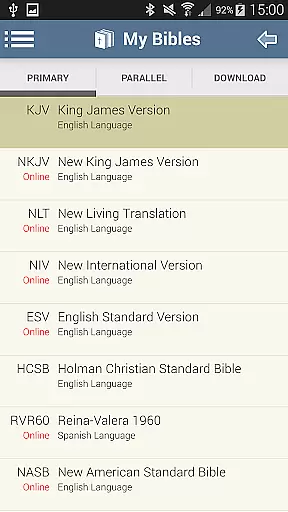
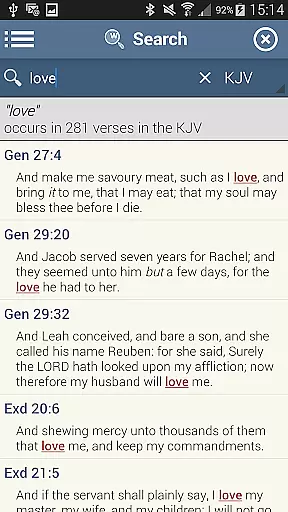
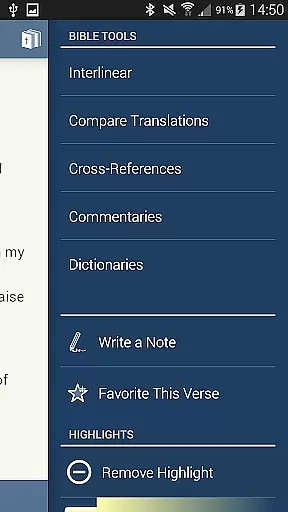
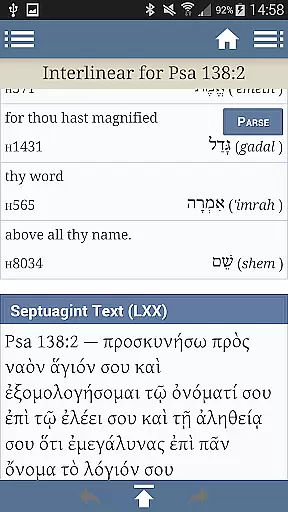
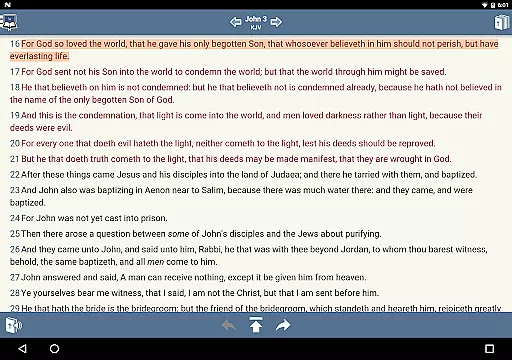
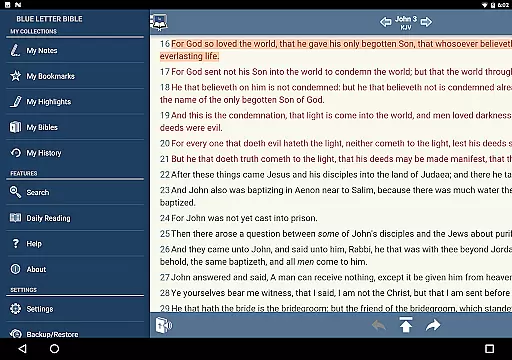
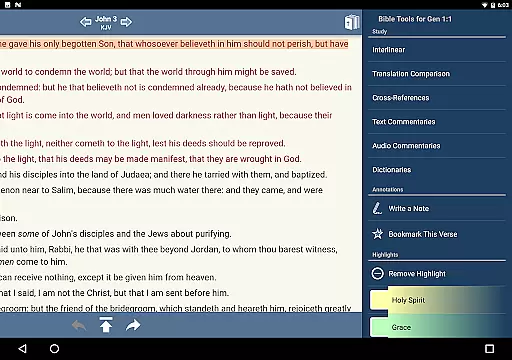
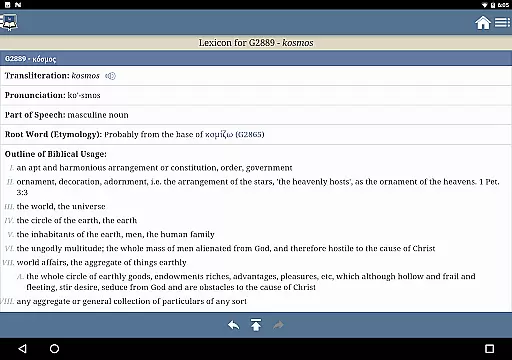
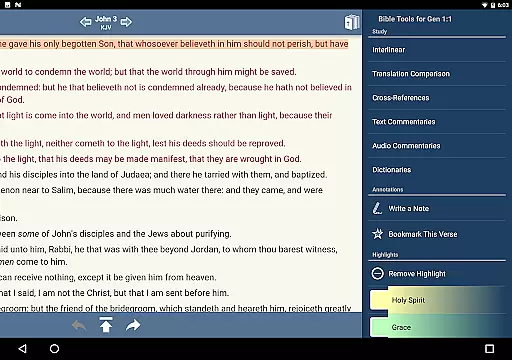
Blue Letter Bible is a comprehensive Bible study app that offers users access to over 15 Bibles along with powerful study tools. The app provides text commentaries, Hebrew and Greek lexicons, interlinear texts, dictionaries, and word search capabilities. It allows for personalized study through features like highlighting, tagging favorite verses, and parallel Bible views. Whether you are a casual reader or a dedicated scholar, this app supports in-depth exploration of God's Word.
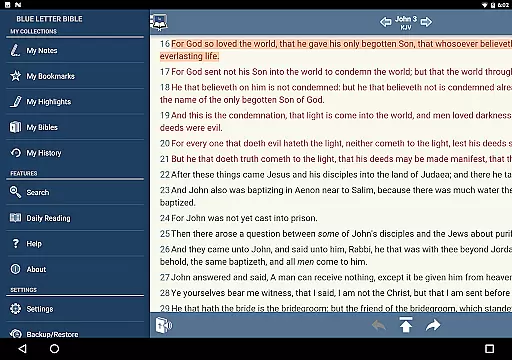
The app also includes numerous resources such as encyclopedias and the Treasury of Scripture Knowledge, which provide extensive commentary from over 40 authors. With options to adjust font sizes, hide footnotes, and display words of Christ in red, Blue Letter Bible caters to both personal and academic Bible study needs. Its robust features make it an essential tool for anyone looking to deepen their understanding of the scriptures.
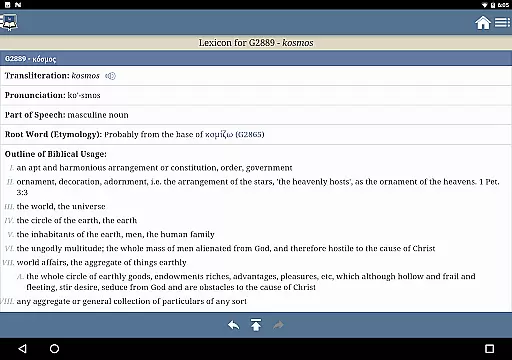
Blue Letter Bible stands out with its extensive library of Bible study resources. Users can explore original language lexicons for Hebrew and Greek studies, perform detailed word searches using multiple dictionaries, and access over 8,000 text commentaries by more than 40 authors. These features enable users to conduct thorough research and gain deeper insights into biblical texts.
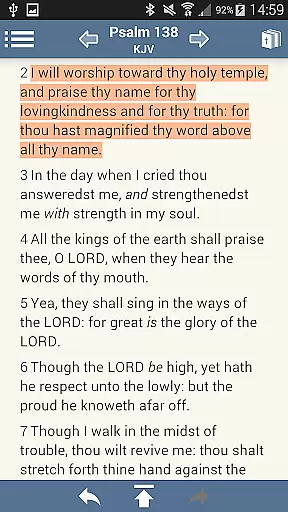
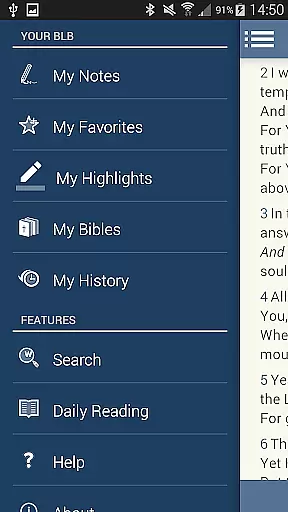
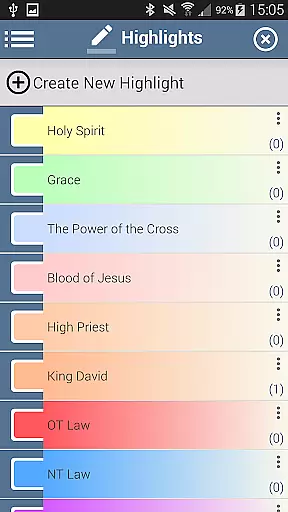
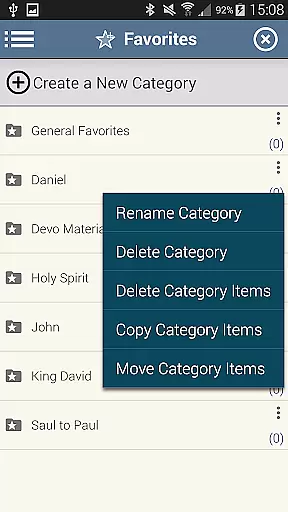
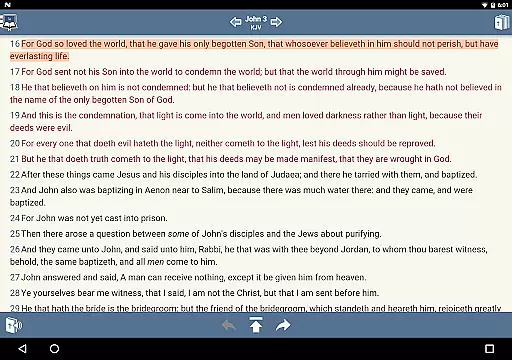
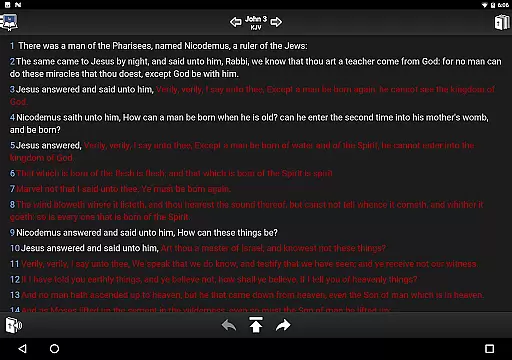
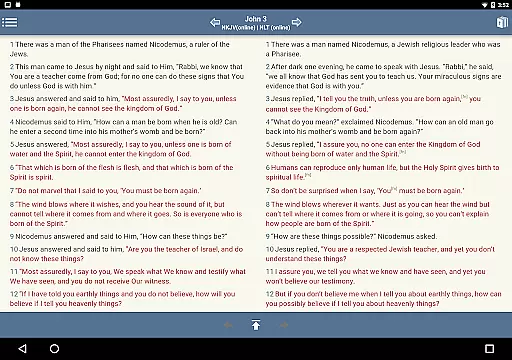
In addition to its research capabilities, the app offers personalized study options. Users can take notes and organize them into notebooks, tag favorite verses, and create custom folders. Verses can be highlighted in various colors, and reading preferences such as font size and line height are adjustable. Parallel Bible views and customizable display settings further enhance the user experience, making Bible study both efficient and enjoyable.
Blue Letter Bible offers an extensive digital library with over 15 available Bibles, making it a comprehensive resource for in-depth Bible study. The app provides users access to a vast array of text commentaries, Hebrew and Greek lexicons, interlinear texts, dictionaries, and more.
The credibility of the content is well-maintained, ensuring that all resources are authentic and respect copyright laws. Users can trust the legitimacy of the materials provided, as they are derived from reputable sources within theological studies.
This rich compilation empowers users to dig deep into God's Word using reliable tools for personal or scholarly exploration. With such a wide selection at their fingertips, readers have everything needed to conduct thorough biblical research.
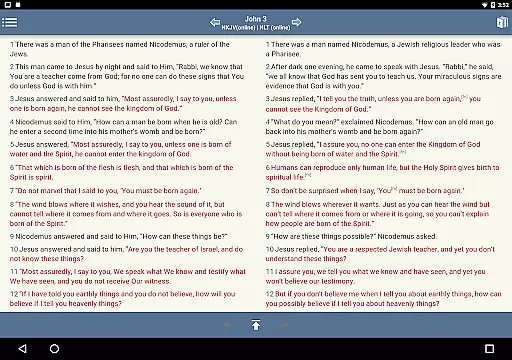
One of the key strengths of Blue Letter Bible is its format compatibility which enhances user experience by allowing seamless navigation through various features like highlighting verses, tagging favorite scriptures, and viewing parallel Bibles side-by-side.
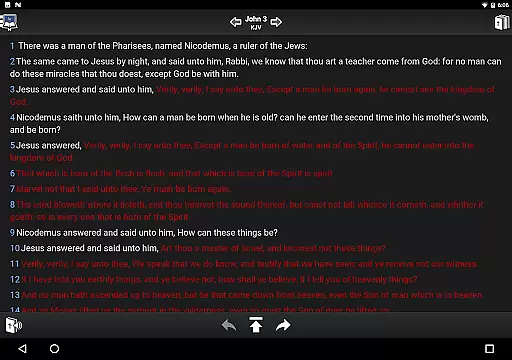
The app supports functionalities such as adjustable font sizes and line heights for easier readingu2014a crucial aspect when engaging in prolonged study sessions. Additionally, options to show or hide footnotes, verse markers, and words of Christ in red provide tailored views according to individual preferences.
Such versatile formatting ensures that whether you're conducting word searches or diving into original language lexicons, your interaction remains intuitive and efficient. This flexibility makes it suitable for both casual readers and dedicated scholars alike.
User-friendly interface
Extensive study resources
Customizable reading options
Parallel Bible viewing
Regular updates and support
Occasional bugs reported
Advanced features may overwhelm new users
Limited offline functionality
Some resources require additional purchases
Interface design could be modernized

The Original Tropical Freshwater Aquarium Fish And Plant Care Guide
 4.80
4.80
Essential Technical Rescue Field Operations Guide 6, the Industry Standard Guide
4.20
Offline translator from english to spanish, and from spanish to english.
4.50
Learn Electricians' Handbook PRO complete guide beginners to advance.
4.40
"When tweetle beetles fight, it's called a tweetle beetle battle."
4.90
Holy Bible, a KJIV Bible study, audios & daily verses, talk with God now.
4.80
Read Trending Romance Stories
4.00
My Bible offers a comprehensive app by providing offline access, daily verses.
4.80
Follow complex state CCW permit laws and lawfully carry firearms in each state.
4.80
Daily rosary and gospel reflections for catholic
4.90
“I am the Lorax. I speak for the trees.”
4.80
Bible Study App with Audio Book, Verse of the Day, and Devotionals.
4.80
Liturgy of the Hours totally off-line
4.80
Discover Stars and Planets: Live Map Shows Current Constellations in Full Detail
4.70
8 Dr. Seuss short stories in 1 app!
4.70
Daily Devotional Widgets & Hourly Verses. Listen to Bible & Watch Holy Stories
4.70
7 Languages, Google, Wiki, Vocabulary.com, Cambridge & Urban Dictionary!
4.50
A story reading app: Read stories, novels and books, or write your own.
3.90
A guide for the Court of Atonement spiritual healing process.
4.0


User Reviews