
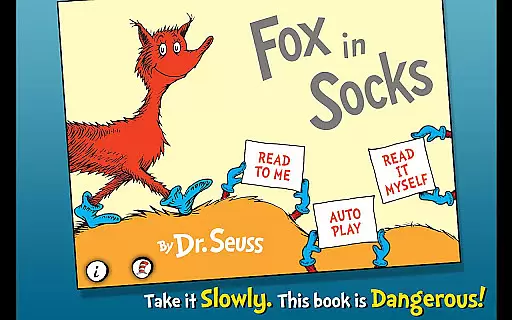
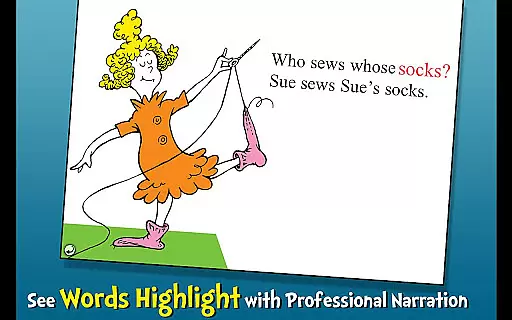
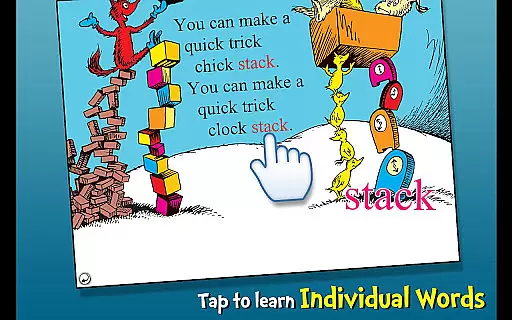
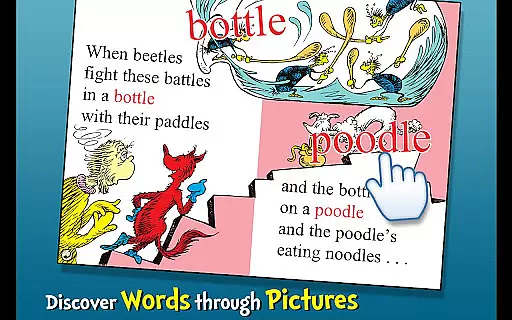
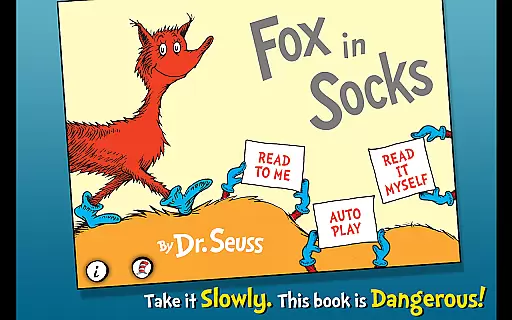
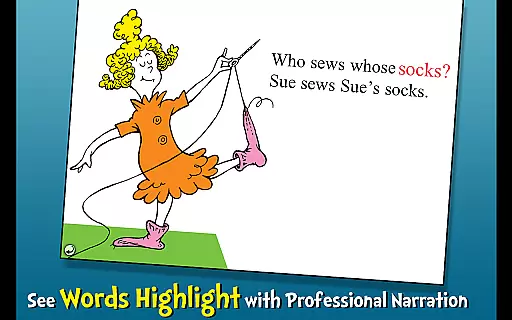
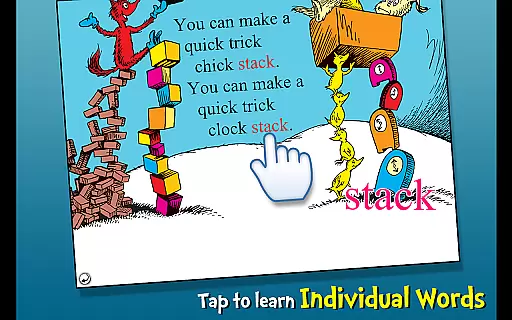
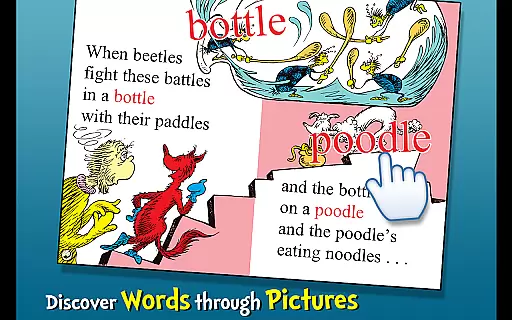
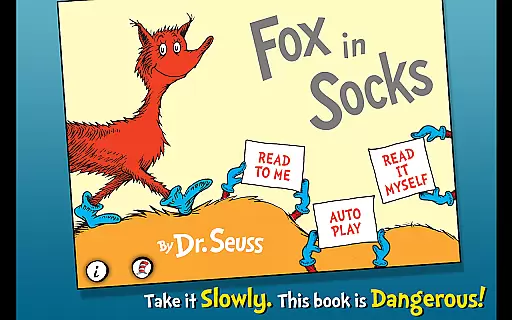
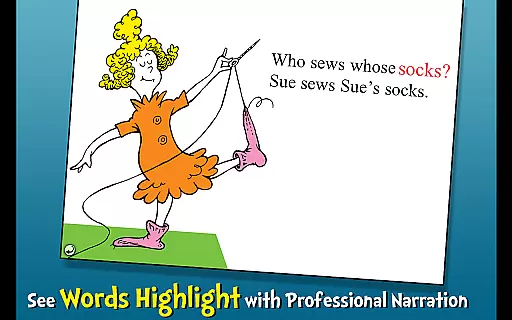
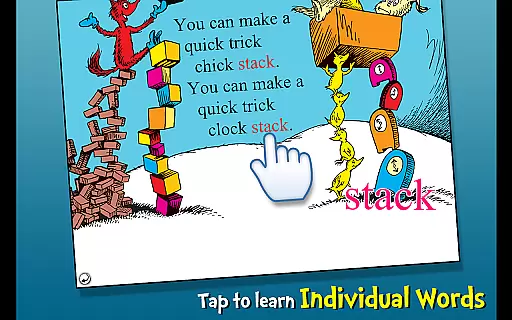
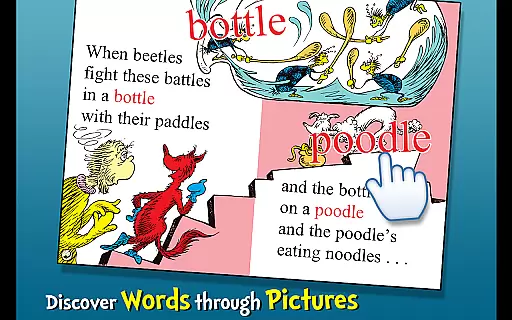
Fox in Socks is an interactive book app that brings Dr. Seuss's classic story to life for young readers. The app encourages literacy skills through highlighted narration and offers three different reading modes to engage children aged 2-6. With tappable words for vocabulary learning and objects that speak their names when touched, it creates an immersive reading experience.
The app follows Fox as he plays a tongue-twisting game with Mr. Knox, challenging users with playful language puzzles. Through this whimsical journey, children can explore pictures and learn new vocabulary in a fun environment designed to stimulate their imagination and enhance their linguistic abilities.
Fox in Socks offers a variety of features that make reading an engaging experience. Highlighted narration helps children follow along and improves word recognition. The app includes three reading options: 'Read to Me,' 'Read it Myself,' and 'Auto Play' for a personalized learning journey.
Interactive elements such as tappable words and objects enrich the narrative by allowing kids to learn new vocabulary actively. Each tap reveals the object's name or definition, fostering curiosity and comprehension. Designed for early learners, these features collectively contribute to a dynamic educational tool within the Books & Reference category.
Fox in Socks, an interactive book app, offers a rich digital library experience for children ages 2-6. This app includes the complete story of Dr. Seuss's beloved tale, ensuring that young readers have access to every page and illustration.
The developers have secured official licensing from Dr. Seuss Enterprises, guaranteeing the authenticity of the content. This means parents can trust that their children are engaging with a legitimate version of this classic story.
Beyond just the main narrative, the app incorporates additional educational features that expand its library-like qualities. Children can explore new vocabulary through tappable words and objects, each providing audio pronunciation when selected.
While the app focuses on a single book, it maximizes its educational value through multiple reading modes and interactive elements. The combination of original content and educational extensions creates a comprehensive reading experience that maintains copyright integrity while promoting literacy skills.
This interactive book app supports various reading formats to accommodate different learning styles and preferences. Users can choose from three distinct reading modes: read to me, read it myself, and auto-play, making it adaptable to both Android devices and individual needs.
The implementation of highlighted narration across all formats helps strengthen literacy skills by connecting spoken and written words. This feature works seamlessly regardless of which reading mode is selected, demonstrating strong format integration.
Technical considerations have been made to ensure smooth operation across different devices. The app maintains consistent performance whether accessed on tablets or smartphones, preserving its interactive elements and maintaining proper display ratios.
Additional technical features, such as tap-responsive objects and vocabulary words, function reliably across supported formats. These interactive elements maintain their educational value regardless of the device being used, showing careful attention to cross-platform compatibility in the app's development.
User-friendly interface
Engaging content for kids
Educational value
Vivid illustrations
Interactive learning
Limited to young audience
Not suitable for older kids
Simple storyline
Paid premium features
Requires supervision

Flora of Virginia Project (www.floraofvirginia.org)
 5.00
5.00
Audiobook player with cross-device progress sync, playlists, and widget support.
4.80
Sea tide predictions for all coastal U.S. locations.
4.2
The Psalms for singing
4.2
Track your Star Wars book collection across Canon & Legends
4.80
Liturgy of the Hours totally off-line
4.80
F9 Cookbook Mobile App
4.60
Provides location information of vehicle Shift Interlock releases.
4.30
A lightweight reader for comics and mangas files (.cbr, .cbz, .cbt, .pdf, ...)
4.80
Bible, Catechism, Study, Saints, Mass Readings, Rosary, Prayer, Bible in a Year
4.80
Learn Thai with 195,000+ entries, crisp Thai sounds, big text; works offline.
4.80
Contains the 365 daily readings and everything other thing needed for catholics
4.70
"Five Dr. Seuss titles in one omBook!"
4.60
The Original & Authentic Crystals, Gemstones, Rocks & Minerals Encyclopedia.
4.60
7 Languages, Google, Wiki, Vocabulary.com, Cambridge & Urban Dictionary!
4.50
Master AKC Rally signs with in-depth hints, diagrams, and expert guidance.
4.50
Prime novels await! Fantasy & Romance on JoyRead. Immersive reads!
4.20
Knots 360 Pro ( 3D ) shows you animated 192 knots in 3D perspective
4.10
A story reading app: Read stories, novels and books, or write your own.
3.90


User Reviews