
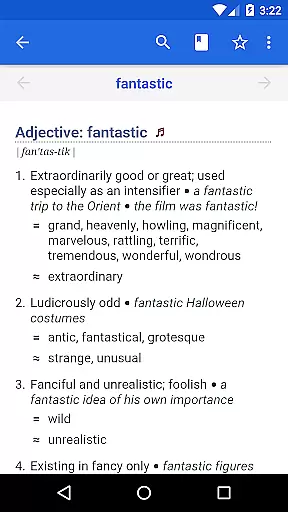
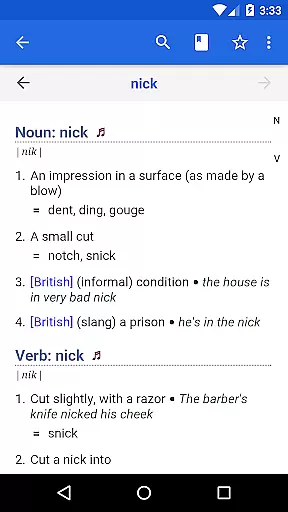
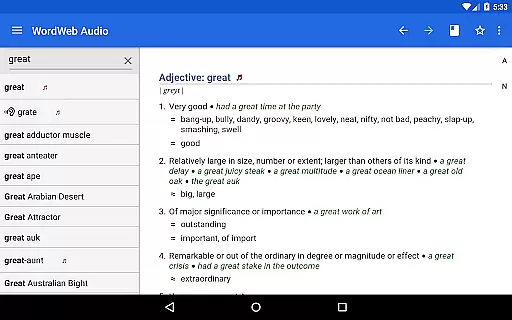

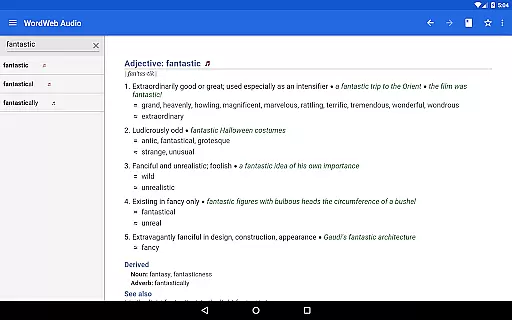
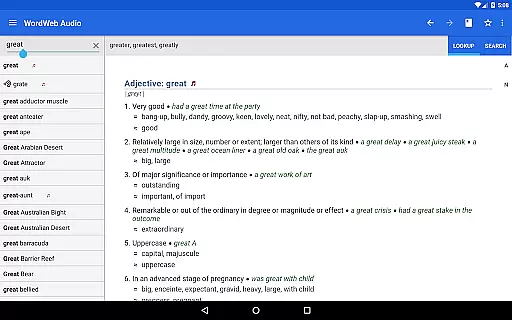
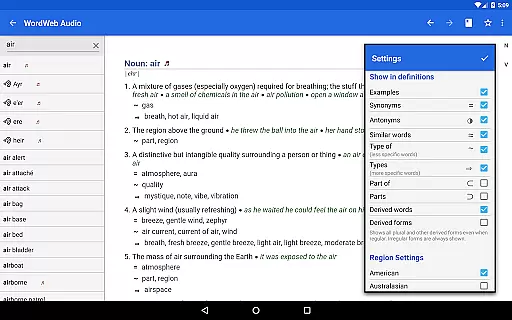
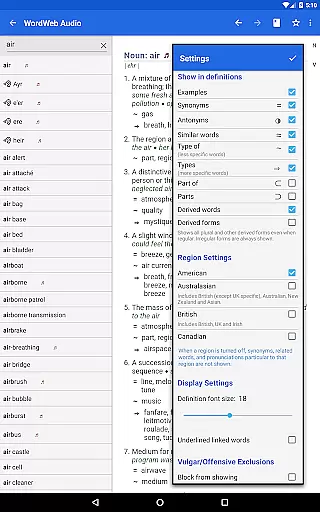
WordWeb Audio Dictionary is an essential reference tool for anyone looking to enhance their English vocabulary. This offline dictionary and thesaurus app provides users with comprehensive word definitions, synonyms, related terms, and professionally recorded pronunciations. With a vast database of 285,000 words and phrases, it covers various forms of English including North American, British, and Australian variants.
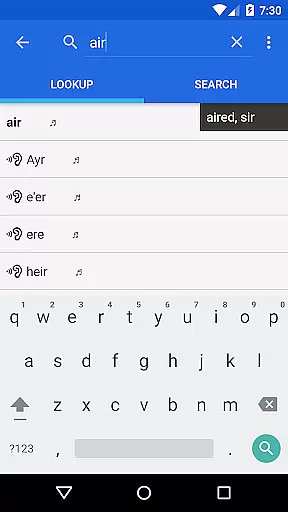
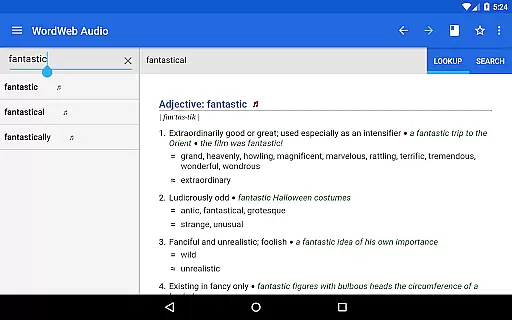
The app's intelligent search functionality offers spelling suggestions, sounds-like matches, and commonly confused words. Users can also drill down on any word within a definition, bookmark entries, and review their search history. The inclusion of 70,000 audio pronunciations ensures users learn correct pronunciation, making it ideal for language learners and professionals alike.
Whether you're studying, writing, or simply curious about word meanings, WordWeb Audio Dictionary serves as a reliable companion. Its offline capability and integration with other apps make it convenient for use anytime, anywhere, without needing an internet connection.
WordWeb Audio Dictionary stands out with its extensive features tailored for English language enthusiasts. The app boasts a rich database with 225,000 word sense definitions, 70,000 usage examples, and 85,000 text pronunciations. It supports multiple English dialects and includes proper nouns and common abbreviations, catering to a global audience.
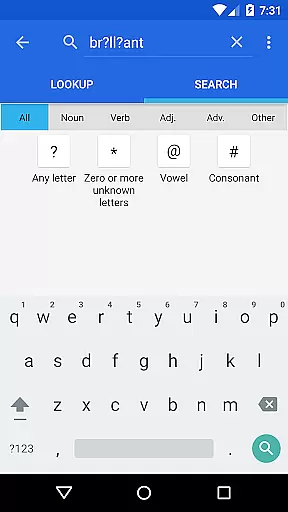
One of the key highlights is the app's advanced search capabilities. Users can perform pattern-matching searches using wildcards and filter results by parts of speech such as nouns, verbs, adjectives, and adverbs. The intelligent word entry system suggests possible correct spellings and lists words that sound similar or are often confused, aiding in accurate word identification.
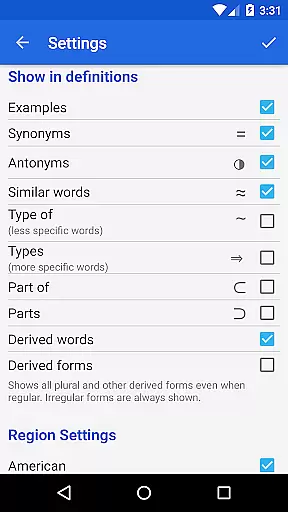
Additional functionalities include full bookmark support, search history, and the ability to look up words directly from other apps. These features ensure a seamless user experience, allowing quick access to word definitions and enhancing overall productivity. The offline mode and professionally recorded audio pronunciations further enrich the learning process.
WordWeb Audio Dictionary offers an extensive offline library comprising 285,000 words, phrases, and derived forms, ensuring users have access to a vast repository of English vocabulary without needing an internet connection.
This comprehensive database not only includes word definitions and synonyms but also professionally recorded pronunciations for 70,000 entries, enhancing the authenticity and reliability of the content provided.
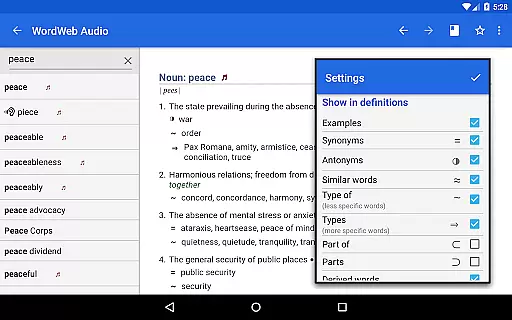
With additional features such as related words, usage examples, and intelligent word suggestions, users can trust in the depth and accuracy of this dictionary's offerings.
The inclusion of proper nouns and common abbreviations further enriches the library, making it a valuable tool for anyone looking to expand their English language skills.
Beyond its impressive library size, WordWeb Audio Dictionary ensures broad format compatibility, accommodating various user needs and preferences.
It supports both audio and text pronunciations, with 70,000 audio pronunciations and 85,000 text-based ones, catering to auditory and visual learners alike.
Users can easily look up words from other apps by selecting the word and choosing WordWeb from the pop-up menu, a feature available on Android M and higher versions.
This seamless integration across platforms enhances accessibility, allowing users to engage with content in a manner that suits them best, whether through direct searches within the app or via cross-app functionality.
Comprehensive word database
Offline functionality
Audio pronunciations
Intelligent search
Cross-app integration
Large storage requirement
No built-in grammar guide
Limited visual aids
Premium version cost
Occasional slow load times

The Original Tropical Freshwater Aquarium Fish And Plant Care Guide
 4.80
4.80
Contains the 365 daily readings and everything other thing needed for catholics
4.70
Essential Technical Rescue Field Operations Guide 6, the Industry Standard Guide
4.20
Discover Stars and Planets: Live Map Shows Current Constellations in Full Detail
4.70
Personalized Chat with Bible
4.80
8 Dr. Seuss short stories in 1 app!
4.70
"When tweetle beetles fight, it's called a tweetle beetle battle."
4.90
America's best dictionary and thesaurus - with premium content and no ads
3.40
Read unlimited novels, audiobooks, stories & Unlock ebooks, fanfiction and more!
4.70
Flora of Virginia Project (www.floraofvirginia.org)
5.00
What’s that bird? Just answer 5 questions, snap a photo, or record its song!
4.90
The Bible Audio Guide
4.80
Bible, Catechism, Study, Saints, Mass Readings, Rosary, Prayer, Bible in a Year
4.80
Track your Star Wars book collection across Canon & Legends
4.80
Daily Prayer, personalized Bible Study, AI-guided Insights, and Spiritual Growth
4.80
Daily Devotional Widgets & Hourly Verses. Listen to Bible & Watch Holy Stories
4.70
"Five Dr. Seuss titles in one omBook!"
4.60
Prime novels await! Fantasy & Romance on JoyRead. Immersive reads!
4.20
Guide for dōTERRA® Products
3.60


User Reviews